Kenerate AI
返回提示词库
3D Clay Style Year-End Summary Poster Generator 1
图像需上传参考图

3D Clay Style Year-End Summary Poster Generator

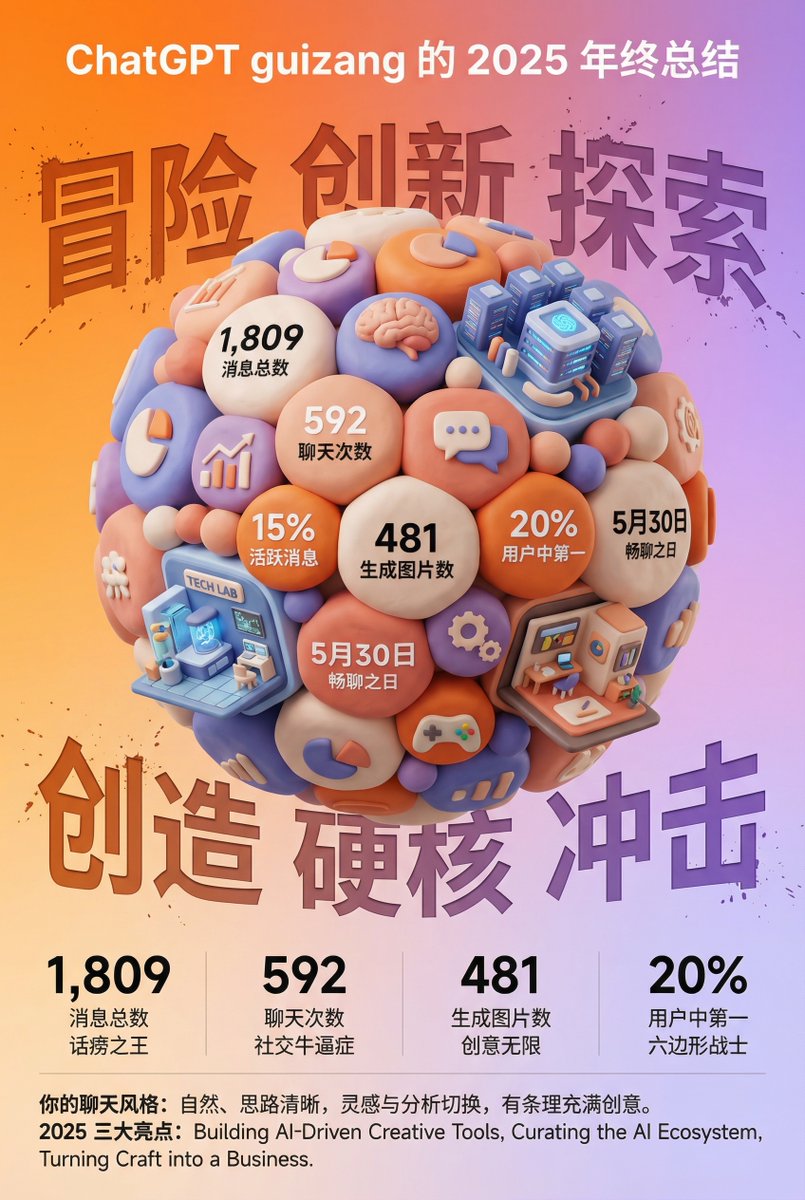
A highly detailed, structured prompt for generating a visually impactful 3D year-end summary poster (like a ChatGPT summary) based on an uploaded screenshot of user data. The style is fixed: 3D clay/soft plastic texture (like a 'blind box toy'), high saturation colors, and a clear, magazine-like layout. The core visual is a tightly packed clay sphere composed of data bubbles, themed icons, and miniature architectural elements representing chat categories.

提示词
Task Goal:
Based on the data and information in the year-end summary screenshot uploaded by the user, design a 3D year-end summary poster with a distinct style and strong visual impact, username {argument name="Username" default="[guizang]"}

Overall Style and Mood (Fixed Style):
Core Style: Blending 3D trends, gamification elements, and high-saturation colors.
Material Feel: The main body of the image presents exquisite clay or soft plastic material rendering, with rounded edges and soft light and shadow, giving a friendly 'blind box toy' feel.

Layout Sense: The overall layout should resemble a refined, high-end magazine, well-spaced, with clear information architecture. Text layout should be concise and clear, without adding any decorative backgrounds like cards, capsules, or bottom frames.

Main Visual (Core Visual):
The visual center is a massive, tightly stacked Q-version 3D clay sphere. The elements composing the sphere need to be dynamically generated based on the specific content in the user's uploaded screenshot:

Data Bubbles: Key numbers and corresponding labels extracted from the screenshot (e.g., total messages, chat times, images generated, activity ranking, etc.) are made into rounded clay data bubbles embedded in the sphere.

Theme Icons: Based on the user's interests reflected in the screenshot, add corresponding general clay icons (e.g., game controller, brain, chart, chat bubble, etc.).

Category Buildings (Core Requirement): Analyze the focus of the content in the screenshot and integrate several exquisite miniature clay buildings representing different chat categories into the sphere. For example:
If it includes AI/technology content, incorporate a futuristic data center building with a sense of technology.
If it includes gaming content, incorporate a pixel-style game castle.
If it includes creative/art content, incorporate a miniature art studio.
Combination Method: All these elements (bubbles, icons, buildings) must be very tightly and harmoniously squeezed together, seamlessly forming a perfect sphere, without revealing the internal structure.

Background Design (Fixed Frame):
Base Color: Use a high-saturation gradient background from warm orange to soft purple (referencing previous style).

Background Text: Behind the sphere, place six massive Chinese characters with splatter texture and reverse etching effects. The themes can be "Adventure Innovation Exploration" (top row) and "Creation Hardcore Impact" (bottom row), partially obscured by the sphere to add a street-style hardcore feel.

Information Architecture and Layout (Content Extracted from Screenshot):
Top (Header): Place the white ChatGPT Logo and generate a title based on the screenshot information, formatted as: "[{argument name="Username" default="Username extracted from screenshot"}]'s [Year] Year-End Summary".

Bottom Data Area (Data Grid): Below the sphere, create a minimalist 2x2 pure text data grid. Select the 4 most core data points from the screenshot, use an extra-bold sans-serif font to display the large numbers, and accompany them with corresponding text labels and interesting social attribute phrases (e.g., "Social Superstar," "Chatterbox," "Hexagonal Warrior," etc., generated based on data characteristics).
Footer Summary (Footer): Typeset two paragraphs of text in small font at the very bottom, with content extracted directly from the summary paragraphs in the user's screenshot (such as "Your Chat Style" and "Annual Highlights").

作者
社区创作者
发布时间
2026年5月5日
使用场景
信息图 / 教育视觉海报 / 传单

相似提示词

Clean Whiteboard Animation Illustration

Clean Whiteboard Animation Illustration

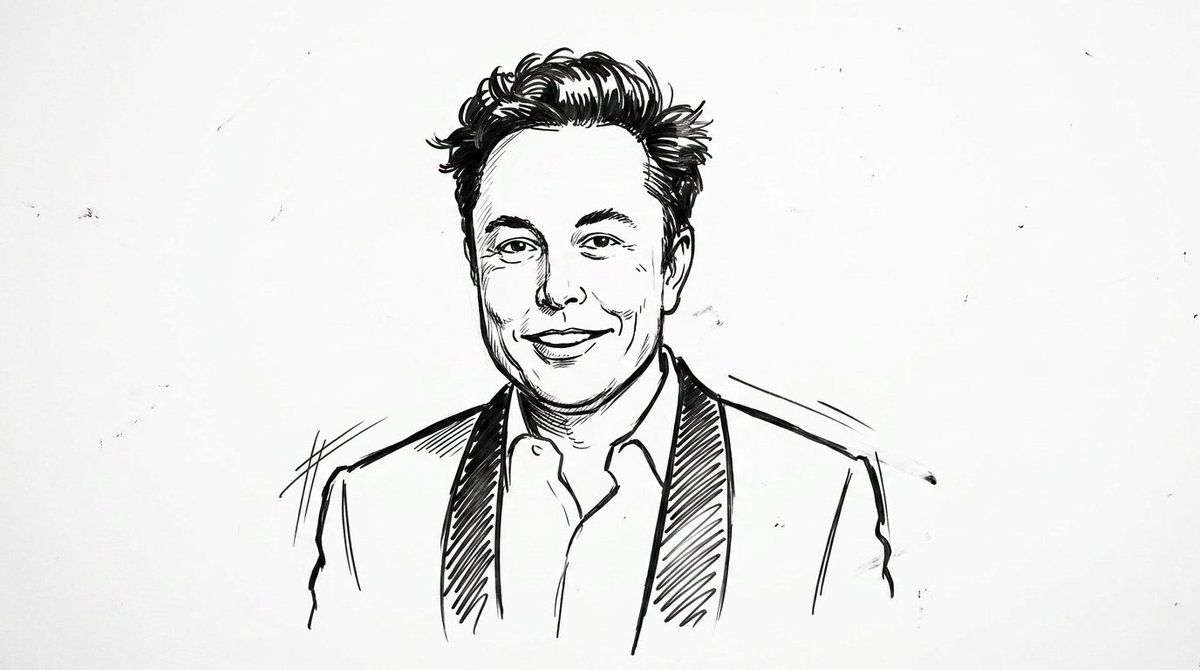
clean {argument name="style" default="whiteboard animation style"} illustration of the person from the reference image, drawn as a simple {argument name="medium" default="black marker sketch"} on a pure white background. Use bold hand-drawn outlines, minimal shading, and a slightly exaggerated cartoon-like style while still preserving the person’s recognizable facial features, hairstyle, and expression. Add subtle motion lines and sketch imperfections to mimic real hand-drawn animation. The character should appear as if being drawn on a whiteboard, with a casual, engaging, and educational vibe. Keep the composition minimal, high contrast, and visually clear, with no complex background elements

Nursery Fashion Style Blueprint Infographic

Nursery Fashion Style Blueprint Infographic

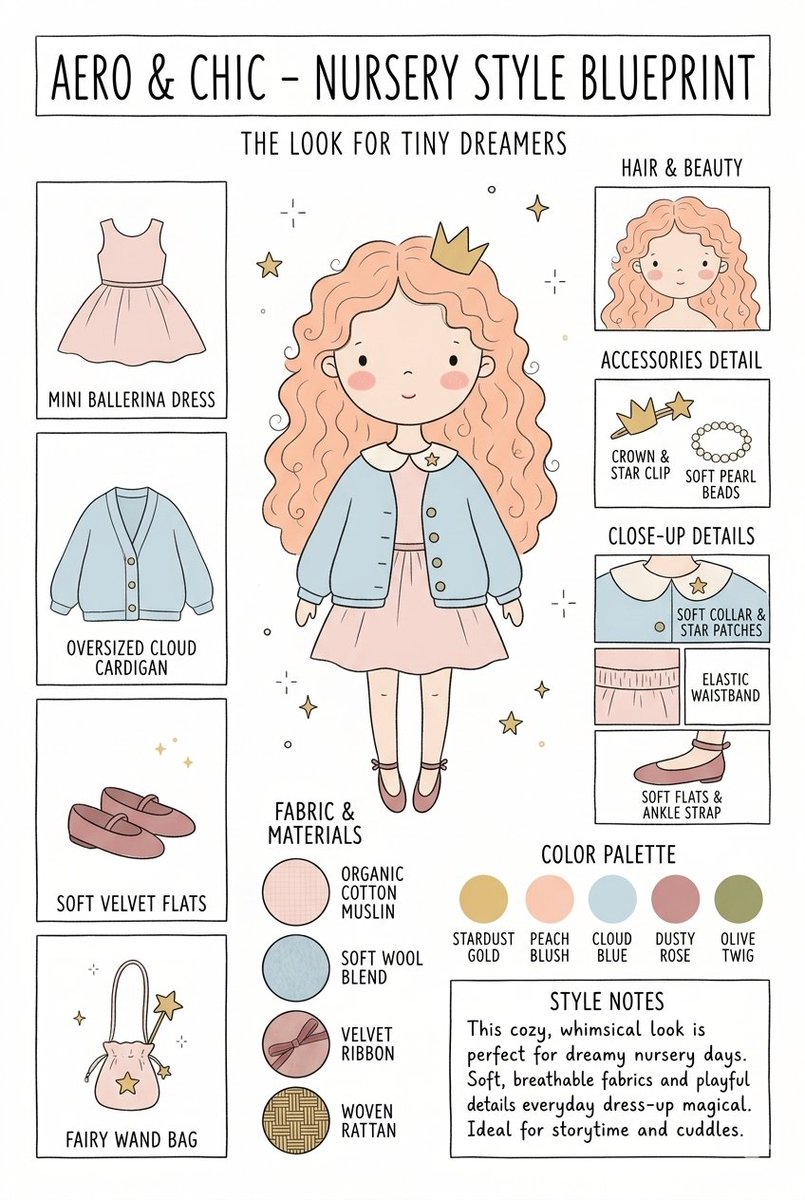
Create a matching pair of "{argument name="title" default="Aero & Chic - Nursery Style Blueprint"}" infographic concept posters, each featuring a full-body cartoon child in a curated outfit surrounded by illustrated fashion breakdowns. The first poster, titled "The Look for Tiny Dreamers," showcases a whimsical style with a girl wearing a {argument name="outfit 1" default="peach ballerina dress"} under an oversized cloud blue cardigan, complete with soft velvet flats, a crown clip, and a fairy wand bag, using a pastel color palette (stardust gold, peach blush, cloud blue, dusty rose, and olive twig). The second poster, titled "The Look for Tiny Artists," showcases a creative, functional style with a boy wearing a {argument name="outfit 2" default="splattered mustard paint smock"} over a striped studio shirt and green trousers, paired with leather ankle boots and a cat canvas tote bag, utilizing an earthy color palette (forest green, mushroom brown, slate blue, cream beige, and rust orange). Both posters must feature identical structural layouts, including side panels for clothing items, close-up details, accessories like beads, fabric swatches (such as organic cotton and wool blends), a color palette row, and a "Style Notes" text box at the bottom.

Kid-Friendly Routine Poster Prompt

Kid-Friendly Routine Poster Prompt

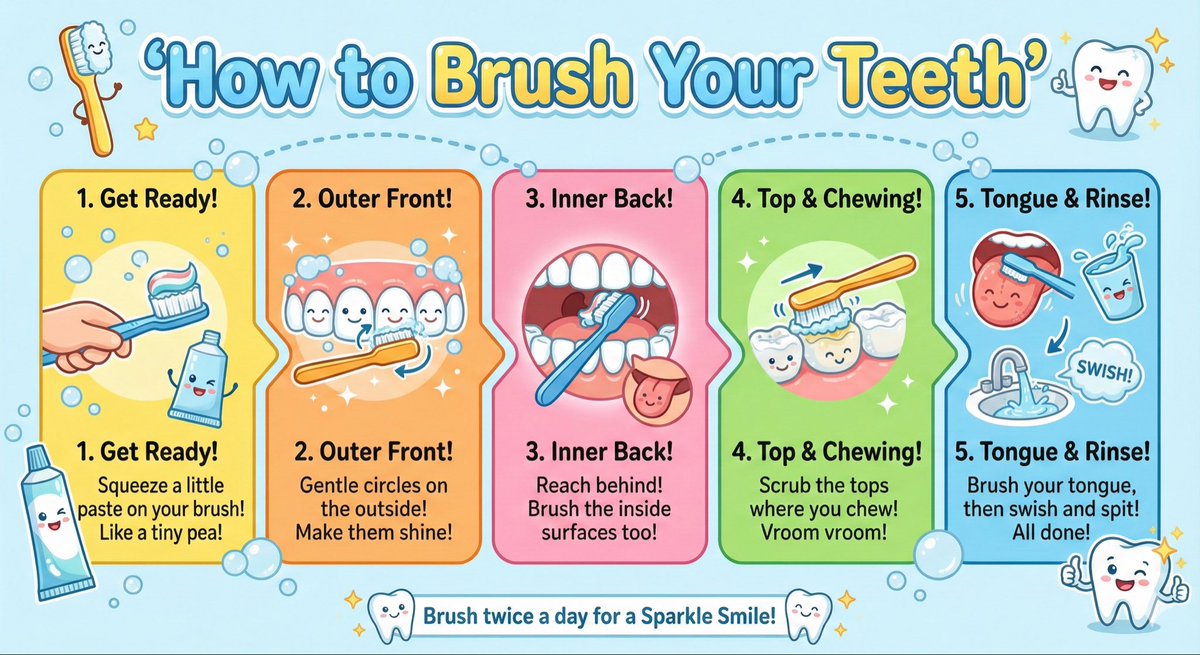
Create a kid-friendly ‘How to Brush Your Teeth’ poster with cartoon teeth, simple steps, bright colors, and big illustrations.

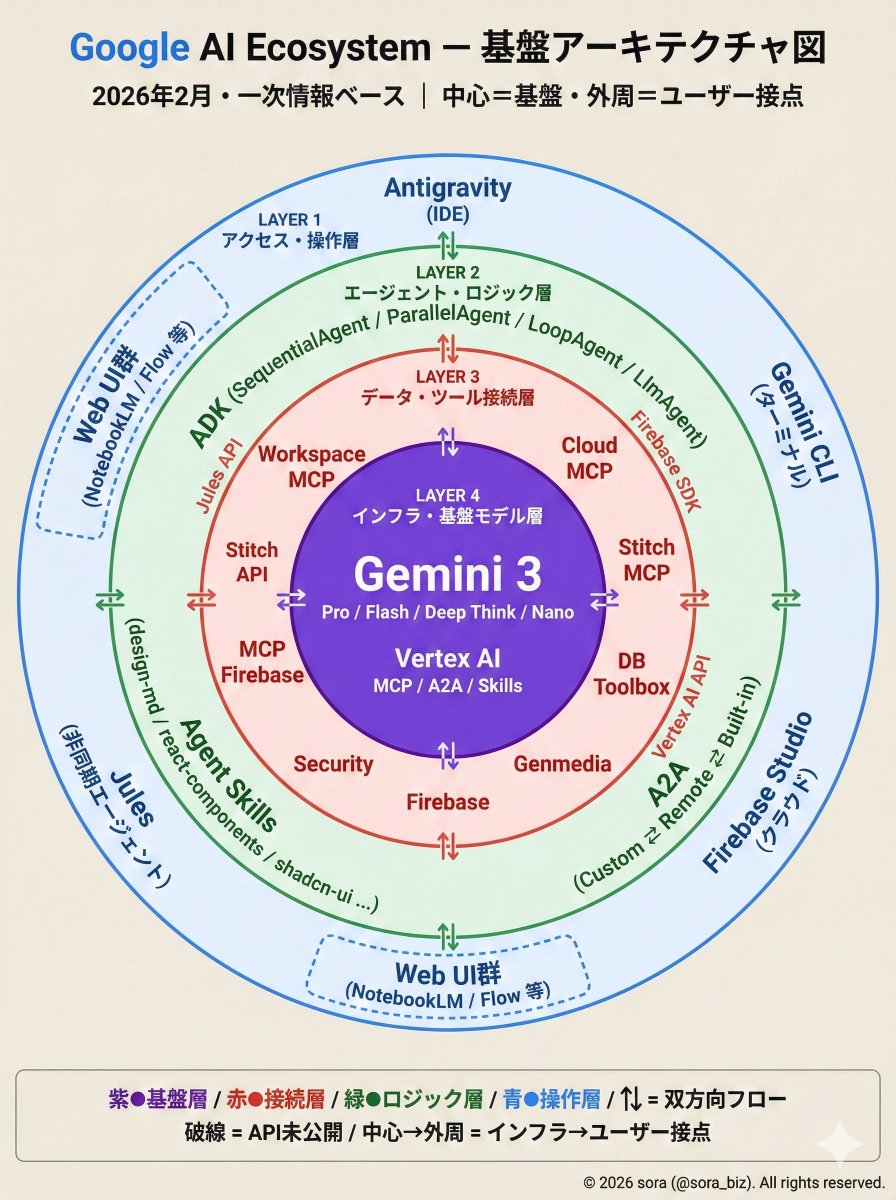
Google AI Ecosystem Diagram Generation

Google AI Ecosystem Diagram Generation

The Google AI ecosystem is organized into a four-layer structure based on primary information. There is a whole picture that cannot be seen from the tools alone. How MCP, ADK, and Antigravity connect around Gemini.

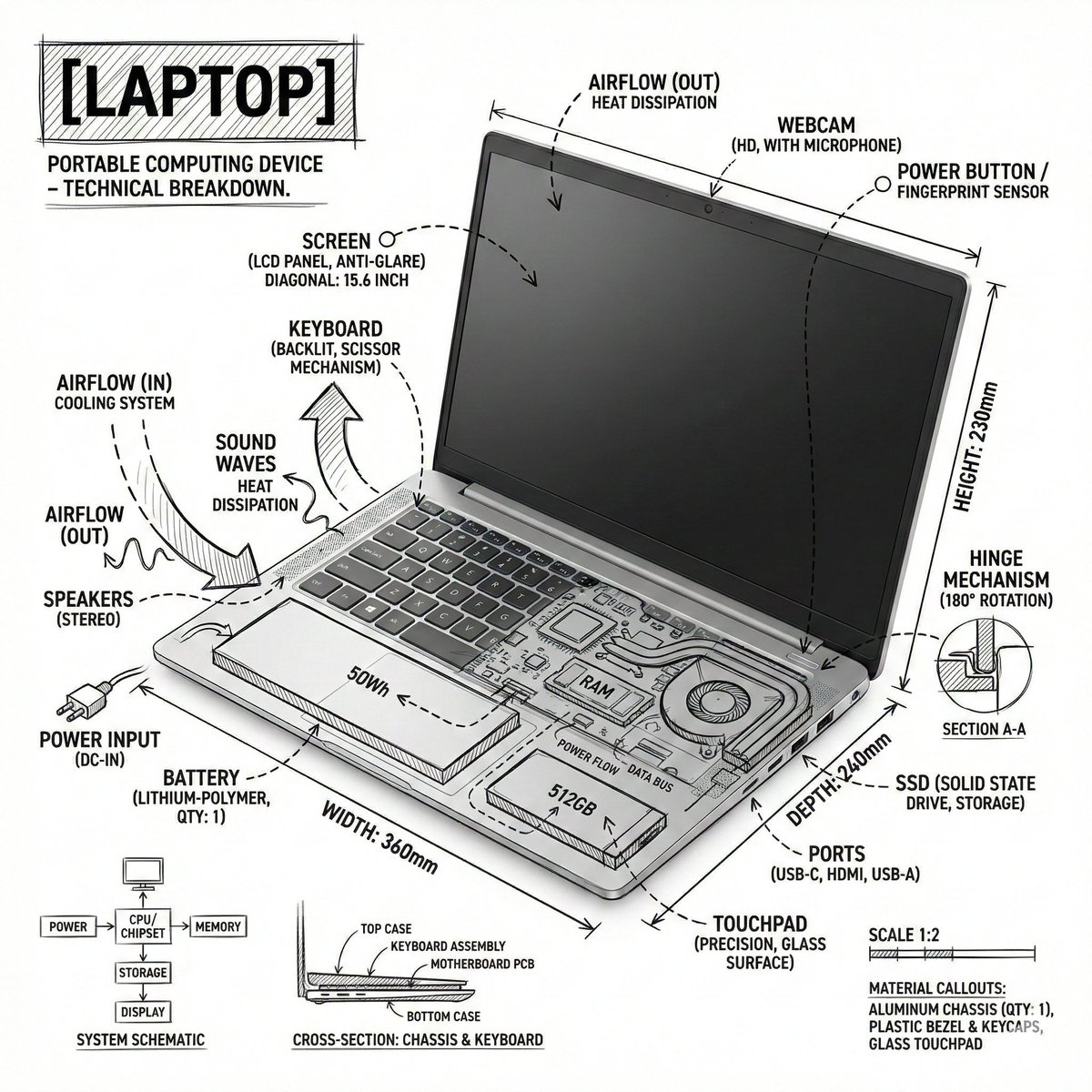
Technical Infographic Overlay on a Laptop Image

Technical Infographic Overlay on a Laptop Image

Create an infographic image of {argument name="object" default="laptop"} ,combining a realistic photograph or photoreal render of the object with technical annotation overlays placed directly on top. Use black ink–style line drawings and text (technical pen / architectural sketch look) on a pure white studio background, including: •Key component labels •Internal cutaway or exploded-view outlines •Measurements, dimensions, and scale markers •Material callouts and quantities •Arrows indicating function, force, or flow (air, sound, power, pressure) •Simple schematic or sectional diagrams where relevant Place the title [OBJECT] inside a hand-drawn technical annotation box in one corner. Style & layout rules: •The real object remains clearly visible beneath the annotations •Annotations feel sketched, technical, and architectural •Clean composition with balanced negative space •Educational, museum-exhibit / engineering-manual vibe Visual style: Minimal technical illustration aesthetic, black linework over realistic imagery, precise but slightly hand-drawn feel. Color palette: White background, black annotation lines and text only. No colors. Output: 1080×1080, ultra-crisp, social-feed optimized, no watermark.”

部分提示词收录自 X 平台创作者,版权归原作者所有。