
返回提示词库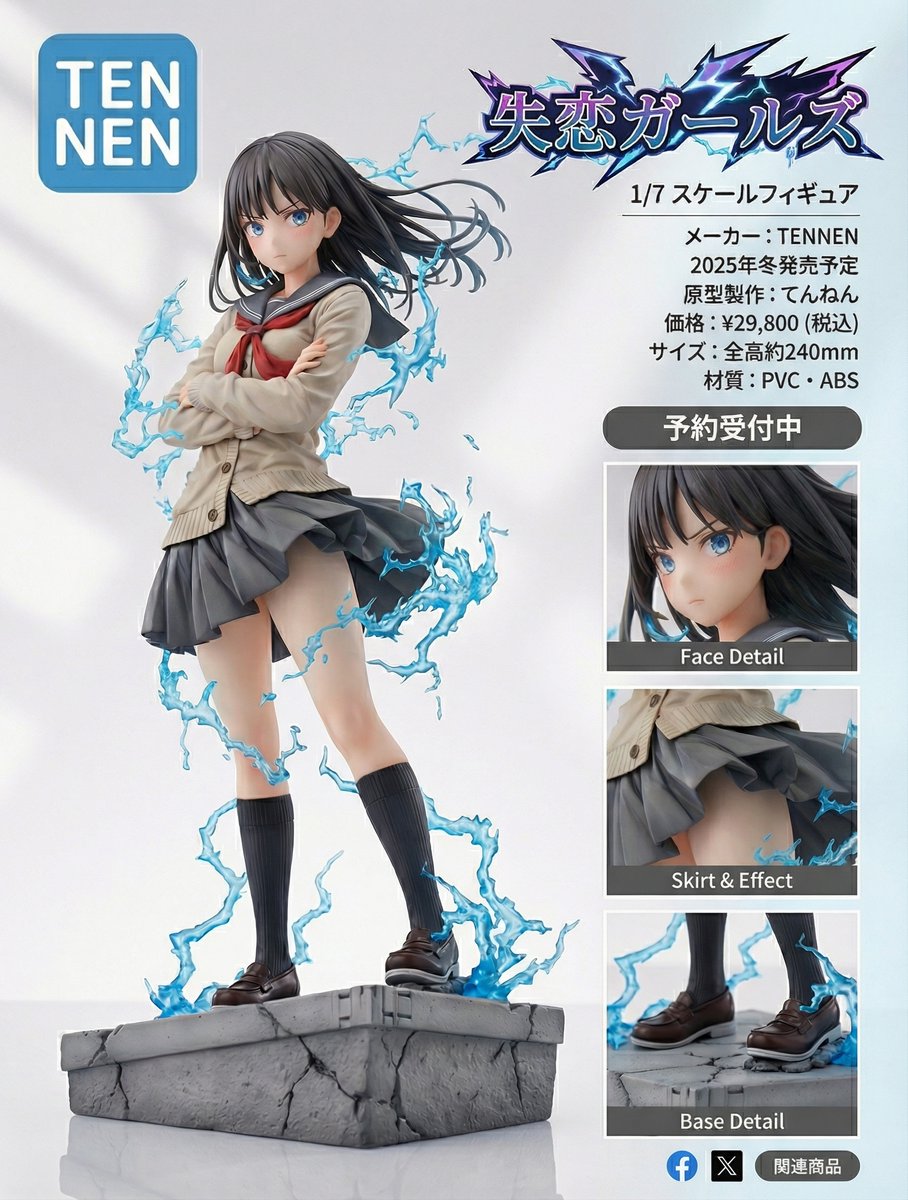
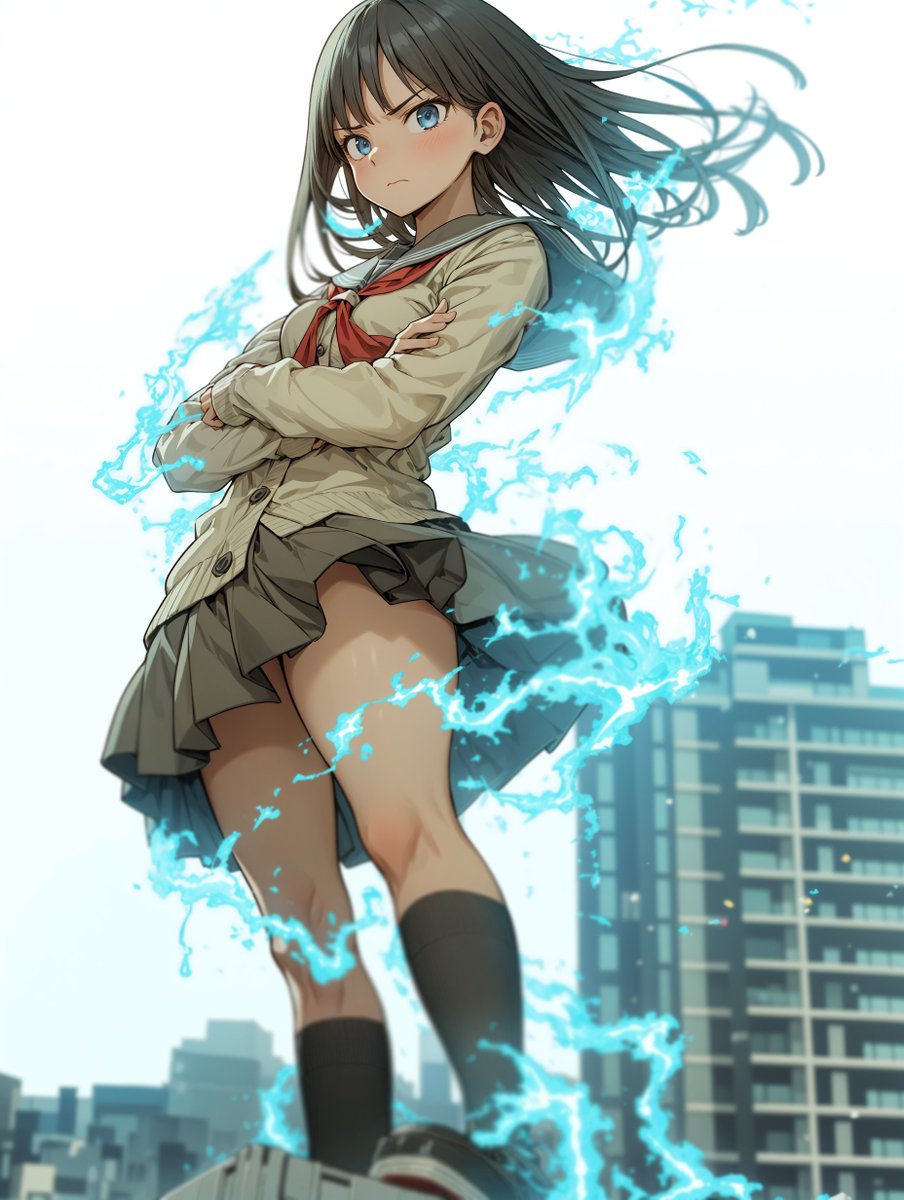

图像需上传参考图
Figure-style product page design for a heartbreak girl figure
A detailed prompt for turning an image into an ultra-detailed figure-style product page, including logos, zoomed-in details, and layout like a professional figure product listing.
提示词
Turn this image into an ultra-detailed figure-style rendering and design a product introduction page.
The product name is “{argument name="product_name_en" default="Heartbreak Girls"}”.
It is a 1/{argument name="scale_en" default="7"} scale figure.
The manufacturer name is “{argument name="manufacturer_en" default="TENNEN"}”.
The logo should be the word {argument name="logo_text_en" default="TENNEN"} inside a rounded blue square. Break the line after “{argument name="logo_top_en" default="TEN"}”, and align the next line “{argument name="logo_bottom_en" default="NEN"}” at the start of the line, placing it as large as possible within the rounded blue square.
Place zoomed-in detail views, etc., so that it looks like a product introduction and has a professional, visually appealing design.
Also make the “{argument name="product_name_en_again" default="Heartbreak Girls"}” lettering look like a logo.
Make it look like a proper product introduction page.
Scheduled for release in {argument name="release_season_en" default="Winter 2025"}.
Prototype sculptor: {argument name="sculptor_name_en" default="Tennen"}.- 作者
- 社区创作者
- 发布时间
- 2026年1月9日
- 使用场景
- 其他
相似提示词
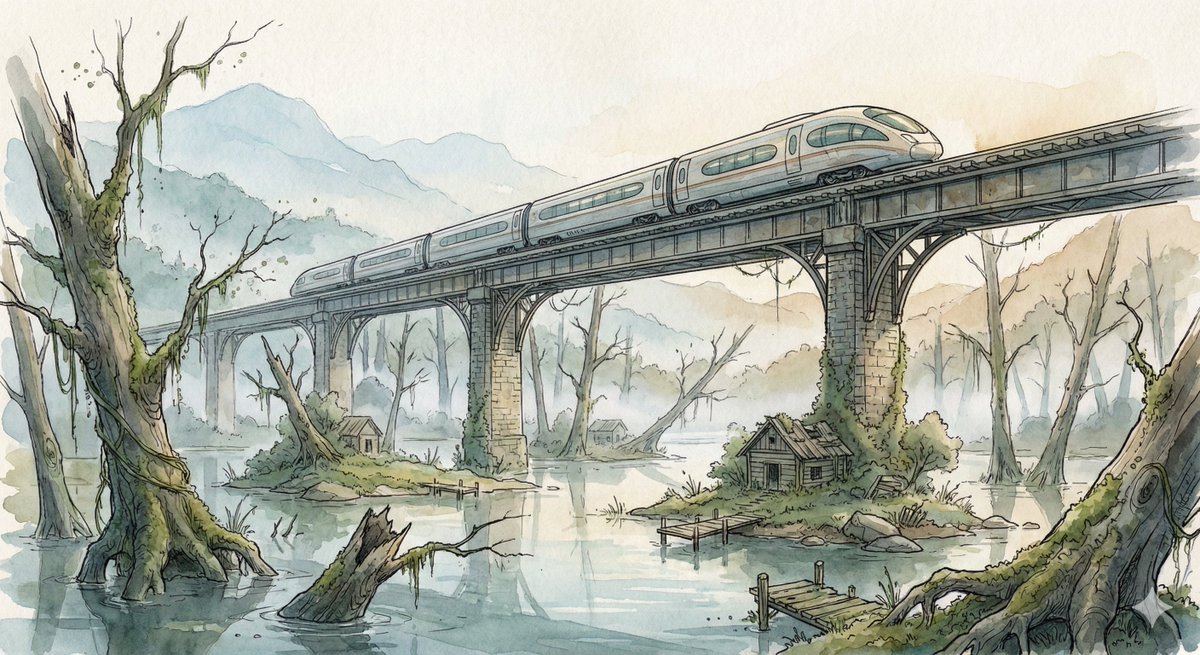
Fantasy Watercolor Illustration of an Elevated Rail Bridge over Flooded Forest
Scene: A sleek high-speed train glides across an elevated rail bridge spanning an enormous flooded forest valley. Half-submerged ancient tree trunks rise from still reflective water while small patches of moss-covered land hold abandoned wooden cabins and broken docks. Morning fog drifts between the skeletal trees, and distant mountains fade into pale atmospheric haze. The bridge stretches far into the distance, its repeating supports creating strong cinematic perspective lines across the quiet, mysterious landscape. Style: Fantasy hand-drawn watercolor illustration style. Traditional watercolor rendering with visible pigment splashes, fluid paint diffusion, and softly blended tonal transitions. Delicate hand-illustrated linework with expressive drawn detailing and organic sketch-like contours. Soft, gentle color palette emphasizing airy tones and subtle saturation rather than strong contrast. Painterly layered watercolor textures combined with illustrative fantasy art aesthetics. Decorative, richly illustrated environments with numerous small background details integrated into the composition. Elegant full illustration treatment prioritizing handcrafted visual charm, artistic softness, and classic storybook-inspired fantasy rendering.
Nano Banana Pro-themed hero image (Chinese)
Draw a hero image for {argument name="product_name_en" default="Nano Banana Pro"} that matches Google Nano Banana’s brand tone and design elements.
Surreal Macro Masterpiece with Miniature Figure
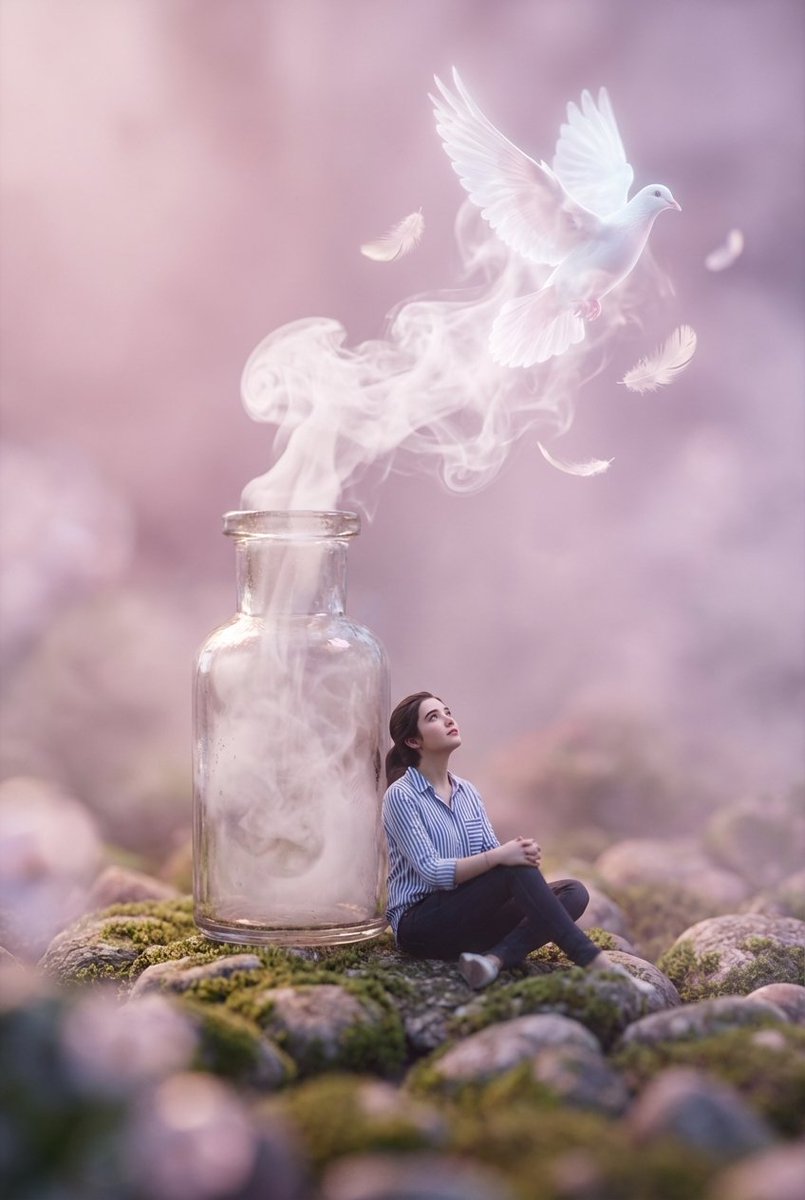
A surreal macro masterpiece featuring a miniature figure with uploaded face as reference sitting on a rocky pebble surface, wearing a striped shirt and dark pants, gazing upward at a vintage glass bottle standing beside them. From the bottle's open neck, ethereal white smoke billows and transforms into a glowing, translucent white dove surrounded by floating feathers. The composition utilizes extreme shallow depth of field with heavy foreground and background bokeh, creating a dreamlike atmosphere bathed in soft pastel pink and violet hues. Cinematic lighting, volumetric fog, 8k resolution, photorealistic textures, Octane Render, magical realism style.
Van Gogh Sower Style Generation
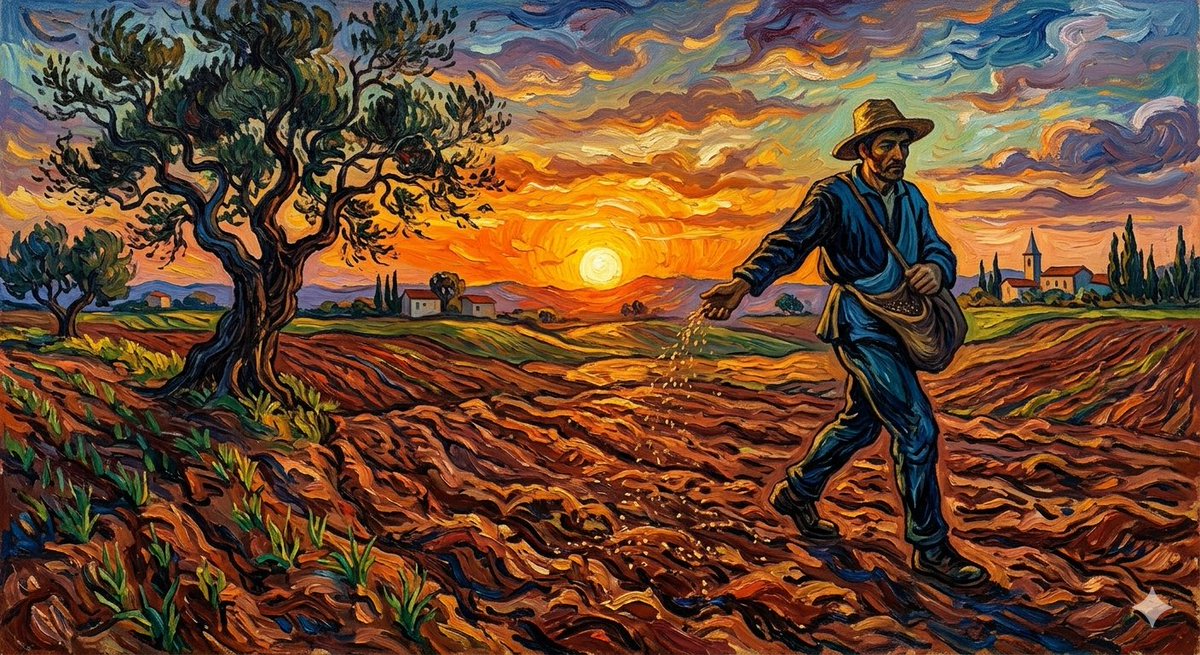
{argument name="artist" default="Van Gogh"} {argument name="subject" default="The Sower"}
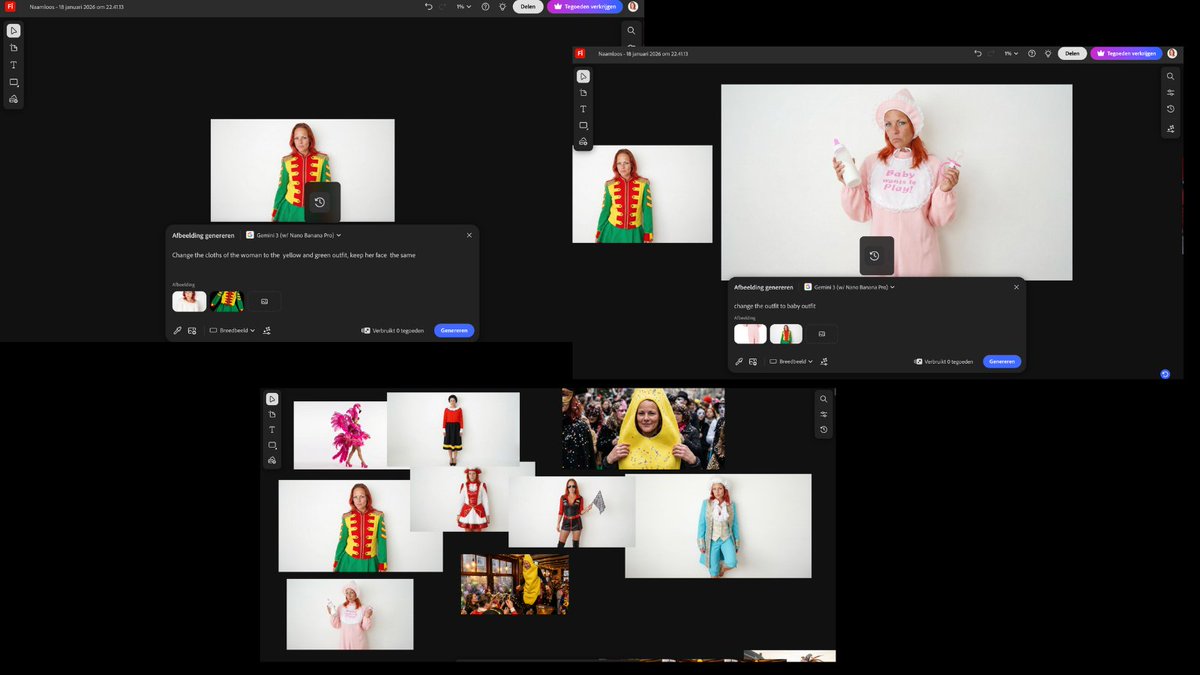
Outfit Swapping Workflow with Reference Images
I started with two reference images and a simple first prompt: " Change the clothes of the woman to the {argument name="new outfit" default="yellow and green outfit"}, keep her face the same" Once I had that result, I reused the generated image as the new base. I added a fresh outfit reference and kept the prompt structure identical, only changing the outfit name: "Change outfit to [NAME] outfit"
部分提示词收录自 X 平台创作者,版权归原作者所有。