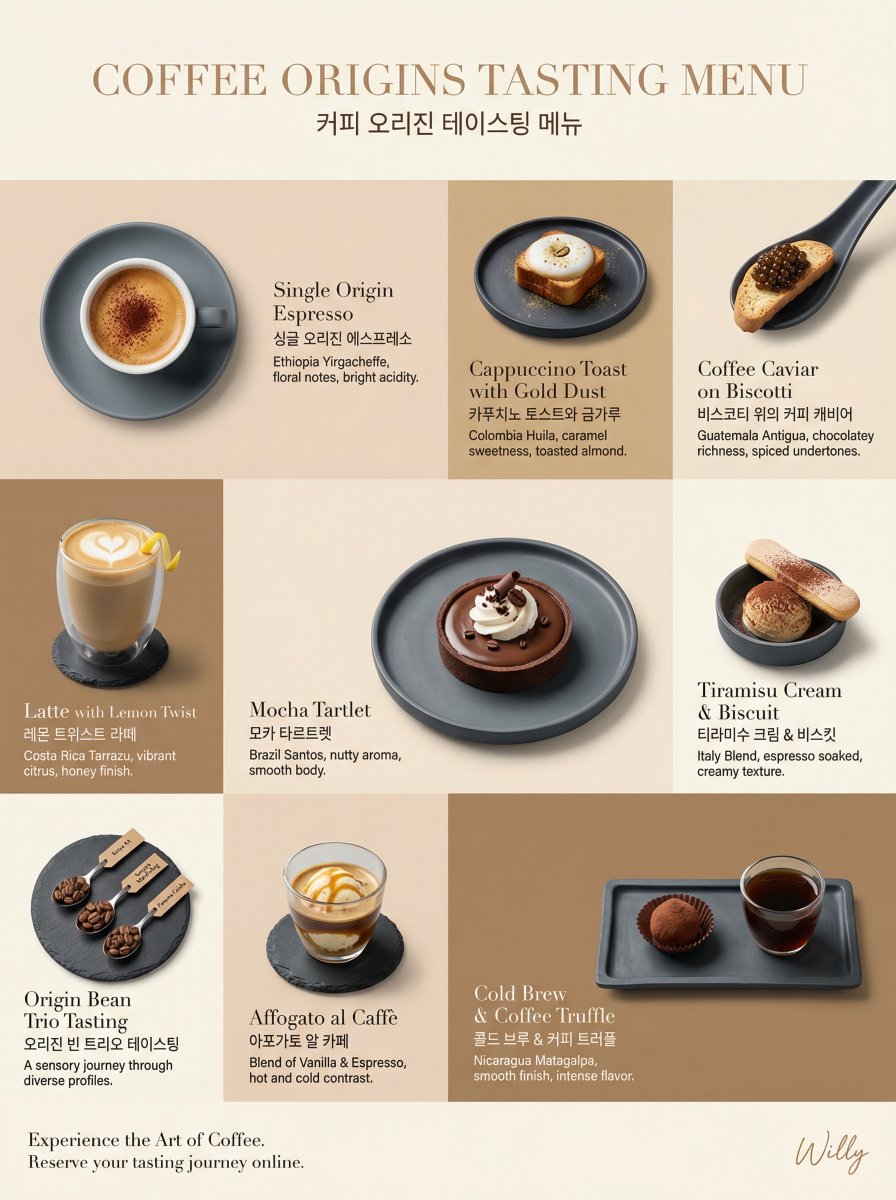
图像
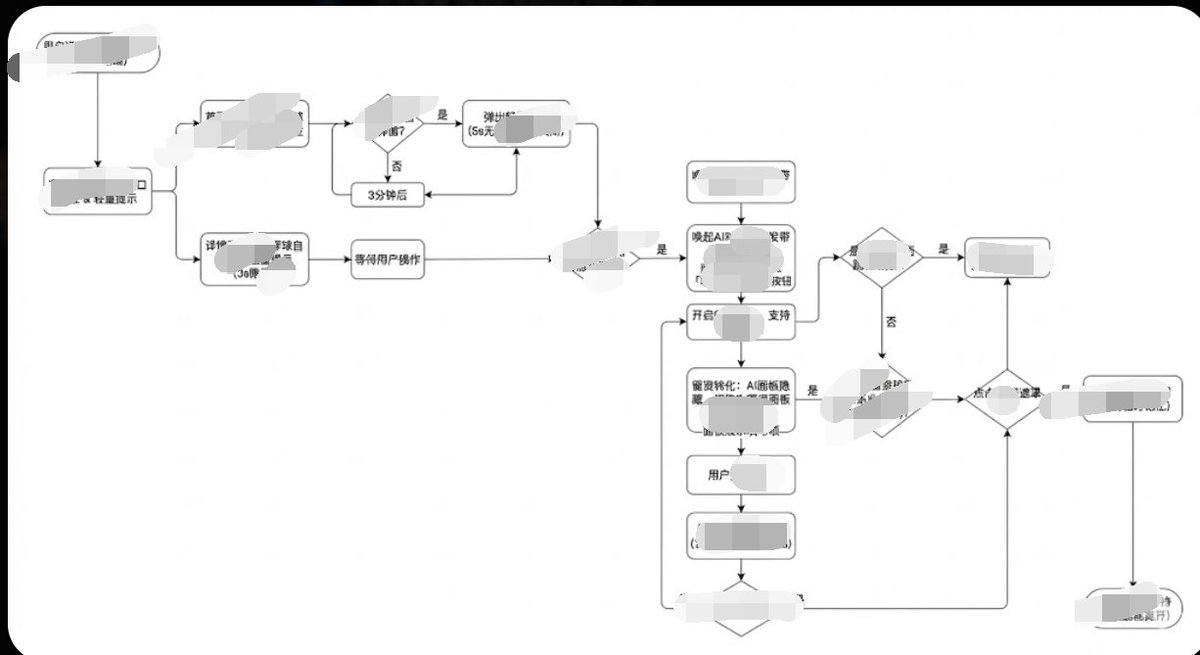
Minimalist Flowchart/Diagram Generation Style Guide
A detailed style guide prompt for Nano Banana Pro to generate minimalist, clean flowcharts or diagrams. It specifies color palette, line types (orthogonal), shapes (rounded rectangles, diamonds), and typography to ensure a professional, consistent, and easily readable infographic style.
提示词
Generate image, 1. Style Core Parameter Extraction (Style Guide)
Please refer to the following parameters:
Color Palette:
Background: Pure white (#FFFFFF)
Lines/Borders: Dark gray or pure black (#333333 or #000000)
Text: Dark gray (#333333), regular weight, no bold.
Fill: No fill (transparent) or pure white fill, to cover lines behind.
Lines/Connectors:
Type: Orthogonal/Elbow lines, meaning only vertical and horizontal lines, with right-angle corners.
Thickness: Extremely thin (1px).
Arrow: Solid small triangle (Solid Arrowhead), black.
Shapes:
Normal Node: Rounded Rectangle, very small corner radius (approx. 4px - 8px).
Decision Node: Diamond.
Start/End: Capsule shape or rectangle with larger rounded corners.
Typography:
Alignment: Center aligned.
Font: Sans-serif font, such as Arial, Roboto, or Source Han Sans. Small font size (approx. 12px-14px).

Apply the style above along with your user journey/process to Gemini, and it will present the corresponding effect without needing adjustments.
- 作者
- 社区创作者
- 发布时间
- 2025年10月24日
- 使用场景
- App / 网页设计信息图 / 教育视觉