返回提示词库
Sketch to CAD-Style Line Art Conversion Prompt 1Sketch to CAD-Style Line Art Conversion Prompt 2Sketch to CAD-Style Line Art Conversion Prompt 3Sketch to CAD-Style Line Art Conversion Prompt 4
图像需上传参考图

Sketch to CAD-Style Line Art Conversion Prompt

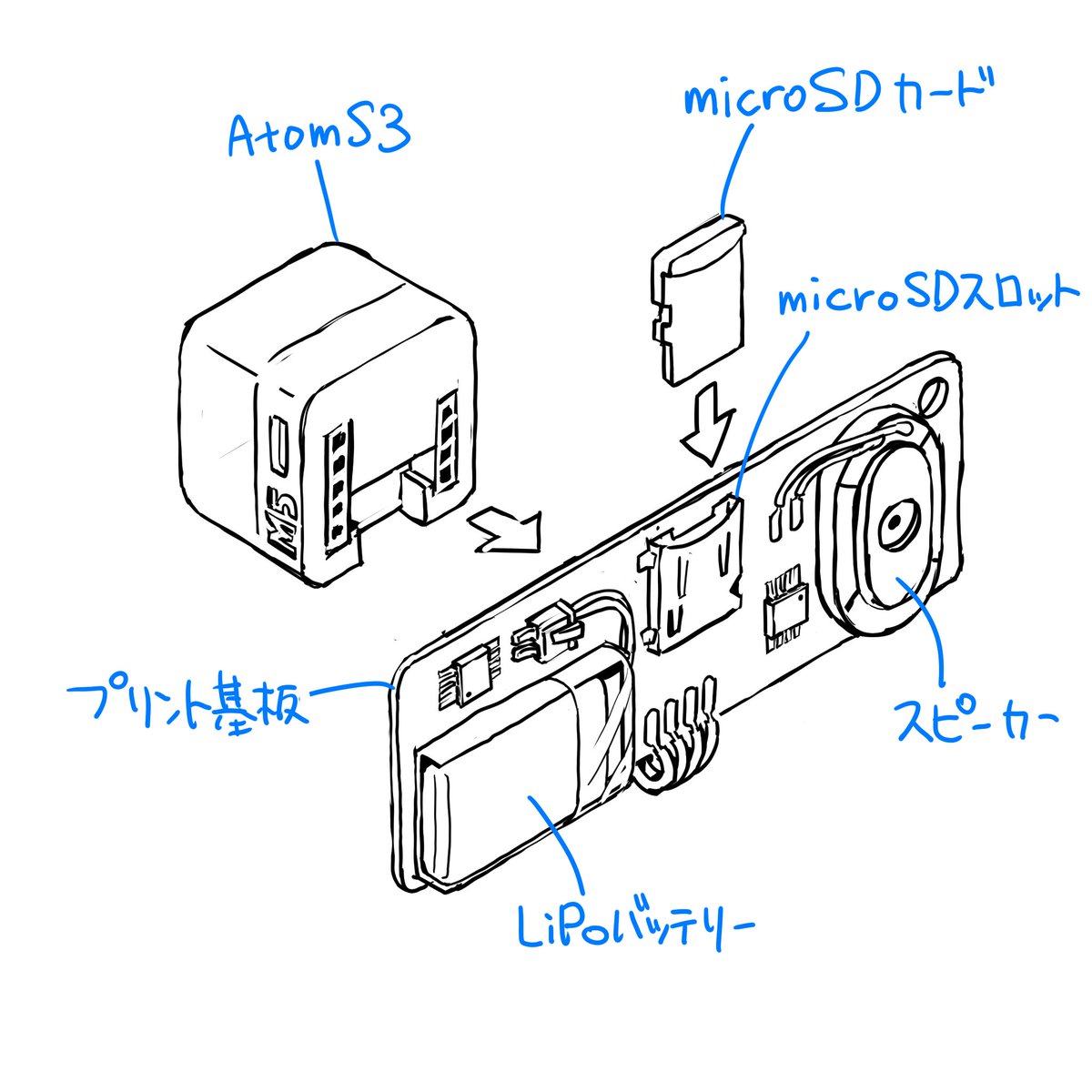
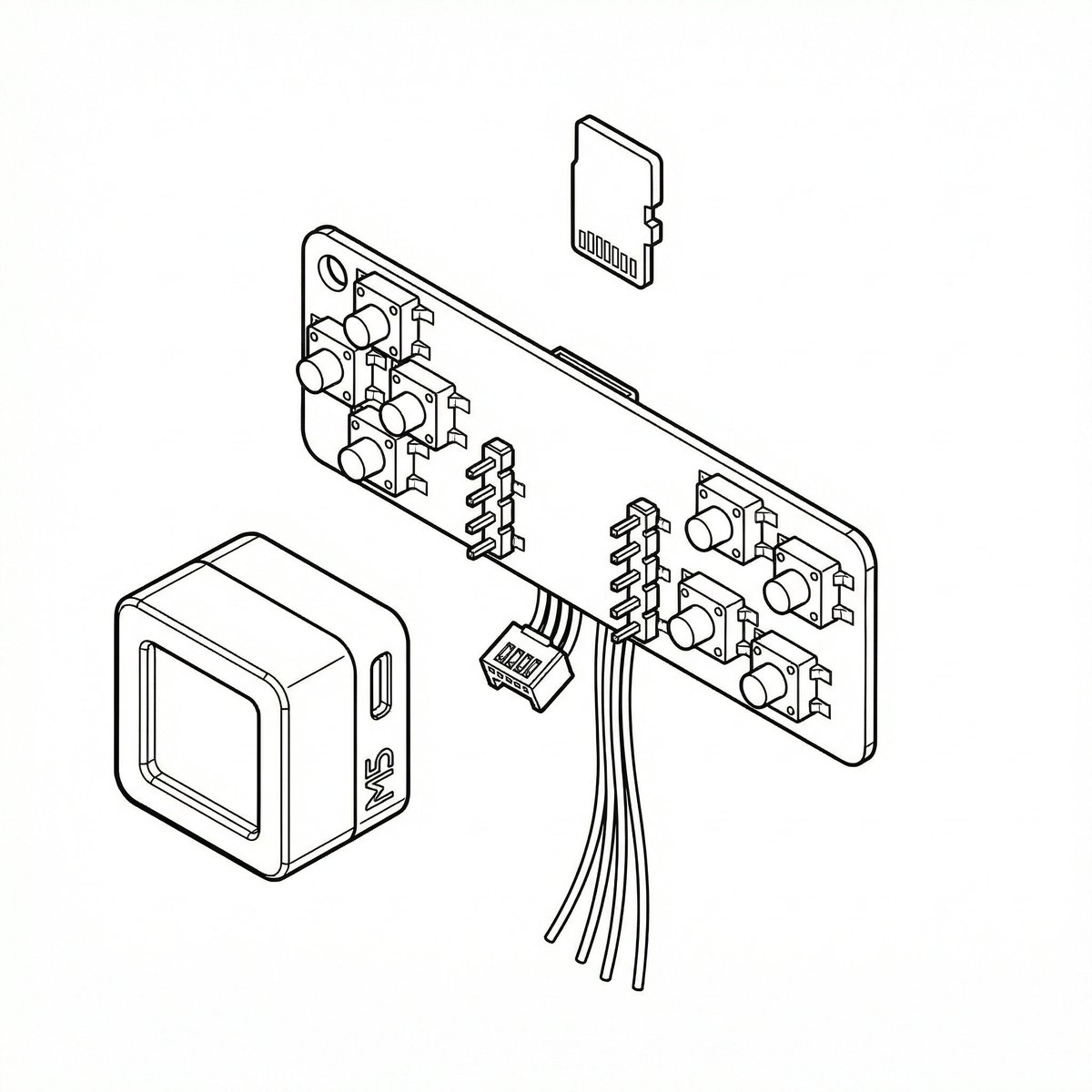
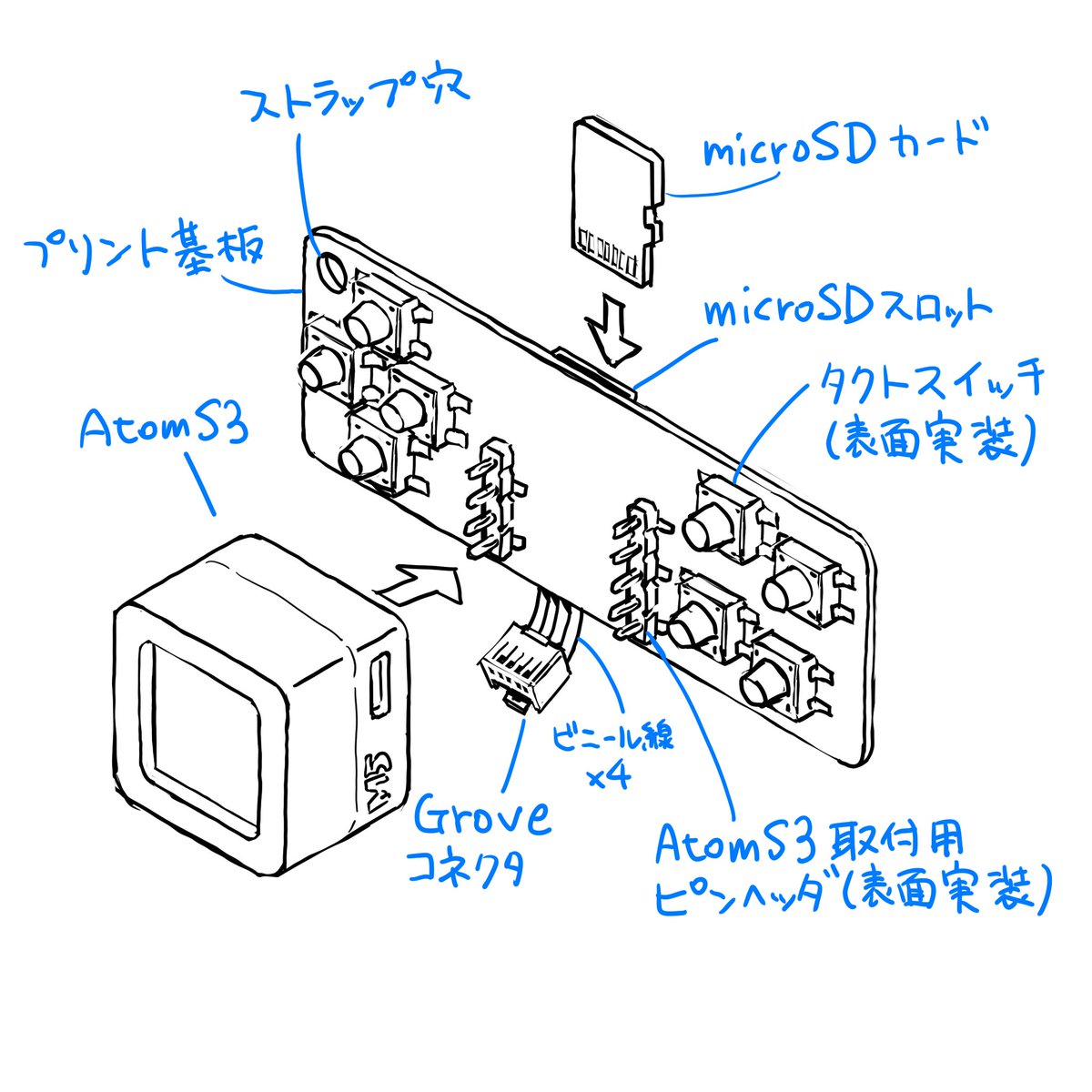
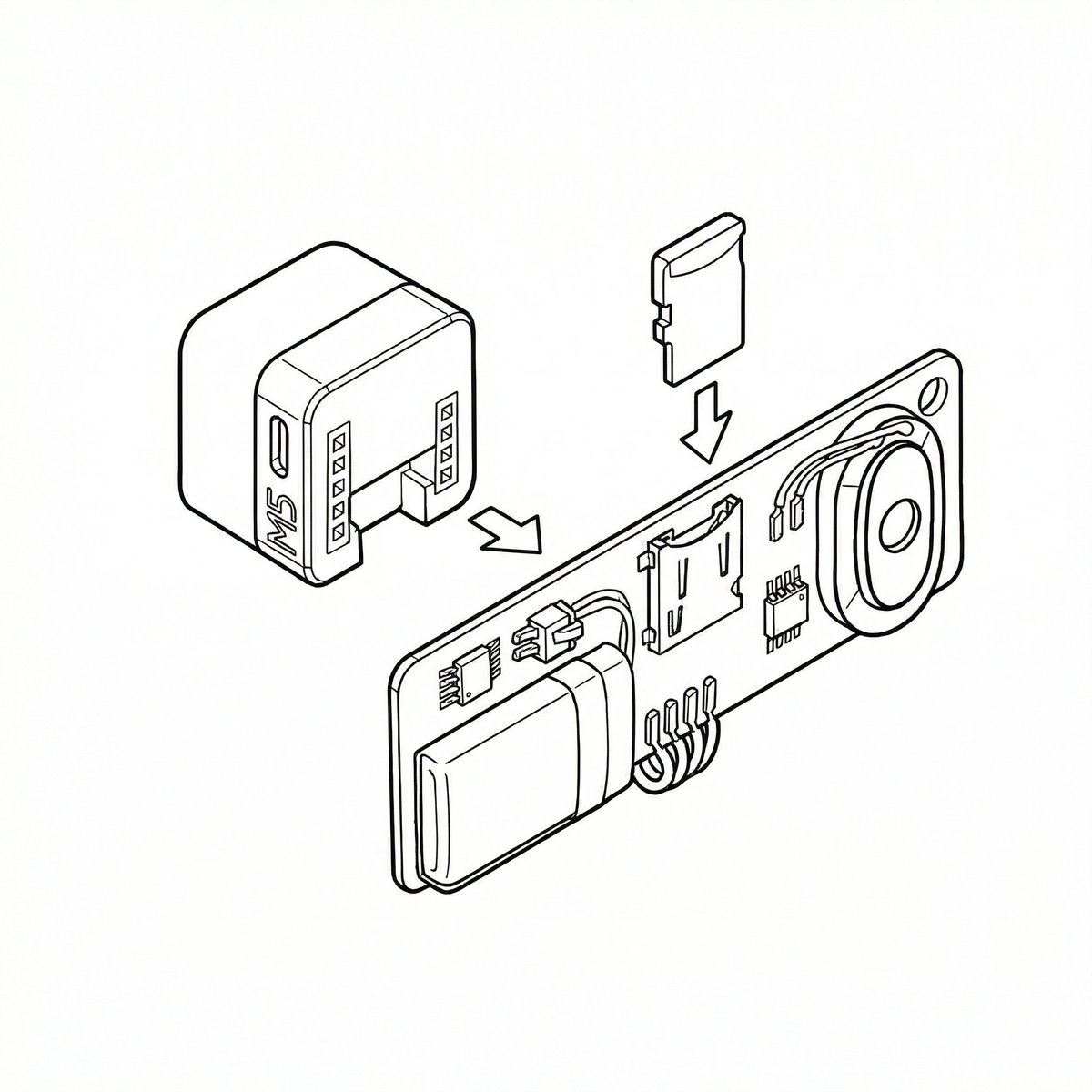
A two-part prompt sequence for Nano Banana Pro (using its 'Thinking Mode') to convert a rough sketch into precise, CAD-like line art. The first prompt instructs the model to finalize the rough sketch, referencing blue text annotations, removing ambiguity, and applying line weight variation. The second prompt is a follow-up instruction to apply the same style to subsequent rough sketches.

提示词
Please finalize this rough sketch and create line art. Read and refer to the blue text annotations, eliminate the ambiguity and roughness associated with handwriting, and create precise line art as if output from a CAD tool. Vary the line thickness, such as making ridge lines thicker. Delete the blue text and lines, and do not include them in the output image.

Please finalize this rough sketch in the same manner.
作者
社区创作者
发布时间
2026年5月5日
使用场景
信息图 / 教育视觉

相似提示词

Clean Whiteboard Animation Illustration

Clean Whiteboard Animation Illustration

clean {argument name="style" default="whiteboard animation style"} illustration of the person from the reference image, drawn as a simple {argument name="medium" default="black marker sketch"} on a pure white background. Use bold hand-drawn outlines, minimal shading, and a slight…

Nursery Fashion Style Blueprint Infographic

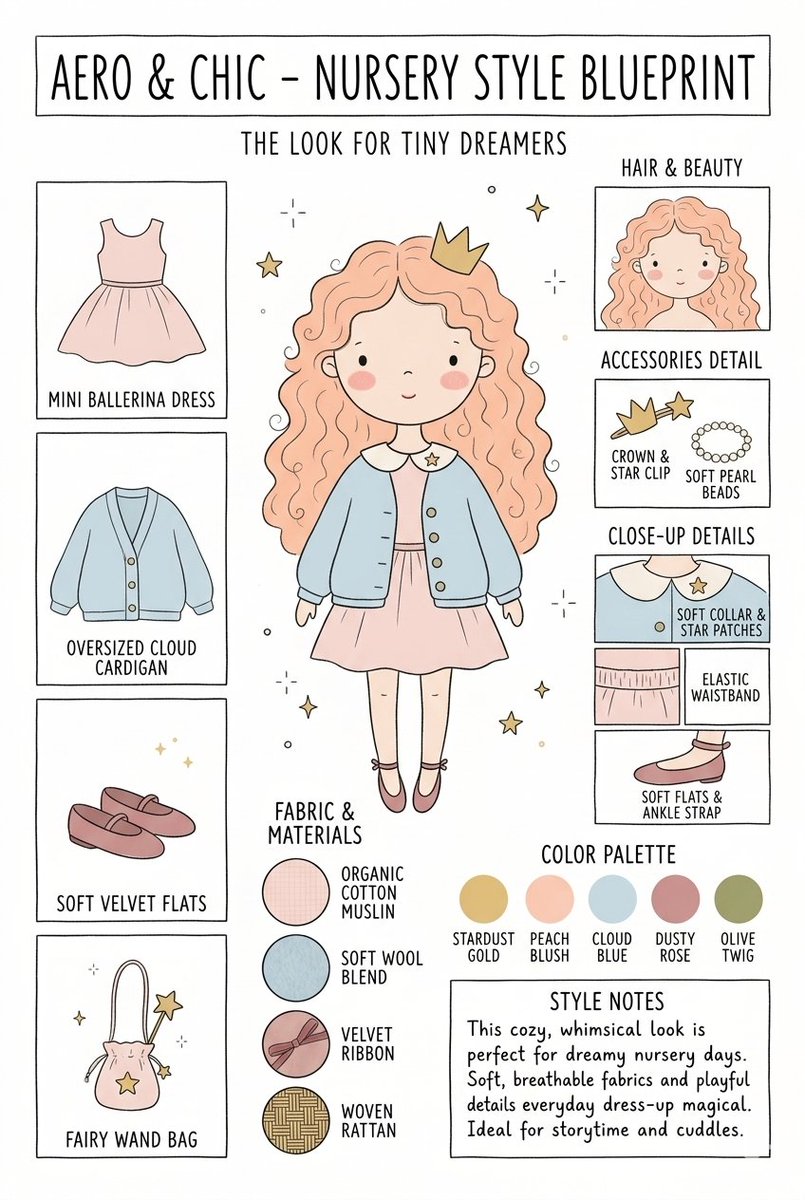
Nursery Fashion Style Blueprint Infographic

Create a matching pair of "{argument name="title" default="Aero & Chic - Nursery Style Blueprint"}" infographic concept posters, each featuring a full-body cartoon child in a curated outfit surrounded by illustrated fashion breakdowns. The first poster, titled "The Look for Tiny…

Kid-Friendly Routine Poster Prompt

Kid-Friendly Routine Poster Prompt

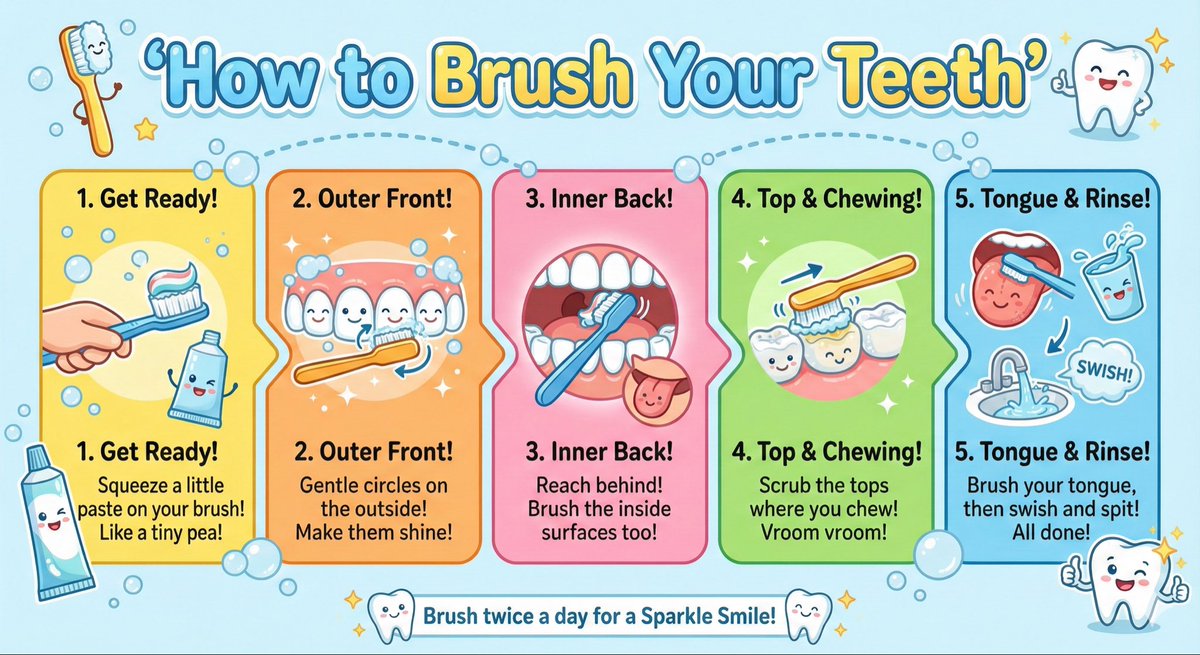
Create a kid-friendly ‘How to Brush Your Teeth’ poster with cartoon teeth, simple steps, bright colors, and big illustrations.

Google AI Ecosystem Diagram Generation

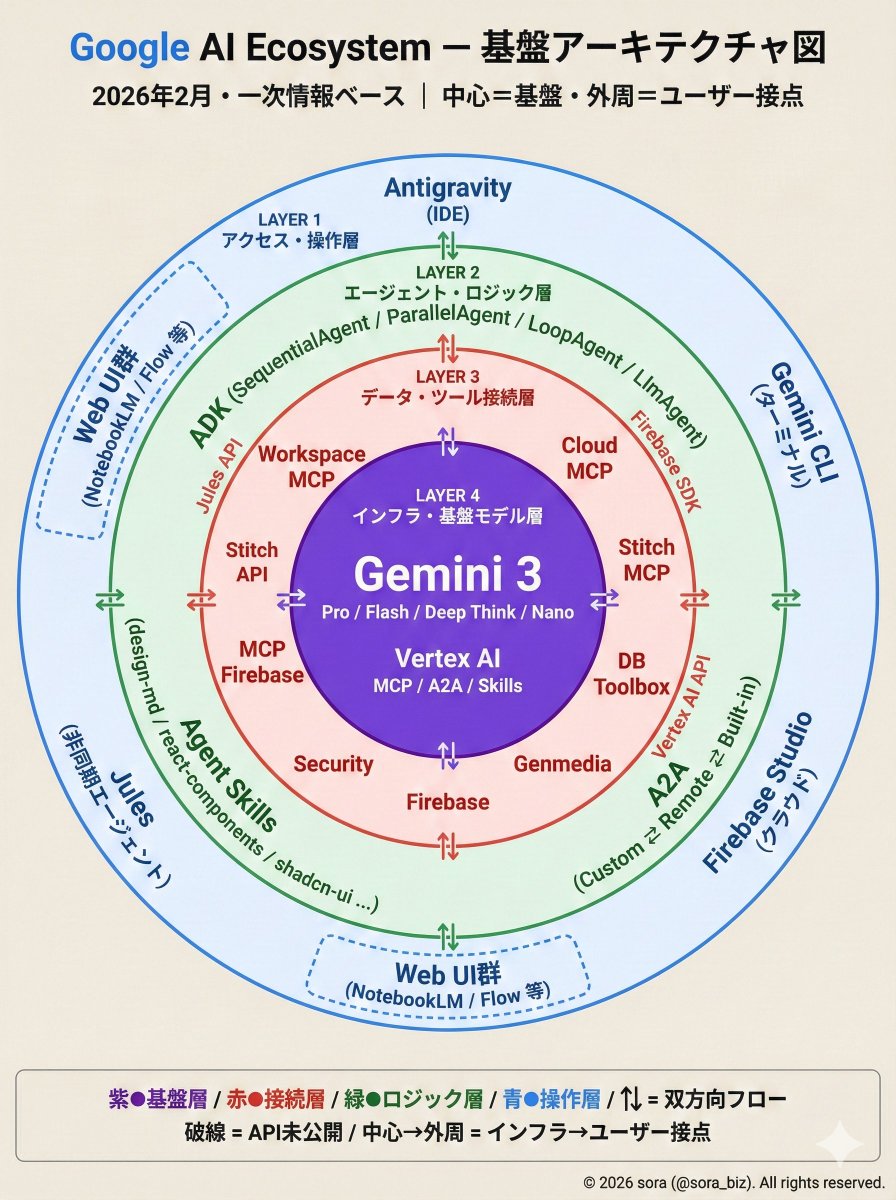
Google AI Ecosystem Diagram Generation

The Google AI ecosystem is organized into a four-layer structure based on primary information. There is a whole picture that cannot be seen from the tools alone. How MCP, ADK, and Antigravity connect around Gemini.

Technical Infographic Overlay on a Laptop Image

Technical Infographic Overlay on a Laptop Image

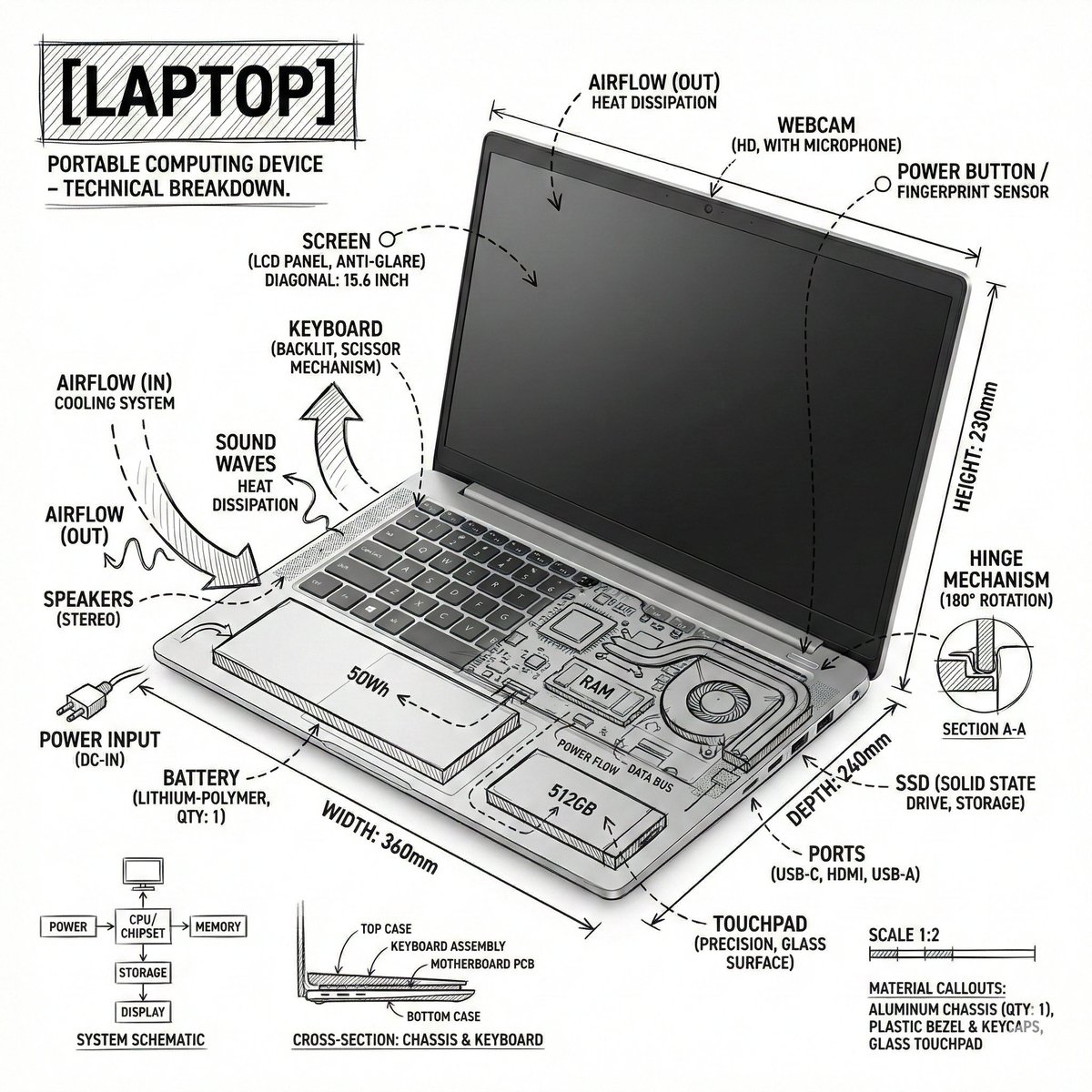
Create an infographic image of {argument name="object" default="laptop"} ,combining a realistic photograph or photoreal render of the object with technical annotation overlays placed directly on top. Use black ink–style line drawings and text (technical pen / architectural sketc…

部分提示词收录自 X 平台创作者,版权归原作者所有。