返回提示词库
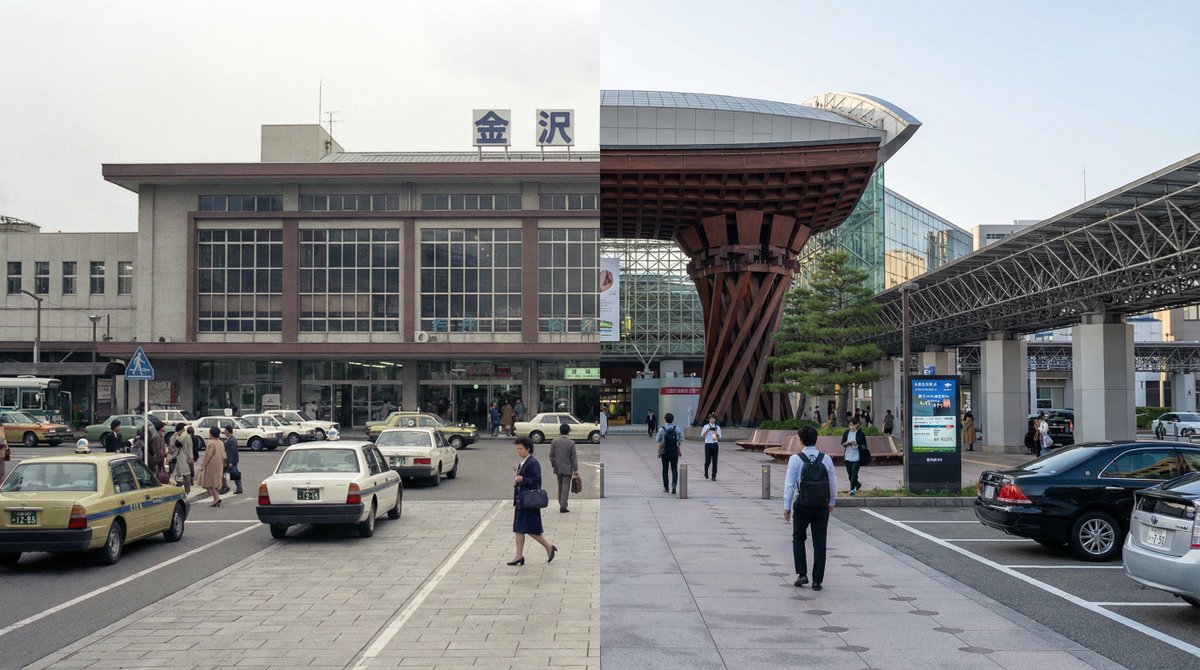
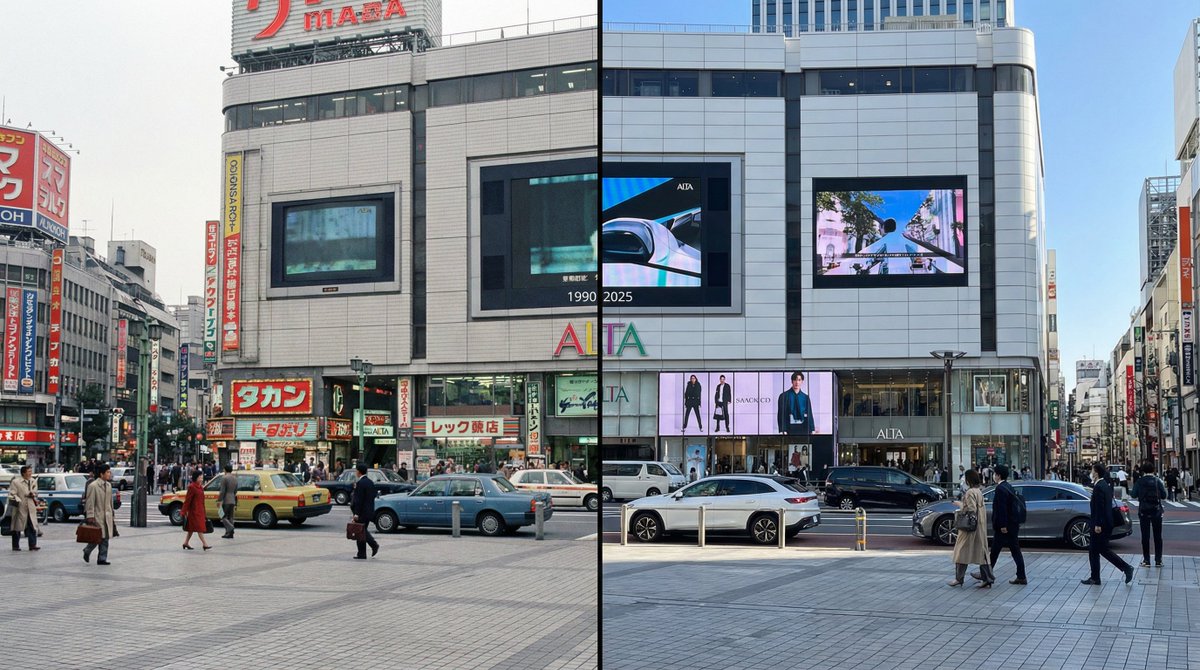
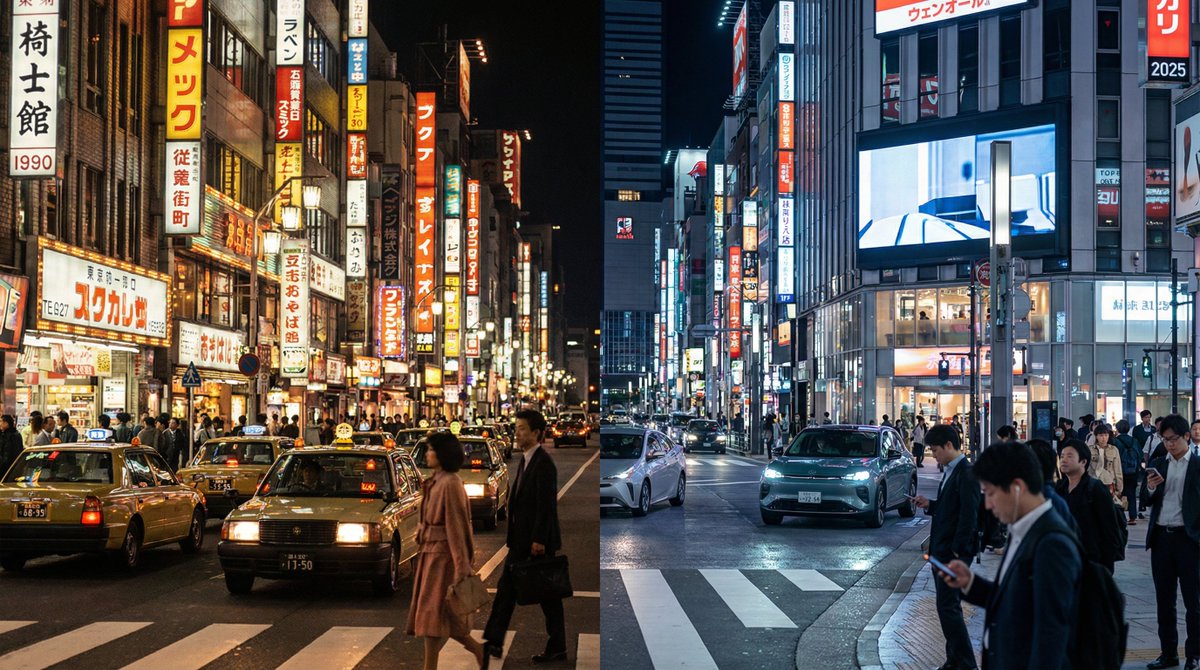
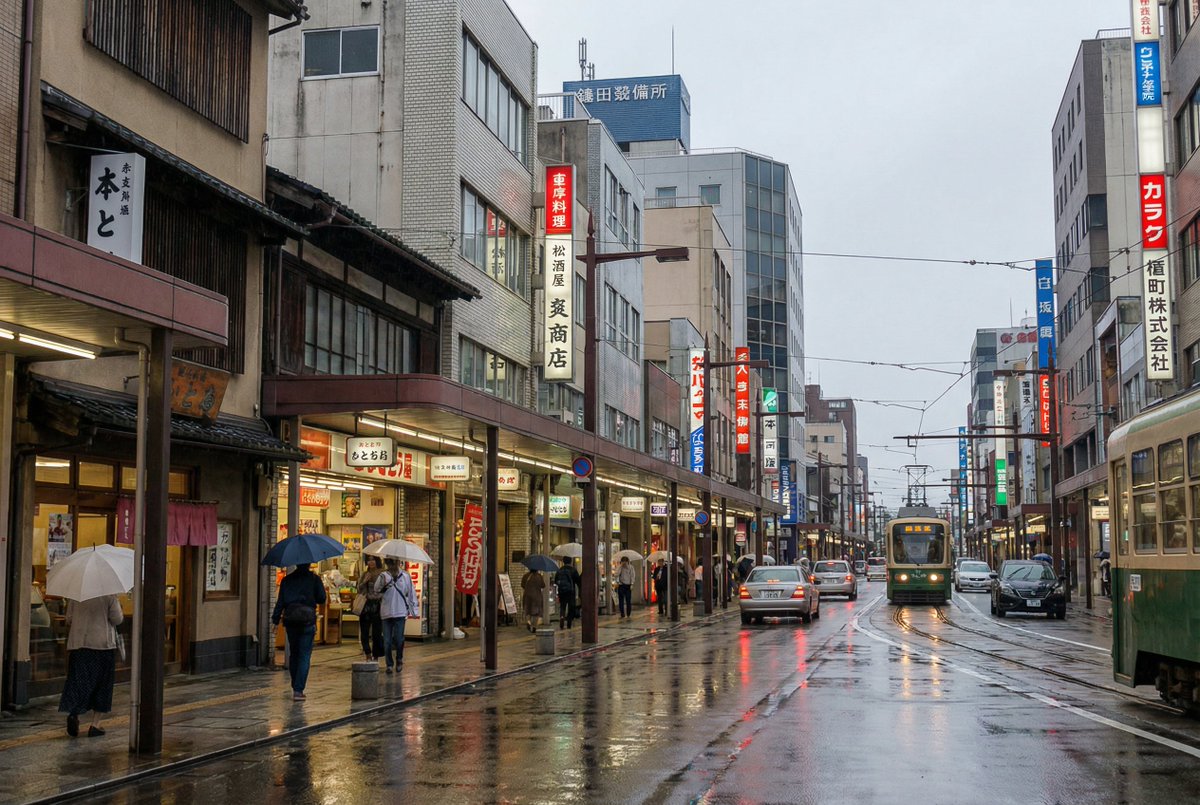
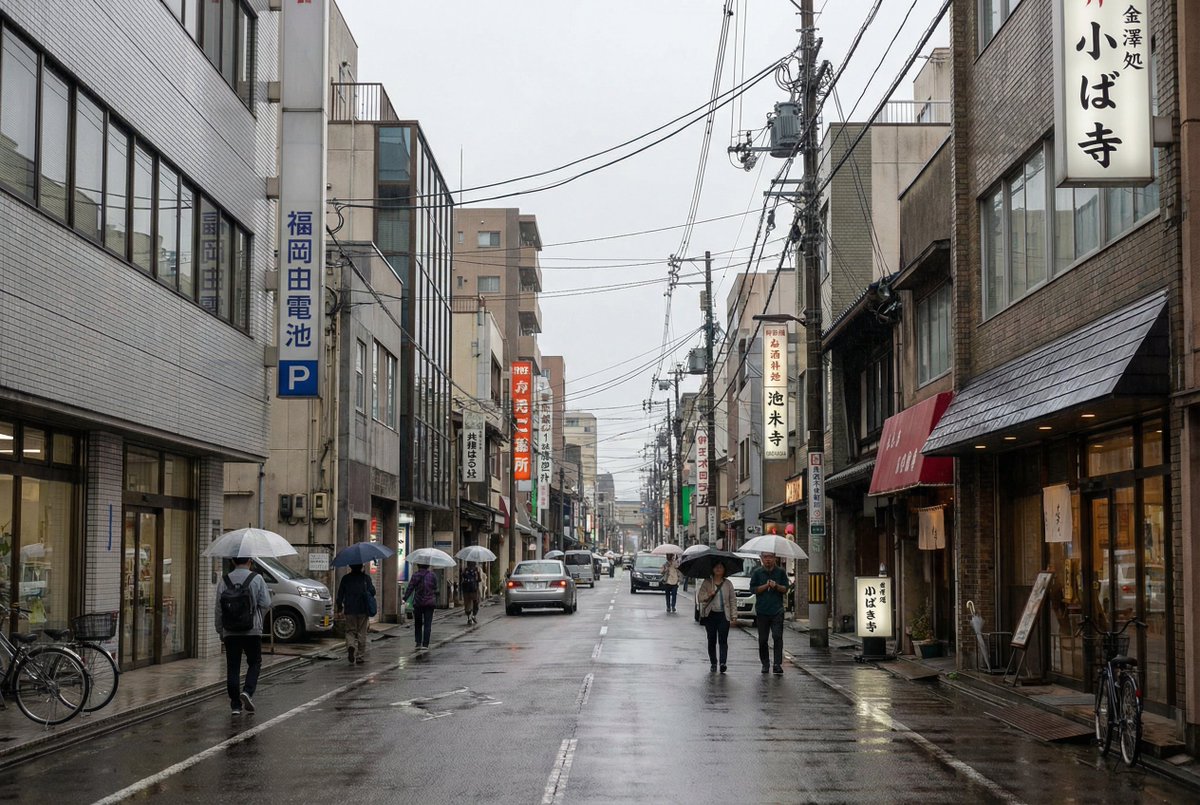
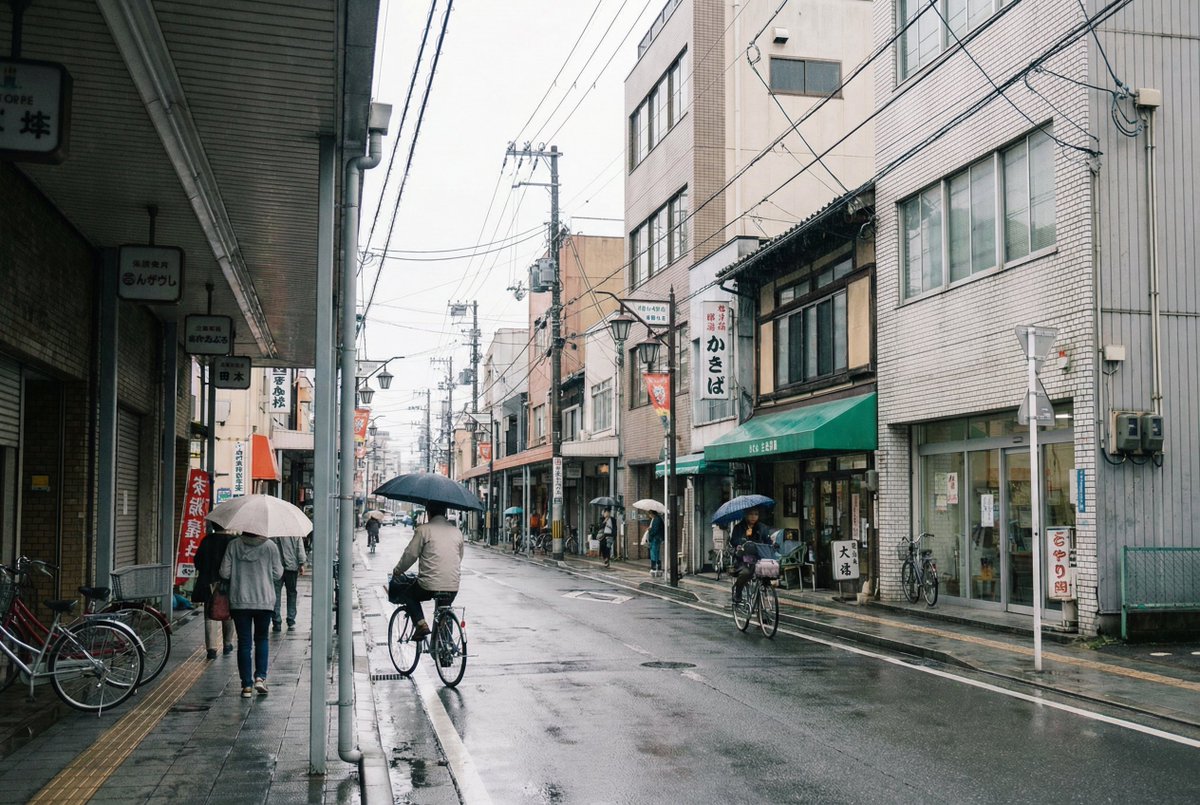
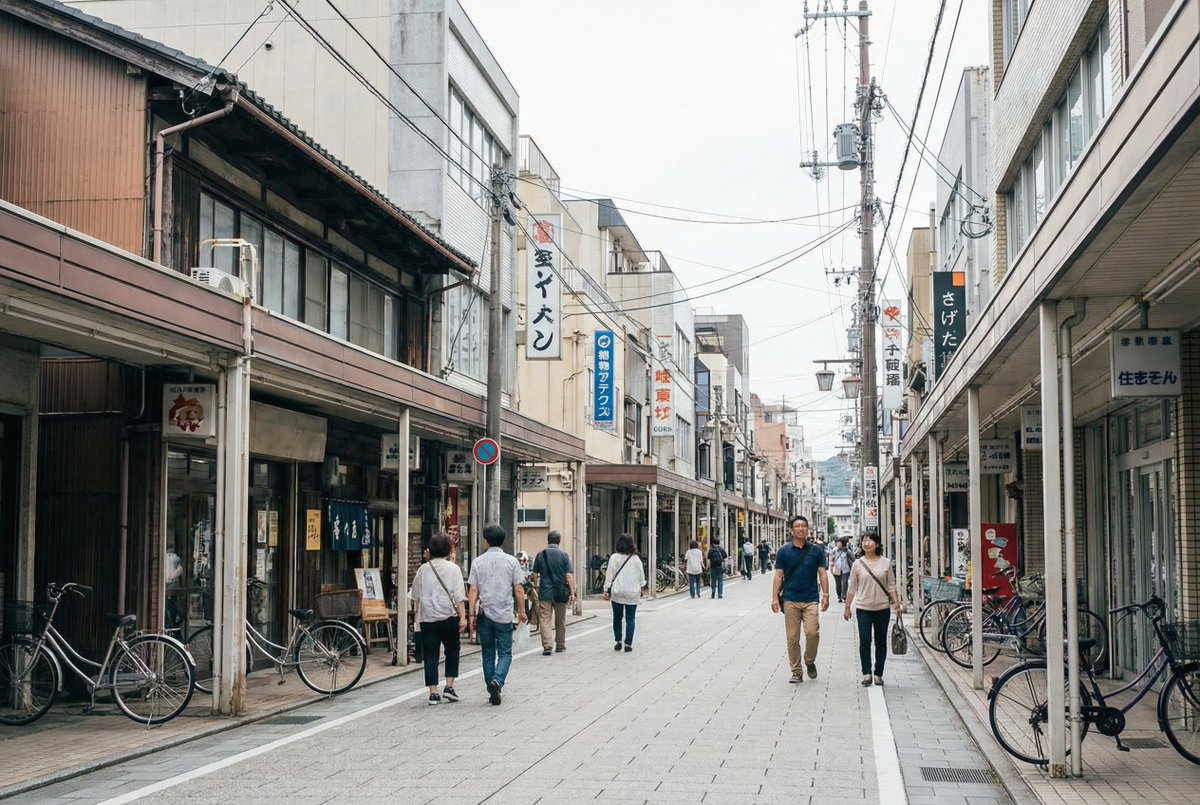
Split-screen time-lapse of same location by coordinates 1Split-screen time-lapse of same location by coordinates 2Split-screen time-lapse of same location by coordinates 3Split-screen time-lapse of same location by coordinates 4Split-screen time-lapse of same location by coordinates 5Split-screen time-lapse of same location by coordinates 6Split-screen time-lapse of same location by coordinates 7Split-screen time-lapse of same location by coordinates 8
图像

Split-screen time-lapse of same location by coordinates

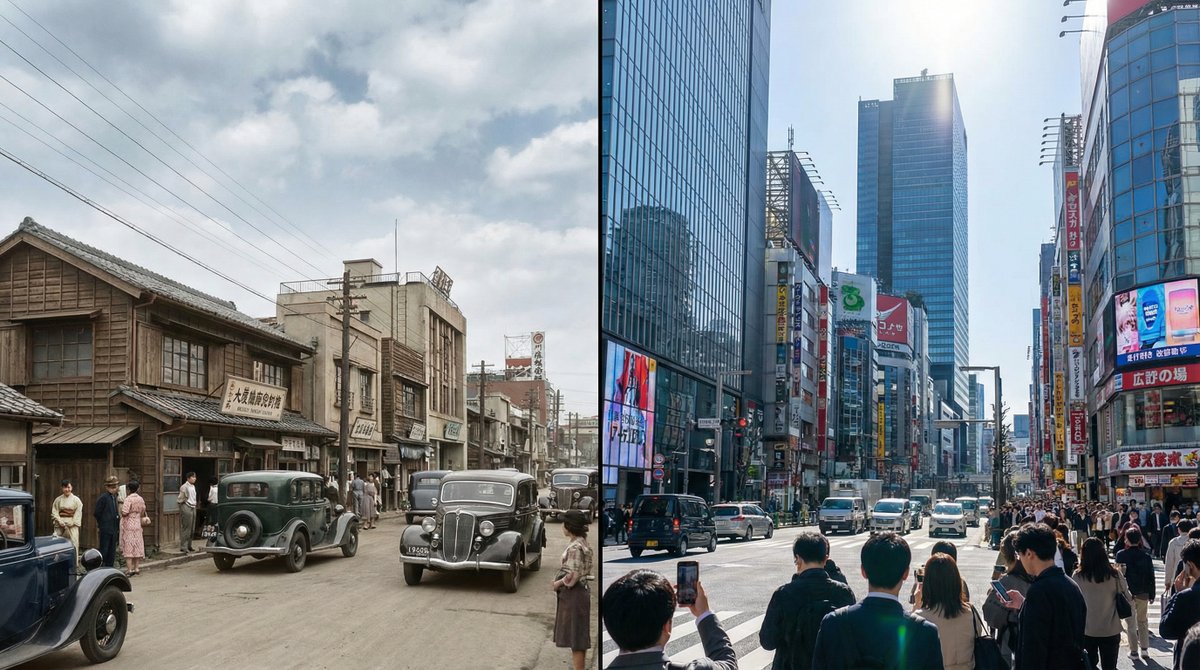
A detailed prompt to generate a single 16:9 photorealistic image split into left and right halves, each showing the same geolocated place at different years and times, letting Nano Banana Pro handle era-appropriate details.

提示词
Generate a single photorealistic 16:9 image and split its composition into left and right halves. On each side, depict the same place,
[LOCATION_NAME: {argument name="location_name_en" default="(any location)"}],
at different eras.

Left side: {argument name="left_year_en" default="(any year)"} · {argument name="left_time_en" default="(time)"}
Right side: {argument name="right_year_en" default="(any year)"} · {argument name="right_time_en" default="(time)"}

Keep the camera position exactly the same and use the following coordinates:
[LATITUDE,LONGITUDE: {argument name="coordinates_en" default="(latitude and longitude of any place)"}]

Do not include any text in the image (years, labels, watermarks, etc.). Do not specify detailed visuals.
Leave all aspects such as architecture, light, cars, people, signs, materials, atmosphere, and composition up to Nano Banana Pro.

Each era should feel natural and together form a side-by-side time comparison image within a single 16:9 frame.
--ar 16:9 --stylize 800 --v 6

作者
社区创作者
发布时间
2026年8月16日
使用场景
信息图 / 教育视觉

相似提示词

Clean Whiteboard Animation Illustration

Clean Whiteboard Animation Illustration

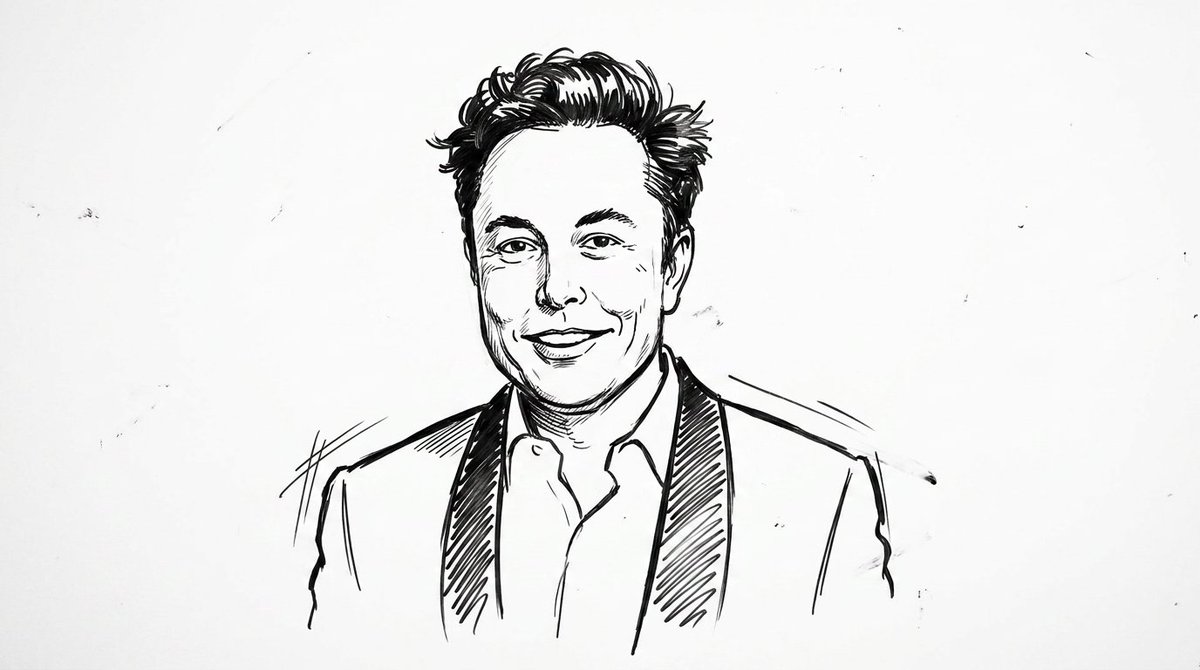
clean {argument name="style" default="whiteboard animation style"} illustration of the person from the reference image, drawn as a simple {argument name="medium" default="black marker sketch"} on a pure white background. Use bold hand-drawn outlines, minimal shading, and a slight…

Nursery Fashion Style Blueprint Infographic

Nursery Fashion Style Blueprint Infographic

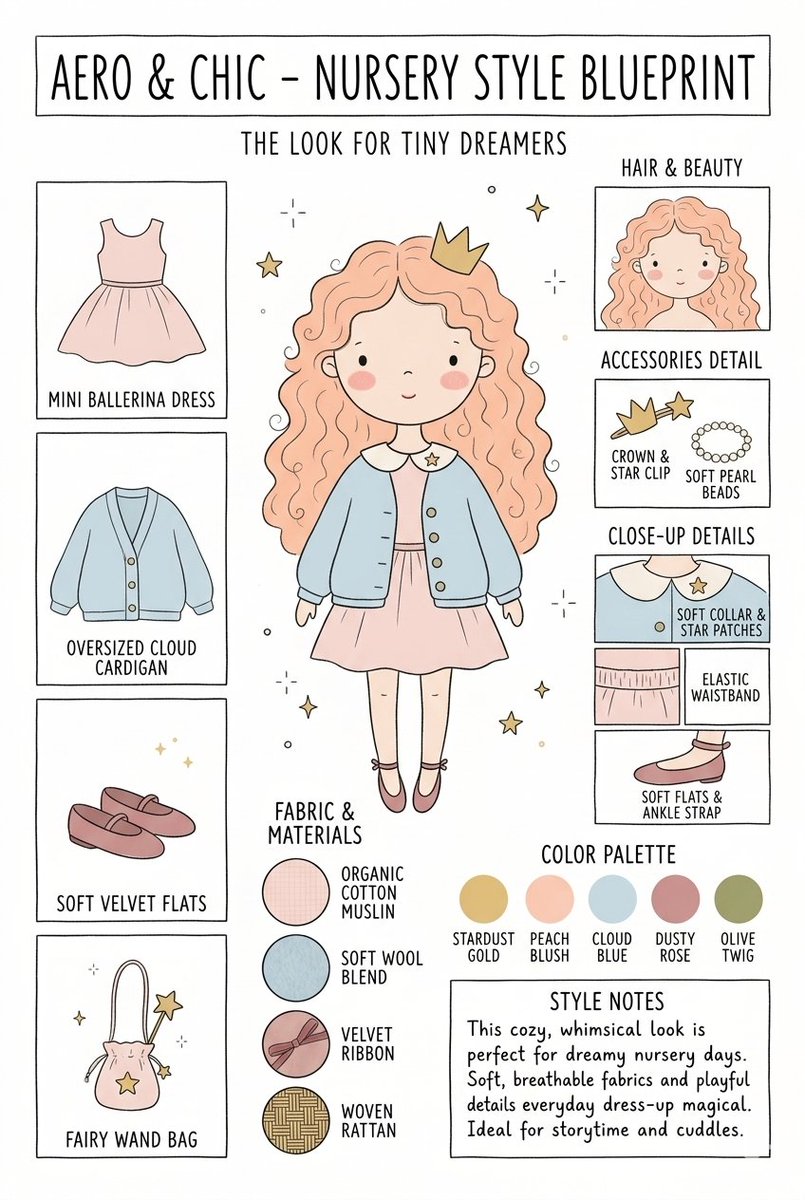
Create a matching pair of "{argument name="title" default="Aero & Chic - Nursery Style Blueprint"}" infographic concept posters, each featuring a full-body cartoon child in a curated outfit surrounded by illustrated fashion breakdowns. The first poster, titled "The Look for Tiny…

Kid-Friendly Routine Poster Prompt

Kid-Friendly Routine Poster Prompt

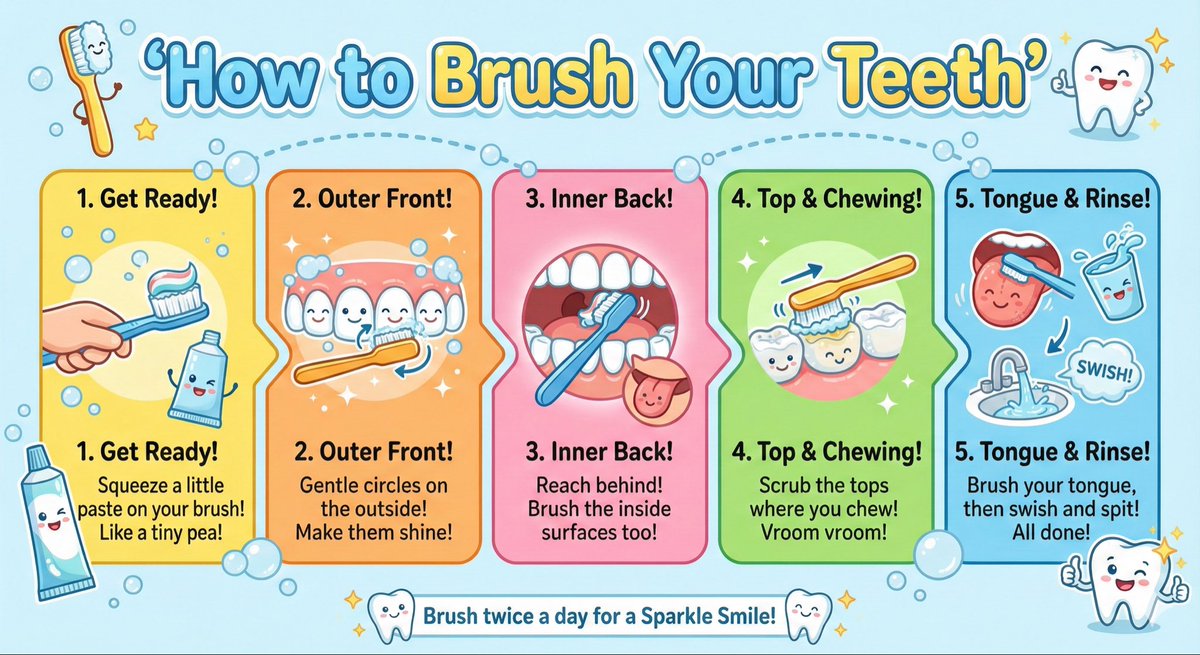
Create a kid-friendly ‘How to Brush Your Teeth’ poster with cartoon teeth, simple steps, bright colors, and big illustrations.

Google AI Ecosystem Diagram Generation

Google AI Ecosystem Diagram Generation

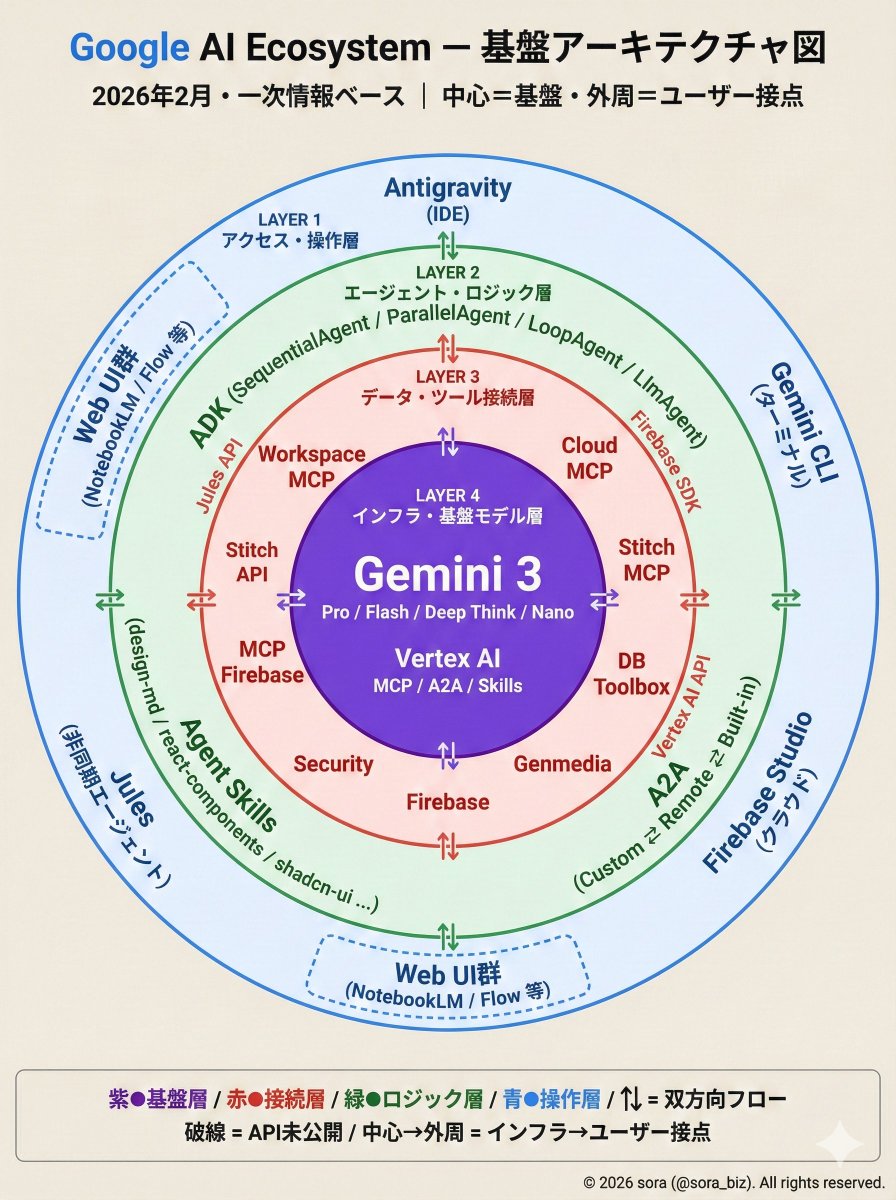
The Google AI ecosystem is organized into a four-layer structure based on primary information. There is a whole picture that cannot be seen from the tools alone. How MCP, ADK, and Antigravity connect around Gemini.

Technical Infographic Overlay on a Laptop Image

Technical Infographic Overlay on a Laptop Image

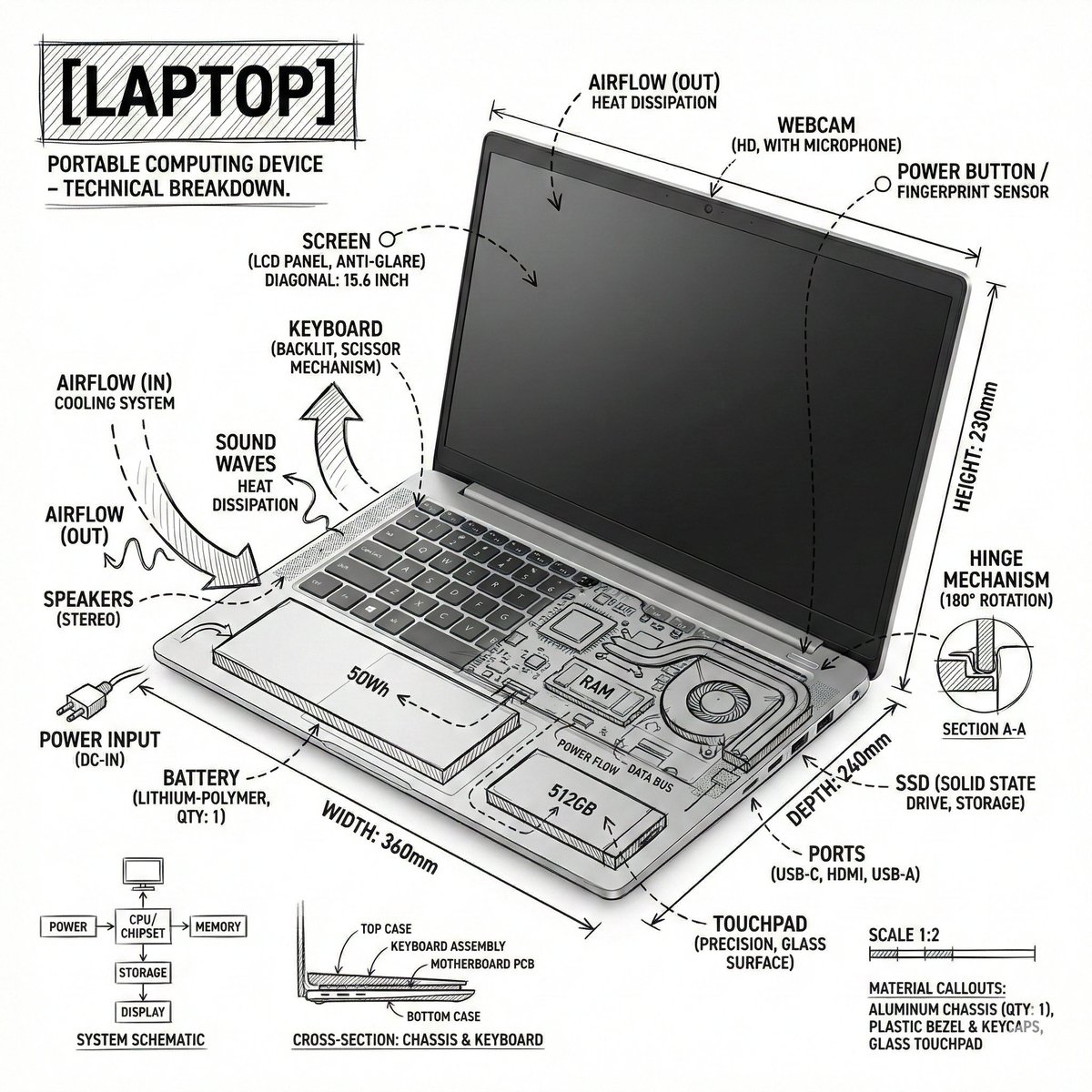
Create an infographic image of {argument name="object" default="laptop"} ,combining a realistic photograph or photoreal render of the object with technical annotation overlays placed directly on top. Use black ink–style line drawings and text (technical pen / architectural sketc…

部分提示词收录自 X 平台创作者,版权归原作者所有。