Kenerate AI
返回提示词库
Surreal Diorama and Don Quixote Miniature Prompts 1Surreal Diorama and Don Quixote Miniature Prompts 2
图像

Surreal Diorama and Don Quixote Miniature Prompts

Two detailed image generation prompts used with Nano Banana Pro. The first creates a surreal, clinical diorama of a futuristic hatching laboratory emerging from an open vintage book of 'Brave New World.' The second generates a hyper-realistic miniature sculpture diorama of a Spanish landscape and windmill scene from 'Don Quixote' within an open aged book.

提示词
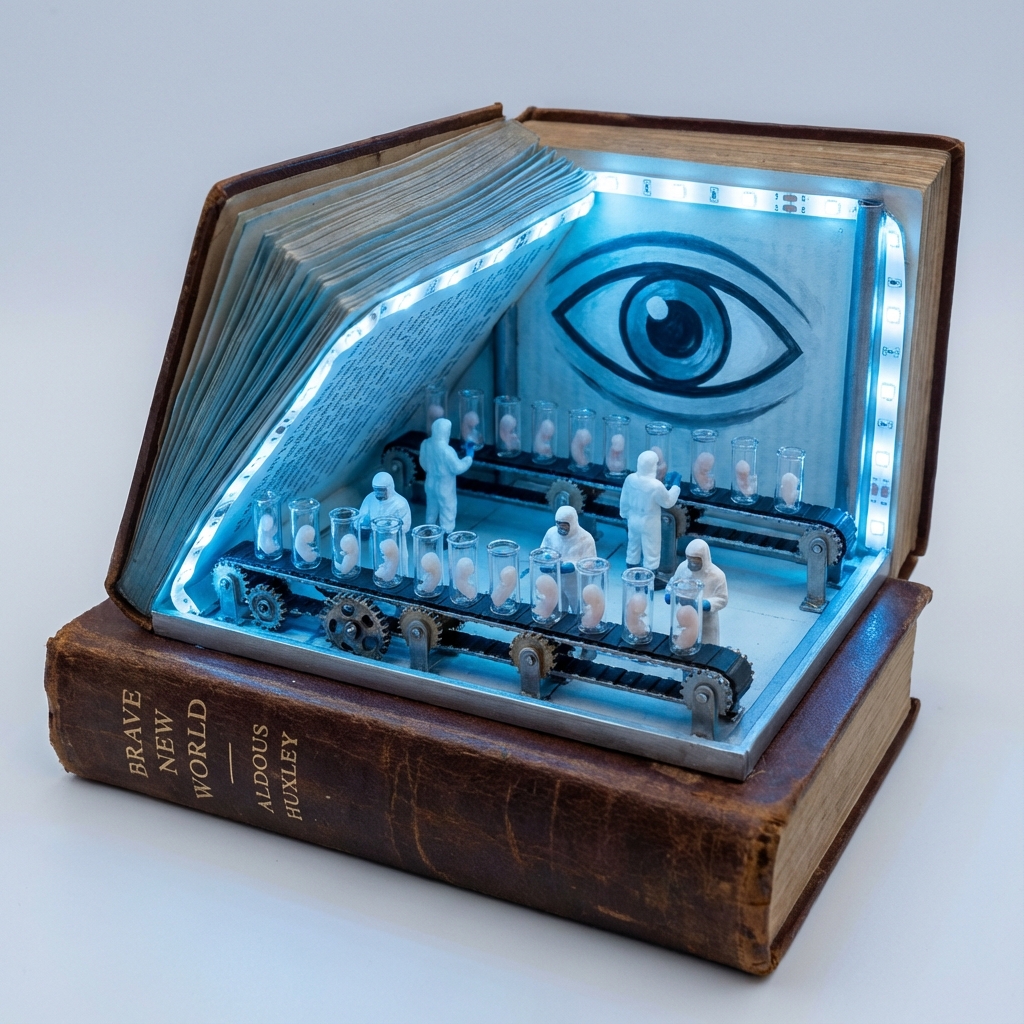
1. Surreal diorama emerging from an open vintage book of "{argument name="book title 1" default="Brave New World"}" by {argument name="author 1" default="Aldous Huxley"}: the pages form a futuristic hatching laboratory with rows of glowing test tubes containing embryonic figures on conveyor belts, lab-coated workers in white uniforms operating machines, a large all-seeing eye symbol on the wall, conveyor belts moving via hidden mechanisms, cool blue neon lighting, hyper-detailed miniature sculpture, clinical and eerie atmosphere, photorealistic.

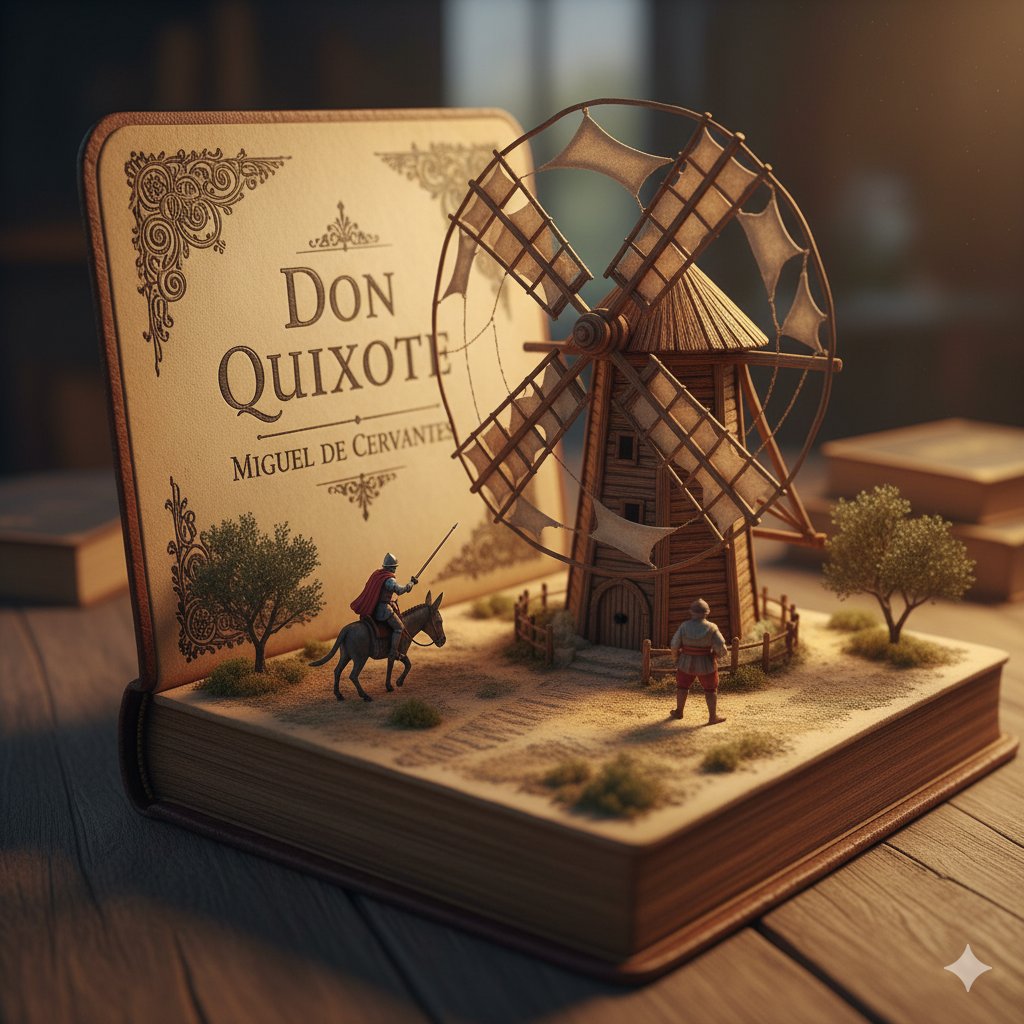
2. Detailed miniature diorama in an open aged book for "{argument name="book title 2" default="Don Quixote"}" by {argument name="author 2" default="Cervantes"}: left page with "{argument name="engraving text" default="DON QUIXOTE"}" engraved, right pages sculpted into a Spanish landscape with a massive wooden windmill turning slowly, tiny knight on horseback charging with lance raised, Sancho Panza on donkey following, dusty plains and gears for windmill blades, warm golden hour lighting, hyper-realistic handcrafted sculpture, whimsical yet epic scale.
作者
社区创作者
发布时间
2026年4月18日
使用场景
信息图 / 教育视觉

相似提示词

Clean Whiteboard Animation Illustration

Clean Whiteboard Animation Illustration

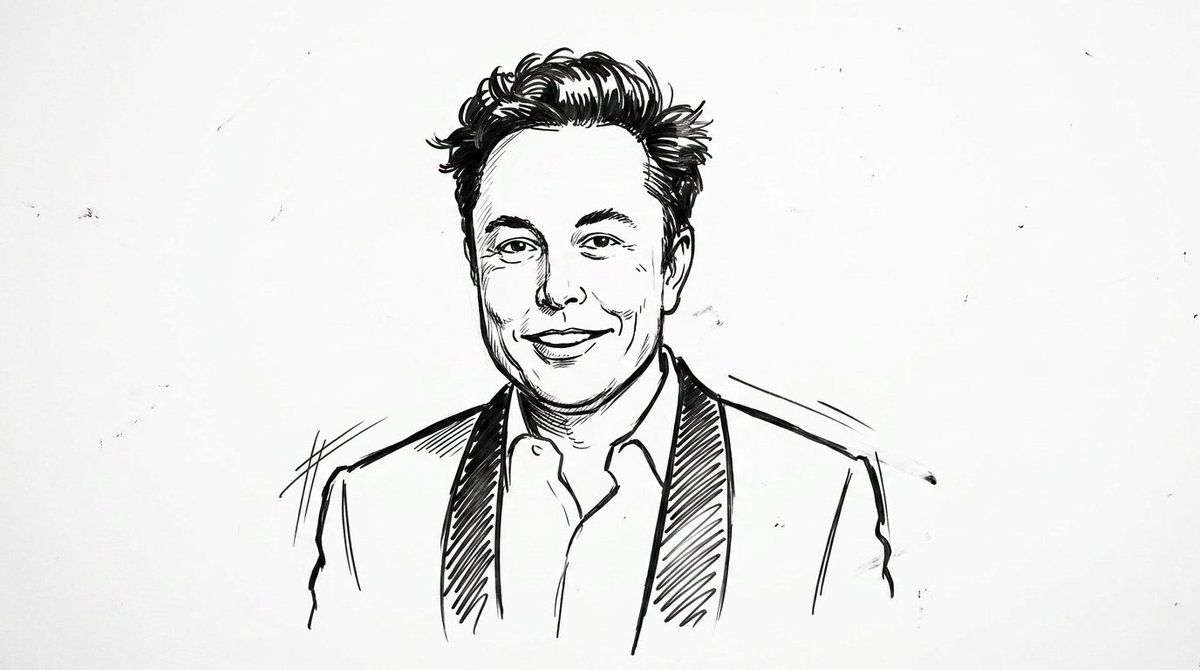
clean {argument name="style" default="whiteboard animation style"} illustration of the person from the reference image, drawn as a simple {argument name="medium" default="black marker sketch"} on a pure white background. Use bold hand-drawn outlines, minimal shading, and a slightly exaggerated cartoon-like style while still preserving the person’s recognizable facial features, hairstyle, and expression. Add subtle motion lines and sketch imperfections to mimic real hand-drawn animation. The character should appear as if being drawn on a whiteboard, with a casual, engaging, and educational vibe. Keep the composition minimal, high contrast, and visually clear, with no complex background elements
Nursery Fashion Style Blueprint Infographic

Nursery Fashion Style Blueprint Infographic

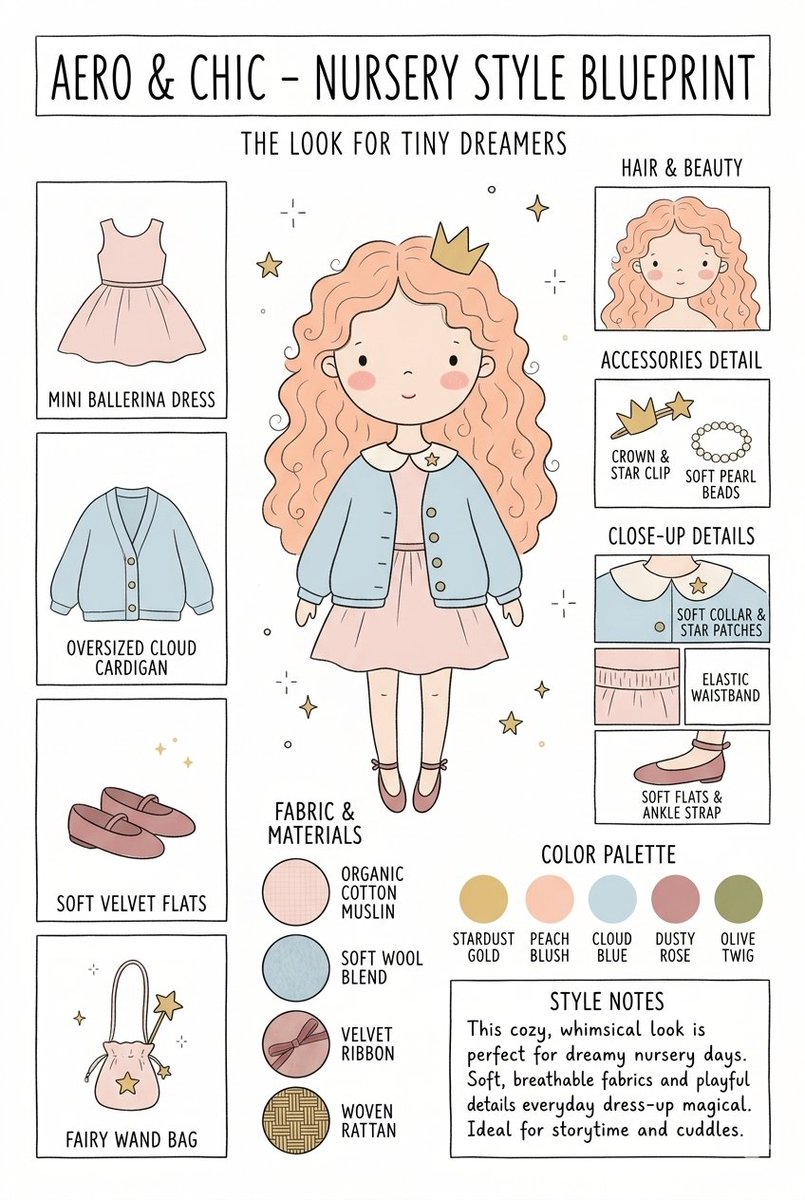
Create a matching pair of "{argument name="title" default="Aero & Chic - Nursery Style Blueprint"}" infographic concept posters, each featuring a full-body cartoon child in a curated outfit surrounded by illustrated fashion breakdowns. The first poster, titled "The Look for Tiny Dreamers," showcases a whimsical style with a girl wearing a {argument name="outfit 1" default="peach ballerina dress"} under an oversized cloud blue cardigan, complete with soft velvet flats, a crown clip, and a fairy wand bag, using a pastel color palette (stardust gold, peach blush, cloud blue, dusty rose, and olive twig). The second poster, titled "The Look for Tiny Artists," showcases a creative, functional style with a boy wearing a {argument name="outfit 2" default="splattered mustard paint smock"} over a striped studio shirt and green trousers, paired with leather ankle boots and a cat canvas tote bag, utilizing an earthy color palette (forest green, mushroom brown, slate blue, cream beige, and rust orange). Both posters must feature identical structural layouts, including side panels for clothing items, close-up details, accessories like beads, fabric swatches (such as organic cotton and wool blends), a color palette row, and a "Style Notes" text box at the bottom.

Kid-Friendly Routine Poster Prompt

Kid-Friendly Routine Poster Prompt

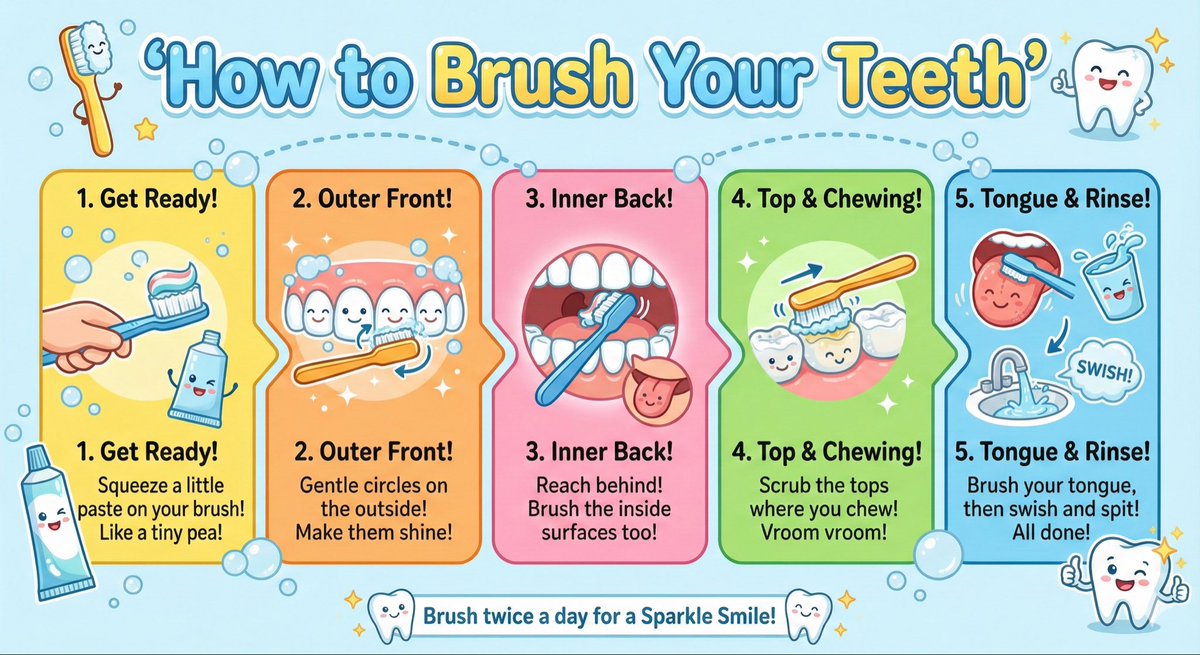
Create a kid-friendly ‘How to Brush Your Teeth’ poster with cartoon teeth, simple steps, bright colors, and big illustrations.

Google AI Ecosystem Diagram Generation

Google AI Ecosystem Diagram Generation

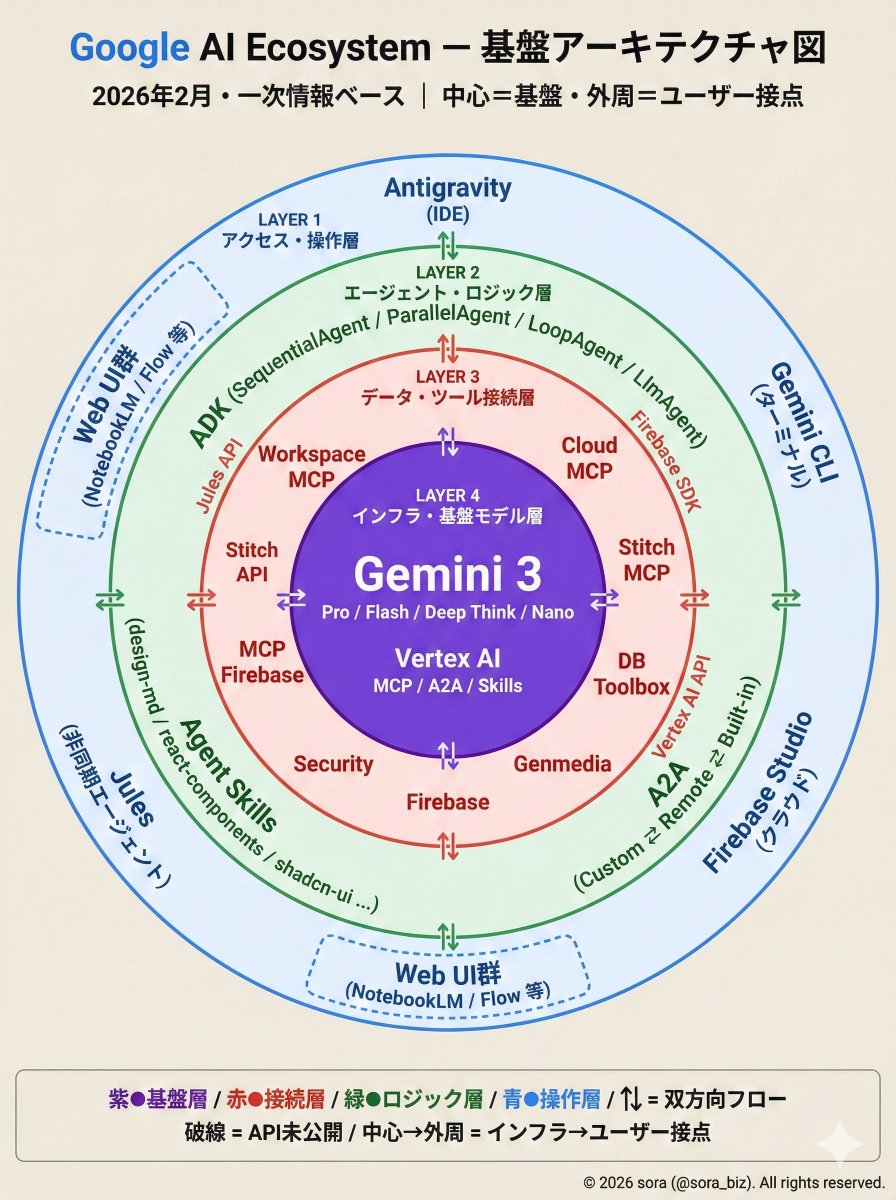
The Google AI ecosystem is organized into a four-layer structure based on primary information. There is a whole picture that cannot be seen from the tools alone. How MCP, ADK, and Antigravity connect around Gemini.

Technical Infographic Overlay on a Laptop Image

Technical Infographic Overlay on a Laptop Image

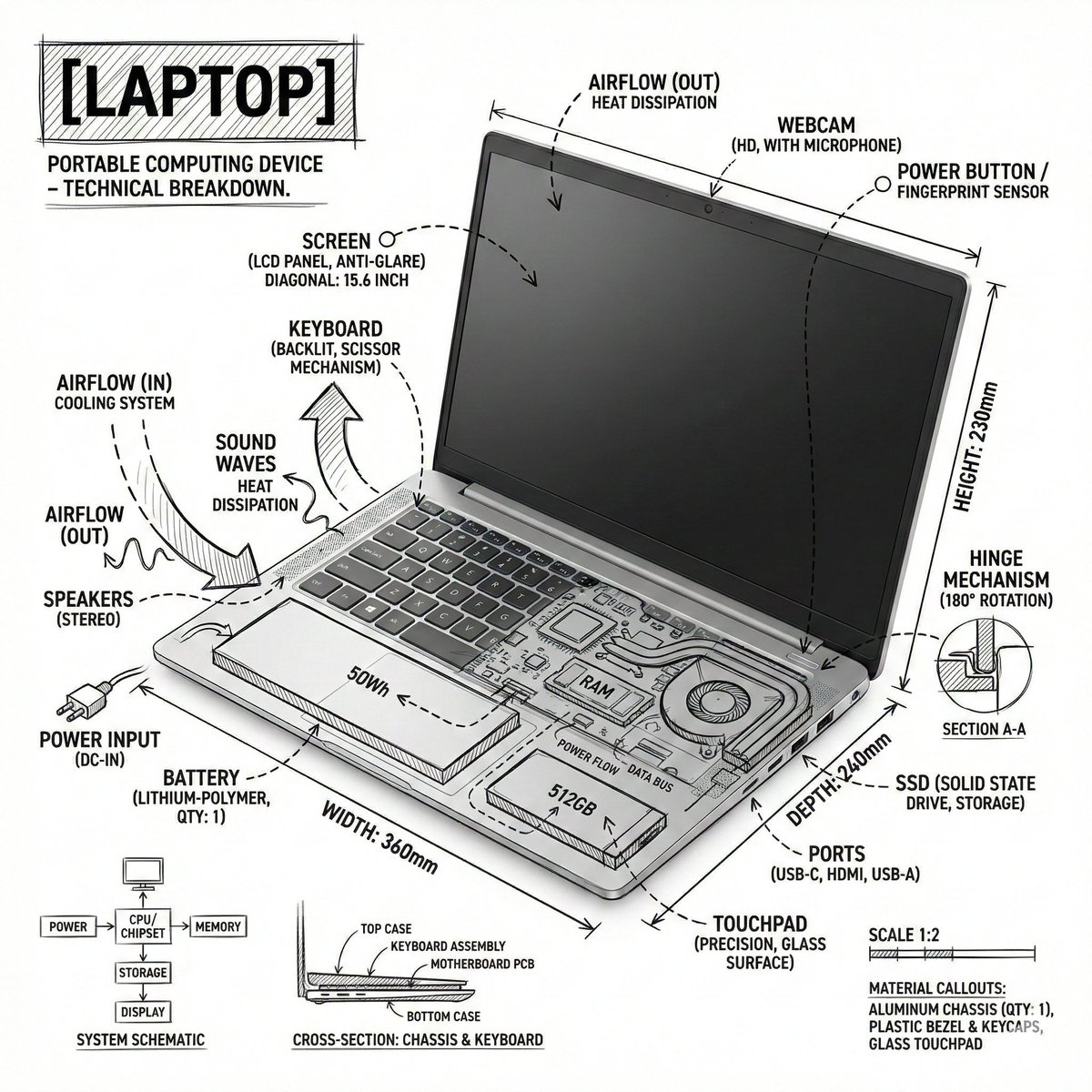
Create an infographic image of {argument name="object" default="laptop"} ,combining a realistic photograph or photoreal render of the object with technical annotation overlays placed directly on top. Use black ink–style line drawings and text (technical pen / architectural sketch look) on a pure white studio background, including: •Key component labels •Internal cutaway or exploded-view outlines •Measurements, dimensions, and scale markers •Material callouts and quantities •Arrows indicating function, force, or flow (air, sound, power, pressure) •Simple schematic or sectional diagrams where relevant Place the title [OBJECT] inside a hand-drawn technical annotation box in one corner. Style & layout rules: •The real object remains clearly visible beneath the annotations •Annotations feel sketched, technical, and architectural •Clean composition with balanced negative space •Educational, museum-exhibit / engineering-manual vibe Visual style: Minimal technical illustration aesthetic, black linework over realistic imagery, precise but slightly hand-drawn feel. Color palette: White background, black annotation lines and text only. No colors. Output: 1080×1080, ultra-crisp, social-feed optimized, no watermark.”

部分提示词收录自 X 平台创作者,版权归原作者所有。