Kenerate AI
Back to library
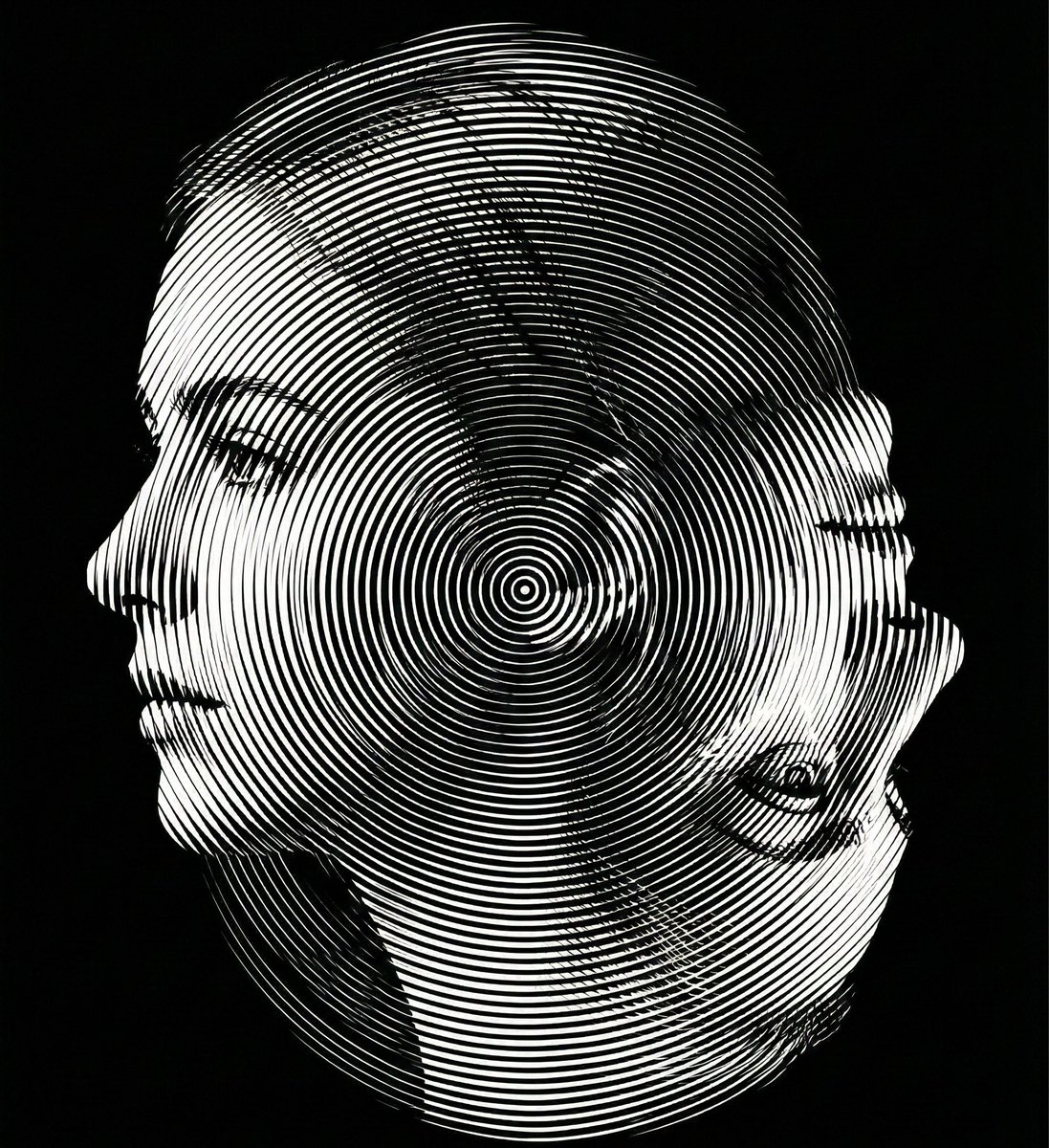
Dual-Orientation Optical Illusion Portrait 1
Image

Dual-Orientation Optical Illusion Portrait

A highly technical prompt for generating a dual-orientation optical illusion portrait in strict monochrome, where the image reveals a young woman's side profile when viewed upright, and an elderly woman's side profile when rotated 180 degrees, requiring precise contour reinterpretation and Moiré interference surface application.

Prompt
Create a dual-orientation optical illusion portrait.
When viewed in normal upright position (0° orientation), the image must clearly reveal a young woman’s left-facing side profile.
When the image is rotated 180 degrees (phone flipped upside down), the same composition must reveal an elderly woman’s side profile.
Both identities must share the exact same contour structure and occupy identical spatial boundaries. No separate drawings, no split screen, no overlay. The transformation must occur purely through contour reinterpretation and structural ambiguity.
Design the contour so that:
The young woman’s chin becomes the elderly woman’s nose when rotated.
The young woman’s ear becomes the elderly woman’s eye socket.
The young woman’s neckline becomes the elderly woman’s mouth and chin structure.
Apply a Moiré interference surface using ultra-thin radial or dual-frequency line patterns across the entire composition. The interference pattern must enhance depth without breaking the dual-orientation illusion.
Strict monochrome palette. Black background (#000000) with white or light gray line structures only. No color. No gradients except those created by line density. No blur. No texture noise.
Ultra-precise vector alignment. High contrast. Clean silhouette edges. 8K ultra-high resolution. Aspect ratio 4:5.
The illusion must be readable in both orientations.
Author
Community
Published
Mar 20, 2026
Use cases
Infographic / Education

More prompts like this

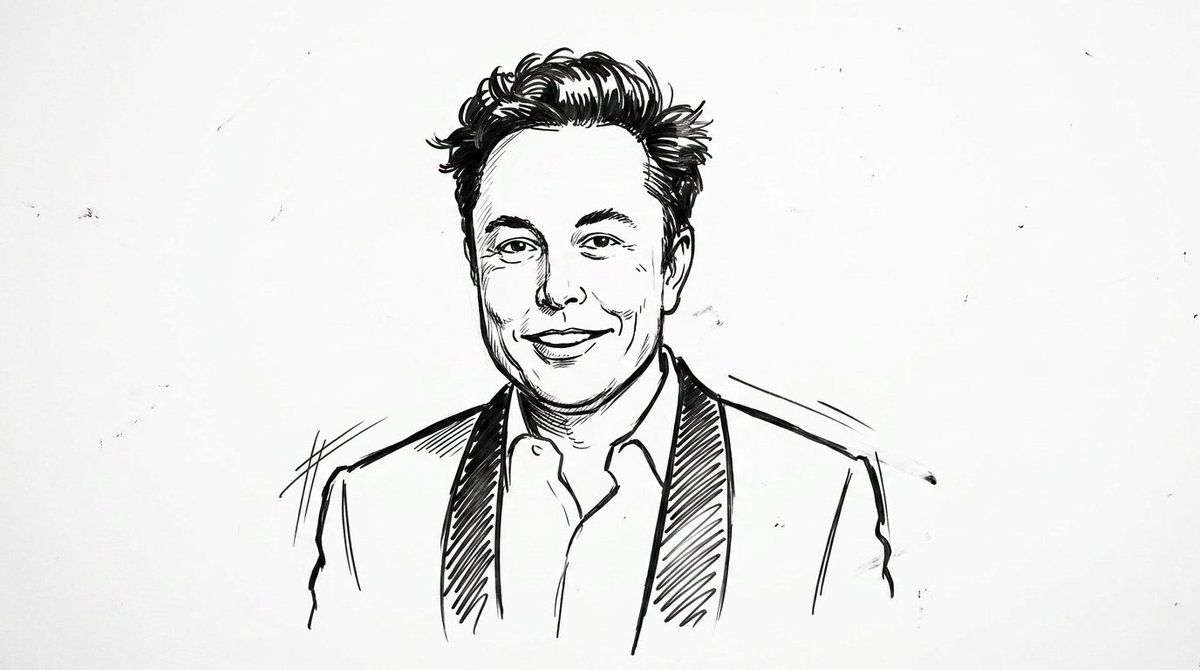
Clean Whiteboard Animation Illustration

Clean Whiteboard Animation Illustration

clean {argument name="style" default="whiteboard animation style"} illustration of the person from the reference image, drawn as a simple {argument name="medium" default="black marker sketch"} on a pure white background. Use bold hand-drawn outlines, minimal shading, and a slightly exaggerated cartoon-like style while still preserving the person’s recognizable facial features, hairstyle, and expression. Add subtle motion lines and sketch imperfections to mimic real hand-drawn animation. The character should appear as if being drawn on a whiteboard, with a casual, engaging, and educational vibe. Keep the composition minimal, high contrast, and visually clear, with no complex background elements
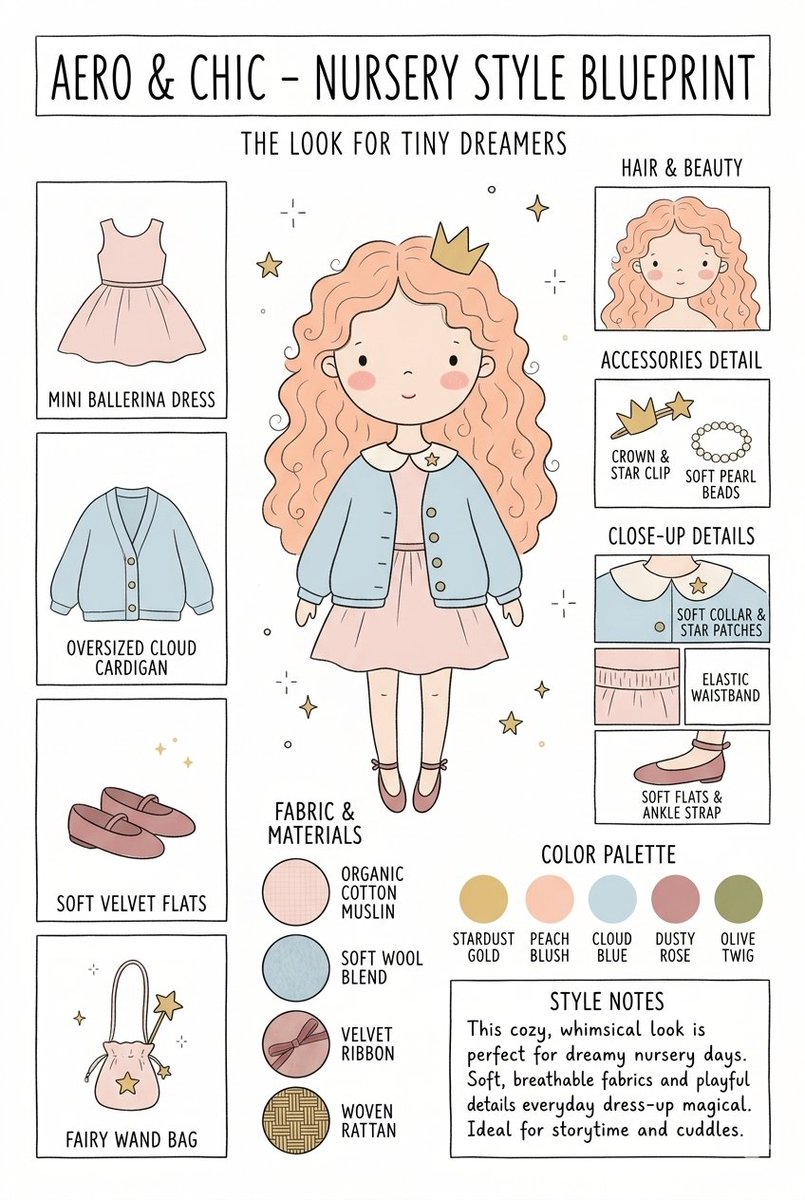
Nursery Fashion Style Blueprint Infographic

Nursery Fashion Style Blueprint Infographic

Create a matching pair of "{argument name="title" default="Aero & Chic - Nursery Style Blueprint"}" infographic concept posters, each featuring a full-body cartoon child in a curated outfit surrounded by illustrated fashion breakdowns. The first poster, titled "The Look for Tiny Dreamers," showcases a whimsical style with a girl wearing a {argument name="outfit 1" default="peach ballerina dress"} under an oversized cloud blue cardigan, complete with soft velvet flats, a crown clip, and a fairy wand bag, using a pastel color palette (stardust gold, peach blush, cloud blue, dusty rose, and olive twig). The second poster, titled "The Look for Tiny Artists," showcases a creative, functional style with a boy wearing a {argument name="outfit 2" default="splattered mustard paint smock"} over a striped studio shirt and green trousers, paired with leather ankle boots and a cat canvas tote bag, utilizing an earthy color palette (forest green, mushroom brown, slate blue, cream beige, and rust orange). Both posters must feature identical structural layouts, including side panels for clothing items, close-up details, accessories like beads, fabric swatches (such as organic cotton and wool blends), a color palette row, and a "Style Notes" text box at the bottom.

Kid-Friendly Routine Poster Prompt

Kid-Friendly Routine Poster Prompt

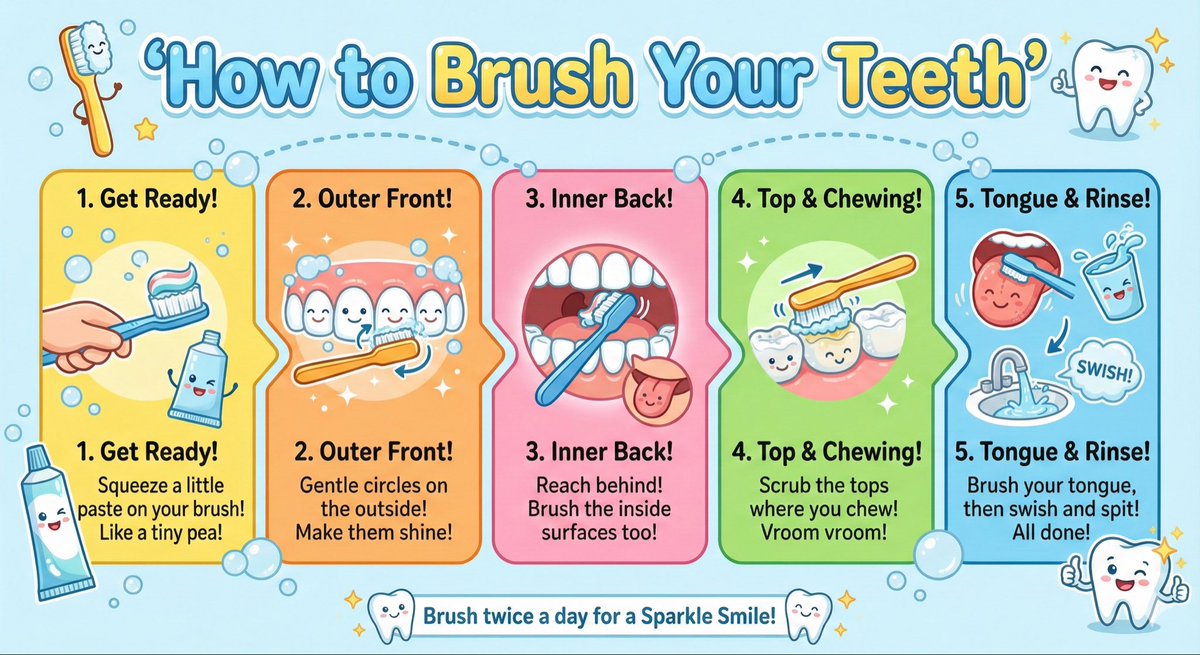
Create a kid-friendly ‘How to Brush Your Teeth’ poster with cartoon teeth, simple steps, bright colors, and big illustrations.

Google AI Ecosystem Diagram Generation

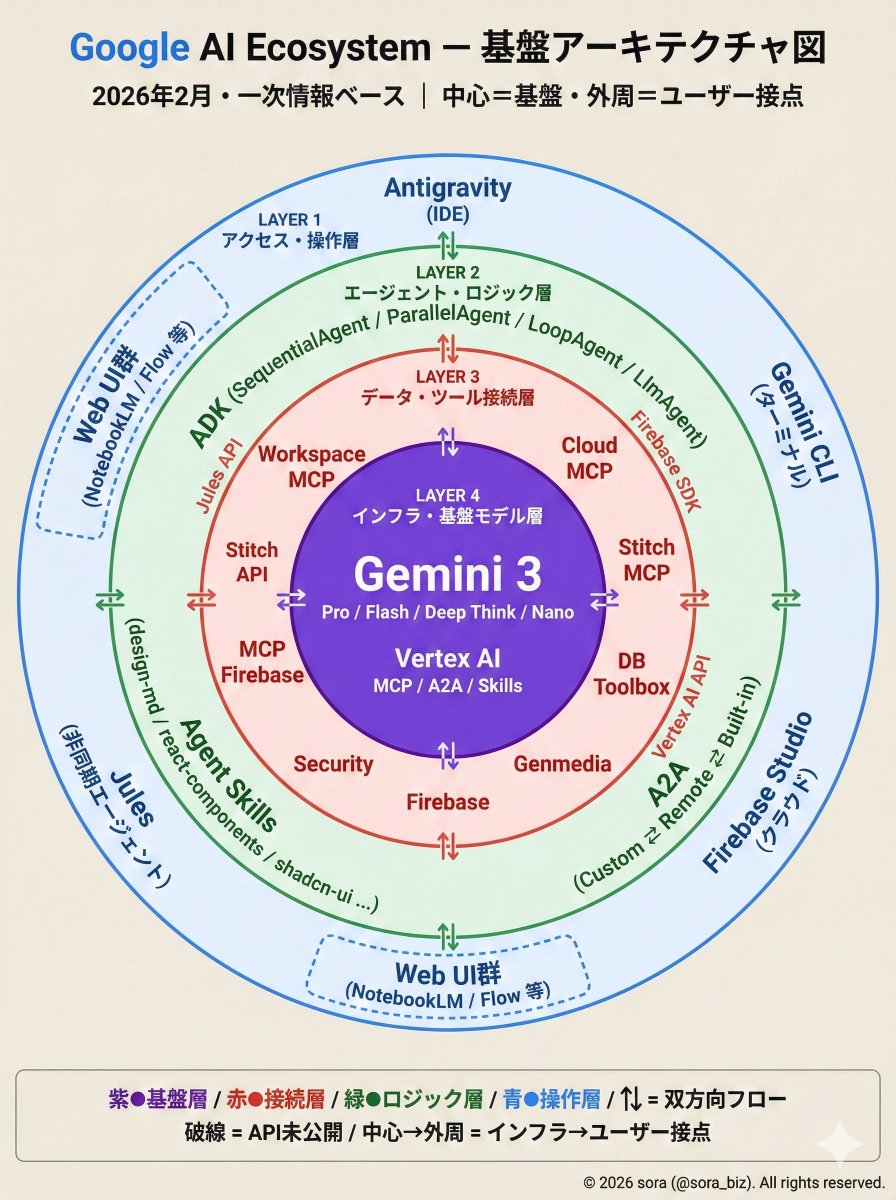
Google AI Ecosystem Diagram Generation

The Google AI ecosystem is organized into a four-layer structure based on primary information. There is a whole picture that cannot be seen from the tools alone. How MCP, ADK, and Antigravity connect around Gemini.

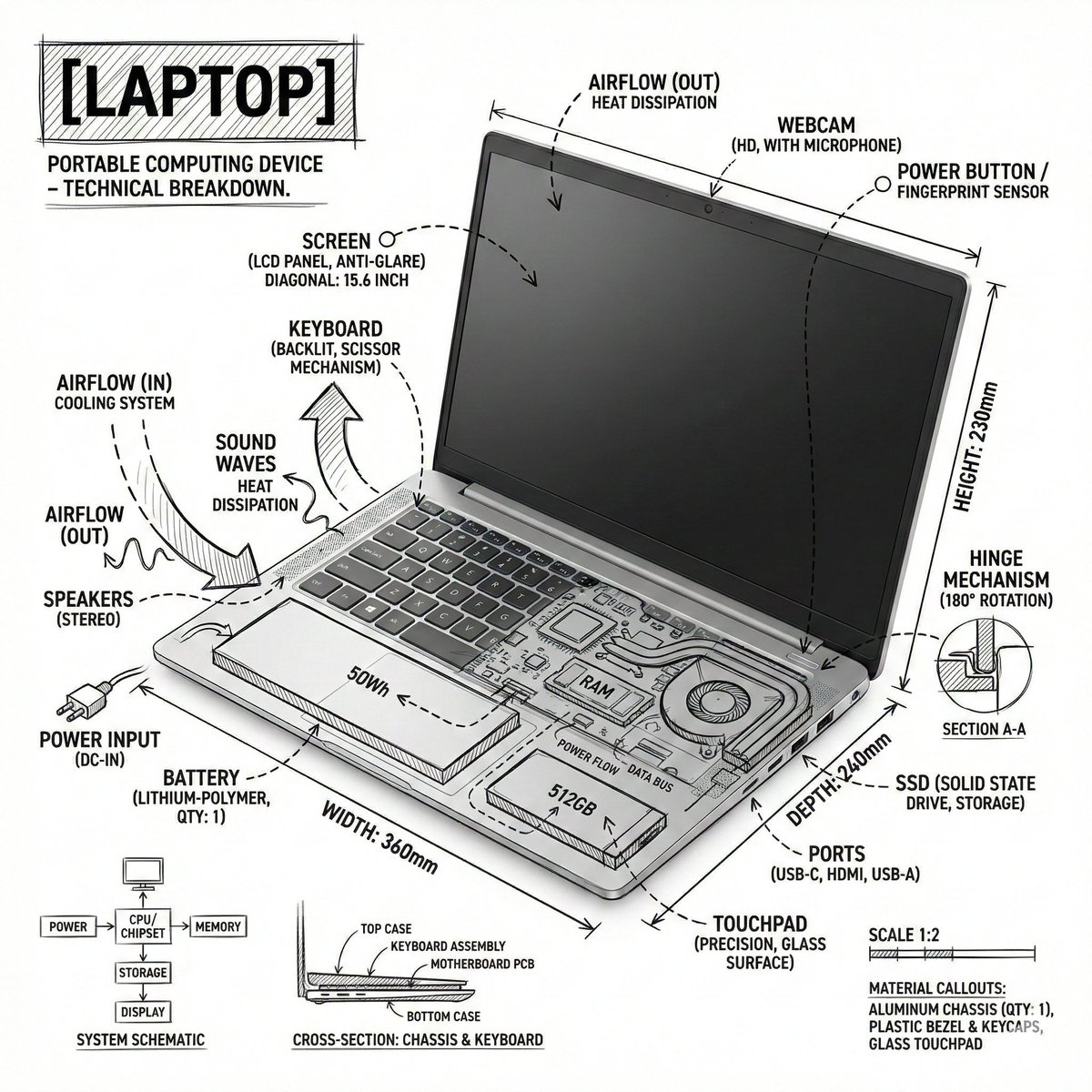
Technical Infographic Overlay on a Laptop Image

Technical Infographic Overlay on a Laptop Image

Create an infographic image of {argument name="object" default="laptop"} ,combining a realistic photograph or photoreal render of the object with technical annotation overlays placed directly on top. Use black ink–style line drawings and text (technical pen / architectural sketch look) on a pure white studio background, including: •Key component labels •Internal cutaway or exploded-view outlines •Measurements, dimensions, and scale markers •Material callouts and quantities •Arrows indicating function, force, or flow (air, sound, power, pressure) •Simple schematic or sectional diagrams where relevant Place the title [OBJECT] inside a hand-drawn technical annotation box in one corner. Style & layout rules: •The real object remains clearly visible beneath the annotations •Annotations feel sketched, technical, and architectural •Clean composition with balanced negative space •Educational, museum-exhibit / engineering-manual vibe Visual style: Minimal technical illustration aesthetic, black linework over realistic imagery, precise but slightly hand-drawn feel. Color palette: White background, black annotation lines and text only. No colors. Output: 1080×1080, ultra-crisp, social-feed optimized, no watermark.”

Some prompts are collected from creators on X. Copyright belongs to the original authors.