Kenerate AI
Back to library
Medieval Altarpiece Display of Ghormeh Sabzi 1
ImageNeeds reference image

Medieval Altarpiece Display of Ghormeh Sabzi

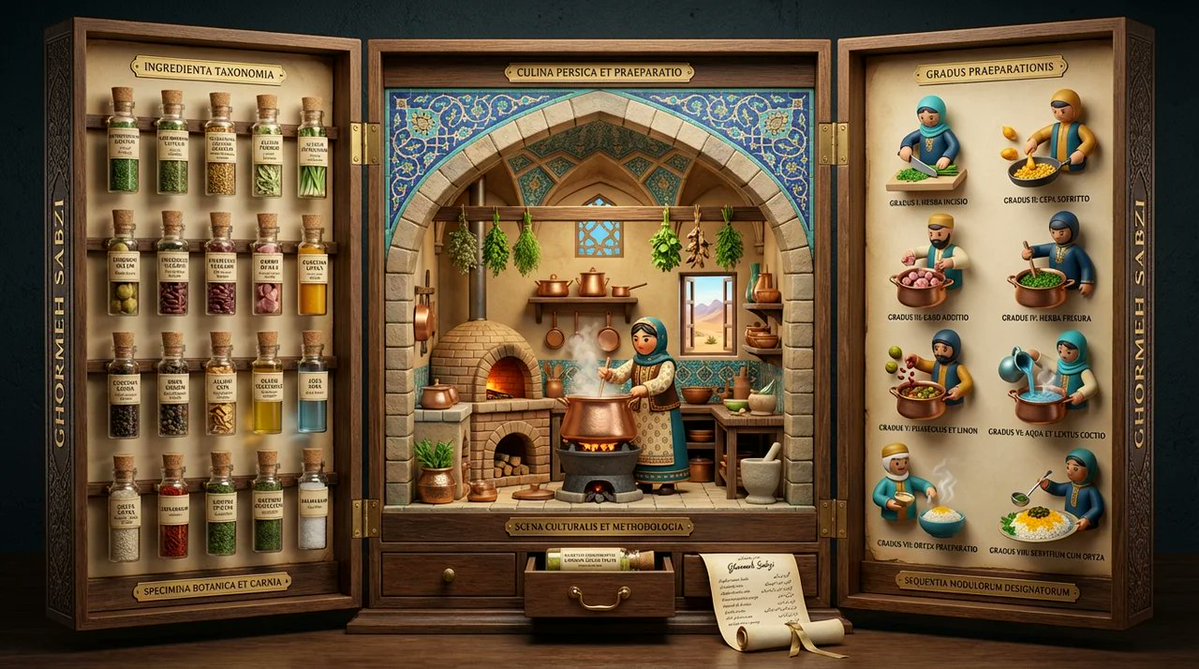
A complex, multi-panel prompt designed to visualize an international dish (Ghormeh Sabzi) as a medieval altarpiece. It details the structure of the three panels, requiring elements like ingredient specimens, a 3D pop-up diorama, and preparation steps rendered in a 3D designer toy style, all within a museum exhibition setting.

Prompt
<instruction> Input A is a famous dish (photo or dish name). Analyze the dish's ingredient taxonomy, preparation methodology, cultural preparation setting, and historical documentation style.
Optional Input B is a style reference (3d mod designer toy luxury product packaging).  
Goal: Three-panel folding display (12" tall, 36" wide when open) structured like a medieval altarpiece, with each panel revealing different aspects of the dish's story through museum-quality presentation.
Rules:
Left panel: 15-20 ingredients mounted as specimens in tiny bottles with handwritten Latin/scientific labels
Center panel: 3D pop-up kitchen diorama with cultural figure preparing dish, architectural elements from origin region
Right panel: 6-8 precise preparation steps as 3d mod designer toy style
Closes into protective case with magnetic closure and embossed exterior
Exterior: ornate typography with dish name in gold foil
Small drawer at base containing actual spice sample or "secret ingredient"
Color palette drawn from traditional pottery/textiles of origin culture
Include tiny rolled "scroll" with full recipe in calligraphy
Output: ONE image, 16:9 showing triptych fully opened, shot straight-on, museum exhibition lighting </instruction>
Author
Community
Published
Jun 3, 2026
Use cases
Infographic / EducationProduct marketing

More prompts like this

Clean Whiteboard Animation Illustration

Clean Whiteboard Animation Illustration

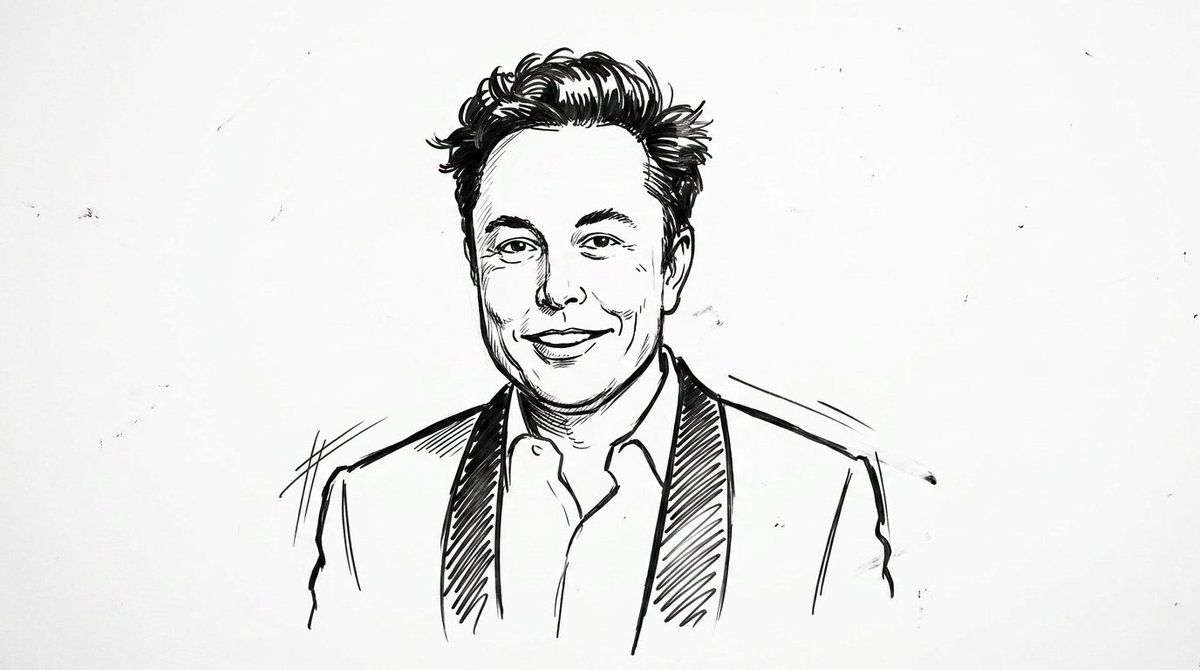
clean {argument name="style" default="whiteboard animation style"} illustration of the person from the reference image, drawn as a simple {argument name="medium" default="black marker sketch"} on a pure white background. Use bold hand-drawn outlines, minimal shading, and a slightly exaggerated cartoon-like style while still preserving the person’s recognizable facial features, hairstyle, and expression. Add subtle motion lines and sketch imperfections to mimic real hand-drawn animation. The character should appear as if being drawn on a whiteboard, with a casual, engaging, and educational vibe. Keep the composition minimal, high contrast, and visually clear, with no complex background elements
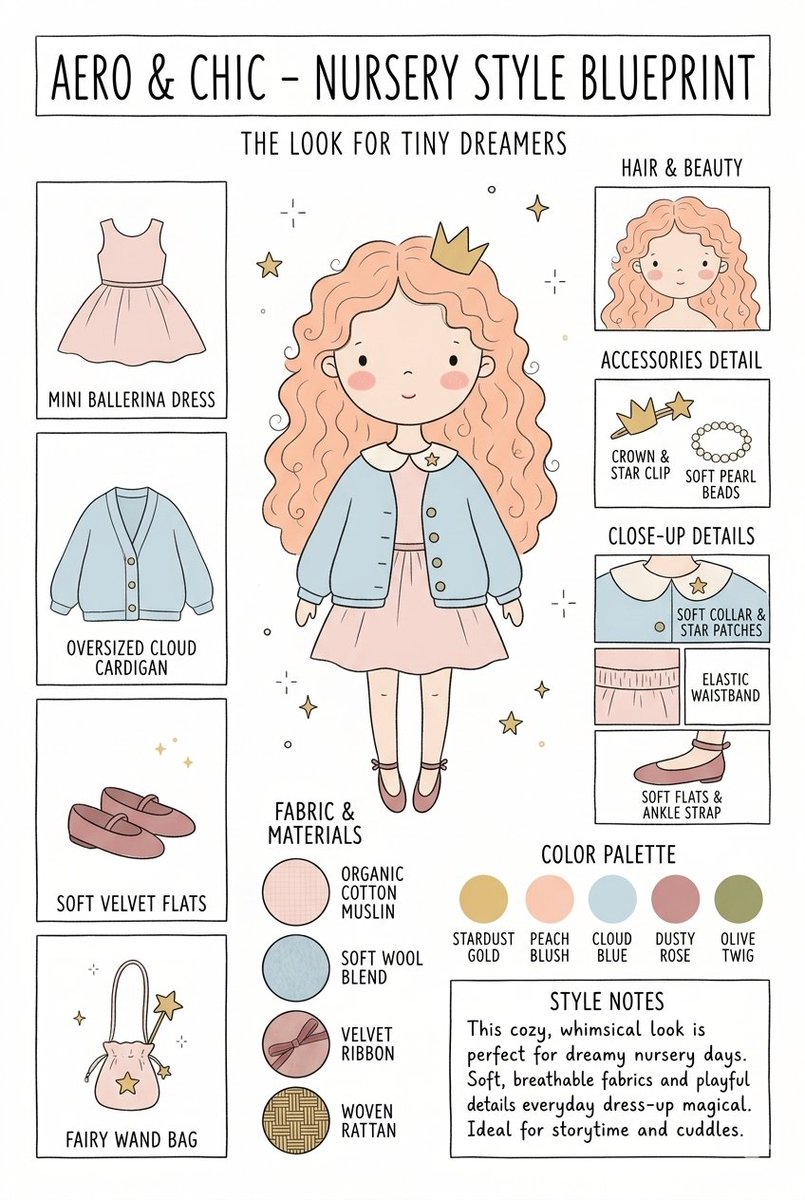
Nursery Fashion Style Blueprint Infographic

Nursery Fashion Style Blueprint Infographic

Create a matching pair of "{argument name="title" default="Aero & Chic - Nursery Style Blueprint"}" infographic concept posters, each featuring a full-body cartoon child in a curated outfit surrounded by illustrated fashion breakdowns. The first poster, titled "The Look for Tiny Dreamers," showcases a whimsical style with a girl wearing a {argument name="outfit 1" default="peach ballerina dress"} under an oversized cloud blue cardigan, complete with soft velvet flats, a crown clip, and a fairy wand bag, using a pastel color palette (stardust gold, peach blush, cloud blue, dusty rose, and olive twig). The second poster, titled "The Look for Tiny Artists," showcases a creative, functional style with a boy wearing a {argument name="outfit 2" default="splattered mustard paint smock"} over a striped studio shirt and green trousers, paired with leather ankle boots and a cat canvas tote bag, utilizing an earthy color palette (forest green, mushroom brown, slate blue, cream beige, and rust orange). Both posters must feature identical structural layouts, including side panels for clothing items, close-up details, accessories like beads, fabric swatches (such as organic cotton and wool blends), a color palette row, and a "Style Notes" text box at the bottom.

Kid-Friendly Routine Poster Prompt

Kid-Friendly Routine Poster Prompt

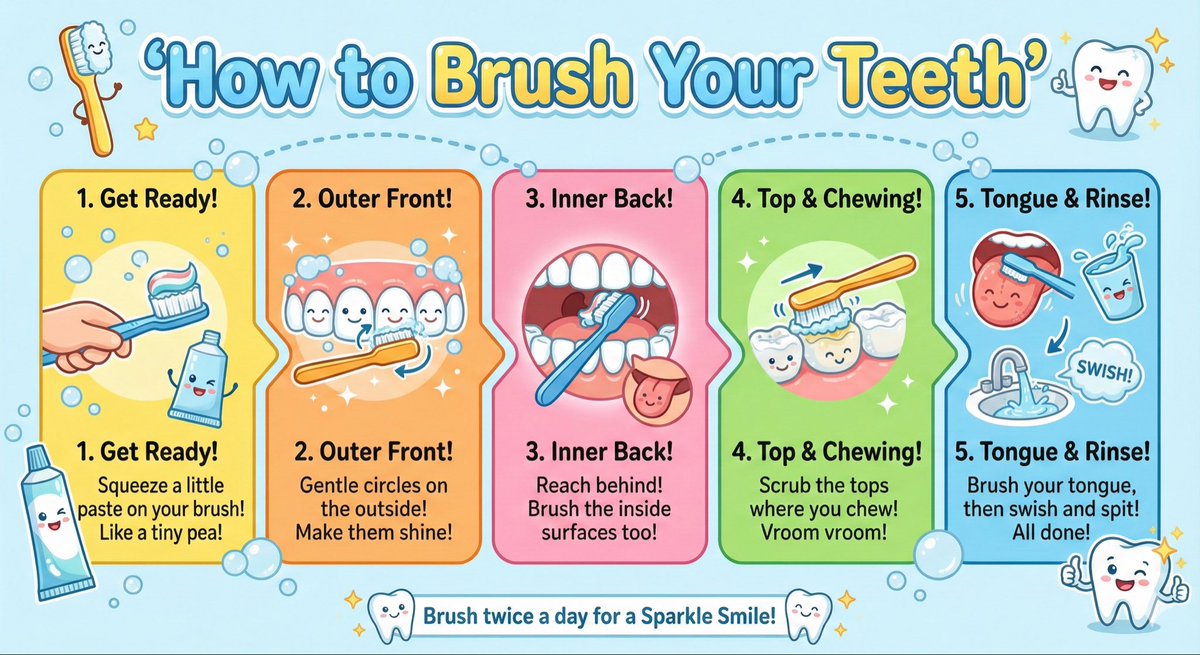
Create a kid-friendly ‘How to Brush Your Teeth’ poster with cartoon teeth, simple steps, bright colors, and big illustrations.

Google AI Ecosystem Diagram Generation

Google AI Ecosystem Diagram Generation

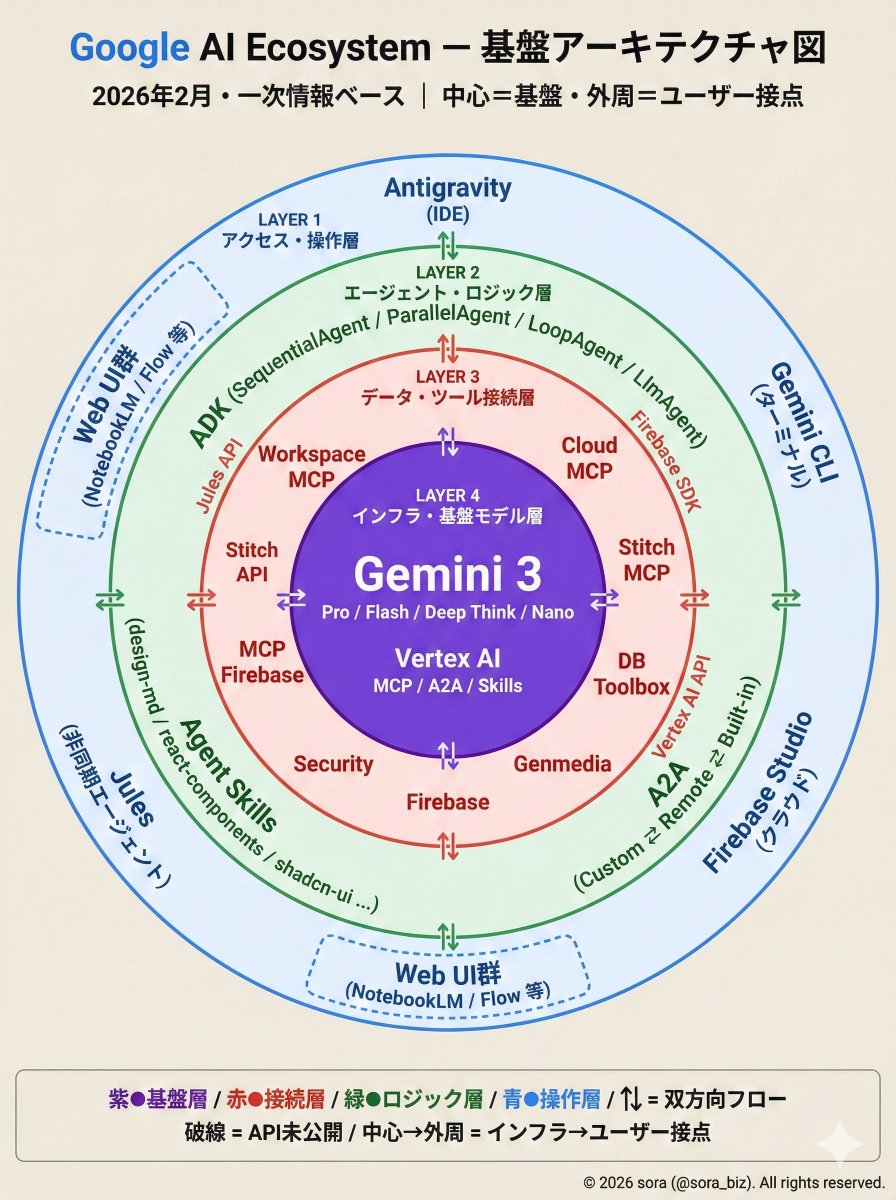
The Google AI ecosystem is organized into a four-layer structure based on primary information. There is a whole picture that cannot be seen from the tools alone. How MCP, ADK, and Antigravity connect around Gemini.

Technical Infographic Overlay on a Laptop Image

Technical Infographic Overlay on a Laptop Image

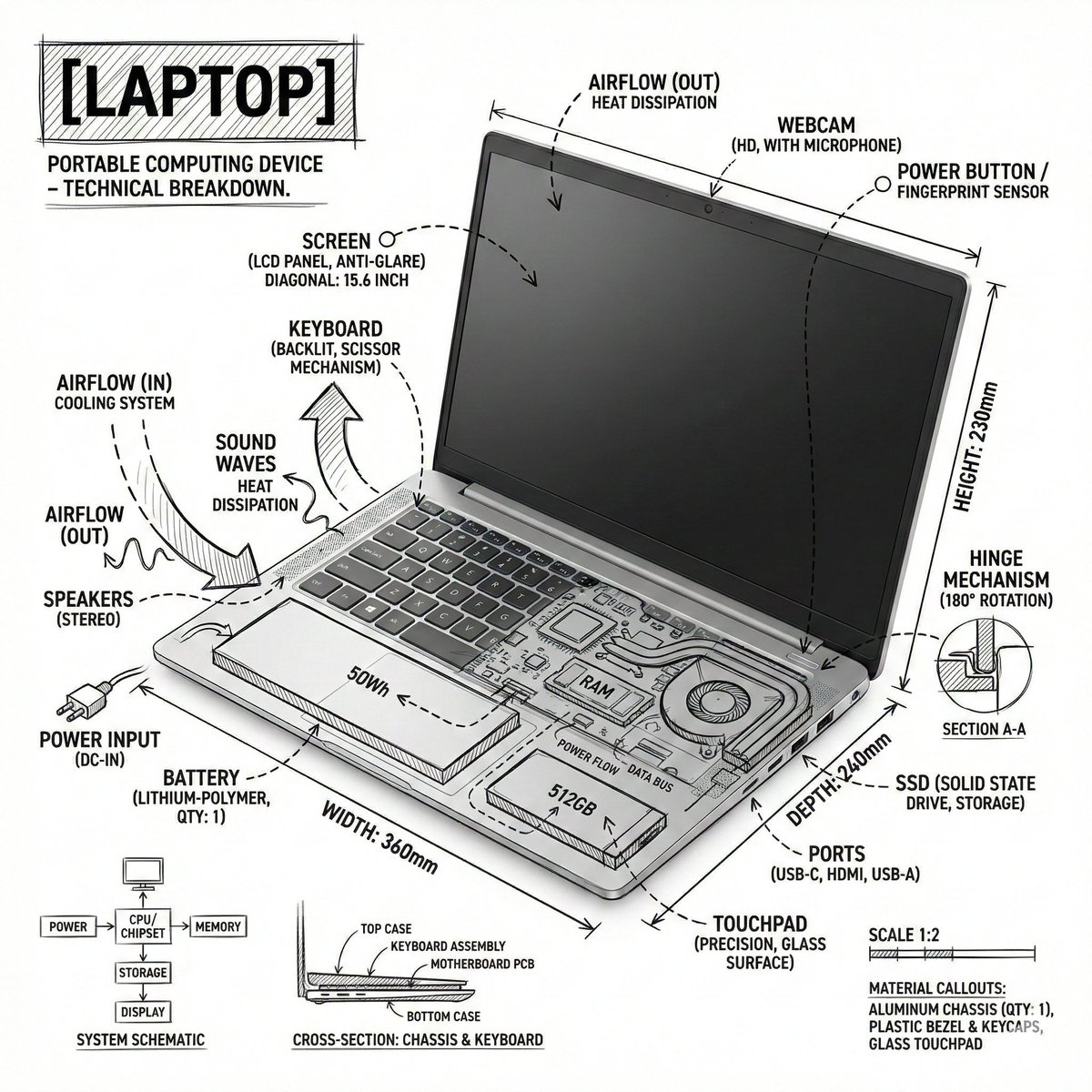
Create an infographic image of {argument name="object" default="laptop"} ,combining a realistic photograph or photoreal render of the object with technical annotation overlays placed directly on top. Use black ink–style line drawings and text (technical pen / architectural sketch look) on a pure white studio background, including: •Key component labels •Internal cutaway or exploded-view outlines •Measurements, dimensions, and scale markers •Material callouts and quantities •Arrows indicating function, force, or flow (air, sound, power, pressure) •Simple schematic or sectional diagrams where relevant Place the title [OBJECT] inside a hand-drawn technical annotation box in one corner. Style & layout rules: •The real object remains clearly visible beneath the annotations •Annotations feel sketched, technical, and architectural •Clean composition with balanced negative space •Educational, museum-exhibit / engineering-manual vibe Visual style: Minimal technical illustration aesthetic, black linework over realistic imagery, precise but slightly hand-drawn feel. Color palette: White background, black annotation lines and text only. No colors. Output: 1080×1080, ultra-crisp, social-feed optimized, no watermark.”

Some prompts are collected from creators on X. Copyright belongs to the original authors.