Kenerate AI
Back to library
Overhead Superhero Mahjong Scene Prompt (WeChat Moments Style) 1Overhead Superhero Mahjong Scene Prompt (WeChat Moments Style) 2
Image

Overhead Superhero Mahjong Scene Prompt (WeChat Moments Style)

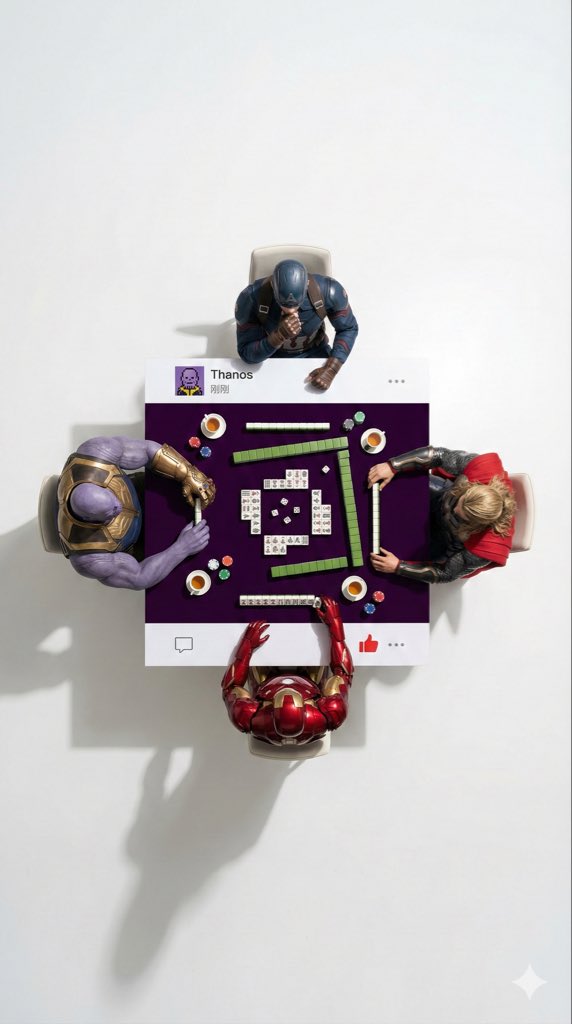
A detailed, structured prompt for generating a surreal, ultra-wide overhead flat lay photograph featuring four characters (specifically Marvel superheroes in the example) playing Mahjong on a custom table designed to look like a WeChat Moments post. The prompt meticulously defines the composition, negative space, lighting, and the specific design elements of the table's top and bottom borders to mimic the social media interface.

Prompt
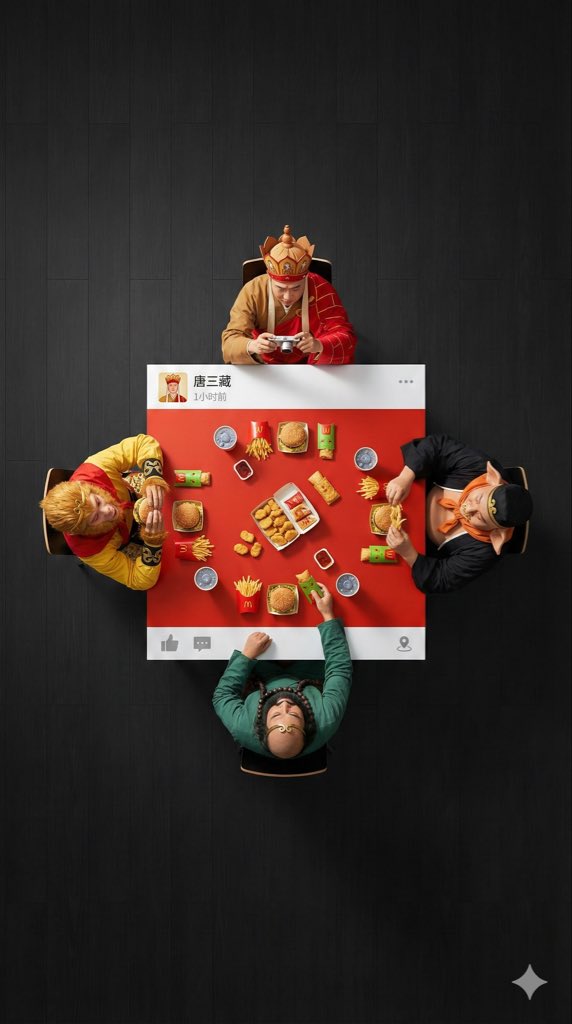
An ultra-wide, surreal, 9:16 overhead flat lay photograph. A group of 4 [{argument name="characters" default="characters"}] are seated around a square table, one person on each side. The camera is pulled back significantly to create a large amount of negative space (empty floor area) around the people and the table, ensuring a clean, minimalist composition.

The scene is [{argument name="scene" default="scene"}]: [Characters] are wearing their classic costumes, and their interaction is as follows: [DESCRIBE ACTION OF EACH PERSON]

The table is a custom physical prop, designed to look like a WeChat Moments post: with solid white bands only on the top and bottom edges (no white borders on the left and right sides).
- The top white band features a personal profile picture, with a [{argument name="LOGO DESCRIPTION" default="a cool poker avatar or real photo"}], the username “[USERNAME]” is drawn on the right, followed by the posting time text (e.g., “1 hour ago” or “Just now”), and the “...” more options icon on the far right.
- The bottom white band features a right-pointing arrow “Comment” icon (with a bubble shape) and a “Like” icon (WeChat's characteristic thumbs-up icon, which can be designed as gray unliked or red liked) on the right side, separated by a vertical line; the far left or middle can be left blank or include a small location icon (if location is tagged).

The center of the table is painted [EXACT CENTER COLOR & HEX CODE], and the objects on the table are [FOOD/OBJECTS DESCRIPTION].
Important: All objects and hands interacting with them are strictly confined to this central [COLOR] painted area. Nothing should extend onto the white bands or beyond the table boundaries. The floor background is [FLOOR COLOR, e.g., minimalist clean solid color] to create visual separation. Professional studio lighting with distinct cast shadows. 8K, sharp focus.
Author
Community
Published
Dec 29, 2025
Use cases
Infographic / EducationSocial media post

More prompts like this

Clean Whiteboard Animation Illustration

Clean Whiteboard Animation Illustration

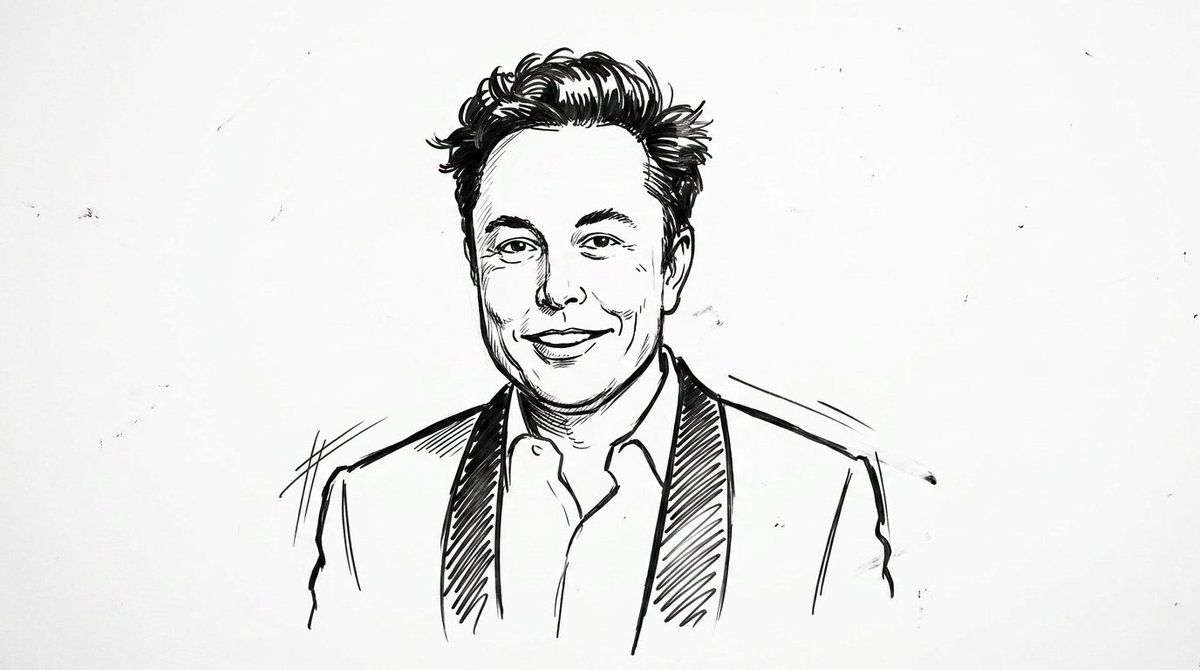
clean {argument name="style" default="whiteboard animation style"} illustration of the person from the reference image, drawn as a simple {argument name="medium" default="black marker sketch"} on a pure white background. Use bold hand-drawn outlines, minimal shading, and a slightly exaggerated cartoon-like style while still preserving the person’s recognizable facial features, hairstyle, and expression. Add subtle motion lines and sketch imperfections to mimic real hand-drawn animation. The character should appear as if being drawn on a whiteboard, with a casual, engaging, and educational vibe. Keep the composition minimal, high contrast, and visually clear, with no complex background elements
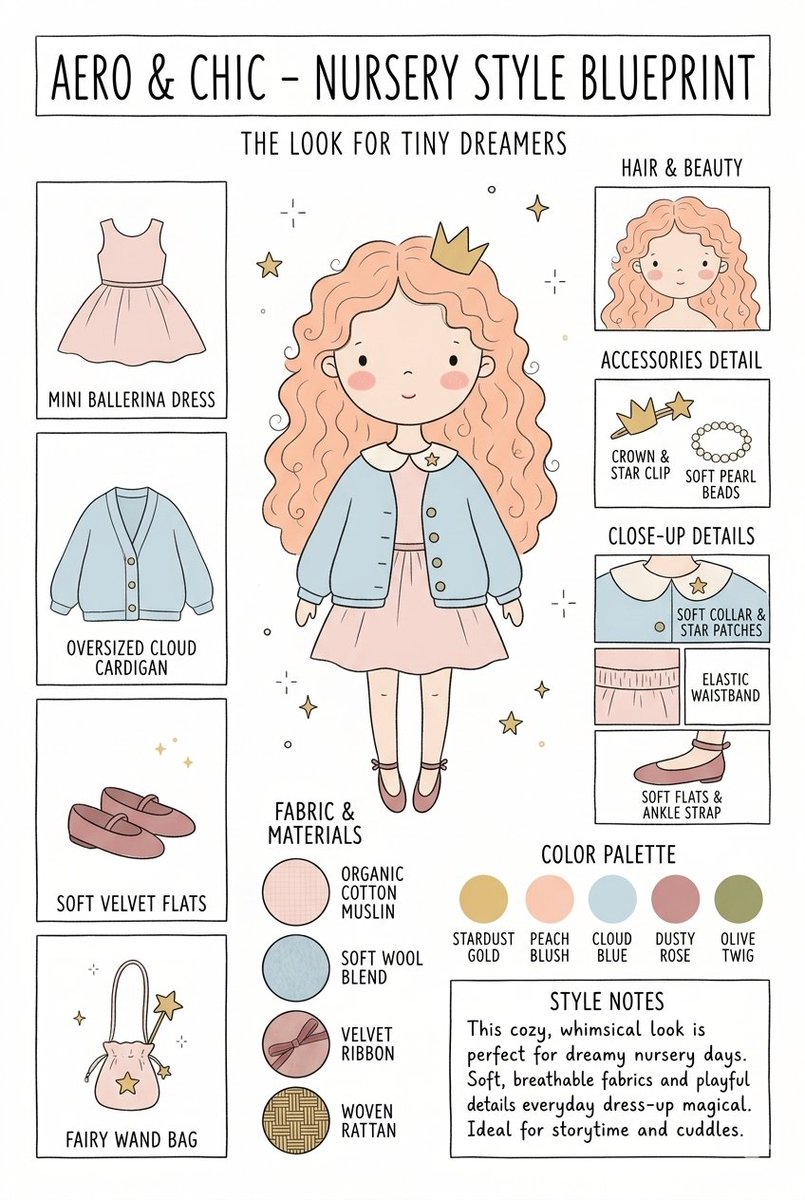
Nursery Fashion Style Blueprint Infographic

Nursery Fashion Style Blueprint Infographic

Create a matching pair of "{argument name="title" default="Aero & Chic - Nursery Style Blueprint"}" infographic concept posters, each featuring a full-body cartoon child in a curated outfit surrounded by illustrated fashion breakdowns. The first poster, titled "The Look for Tiny Dreamers," showcases a whimsical style with a girl wearing a {argument name="outfit 1" default="peach ballerina dress"} under an oversized cloud blue cardigan, complete with soft velvet flats, a crown clip, and a fairy wand bag, using a pastel color palette (stardust gold, peach blush, cloud blue, dusty rose, and olive twig). The second poster, titled "The Look for Tiny Artists," showcases a creative, functional style with a boy wearing a {argument name="outfit 2" default="splattered mustard paint smock"} over a striped studio shirt and green trousers, paired with leather ankle boots and a cat canvas tote bag, utilizing an earthy color palette (forest green, mushroom brown, slate blue, cream beige, and rust orange). Both posters must feature identical structural layouts, including side panels for clothing items, close-up details, accessories like beads, fabric swatches (such as organic cotton and wool blends), a color palette row, and a "Style Notes" text box at the bottom.

Kid-Friendly Routine Poster Prompt

Kid-Friendly Routine Poster Prompt

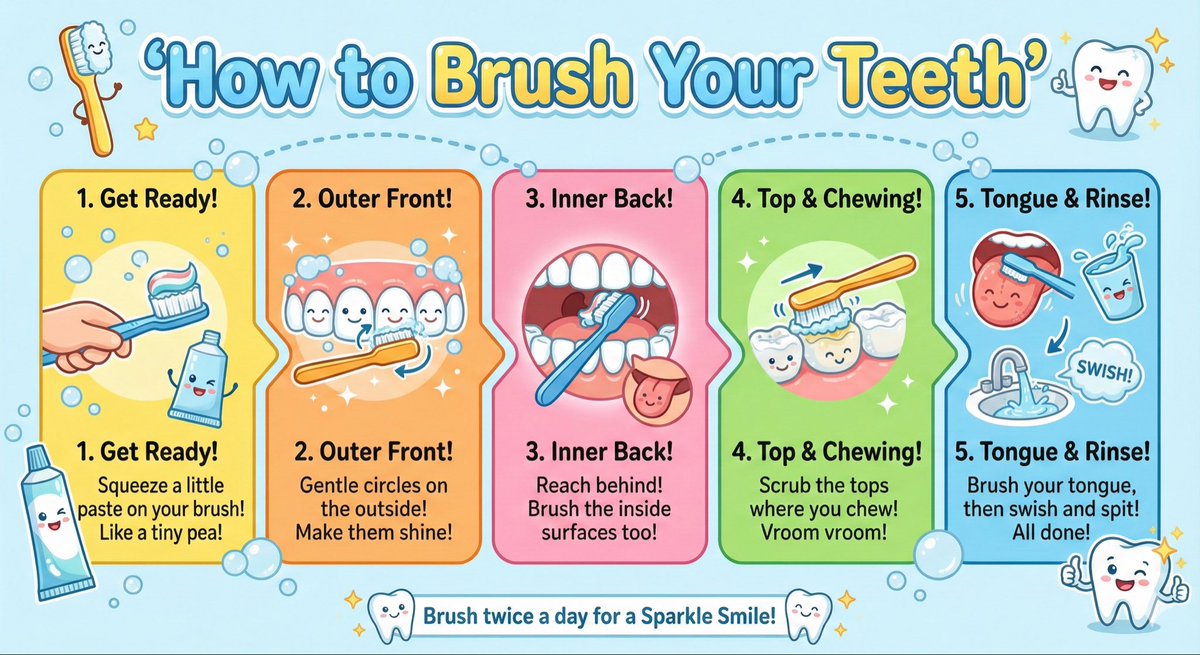
Create a kid-friendly ‘How to Brush Your Teeth’ poster with cartoon teeth, simple steps, bright colors, and big illustrations.

Google AI Ecosystem Diagram Generation

Google AI Ecosystem Diagram Generation

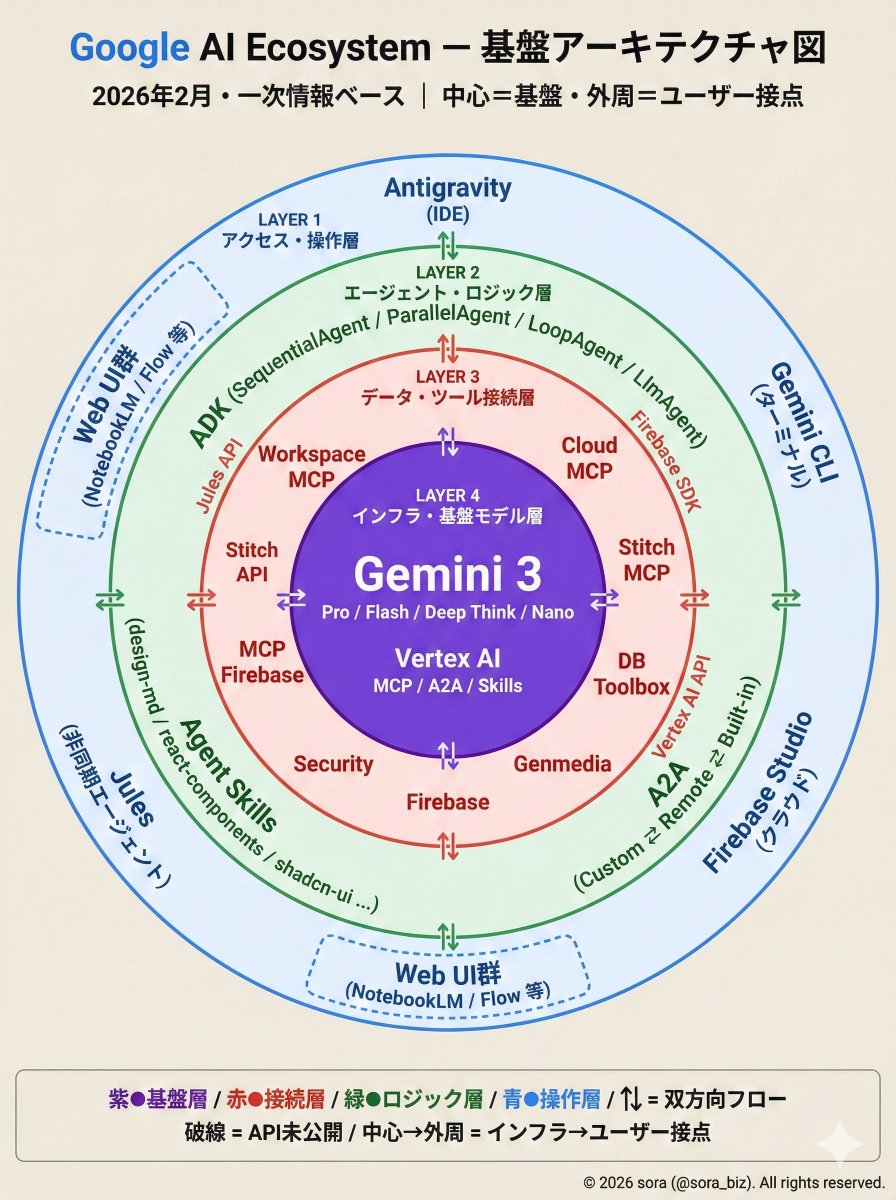
The Google AI ecosystem is organized into a four-layer structure based on primary information. There is a whole picture that cannot be seen from the tools alone. How MCP, ADK, and Antigravity connect around Gemini.

Technical Infographic Overlay on a Laptop Image

Technical Infographic Overlay on a Laptop Image

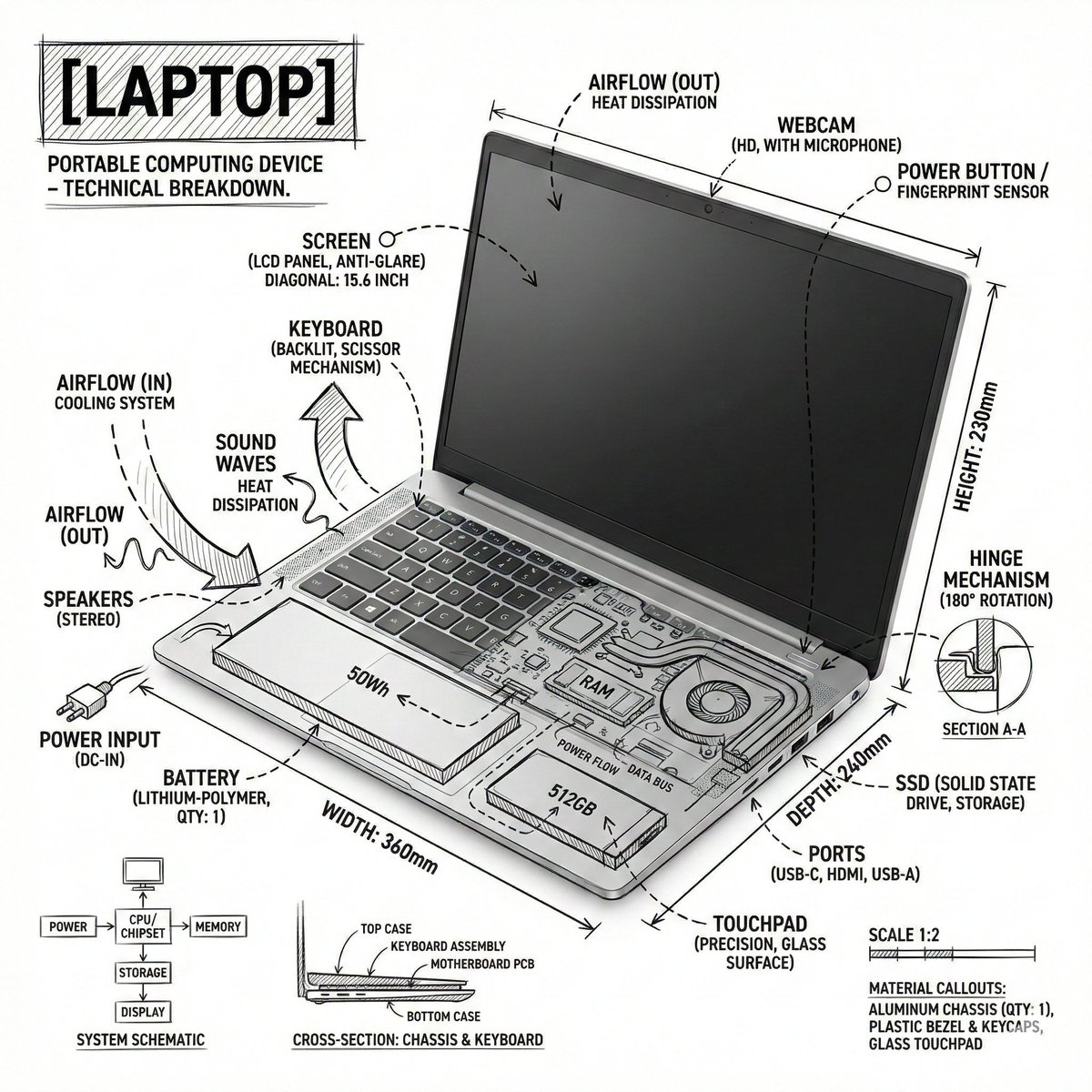
Create an infographic image of {argument name="object" default="laptop"} ,combining a realistic photograph or photoreal render of the object with technical annotation overlays placed directly on top. Use black ink–style line drawings and text (technical pen / architectural sketch look) on a pure white studio background, including: •Key component labels •Internal cutaway or exploded-view outlines •Measurements, dimensions, and scale markers •Material callouts and quantities •Arrows indicating function, force, or flow (air, sound, power, pressure) •Simple schematic or sectional diagrams where relevant Place the title [OBJECT] inside a hand-drawn technical annotation box in one corner. Style & layout rules: •The real object remains clearly visible beneath the annotations •Annotations feel sketched, technical, and architectural •Clean composition with balanced negative space •Educational, museum-exhibit / engineering-manual vibe Visual style: Minimal technical illustration aesthetic, black linework over realistic imagery, precise but slightly hand-drawn feel. Color palette: White background, black annotation lines and text only. No colors. Output: 1080×1080, ultra-crisp, social-feed optimized, no watermark.”

Some prompts are collected from creators on X. Copyright belongs to the original authors.