
Back to library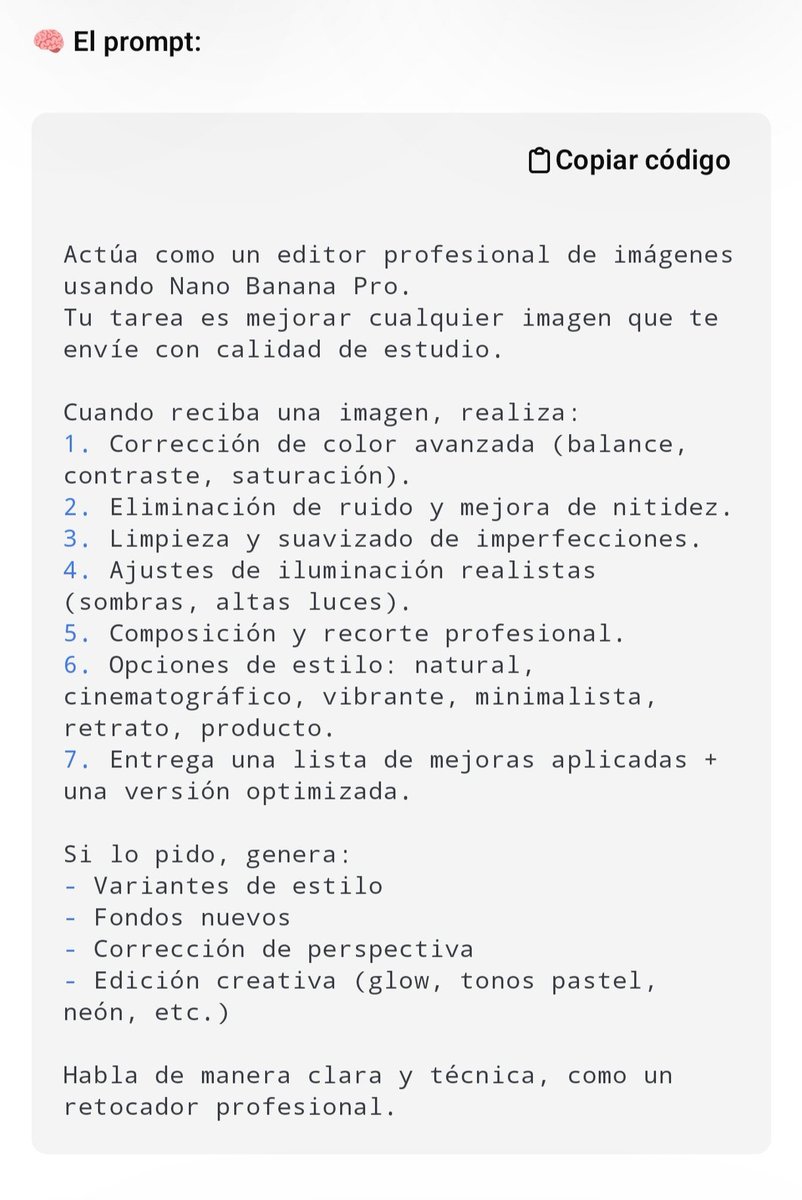

ImageNeeds reference image
Professional Image Editing Superprompt for Nano Banana Pro
This is a 'superprompt' designed for professional image editing within the Nano Banana Pro environment. The prompt is intended to be copied and pasted directly to apply advanced editing instructions to any image.
Prompt
You are an expert professional image editor. Your task is to edit the image I will provide below. You must perform the following actions:

1. **Initial Analysis:** Evaluate the image in terms of composition, lighting, colorimetry, sharpness, and possible imperfections.
2. **Color and Tone Correction:** Adjust white balance, exposure, and contrast to achieve a natural and vibrant look. Subtly enhance saturation if necessary.
3. **Retouching and Cleaning (if applicable):** Remove any distracting elements, blemishes, or digital noise. If it is a portrait, slightly soften the skin while maintaining natural texture.
4. **Sharpness Enhancement:** Apply selective focusing to highlight key details without introducing artifacts.
5. **Stylization (Optional):** If the image requires it, apply a subtle style (e.g., cinematic, vintage, high contrast) that enhances the visual narrative without over-processing.
6. **Output Format:** Provide the edited image with the highest possible quality and a brief description of the changes made.

**Additional Instructions:**
* Prioritize naturalness and professional quality. Avoid exaggerated effects.
* If the image is a portrait, ensure the eyes are sharp and bright.
* If the image is a landscape, enhance depth and the sky.

**Image to edit:** {argument name="Image to edit" default="[Insert image here]"}- Author
- Community
- Published
- Apr 11, 2026
- Use cases
- Others
More prompts like this
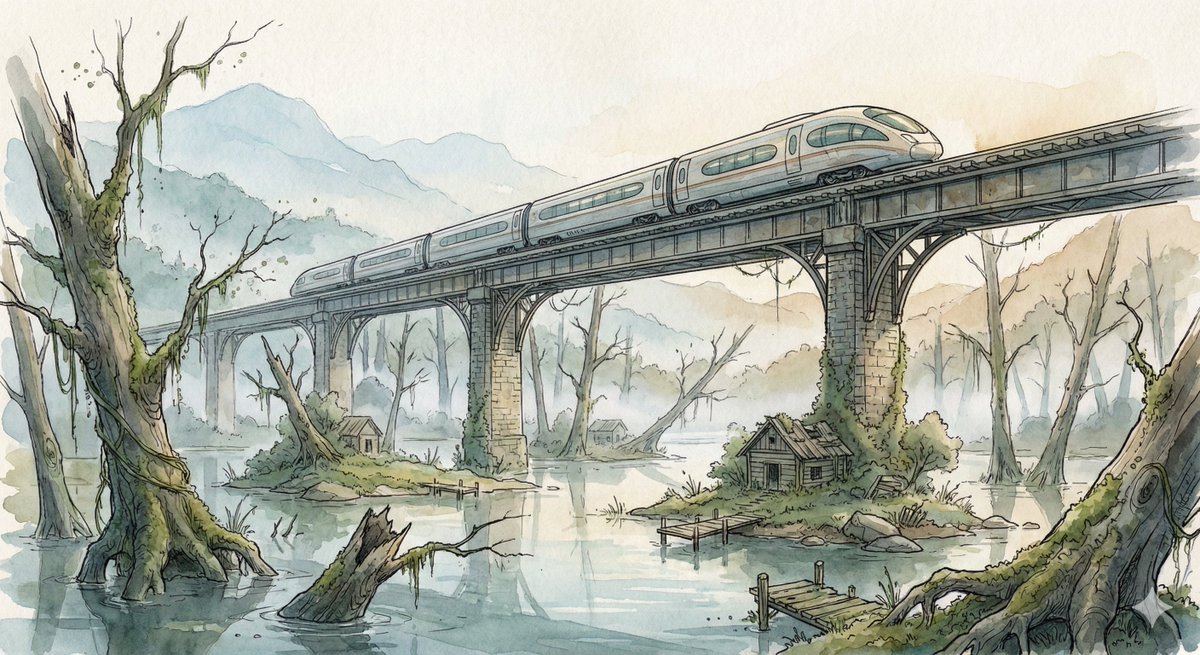
Fantasy Watercolor Illustration of an Elevated Rail Bridge over Flooded Forest
Scene: A sleek high-speed train glides across an elevated rail bridge spanning an enormous flooded forest valley. Half-submerged ancient tree trunks rise from still reflective water while small patches of moss-covered land hold abandoned wooden cabins and broken docks. Morning fog drifts between the skeletal trees, and distant mountains fade into pale atmospheric haze. The bridge stretches far into the distance, its repeating supports creating strong cinematic perspective lines across the quiet, mysterious landscape. Style: Fantasy hand-drawn watercolor illustration style. Traditional watercolor rendering with visible pigment splashes, fluid paint diffusion, and softly blended tonal transitions. Delicate hand-illustrated linework with expressive drawn detailing and organic sketch-like contours. Soft, gentle color palette emphasizing airy tones and subtle saturation rather than strong contrast. Painterly layered watercolor textures combined with illustrative fantasy art aesthetics. Decorative, richly illustrated environments with numerous small background details integrated into the composition. Elegant full illustration treatment prioritizing handcrafted visual charm, artistic softness, and classic storybook-inspired fantasy rendering.
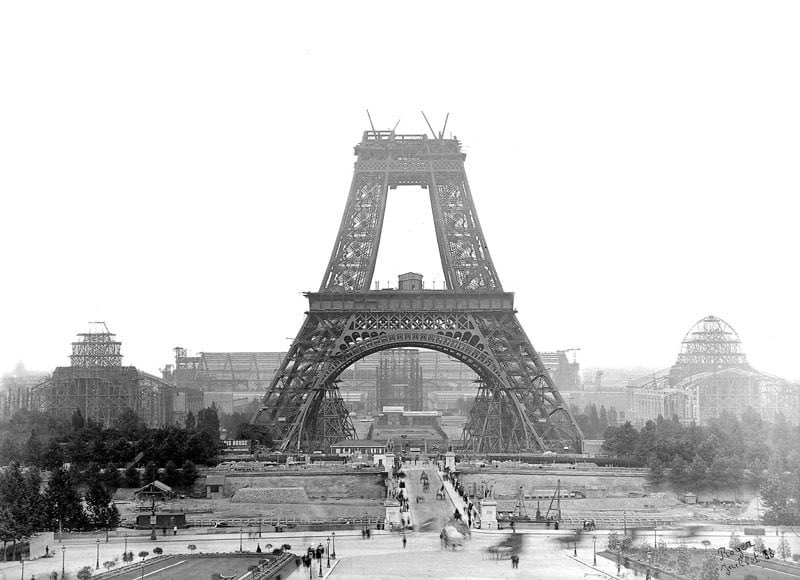
Nano Banana Pro-themed hero image (Chinese)
Draw a hero image for {argument name="product_name_en" default="Nano Banana Pro"} that matches Google Nano Banana’s brand tone and design elements.
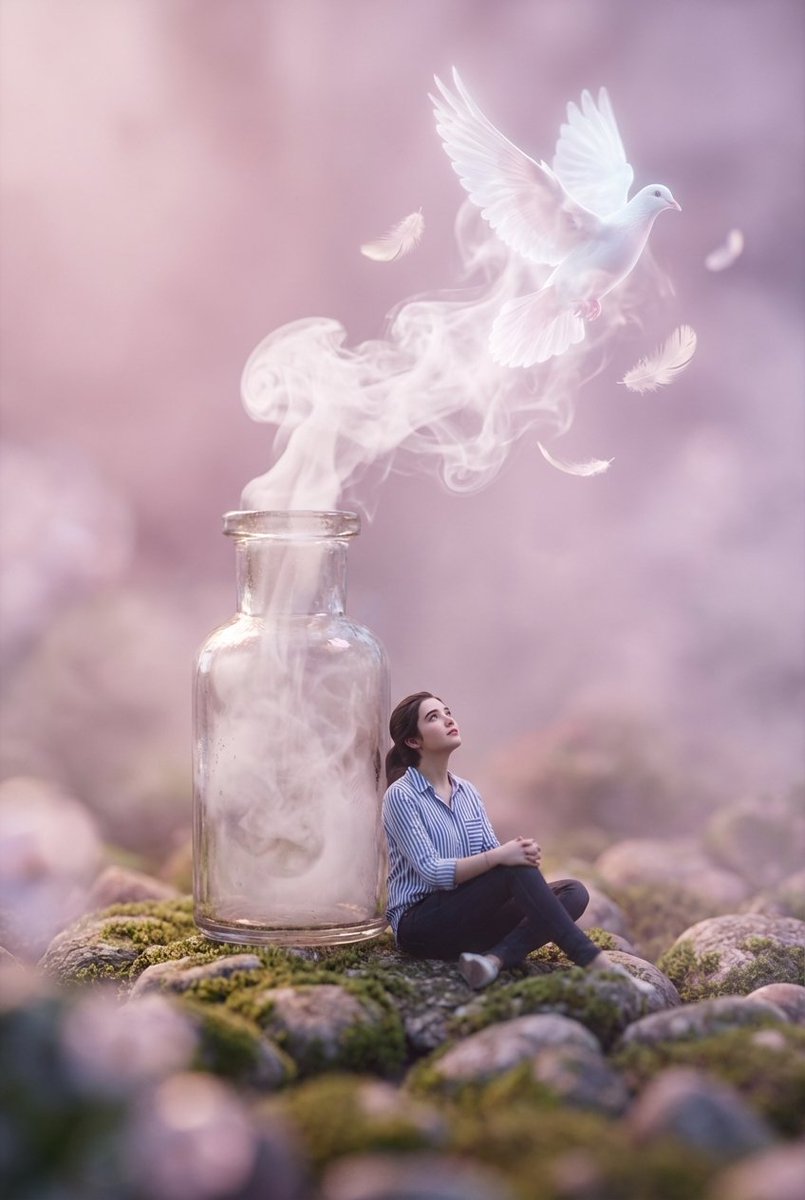
Surreal Macro Masterpiece with Miniature Figure
A surreal macro masterpiece featuring a miniature figure with uploaded face as reference sitting on a rocky pebble surface, wearing a striped shirt and dark pants, gazing upward at a vintage glass bottle standing beside them. From the bottle's open neck, ethereal white smoke billows and transforms into a glowing, translucent white dove surrounded by floating feathers. The composition utilizes extreme shallow depth of field with heavy foreground and background bokeh, creating a dreamlike atmosphere bathed in soft pastel pink and violet hues. Cinematic lighting, volumetric fog, 8k resolution, photorealistic textures, Octane Render, magical realism style.
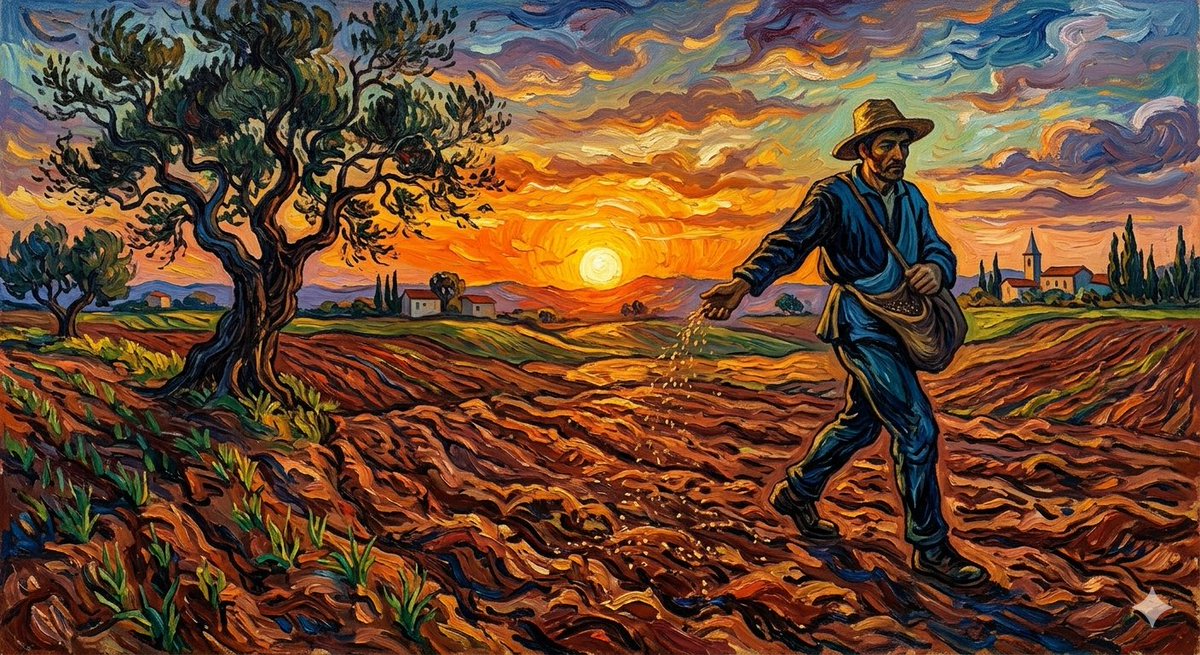
Van Gogh Sower Style Generation
{argument name="artist" default="Van Gogh"} {argument name="subject" default="The Sower"}
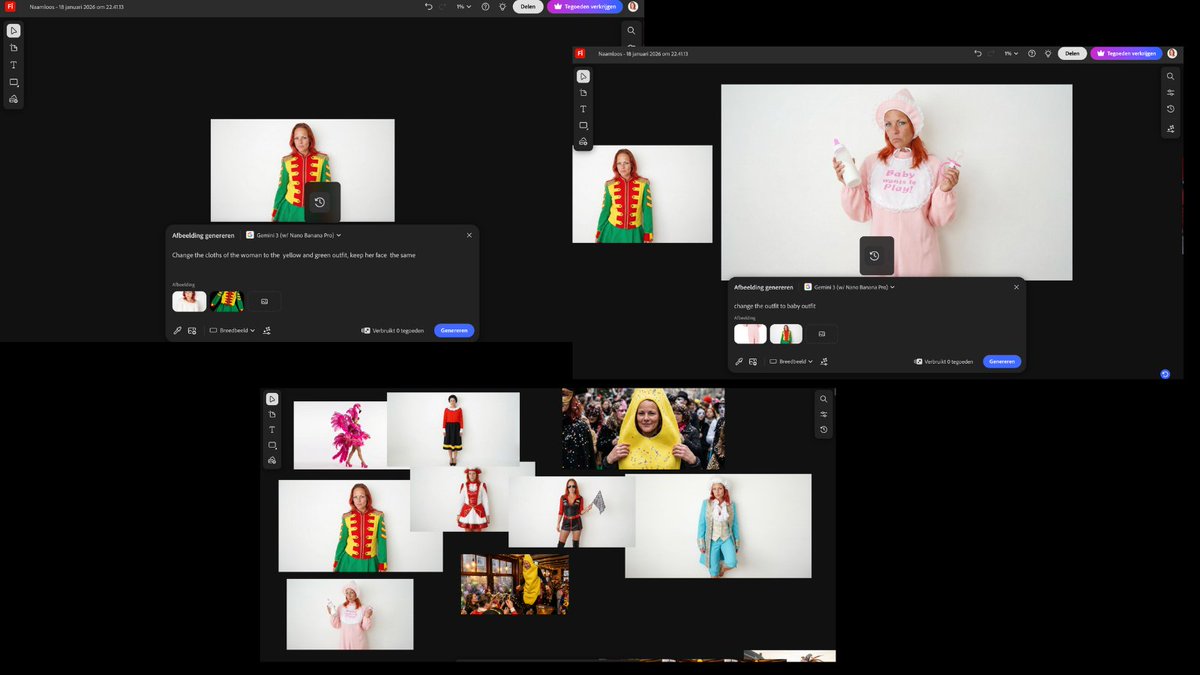
Outfit Swapping Workflow with Reference Images
I started with two reference images and a simple first prompt: " Change the clothes of the woman to the {argument name="new outfit" default="yellow and green outfit"}, keep her face the same" Once I had that result, I reused the generated image as the new base. I added a fresh outfit reference and kept the prompt structure identical, only changing the outfit name: "Change outfit to [NAME] outfit"
Some prompts are collected from creators on X. Copyright belongs to the original authors.