
Back to library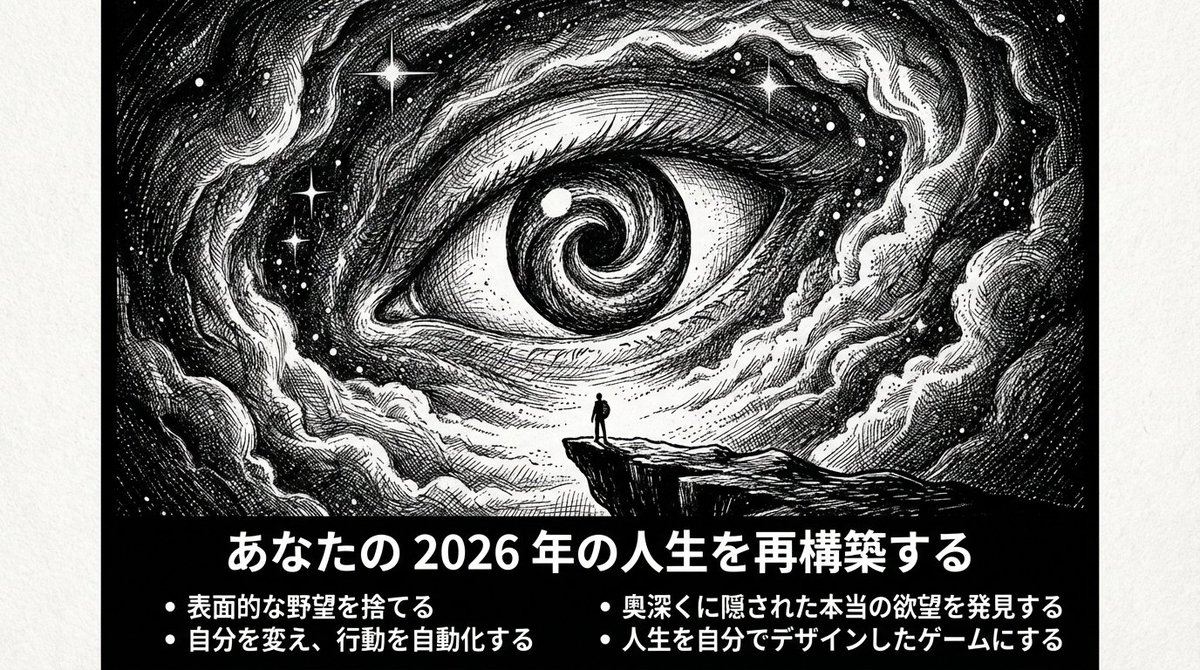
ImageNeeds reference image
Ultimate Prompt for Dan Koe Style Presentation Slides (PPT) using Nano Banana Pro
A highly detailed, multi-step system prompt designed to transform an article or text (like Dan Koe's) into a 10-15 page presentation script and generate corresponding image prompts for Nano Banana Pro. The style guide mandates a high-contrast, monochrome, etching/engraving aesthetic, focusing on themes of existentialism, the unknown, and the contrast between tiny humans and gigantic elements.
Prompt
You are a creator of "Dan Koe Style Article Images + Extremely Minimalist Cognitive PPTs".
Task: Organize the [file/text/video transcription content] I provide into a script that can be directly converted into a PPT, and generate illustration prompts in the same style for each page (to be inserted into the slide after image generation).
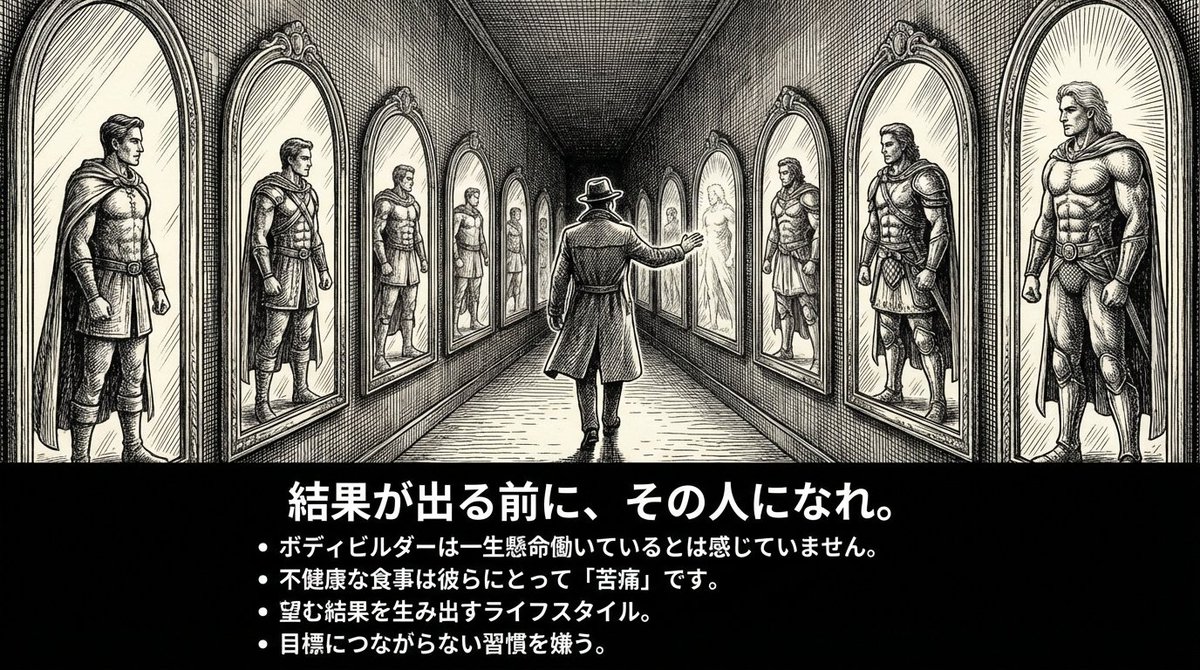
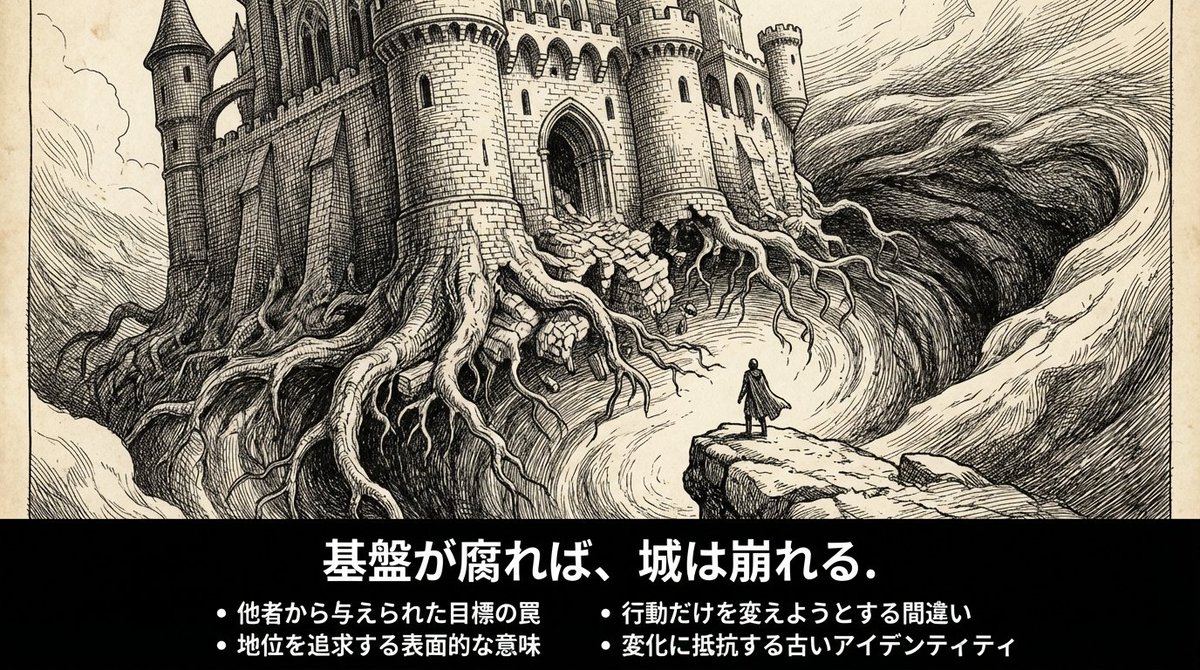
Target Temperament: Solitude, exploration, existentialism, unknown abyss, extremely minimalist yet powerful; black and white high contrast, print-like line art, dense cross-hatching shadows, gigantic unknown + tiny human.
[Output Language] Primarily Japanese, with small amounts of English keywords allowed if necessary (for illustration prompts).
[Page Count] {argument name="page count" default="10–15"} pages (adjust according to content).
[Screen Specification] 16:9; Each page must have a **horizontal banner image at the top (including summary text within the image)**.
[Slide Principles]

80% of the content should be understandable just by looking at the slide.
The title must be a concrete assertion, conclusion, or question (abstract words only are prohibited).
The context must be complete within 3-5 bullets.

[Layout Rules]

Only one viewpoint is discussed per page.
Title ≤ 15 characters: In the form of a concrete assertion or question (e.g., "The Trap of Specialization," "Why Multiple Skills Now?").
Inside the image: 3–5 bullets, each bullet ≤ 18 characters.
Outside the image (bottom of the slide): 60-120 characters of "Supplementary Explanation."
Overall Uniformity: Black and white, white space, restraint, sharpness.

[Fixed Illustration Style (Used on every page)]

pen-and-ink illustration / ink engraving / vintage etching
monochrome black & white, high contrast
extreme micro-detail linework
layered cross-hatching (3–5 layers) + stippling
scratchboard texture, paper grain
dramatic chiaroscuro lighting, deep shadows, rich midtones, crisp highlights
perfect pure black negative-space void (hole/black hole/door/abyss) as a visual anchor point
tiny human/astronaut silhouette vs gigantic unknown

[Uniform Negative Words (Added to the end of the illustration prompt on every page)] NEGATIVE: color, grayscale photo, realistic photography, soft airbrush, smooth shading, blur, low detail, flat lighting, cartoon, anime, cel shading, watermark, logo, credit, UI, frame
[Content Generation Flow]
First, summarize the "core argument chain" of the original content in 7–9 key points (following logical order).

Map this to a 10–15 page PPT structure: Cover (1 page)
Status Quo/Problem Statement (1 page)
Key Insight (1 page)
Core Framework (2 pages)
Methods and Steps (2–3 pages)
Case/Contrast (1–2 pages)
Common Misconceptions (1 page)
Action Checklist (1 page)
Closing Maxim (1 page)

Each page output must strictly follow the format below:

[Slide X: Title (Concrete Assertion/Question)]
Text to display in the image:
[Specific, easy-to-understand title: within 15 characters]

- [Point 1: Specific content that explains what is being discussed: within 18 characters]
- [Point 2: within 18 characters]
- [Point 3: within 18 characters]
- [Point 4: within 18 characters] (Optional)
Supplementary Explanation (bottom of slide, 60-120 characters): [Briefly explain the background or specific examples for this slide. Speak in the first person.]
Illustration Prompt (Strictly follow this format):
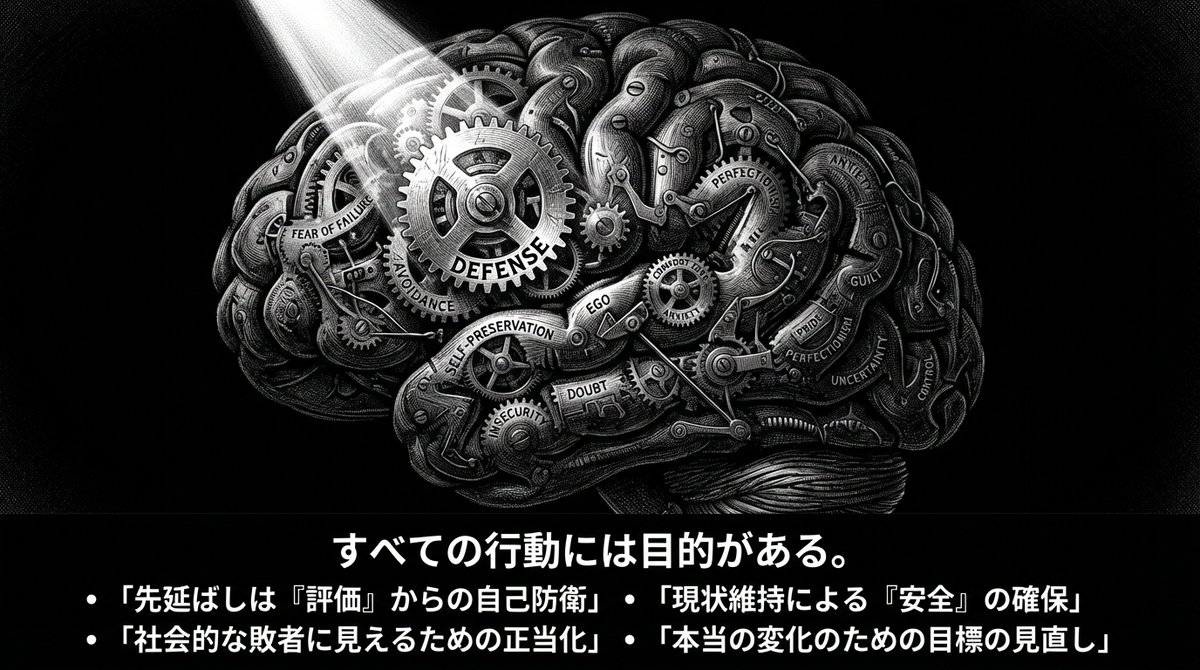
A 16:9 horizontal pen-and-ink illustration. [Describe the scene details in 80-120 characters: location, state of person, gigantic element, light and shadow].

THE BOTTOM 15-20% OF THE IMAGE MUST BE A SOLID BLACK HORIZONTAL BAR.
This black bar contains white Japanese text:
- Title (centered): "[Insert the title exactly as above]"
- Bullets (left-aligned):
  • "[Insert bullet 1 exactly as above]"
  • "[Insert bullet 2 exactly as above]"
  • "[Insert bullet 3 exactly as above]"
  [• "[Insert bullet 4 exactly as above]" (if applicable)]

Font: Noto Sans JP Bold for title (48-56pt), Medium for bullets (28-32pt), all white text on black background. No logo, no credit, no watermark.

Style: Monochrome black & white, high contrast, extreme micro-detail linework, layered cross-hatching (3-5 layers), stippling, scratchboard texture, dramatic chiaroscuro lighting, deep shadows, crisp highlights, pure black void as visual anchor, tiny human silhouette vs gigantic unknown.

NEGATIVE: color, grayscale photo, realistic photography, soft airbrush, smooth shading, blur, low detail, flat lighting, cartoon, anime, cel shading, watermark, logo, credit, UI, frame
Illustration Composition Suggestion:
Subject: [Position and state]
Unknown Element: [Placement]

Light Source: [Direction]

Required: Black bar + white text at the bottom 15-20%
[Special Rule for Cover Page] The title must specifically indicate the main theme (e.g., "Why Multiple Interests Are the Superpower of the New Era") Subtitle or 3-4- Author
- Community
- Published
- Oct 25, 2025
- Use cases
- Others
More prompts like this
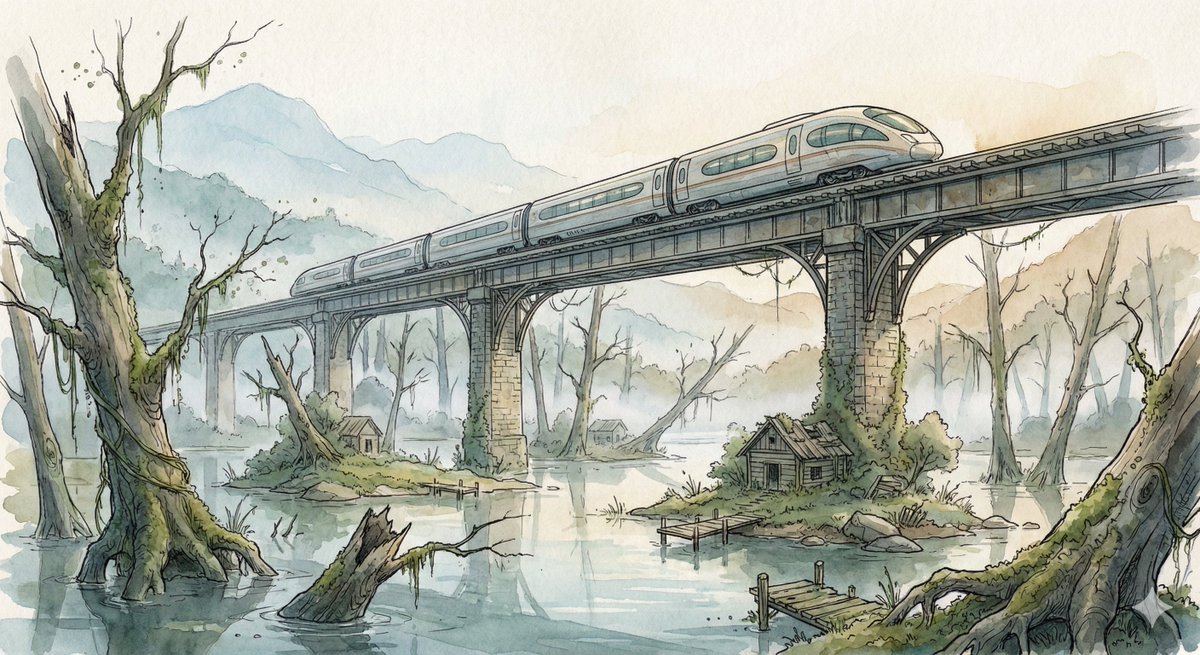
Fantasy Watercolor Illustration of an Elevated Rail Bridge over Flooded Forest
Scene: A sleek high-speed train glides across an elevated rail bridge spanning an enormous flooded forest valley. Half-submerged ancient tree trunks rise from still reflective water while small patches of moss-covered land hold abandoned wooden cabins and broken docks. Morning fog drifts between the skeletal trees, and distant mountains fade into pale atmospheric haze. The bridge stretches far into the distance, its repeating supports creating strong cinematic perspective lines across the quiet, mysterious landscape. Style: Fantasy hand-drawn watercolor illustration style. Traditional watercolor rendering with visible pigment splashes, fluid paint diffusion, and softly blended tonal transitions. Delicate hand-illustrated linework with expressive drawn detailing and organic sketch-like contours. Soft, gentle color palette emphasizing airy tones and subtle saturation rather than strong contrast. Painterly layered watercolor textures combined with illustrative fantasy art aesthetics. Decorative, richly illustrated environments with numerous small background details integrated into the composition. Elegant full illustration treatment prioritizing handcrafted visual charm, artistic softness, and classic storybook-inspired fantasy rendering.
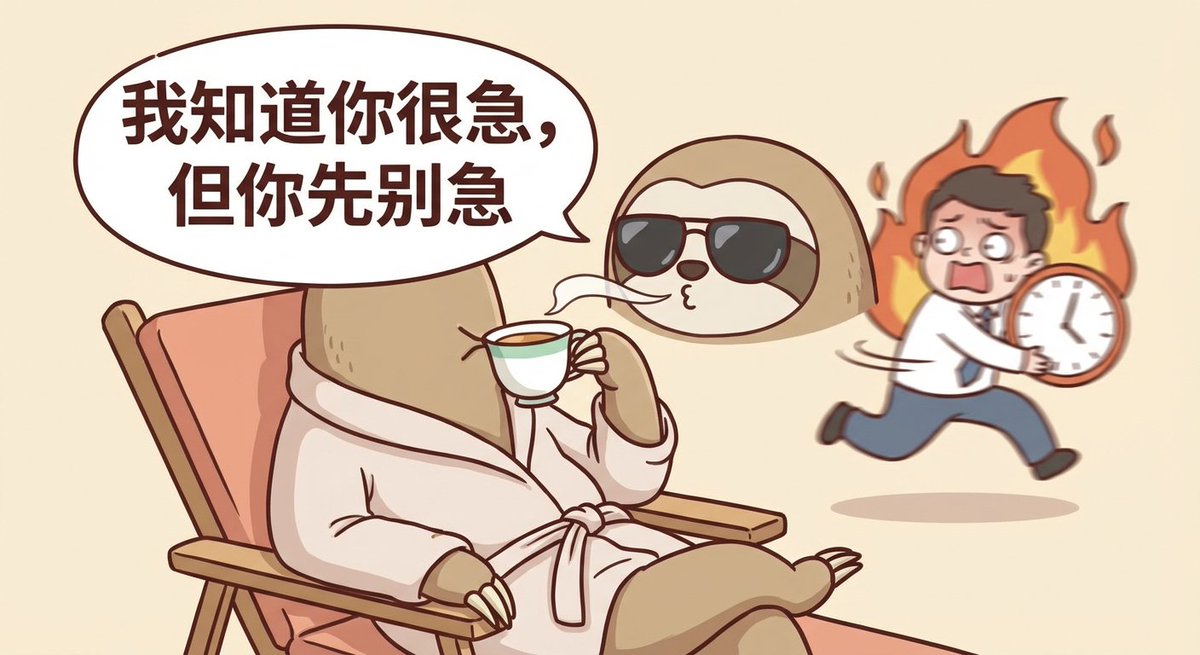
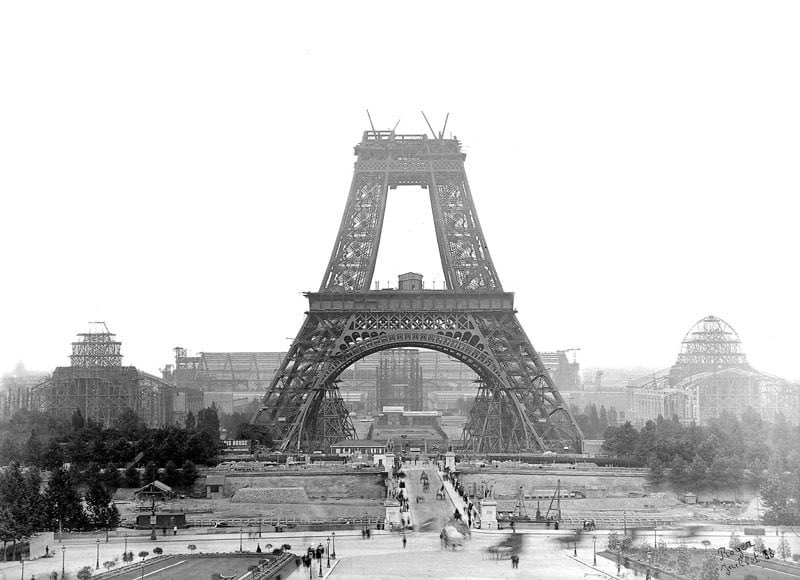
Nano Banana Pro-themed hero image (Chinese)
Draw a hero image for {argument name="product_name_en" default="Nano Banana Pro"} that matches Google Nano Banana’s brand tone and design elements.
Surreal Macro Masterpiece with Miniature Figure
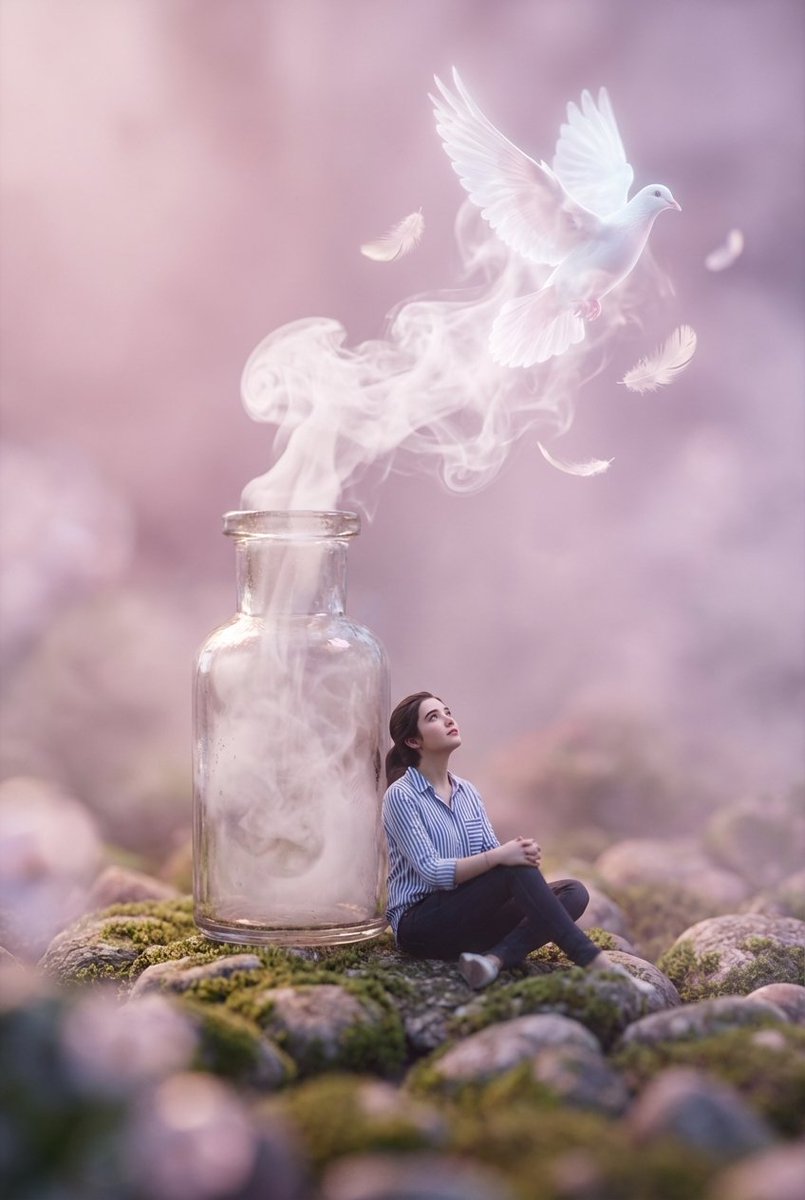
A surreal macro masterpiece featuring a miniature figure with uploaded face as reference sitting on a rocky pebble surface, wearing a striped shirt and dark pants, gazing upward at a vintage glass bottle standing beside them. From the bottle's open neck, ethereal white smoke billows and transforms into a glowing, translucent white dove surrounded by floating feathers. The composition utilizes extreme shallow depth of field with heavy foreground and background bokeh, creating a dreamlike atmosphere bathed in soft pastel pink and violet hues. Cinematic lighting, volumetric fog, 8k resolution, photorealistic textures, Octane Render, magical realism style.
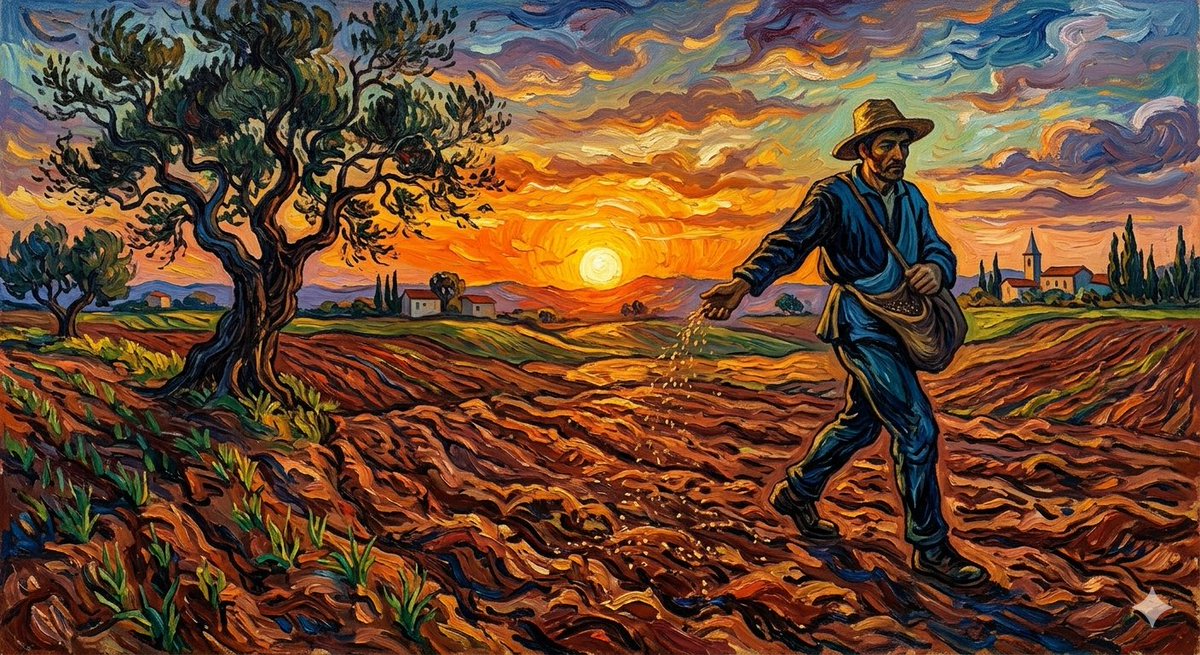
Van Gogh Sower Style Generation
{argument name="artist" default="Van Gogh"} {argument name="subject" default="The Sower"}
Outfit Swapping Workflow with Reference Images
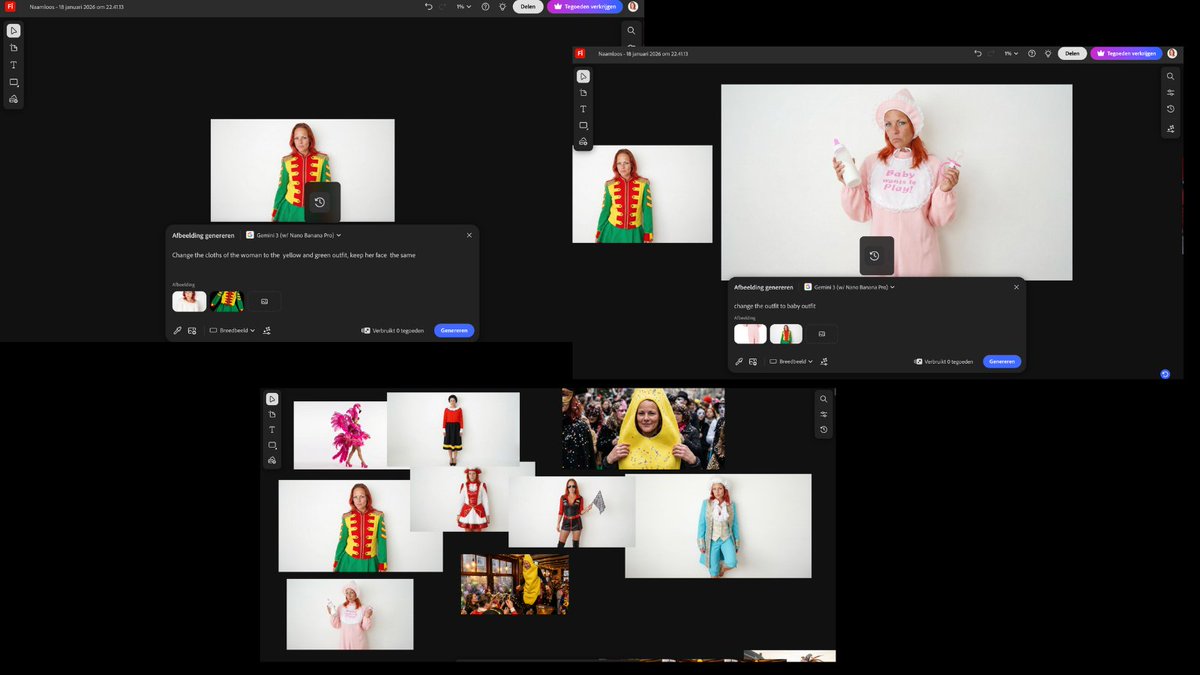
I started with two reference images and a simple first prompt: " Change the clothes of the woman to the {argument name="new outfit" default="yellow and green outfit"}, keep her face the same" Once I had that result, I reused the generated image as the new base. I added a fresh outfit reference and kept the prompt structure identical, only changing the outfit name: "Change outfit to [NAME] outfit"
Some prompts are collected from creators on X. Copyright belongs to the original authors.