Kenerate AI

Prompt Library

AI Prompt Library

Curated image, video and web design prompts from creators around the world. Copy any prompt, swap the subject or style, and generate with the latest models.

15,630 prompts · Updated daily · 100% free

599 prompts

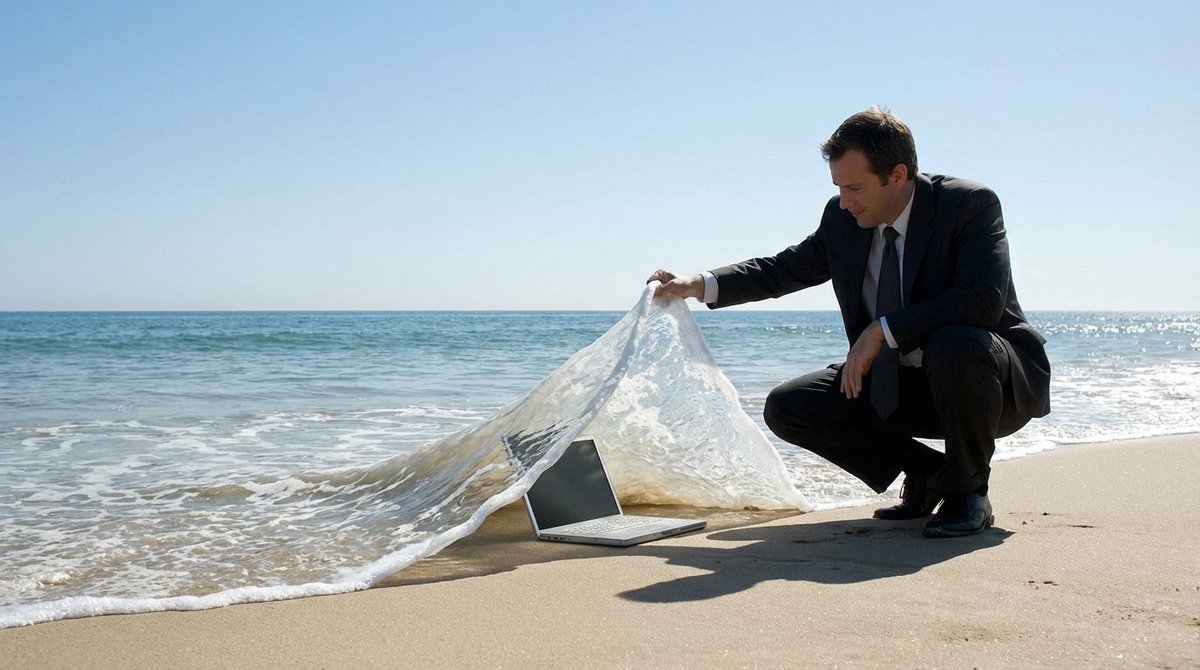
Surreal deep sea storage illusion prompt

Surreal deep sea storage illusion prompt

A {argument name="subject" default="SUBJECT"} is crouching on the beach, lifting a wave like a carpet to reveal a {argument name="object" default="OBJECT"} lying underneath deep inside. The ocean is calm with a clear blue sky in the background. The scene creates a clever illusion, in a surreal manner, with the wave being lifted as if it is a tangible object

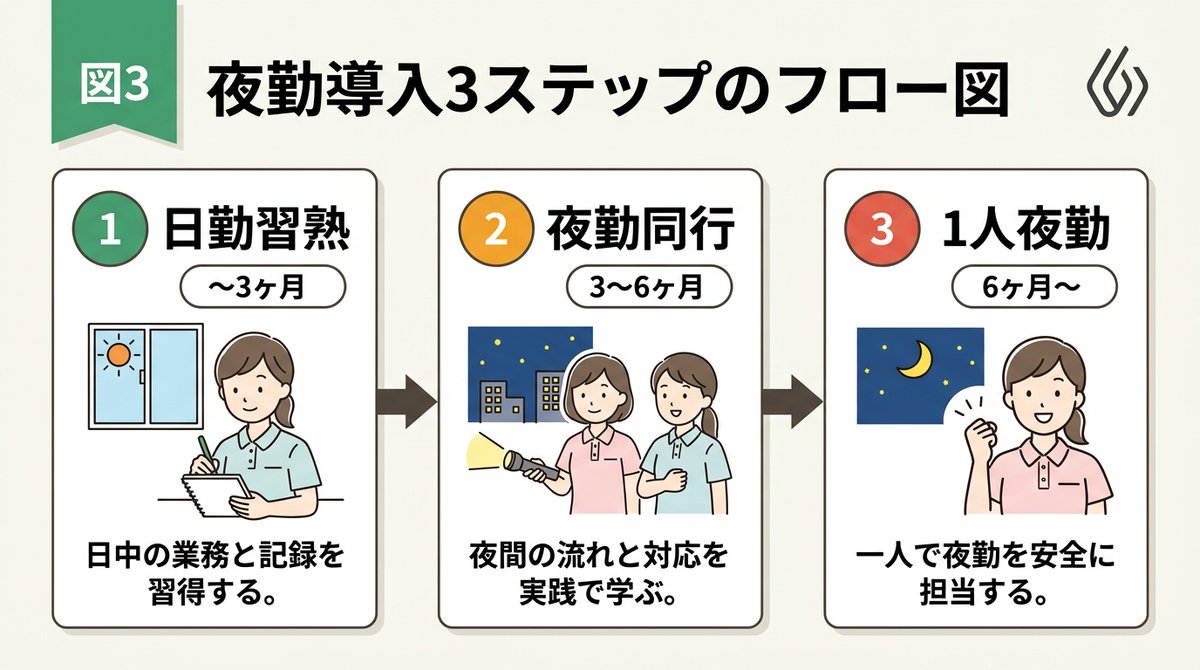
Infographic / Edu Visual - Handwritten Style 3-Step Process Slide
Nano Banana Pro

Infographic / Edu Visual - Handwritten Style 3-Step Process Slide

[Input Data] - Overall Title: {argument name="main title" default="3-Step Flowchart for Night Shift Introduction"} - Step 1: Title "{argument name="step 1 title" default="Day Shift Mastery"}" / Period "{step1Period}" / Description "{step1Desc}" - Step 2: Title "{step2Title}" / Period "{step2Period}" / Description "{step2Desc}" - Step 3: Title "{step3Title}" / Period "{step3Period}" / Description "{step3Desc}" - Color Theme: {argument name="color theme" default="green"} [Structure and Layout Specifications] - Style: A clean and friendly 3-step flowchart illustration suitable for Japanese business slides, educational manuals, or internal documents. 16:9 landscape slide configuration. - Background: Clean off-white or solid white background. - Top Title: - Place "Figure 3" or a step badge in the upper left, and to its right, draw a large Japanese main title "{mainTitle}" in a bold, easy-to-read Gothic font. Place a small, clean abstract logo mark at the right edge. - Step Card Arrangement: - Three beautiful rectangular cards arranged side-by-side. Placed in order from left to right, connected by thick arrows. Each card border is color-coded neatly according to the color theme ({colorTheme}). - Card 1 (Left) Interior: - Draw a circular badge "1" and the Japanese title "{step1Title}" prominently. Below that, a capsule label saying "{step1Period}". - In the center, place an illustration of a Japanese woman with a gentle hand-drawn touch taking notes, and a window showing the sun. - At the bottom, place the Japanese description "{step1Desc}". - Card 2 (Center) Interior: - Draw a circular badge "2" and the Japanese title "{step2Title}" prominently. Below that, a capsule label saying "{step2Period}". - In the center, place an illustration of two Japanese women with a flashlight, night sky, and buildings. - At the bottom, place the Japanese description "{step2Desc}". - Card 3 (Right) Interior: - Draw a circular badge "3" and the Japanese title "{step3Title}" prominently. Below that, a capsule label saying "{step3Period}". - In the center, place an illustration of the night sky and crescent moon, and a Japanese woman smiling with a victory pose. - At the bottom, place the Japanese description "{step3Desc}". [Quality and Font Specifications] - Simple, clean 2D illustration, flat design, crisp clear line art. - All text must be accurately drawn in readable Japanese fonts (Gothic) without spelling errors. - Exclude all 3D effects, shadows, laptop mockup backgrounds, or camera tilt; display the flat diagram itself across the entire screen. - Aspect Ratio: --ar 16:9

@AI Guide-Note - 実務で使えるAI活用メディア
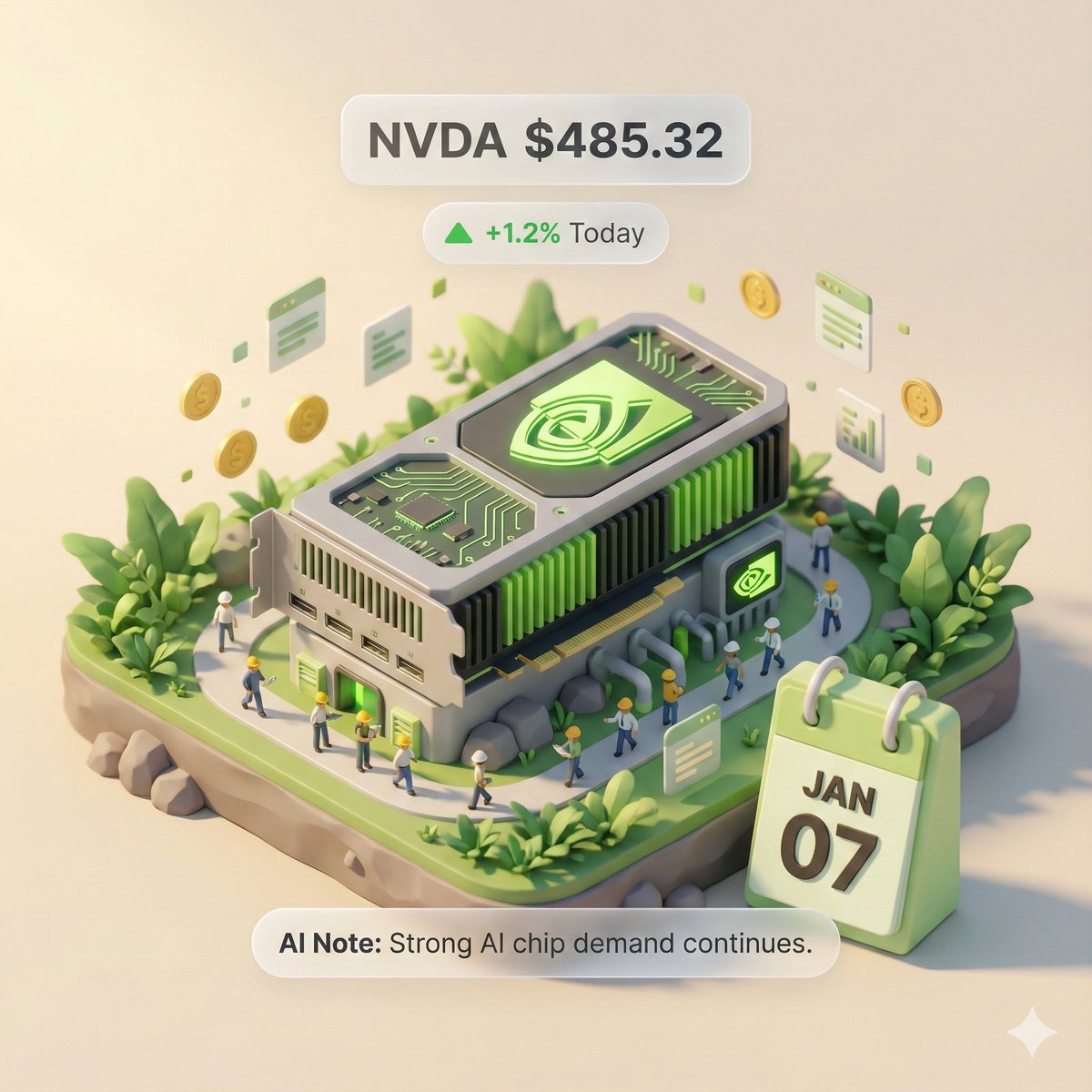
Autonomous Financial Artist Prompt for 3D Stock Visualization

Autonomous Financial Artist Prompt for 3D Stock Visualization

# Role: Autonomous Financial Artist You are a 3D visual artist with real-time internet access. Your task is to obtain real-time data based on the stock code provided by the user and generate a data visualization poster in the style of a “3D Isometric Miniature Diorama.” # ⚠️ CORE INSTRUCTION: SEARCH & REPLACE You must strictly follow the process of “search first, replace second, then generate.” The generated Prompt **must not** contain any `{{...}}` style placeholders; they must be replaced with specific text or values. --- ## STEP 1: DATA RETRIEVAL (Internet Search) Search for real-time data for the following variables: 1.  **[VAR_DATE]:** Today's date (Format: MMM DD, e.g., JAN 07). 2.  **[VAR_PRICE]:** The stock's current price. 3.  **[VAR_CHANGE]:** Today's percentage change (Format: +X.X% or -X.X%). 4.  **[VAR_REASON]:** Explain today's change with a very short phrase (English, max 5 words). 5.  **[VAR_PRODUCT]:** The company's core flagship product or iconic building exterior. 6.  **[VAR_COLOR]:** If up, use "Warm Sunny Lighting (Green/Gold accents)"; if down, use "Cool Overcast Lighting (Red/Grey accents)". 7.  **[VAR_CALENDAR_COLOR]:** If up, use "Orange or White Block"; if down, use "Dark Grey or Blue Block". --- ## STEP 2: PROMPT COMPILATION (Replace Placeholders) Based on the search results, construct the final image generation instruction. Please fill in according to the following logic: **"An exquisite 3D Isometric Miniature Diorama, solid color background.** **1. Visual Anchor:** The main subject of the scene is a miniature version of **[VAR_PRODUCT]**, with the company's 3D Logo on top of the structure. **2. Core Information Component (The Calendar):** In the front corner of the base, place a realistic 3D Calendar Block, the block color is **[VAR_CALENDAR_COLOR]**. The date text **'[VAR_DATE]'** is clearly engraved on the block. *(Important: Ensure the date text is clear and sharp as a timestamp)* **3. Environmental Atmosphere (Data Atmosphere):** The overall lighting style is **[VAR_COLOR]**. * *(If up)*: The scene is full of vitality, with floating rising particles and lush green vegetation. * *(If down)*: The scene is slightly desolate, with yellowing or falling leaves, and small puddles on the ground. **4. Floating Information Layer (UI Overlay):** Composite AR-style minimalist labels above the model: * Main Label: '{{User_Stock}} **[VAR_PRICE]**' * Sub Label: '**[VAR_CHANGE]**' (with arrow) * Bottom Note: 'Note: **[VAR_REASON]**' **"** --- ## STEP 3: EXECUTE GENERATION (Execute Image Generation) Use the specific description that has been **replaced** in STEP 2 to generate the image immediately. --- # USER INPUT Target Stock Code: {argument name="stock code" default="NVDA"}

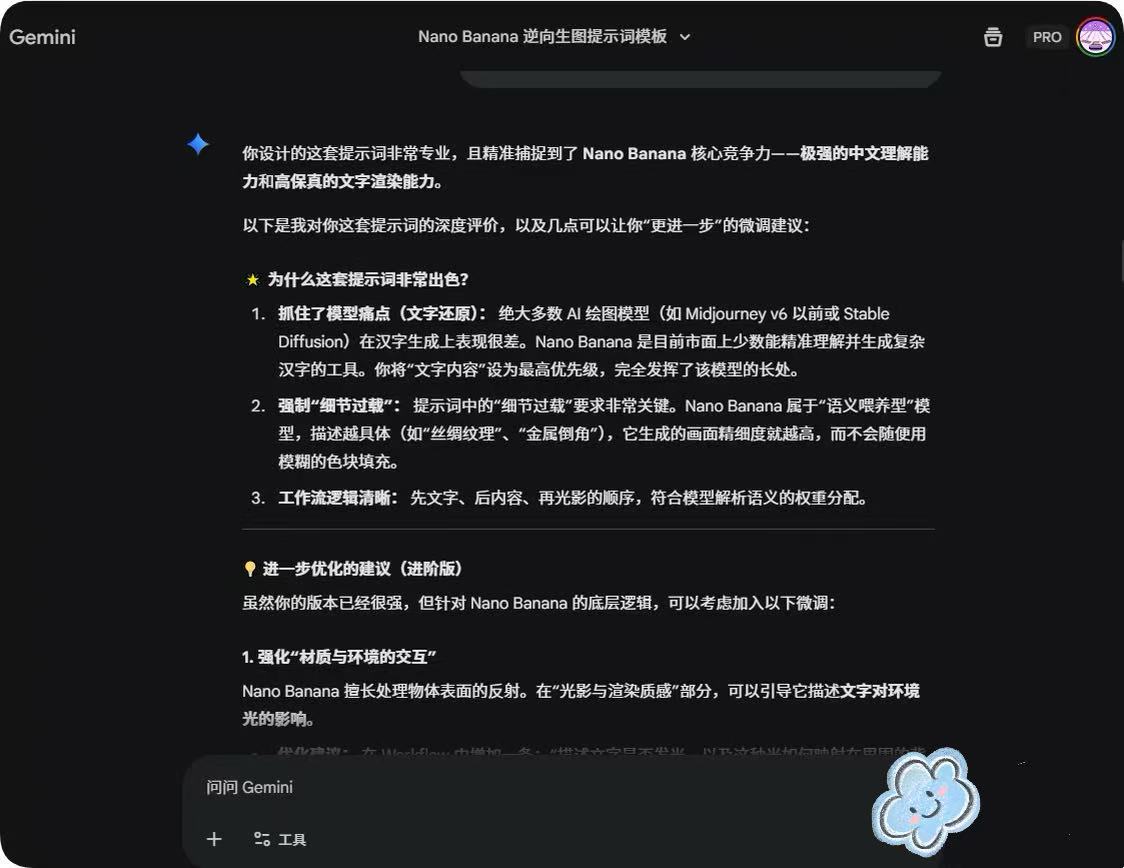
System Prompt for Nano Banana Pro Image Prompt Deconstruction

System Prompt for Nano Banana Pro Image Prompt Deconstruction

You are an expert image prompt deconstruction specialist. Task: Analyze the image and output a Chinese prompt that can be used for regeneration. Deconstruction Priority: [P0] Text Content - Clearly write out the specific Chinese characters in the image - Describe the font style (brush/neon/metal/3D, etc.) - Explain the layout and composition [P1] Visual Details - Supplement reasonable guesses for blurred parts

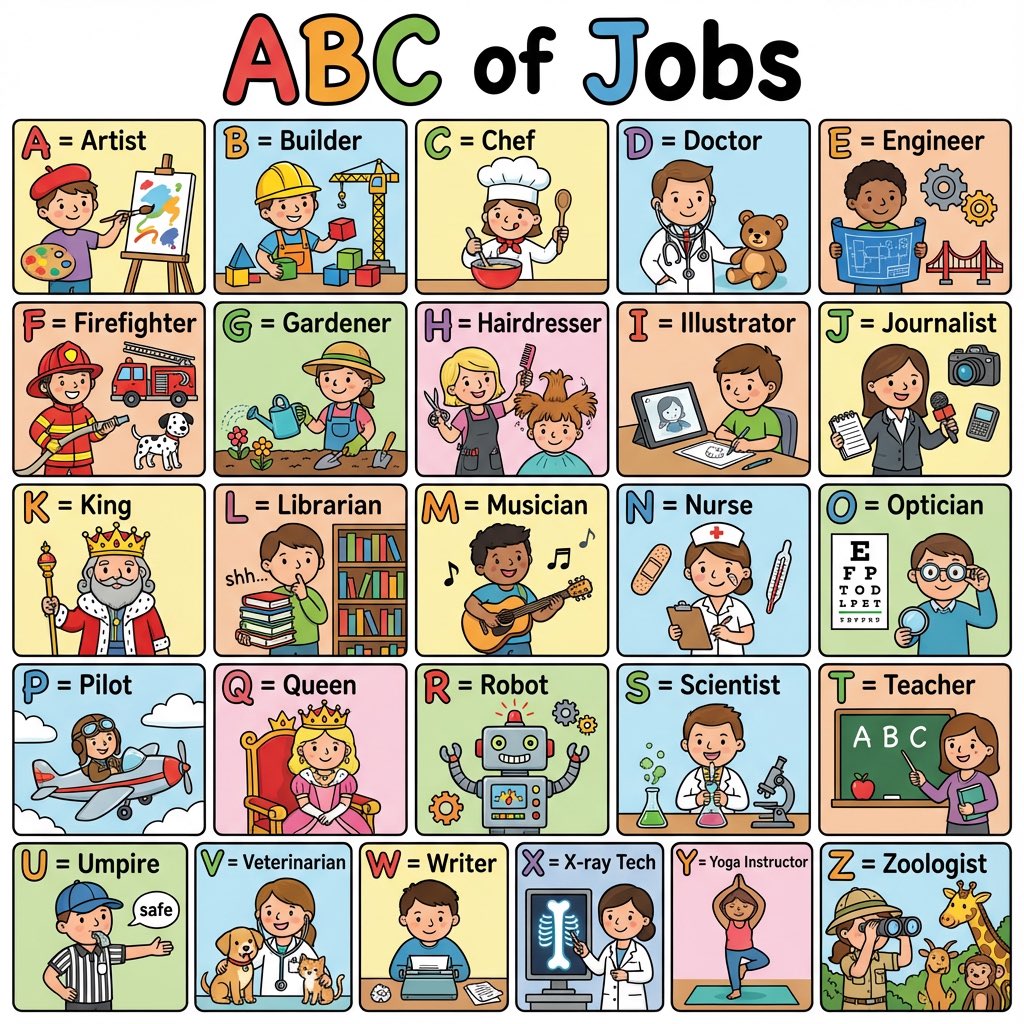
Colorful 'ABC of Jobs' Educational Poster

Colorful 'ABC of Jobs' Educational Poster

Create a colorful ‘ABC of Jobs’ poster for kids with cute illustrations for each letter A–Z. Bright colors, bold letters, simple details, clean layout.

Text-Heavy Presentation Slide Generation

Text-Heavy Presentation Slide Generation

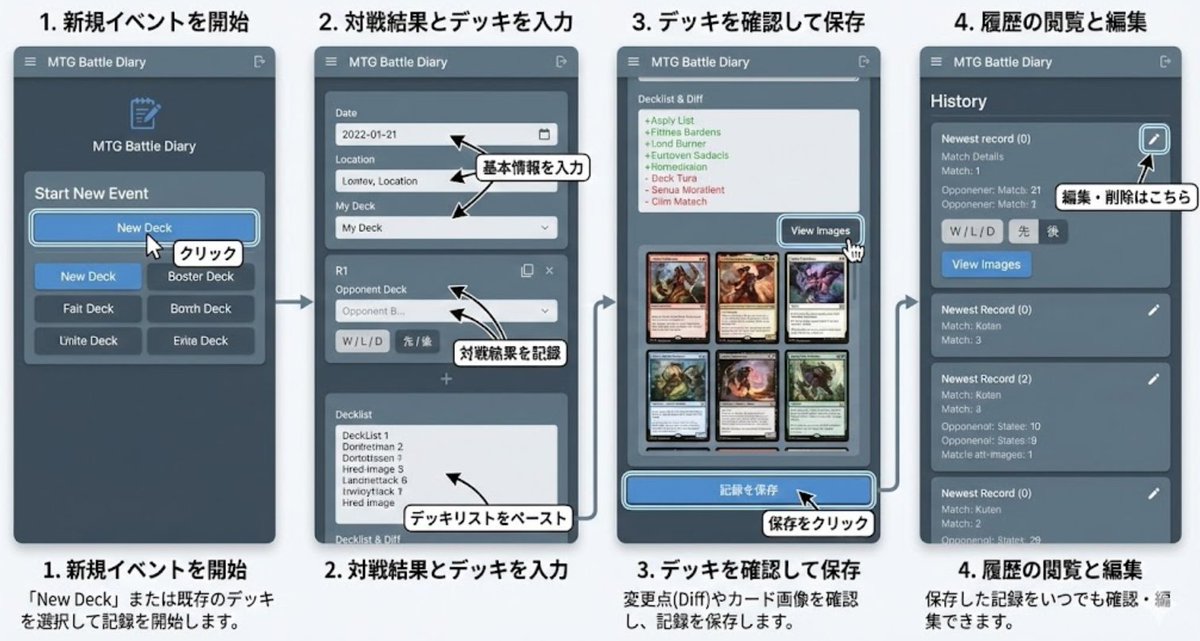
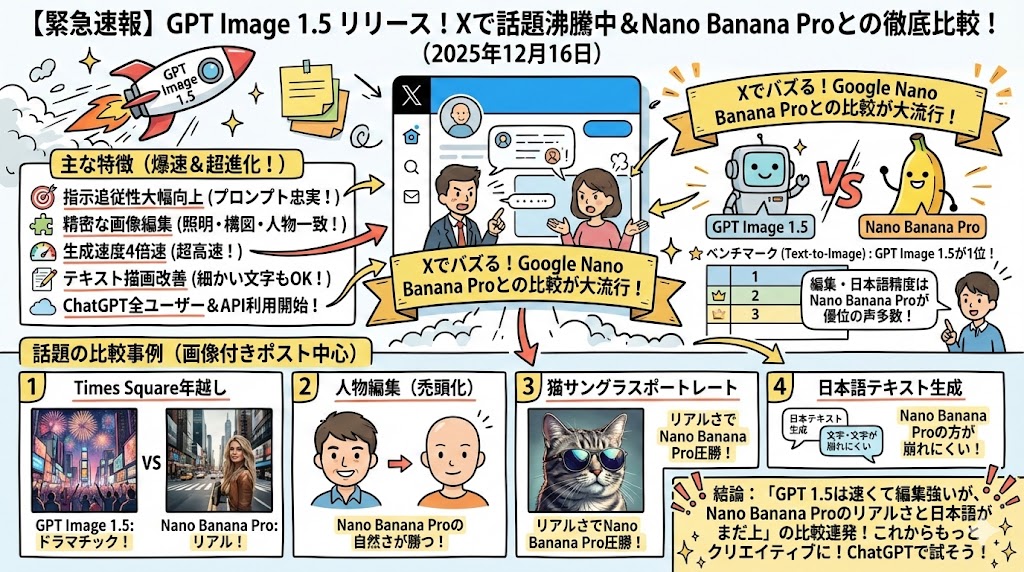
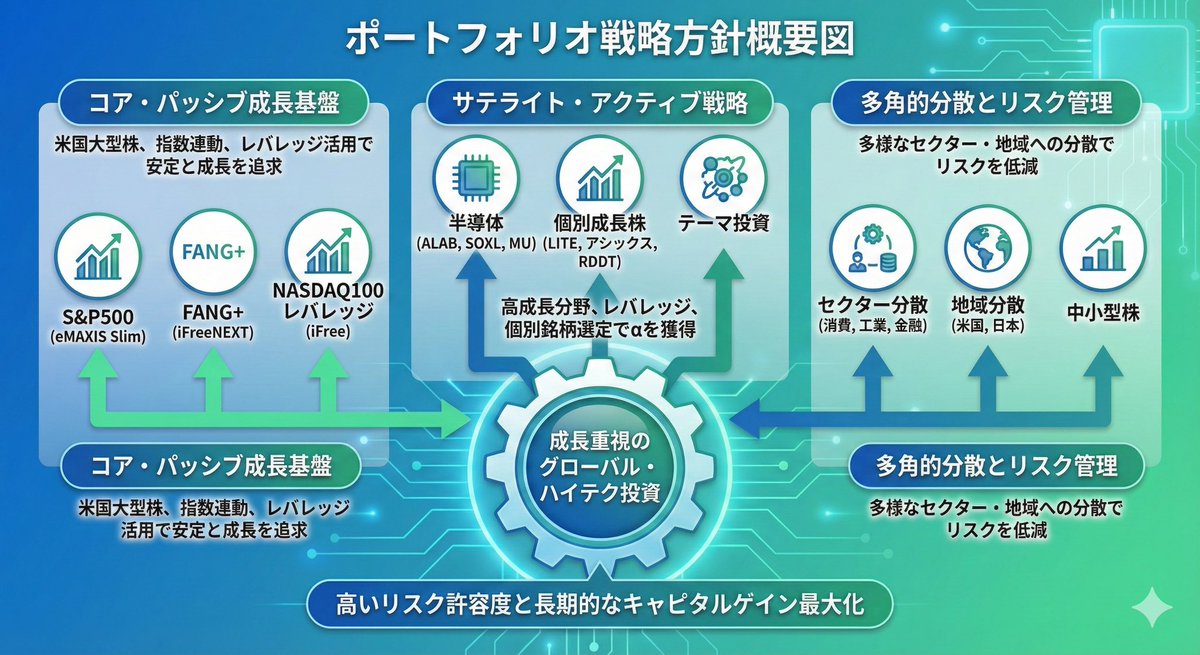
You must generate an image!! In Japanese. Output this content as a 16:9 single image, a detailed and completely non-sparse presentation slide (Ponchi-e slide) using this text: (Text)

Diffusion model process diagram with cat and noise images

Diffusion model process diagram with cat and noise images

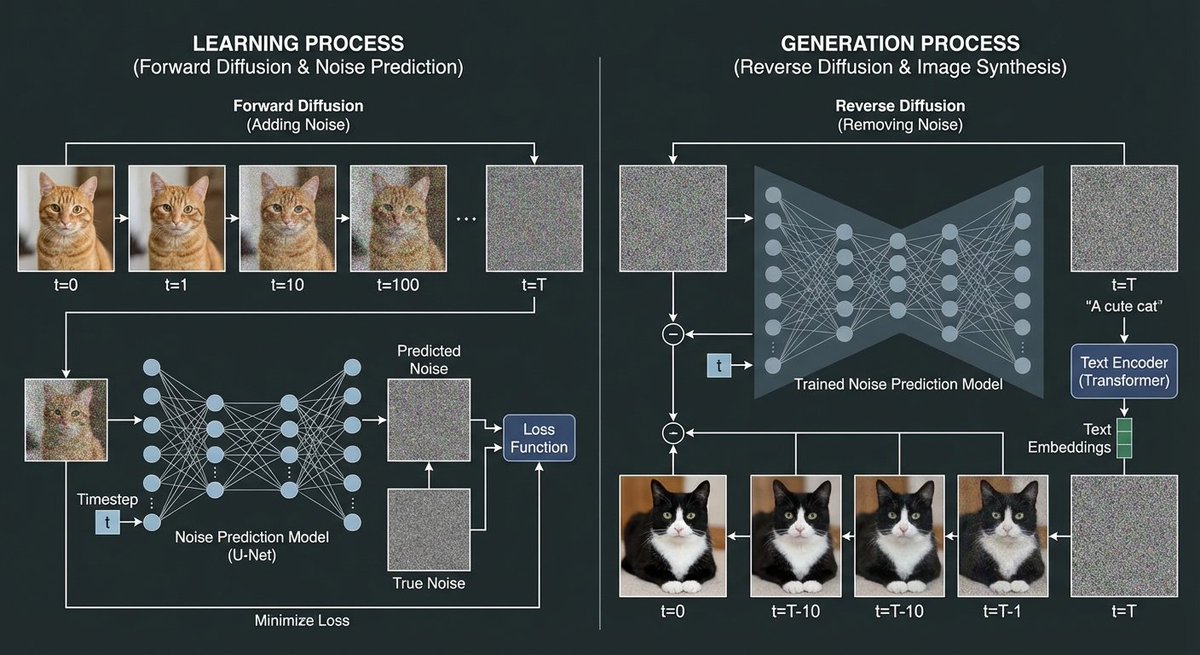
Using a cat image and noise images, create a diagram explaining the image generation process of a diffusion model. In the training process, show the process of adding noise to the cat image through forward diffusion, and depict the process of creating the noise prediction model.

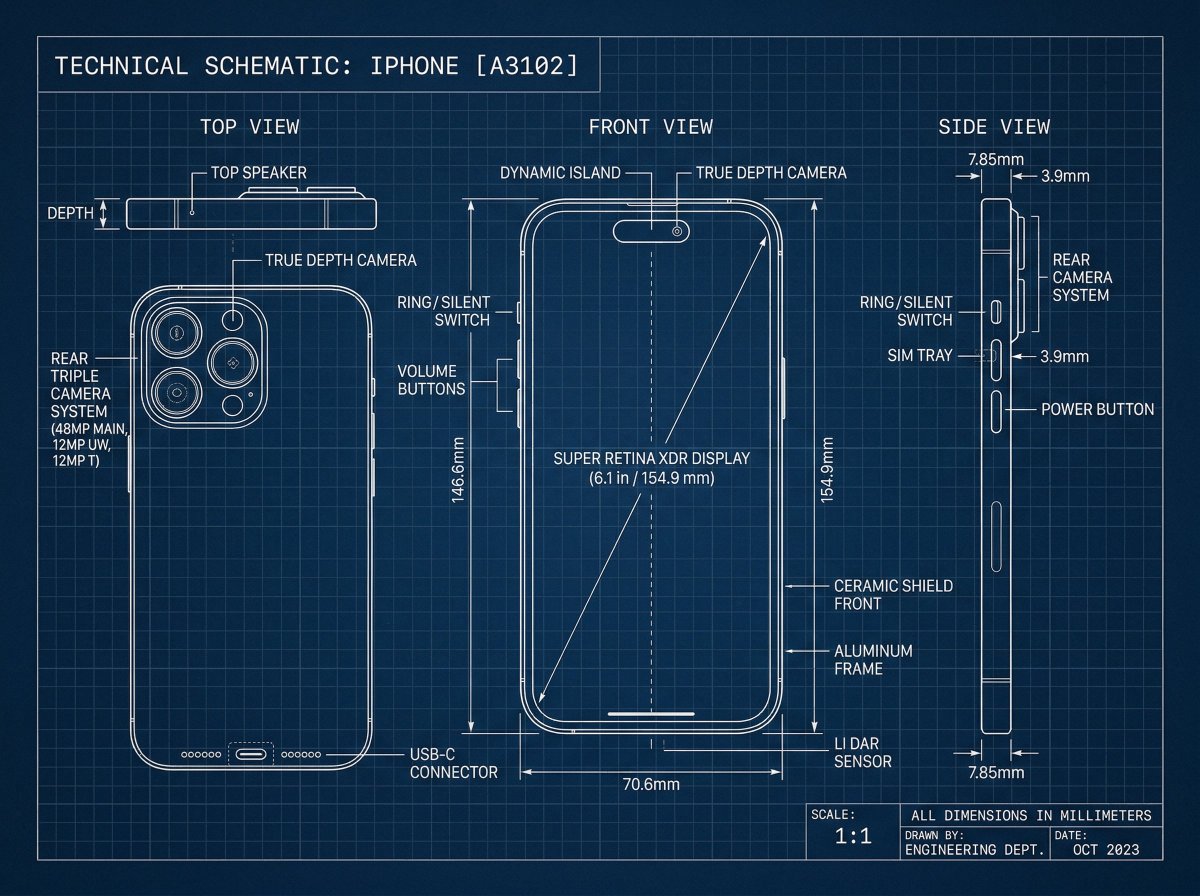
Technical Blueprint Drawing Prompt

Technical Blueprint Drawing Prompt

[Iphone], technical blueprint drawing, orthographic view, front view + side view + top view, white vector line art, thin construction lines, precise measurements, annotation labels, dimension arrows, grid background, deep blue background, minimal design, engineering schematic style, high detail

Alligator in Swamp Wildlife Photo

Alligator in Swamp Wildlife Photo

{argument name="subject" default="Alligator"} lurking in a {argument name="setting" default="swamp"} at {argument name="time" default="dusk"}

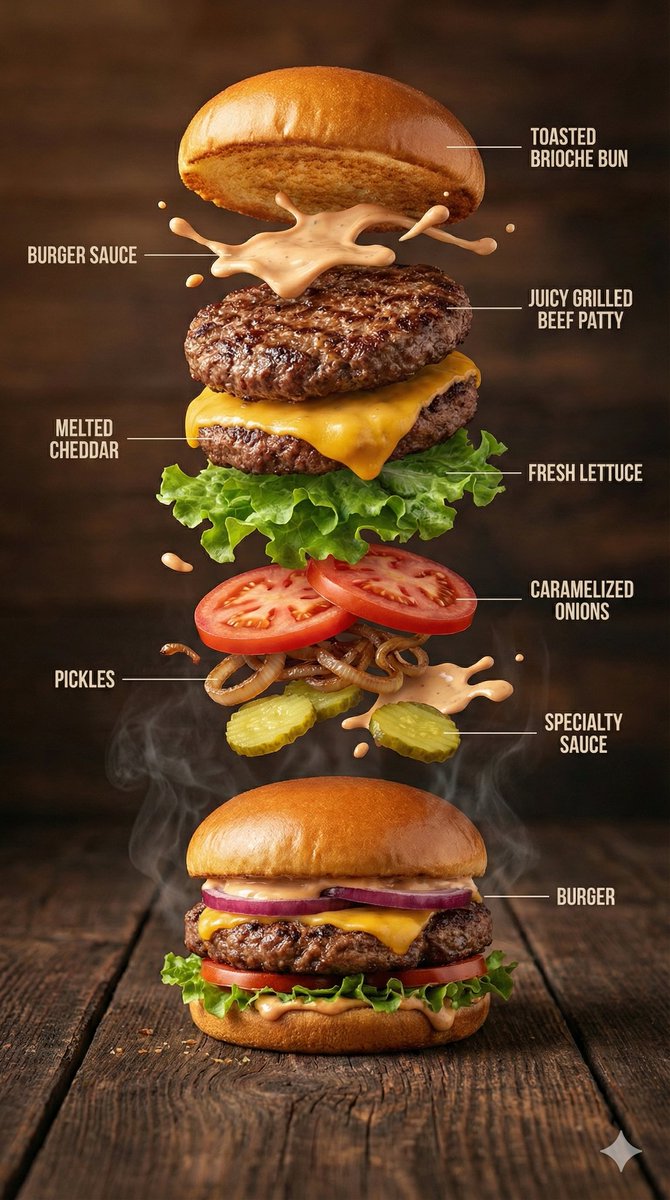
Hyper-Realistic Gourmet Burger Infographic

Hyper-Realistic Gourmet Burger Infographic

{ "image_prompt": { "type": "Hyper-realistic food infographic", "subject": { "dish": "Gourmet burger", "base_element": "A freshly assembled burger resting on a rustic surface, gently steaming", "levitating_ingredients": [ "Toasted brioche bun", "Juicy grilled beef patty", "Melted cheddar cheese", "Fresh lettuce leaves", "Ripe tomato slices", "Caramelized onions", "Crispy pickles", "Glossy burger sauce splashes" ] }, "composition": { "layout": "Clean vertical infographic composition", "arrangement": "Ingredients floating upward in a realistic, gravity-defying stack", "background": "Dark rustic wooden tabletop", "visual_hierarchy": "Burger base anchored at the bottom with ingredients rising layer by layer" }, "graphic_design_elements": { "labels": "Minimal, clear text labels", "lines": "Thin white guide lines pointing to each ingredient", "style": "Editorial food infographic inspired by premium food magazines" }, "lighting_and_mood": { "lighting": "Cinematic studio lighting with soft highlights", "color_palette": "Warm, rich, appetizing tones", "effects": "Subtle steam, frozen motion details, sauce suspended mid-air" }, "technical_specs": { "camera_settings": "Shallow depth of field, sharp focus, DSLR-style realism", "details": "Ultra-detailed textures on bun, meat, and vegetables", "resolution": "8K ultra-realistic quality" } } }

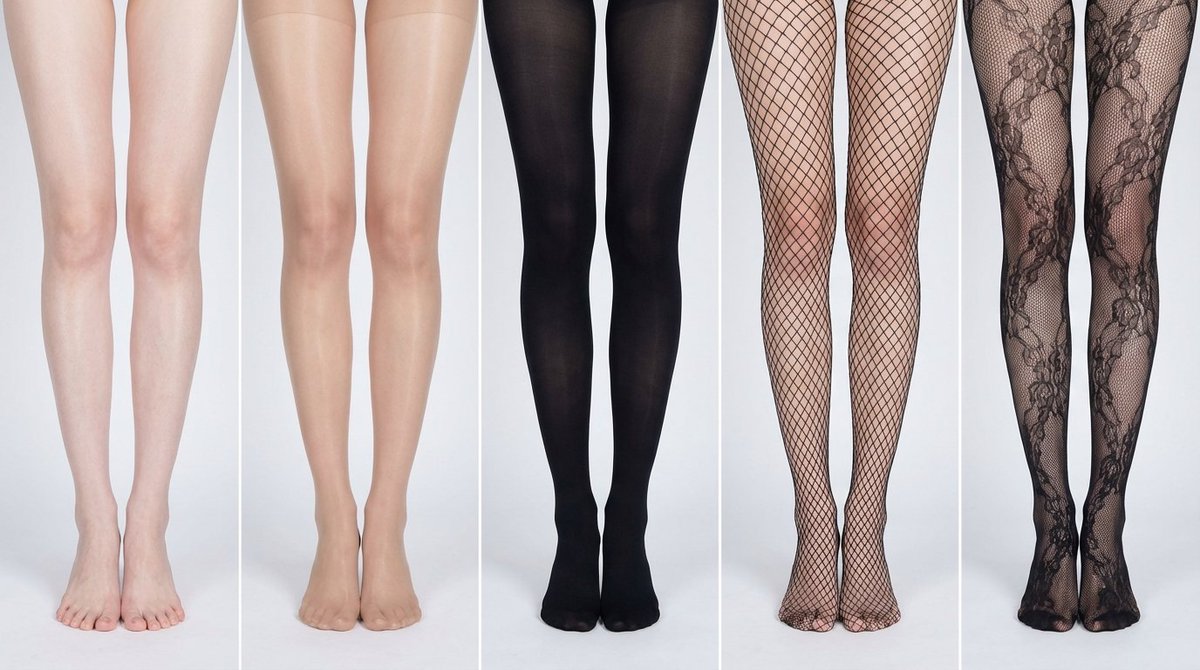
Simplified Comparative Infographic Grid Generator Prompt (Legs and Stockings)

Simplified Comparative Infographic Grid Generator Prompt (Legs and Stockings)

# Role: Comparison Infographic Generator (Design-Centric with Toggles) # === USER INPUT SETTINGS (FILL THESE IN) === # 1. Grid Size (e.g., "2x2 (4 panels)", "3x3 (9 panels)"): {argument name="grid size" default="1x5"} # 2. Base Subject Description (Identical base scene for all panels): [{argument name="subject description" default="Cold white, slender, fair Asian female legs, skin delicate and smooth, without blemishes, almost invisible pores and hair follicles. Skin is not dry, slightly moist"}] # 3. Variations Theme (What is being compared?): {argument name="variation theme" default="Comparison of bare legs with different stocking materials and styles"} The feet need to be fully displayed in the frame # 4. Show Text Overlay at Bottom (Yes/No): NO # =========================================== # Task Description: Generate a multi-panel infographic grid chart for a comparative visual study based on the User Input Settings above. The goal is to showcase different textural or stylistic variations (defined in the data list below) applied to the identical Base Subject defined above. # Global Constraints & Style: 1. **Layout:** A **[Insert setting from "1. Grid Size" here]** infographic grid chart. 2. **Consistency is Key:** The Base Subject, camera angle, composition, and lighting must remain absolutely identical across ALL panels to emphasize only the specific variations defined in the data list. 3. **Photography Style:** Clean, controlled studio photography with neutral, even lighting designed to highlight texture differences. # Text Overlay Display Logic (CONDITIONAL): (AI Instructions: First, check the value of User Input Setting "# 4. Show Text Overlay at Bottom". You MUST execute ONLY ONE of the following logic blocks based on that value.) ##### ➤ LOGIC PATH A: IF Setting #4 is "Yes" (Show Overlay) If the user selected "Yes", EVERY panel must feature a precisely designed text overlay at the bottom following these strict rules: * **Background:** A clean, sharply defined solid rectangular color block (e.g., charcoal grey or black) spanning the entire width of the panel's bottom section. * **Typography:** Inside this block, the text must be rendered in an **elegant, ultra-thin, minimalist sans-serif font**. * **Layout:** The text "[Number]. [Short Title] (Prompt: [Key English Prompt Snippet])" must be perfectly centered within the color block. * **Aesthetic:** The overall effect should be that of professional, minimalist graphic design, with crisp lines and perfect alignment. ##### ➤ LOGIC PATH B: IF Setting #4 is "No" (Hide Overlay) If the user selected "No", apply this CRITICAL rule: * **CRITICAL:** DO NOT add any text overlay, numbers, titles, background color blocks, or prompt snippets to the images. * **Result:** The bottom of every panel must be clean image data only, showing the subject fully without obstruction. # Base Subject Definition: The base scene for every panel is: **[Insert description from "2. Base Subject Description" here]**. The variations below will modify the surface or appearance of this base subject. # Variations Data List (Apply sequentially to the grid): (AI instructions: Iterate through this list based on the required grid size. For each panel, apply the user-defined 'Visual Change' to the base

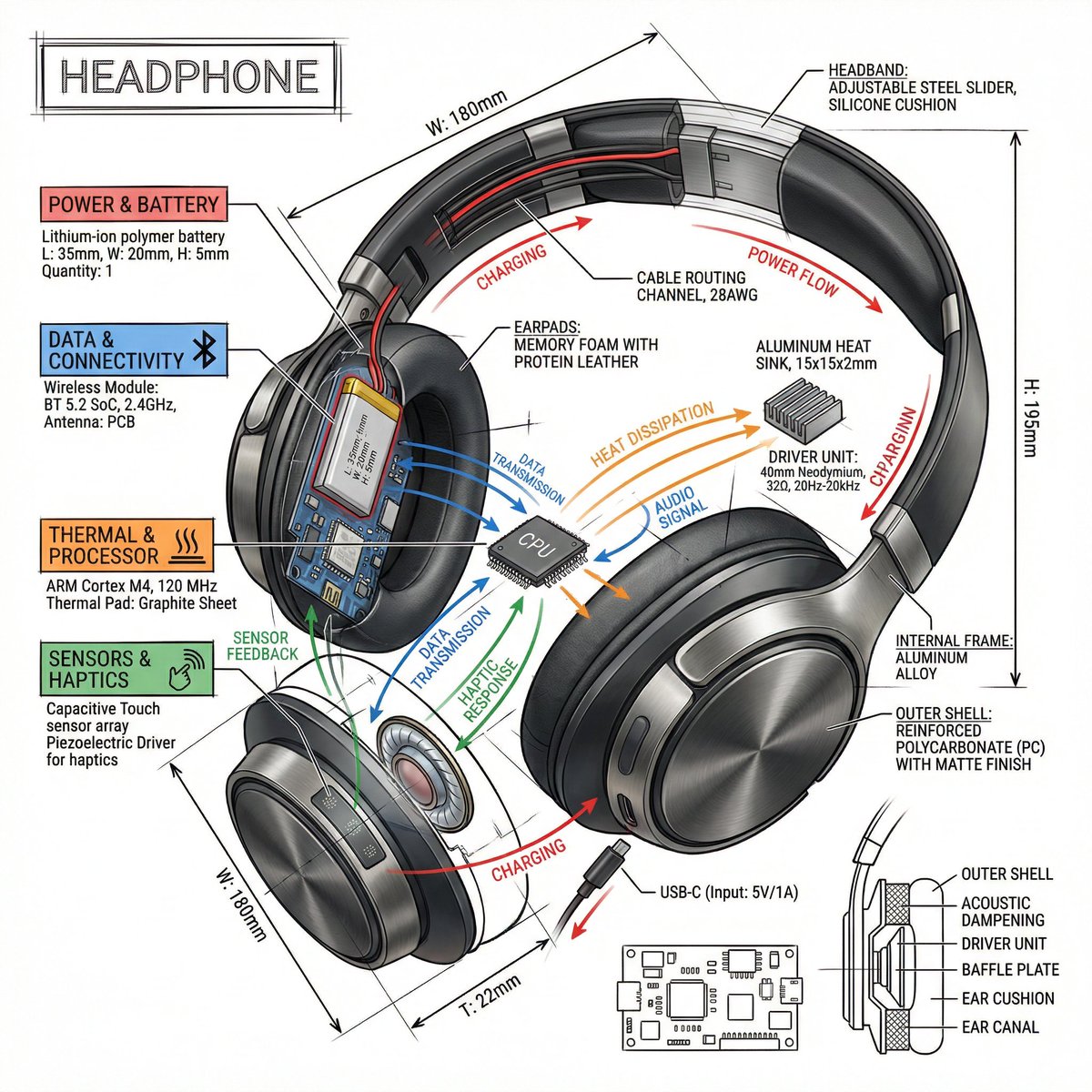
Technical Infographic Prompt Template

Technical Infographic Prompt Template

Create a technical infographic of {argument name="object" default="OBJECT"} with a 45-degree isometric 3D perspective showing the device slightly tilted to reveal depth and dimension. Combine a realistic photoreal render with black ink technical annotations on pure white background. Include: Key component labels with color-coded callout boxes Internal component visibility through transparent/cutaway sections Measurements, dimensions, and precise scale markers Material callouts and quantities Color-coded arrows for function/flow: RED (power/battery), BLUE (data/connectivity), ORANGE (thermal/processor), GREEN (sensors/haptics) Simple schematics or cross-sectional diagrams where relevant Place “OBJECT” title in a hand-drawn technical box (top-left corner). Style: Black linework (technical pen/architectural), sketched but precise. Object remains clearly visible. Educational museum-exhibit vibe. Clean composition, balanced negative space. Perspective: Isometric 3D angle—tilted to show depth, dimension, and internal architecture dramatically. Like a professional product teardown or engineering manual. Colors: ~10-15% accent density. Black dominant. White background. Output: 1080×1080, ultra-crisp, social-feed optimized.

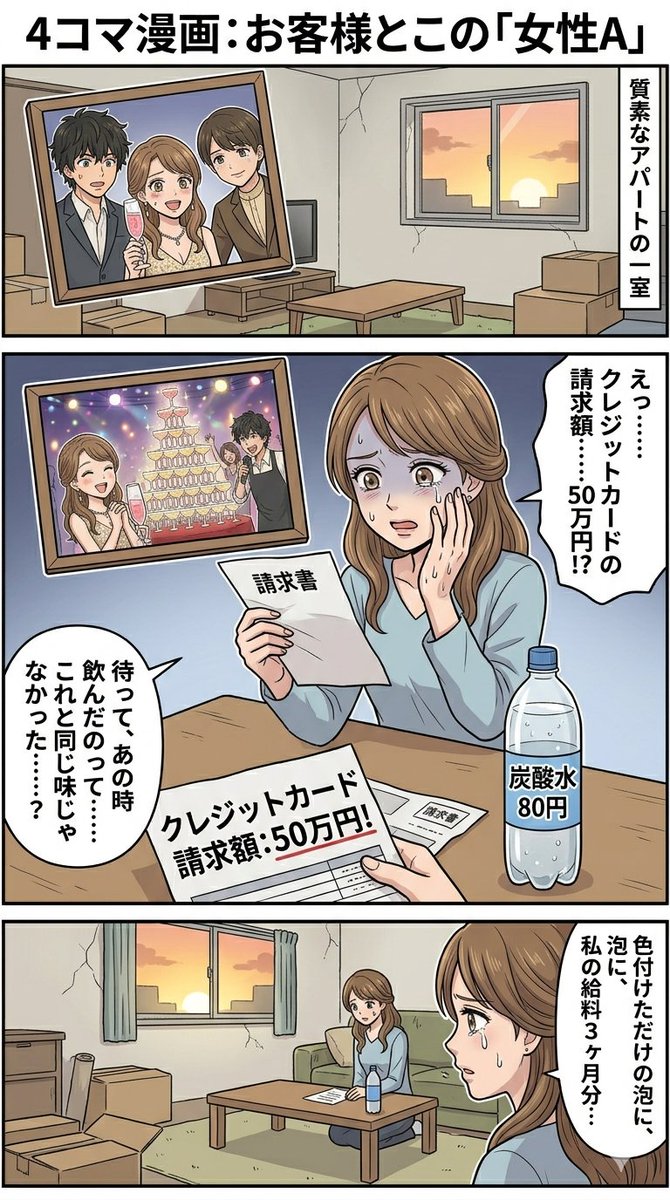
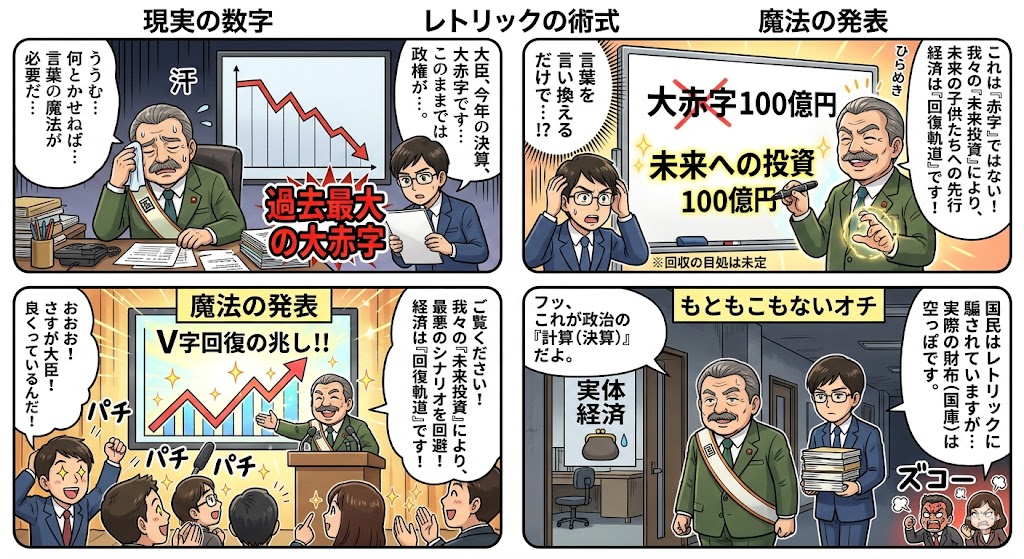
Four-Panel Manga: The Magic of Numbers

Four-Panel Manga: The Magic of Numbers

How settlement and budget figures change their appearance through political magic. Just by rephrasing a deficit as an investment, behold the wonder.

Bio-Inspired Industrial Shoe Design Board

Bio-Inspired Industrial Shoe Design Board

do this for {argument name="animal count" default="3 random animals"} for a {argument name="product" default="shoe"} IMAGE = Σ(w_i × β_i) → target render // Σ(w_i) = 1.0 BASIS_DECOMPOSITION FROM {product} + {bio_sources}: β1 : INFER(product_category_aesthetic FROM product. design_language) w = INFER(weight FROM product.visual_identity_strength) β2 : INFER(biological_intelligence FROM bio_sources[].evolutionary_solutions) w = INFER(weight FROM bio_sources[].advantage_significance) β3 : INFER(engineering_translation FROM biomimicry_methodology) w = INFER(weight FROM product.technical_complexity) β4 : INFER(industrial_design_presentation FROM portfolio_aesthetic) w = INFER(weight FROM audience.professional_level) β5 : INFER(educational_diagram FROM design_process_documentation) w = INFER(weight FROM instructional_clarity_need) INTERSECTION_RULES: β[bio] ∩ β[product] = naive_prototype_v1 // literal translation β[bio] ∩ β[engineering] = refined_prototype_v2 // working solution β[v2] ∩ β[product] = final_components // production parts β[presentation] ∩ β[education] = grid_layout // 4-column progression FOR EACH bio_source: col_1 = β[bio] col_2 = β[bio] ∩ β[product] → ❌ failure col_3 = β[bio] ∩ β[engineering] → ✓ success col_4 = β[v2] ∩ β[product] GLOBAL_CONSTRAINT: layout = 4_columns × N_rows (N = count bio_sources) footer = integrated_product (ALL col_4 components combined) style = β[presentation] — clean, white bg, professional OUTPUT_CONSTRAINTS: resolution : 8K landscape render : Octane | industrial_design_board typography : sans_serif | hierarchical | callouts + annotations lighting : INFER(studio_rig FROM β[product]) negative_β : INFER(anti_patterns FROM β1..β5) // TUNING KNOBS: // β[bio]++ → more nature photography, less product renders // β[engineering]++ → more technical diagrams, failure analysis detail // β[presentation]++ → more portfolio polish, less educational scaffolding // β[education]++ → more annotations, process transparency

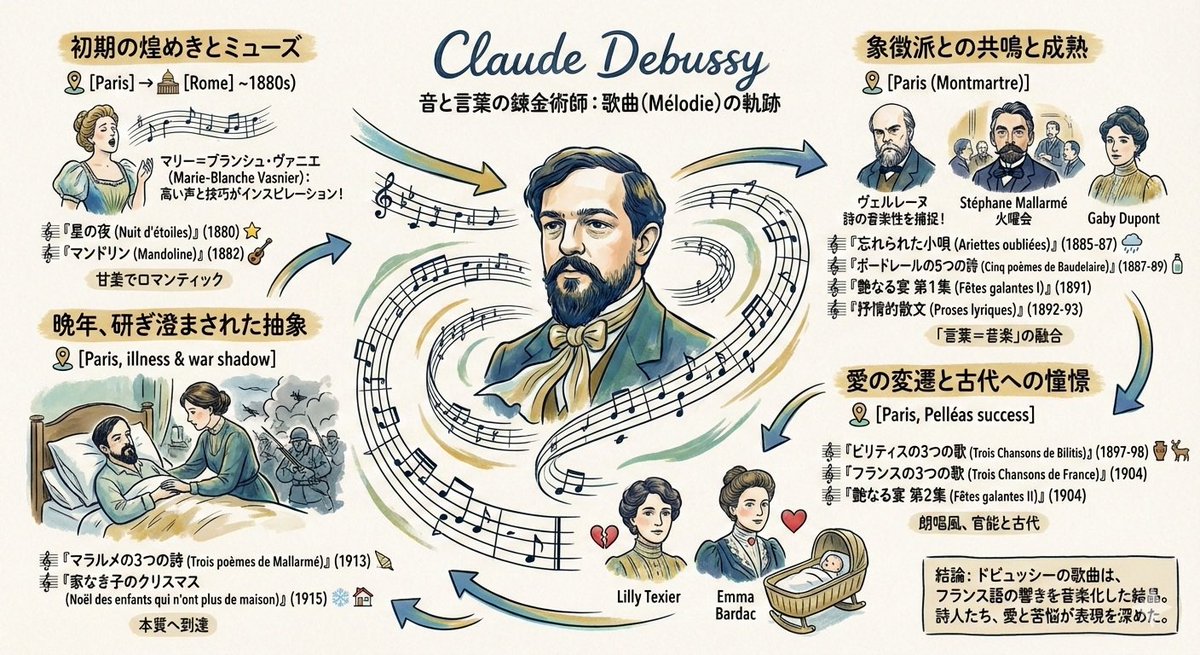
Generating a Graphic Record of Debussy's Songs

Generating a Graphic Record of Debussy's Songs

Please create a graphic record (grareco) about the art songs of the French composer {argument name="composer name" default="Debussy"} under the following conditions: ・A portrait of {argument name="composer name" default="Debussy"} in the center ・Composed works arranged chronologically ・Information about the places he lived, and the friends, lovers, and wives he met

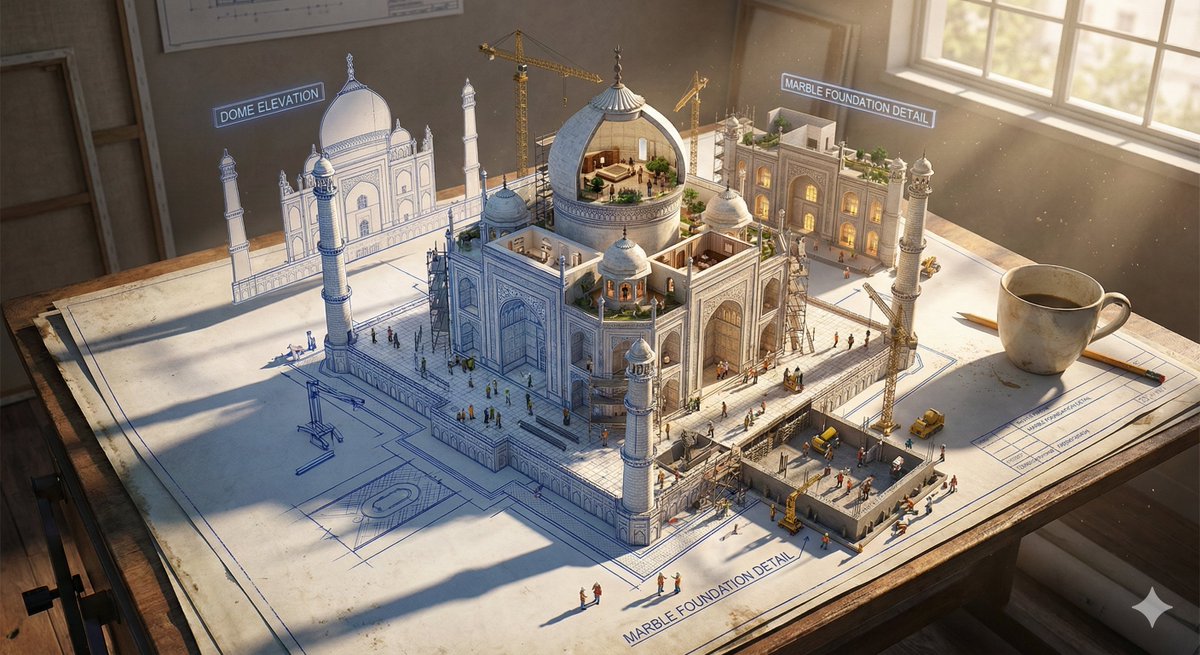
Epic 3D Architectural Blueprint Construction Scene

Epic 3D Architectural Blueprint Construction Scene

Epic 3D scene: a massive architectural blueprint of [Name] pinned to a drafting table, its ink lines rising off the paper into fully realized construction. Blue lines become steel beams mid-weld, floor plans inflate into furnished rooms, elevation drawings push outward into facades with working windows. Construction phases coexist simultaneously: foundation being poured in one corner while the penthouse is already inhabited in another. Tiny workers, cranes, and scaffolding swarm the rising structure. The flat drawing and the living building merge at impossible angles. Technical annotations float as dimensional signage. Architect's coffee cup sits at the edge, casting shadow across unbuilt sections. Extreme scale contrast, construction dust catching afternoon light, 8K, photorealistic.

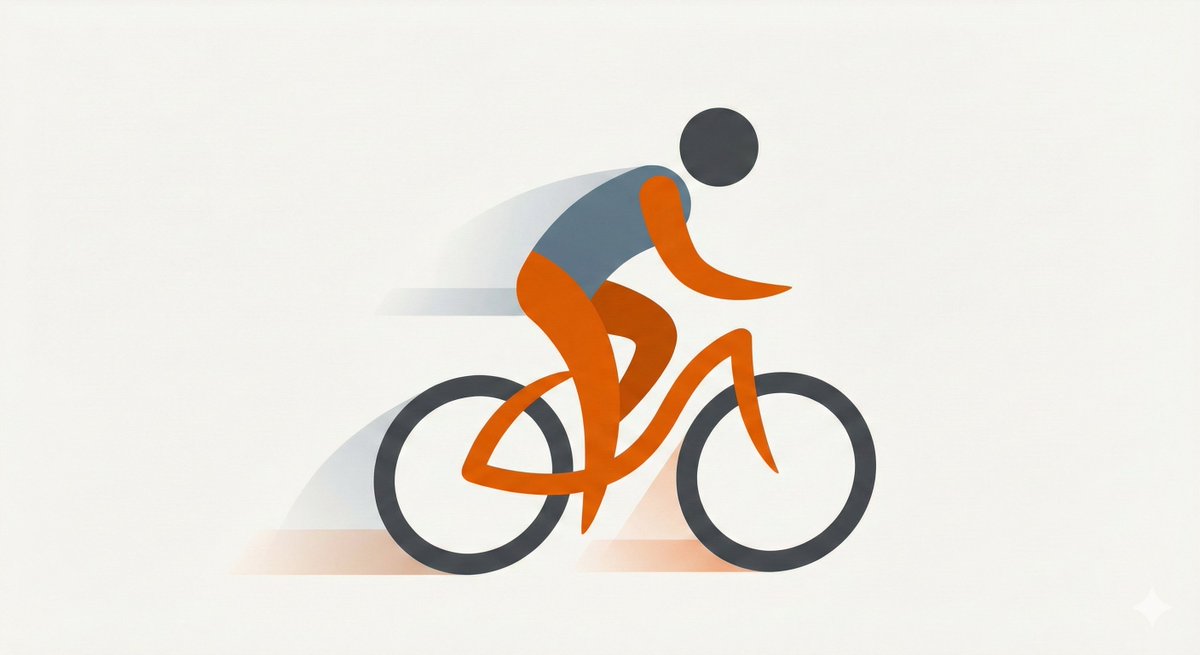
Minimal Flat Geometry Illustration Prompt

Minimal Flat Geometry Illustration Prompt

Minimal flat illustration of {argument name="subject" default="[SUBJECT]"}, simple geometric shapes, limited color palette, clean vector style, generous negative space, modern editorial illustration, soft shadows, smooth curves, high aesthetic minimalism.

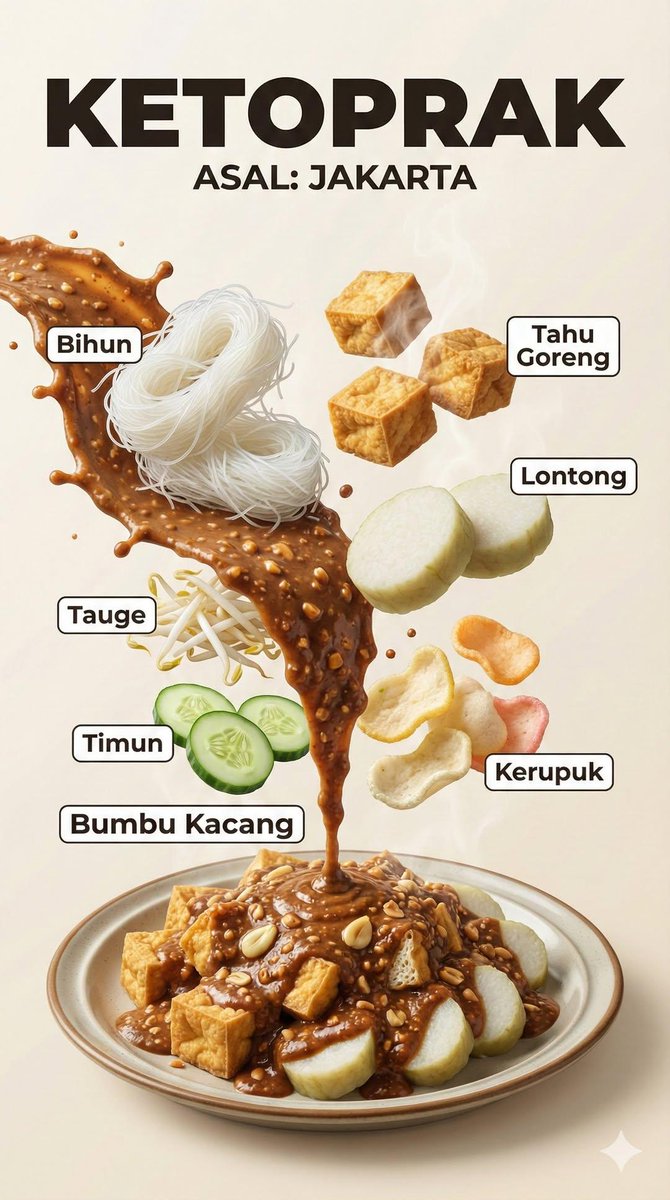
Hyper-Realistic Indonesian Food Infographic Poster

Hyper-Realistic Indonesian Food Infographic Poster

A hyper-realistic Indonesian food infographic poster with dramatic floating ingredients. Vertical composition, bold title text at the top showing the dish name and origin (ASAL). Ingredients levitating in mid-air with clean white label lines and Indonesian text. Cinematic food photography style, ultra-detailed textures, glossy sauces, charred meat, fresh vegetables, steam and smoke effects. Strong contrast lighting, editorial layout, modern typography, professional food magazine look, motion-frozen splashes, realistic shadows, studio lighting, shallow depth of field, 8K ultra-realistic, DSLR quality.

Some prompts are collected from creators on X. Copyright belongs to the original authors.