Kenerate AI

提示词库

AI 提示词库

汇集全球创作者的精选图像、视频与建站提示词。复制任意一条,替换主体或风格,即可用最新模型生成。

15,630 条提示词 · 每日更新 · 完全免费

共 606 条

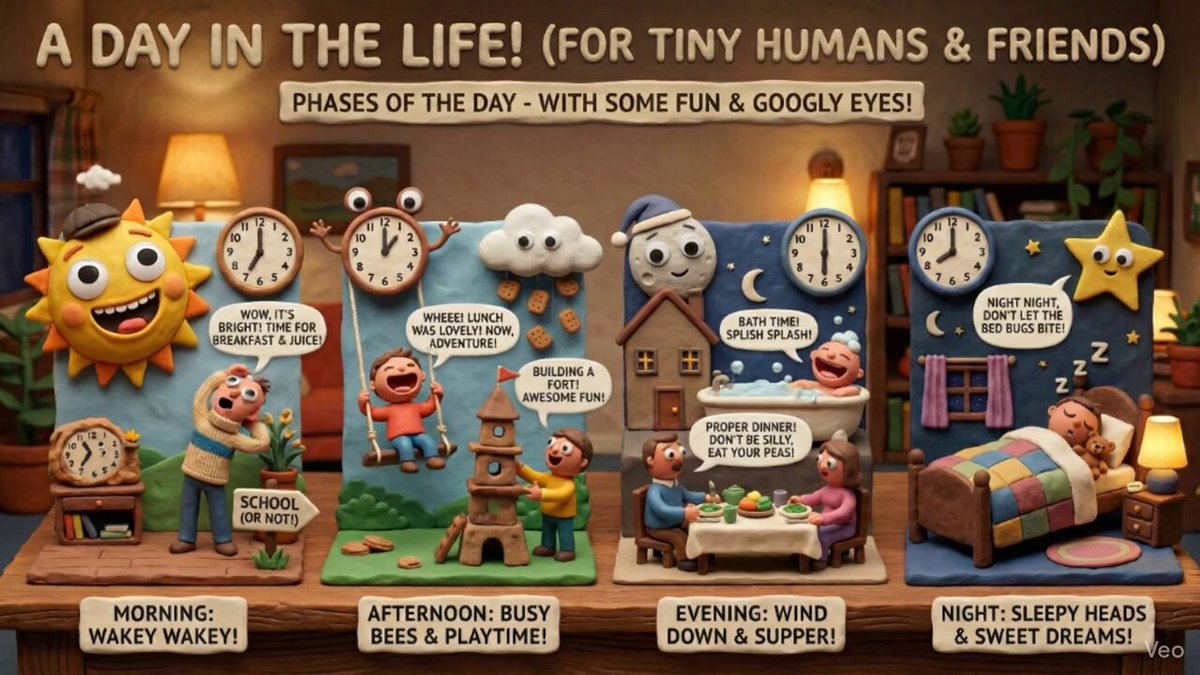
Claymation day phases infographic for kids

Claymation day phases infographic for kids

Create an infographic that explains the phases of the day, perfect for a {argument name="child_age" default="6-year-old"}, in the style of distinctive claymation with wide expressive mouths, googly eyes, and charming humor. Matte clay textures, handcrafted props, and warm, practical set lighting define the look.

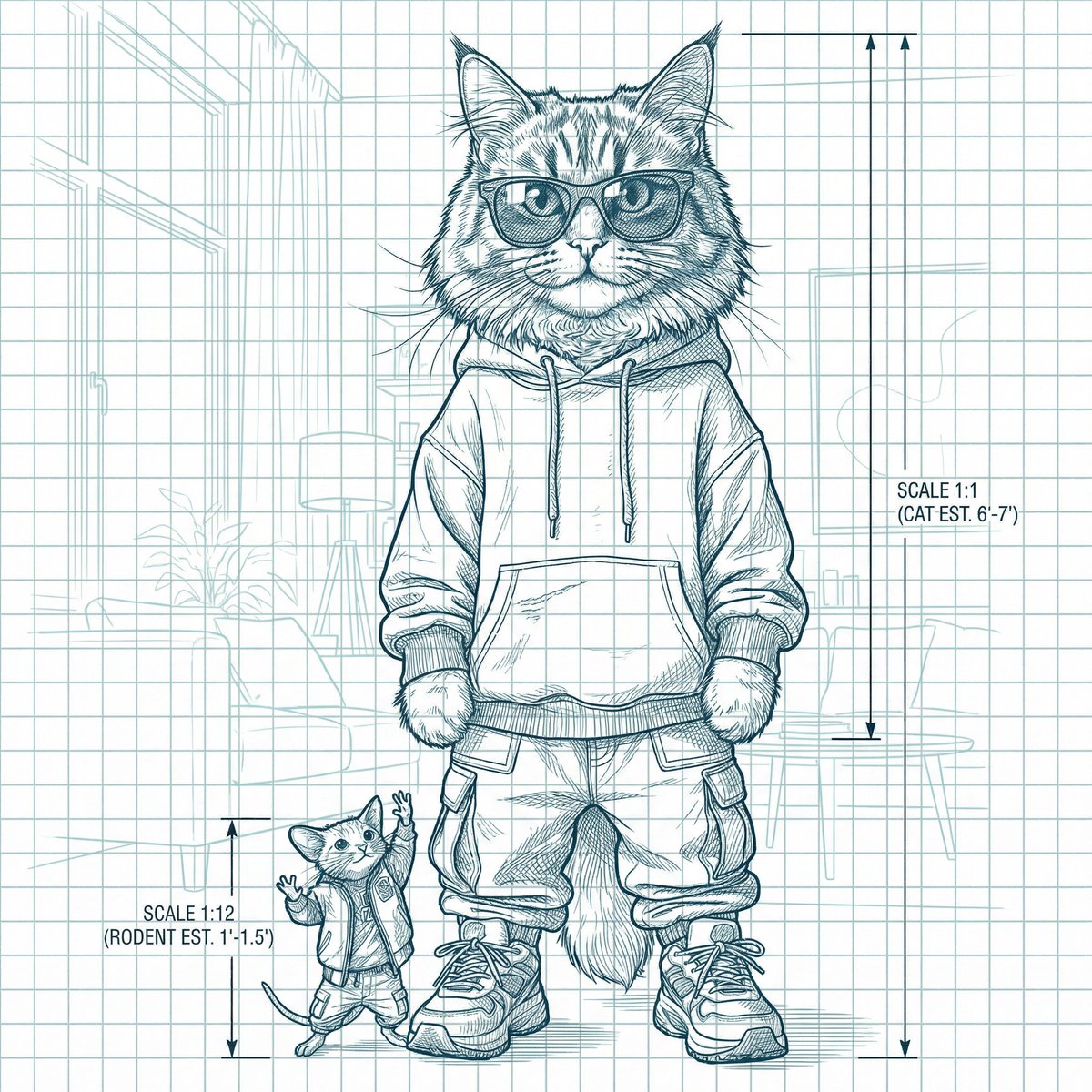
Blueprint-style technical schematic generation

Blueprint-style technical schematic generation

Create a highly detailed blueprint-style technical schematic based on the reference image. Analyze the image to capture all details including the subject's appearance, structure, design, colors, and background. Use clean line art in multiple pen colors ({argument name="pen colors" default="blue, black, red, green, etc."}) on a {argument name="paper type" default="beige, aged engineering paper"} background with technical annotations, dimension lines, and engineering-style details. Maintain the professional blueprint aesthetic with precise line work and technical drawing elements.

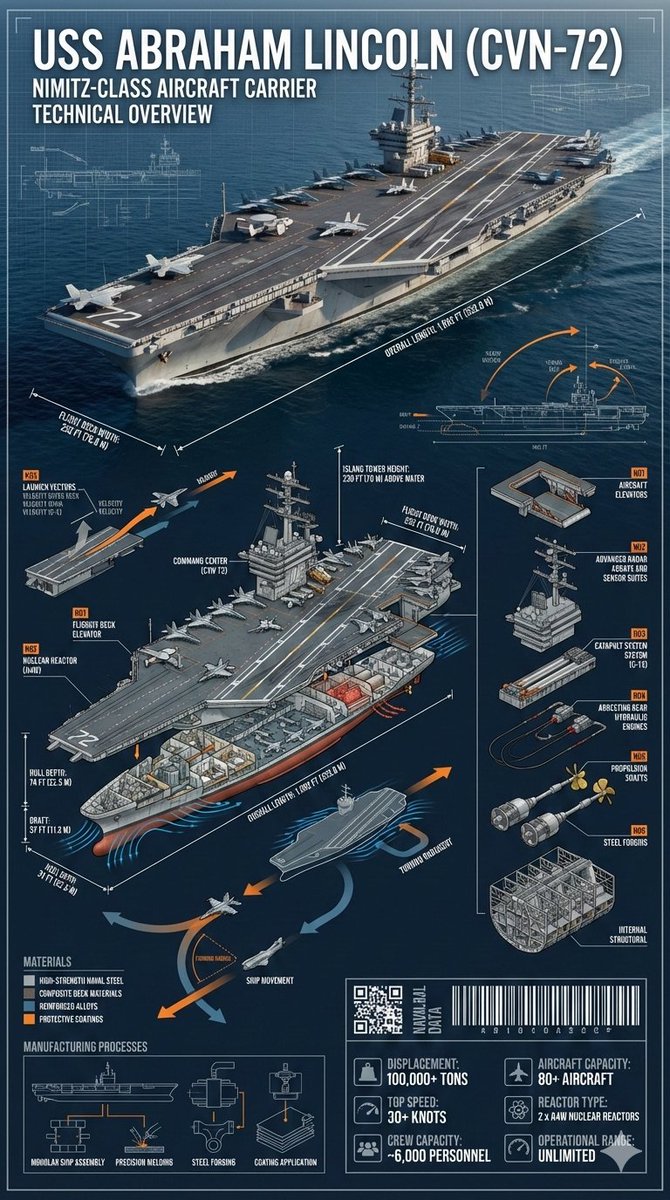
Cinematic Engineering Infographic of USS Abraham Lincoln

Cinematic Engineering Infographic of USS Abraham Lincoln

{ "prompt": { "subject": "{argument name=\"ship name\" default=\"USS Abraham Lincoln (CVN-72)\"}", "description": "Cinematic industrial engineering-style infographic of the USS Abraham Lincoln (CVN-72) at sea, matching the reference photo. Ultra-precise technical rendering of the aircraft carrier viewed from a dynamic angled perspective with accurate proportions, deck markings, surface textures, and structural realism identical to the reference.", "technical_elements": { "dimension_lines": ["overall length", "flight deck width", "hull depth", "draft", "island tower height"], "cross_section": ["flight deck structure", "hangar bay", "aircraft elevators", "nuclear reactors", "engine rooms", "crew compartments", "radar and command center"], "exploded_view": ["aircraft elevators", "radar arrays", "catapult systems", "arresting gear", "propulsion shafts", "internal structural framework"], "dynamic_diagrams": ["aircraft launch vectors", "ship movement arrows", "hydrodynamic flow around hull", "heat dissipation from reactors"], "materials": ["high-strength naval steel", "composite deck materials", "reinforced alloys", "protective coatings"], "manufacturing_processes": ["modular ship assembly", "precision welding", "steel forging", "coating application"], "part_numbering": "Industrial naval annotation style (Part N01, N02, etc)", "tech_data_panels": ["displacement", "top speed", "crew capacity", "aircraft capacity", "reactor type", "operational range"], "industrial_design_elements": ["QR-style naval data block", "barcode strip", "micro technical schematics"] }, "design_style": { "layout": "layered cinematic infographic with the carrier as the central hero and surrounding technical callouts", "color_palette": ["naval grey", "deep ocean blue", "white", "signal orange accents"], "background": "open ocean fading into horizon with subtle blueprint grid overlay", "typeface": "sharp industrial sans-serif with naval engineering annotation style", "lighting": "dramatic directional lighting with crisp highlights on the flight deck", "shadows": "controlled and sharp for technical clarity" }, "overall_vibe": "epic naval engineering poster blending cinematic realism with professional military technical documentation", "aspect_ratio": "9:16" } }

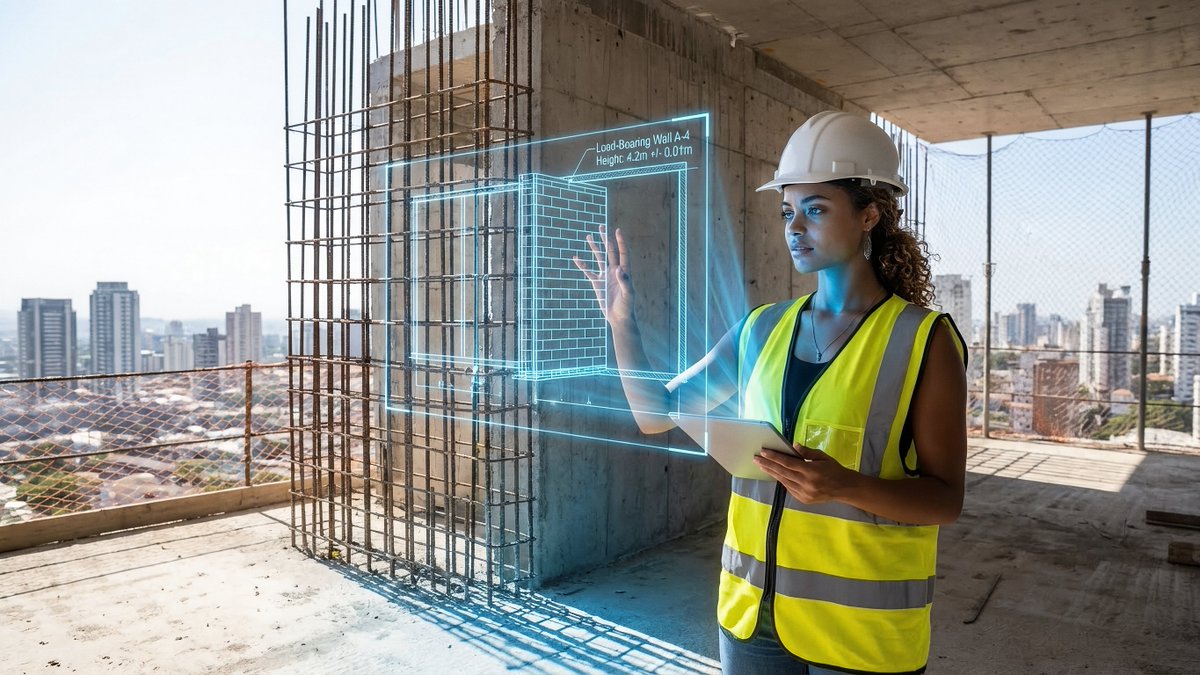
JSON prompt for construction site AR blueprint overlay

JSON prompt for construction site AR blueprint overlay

{ "promptDetails": { "description": "A construction site scene with the uploaded subject holding up an AR projection of a blueprint over the unfinished structure.", "styleTags": [ "Industrial", "Modern Architecture", "Midday Light", "Technical Schematics" ] }, "scene": { "background": { "setting": "The top floor of a new skyscraper under construction (exposed concrete and rebar)", "details": "Distant city skyline visible through open walls, safety netting, hard hats, dust motes in the air, strong texture of raw concrete floor." }, "subject": { "description": "The person defined by `[UPLOADED IMAGE]`, wearing a safety vest and hard hat, looking professional.", "pose": "Standing near the edge, holding an invisible tablet (or hand outstretched) projecting the overlay, looking critically at the structure.", "focus": "Subject and the projected blueprint are sharp; the background city is slightly softened." } }, "overlayObject": { "type": "Holographic Architectural Blueprint", "relationshipToEnvironment": "The overlay appears as a complex, translucent blue-line schematic *over* a section of the exposed rebar/wall.", "transform": "Slightly angled in 3D perspective to match the construction site's structure.", "surfaceInteraction": "Vibrant, electric blue lines with sharp white measurements, casting a subtle blue light onto the subject's vest and concrete floor.", "components": { "section": "Load-Bearing Wall A-4", "measurement": "Height: 4.2m +/- 0.01m", "position": "Projected mid-frame, aligned with the structure." } }, "technicalStyle": { "aspectRatio": "16:9", "photographyStyle": "Editorial, High Detail, Commercial", "camera": { "shotType": "Medium Shot", "angle": "Eye-level, dynamic composition emphasizing vertical lines.", "depthOfField": "Moderate, ensuring the raw background textures are visible but not distracting." }, "lighting": { "type": "Harsh, Clear Midday Sun", "description": "Strong, directional sunlight creating sharp shadows and bright highlights on metal and concrete." }, "color": { "palette": "Concrete grays, safety vest orange/yellow, and electric blue." } } }

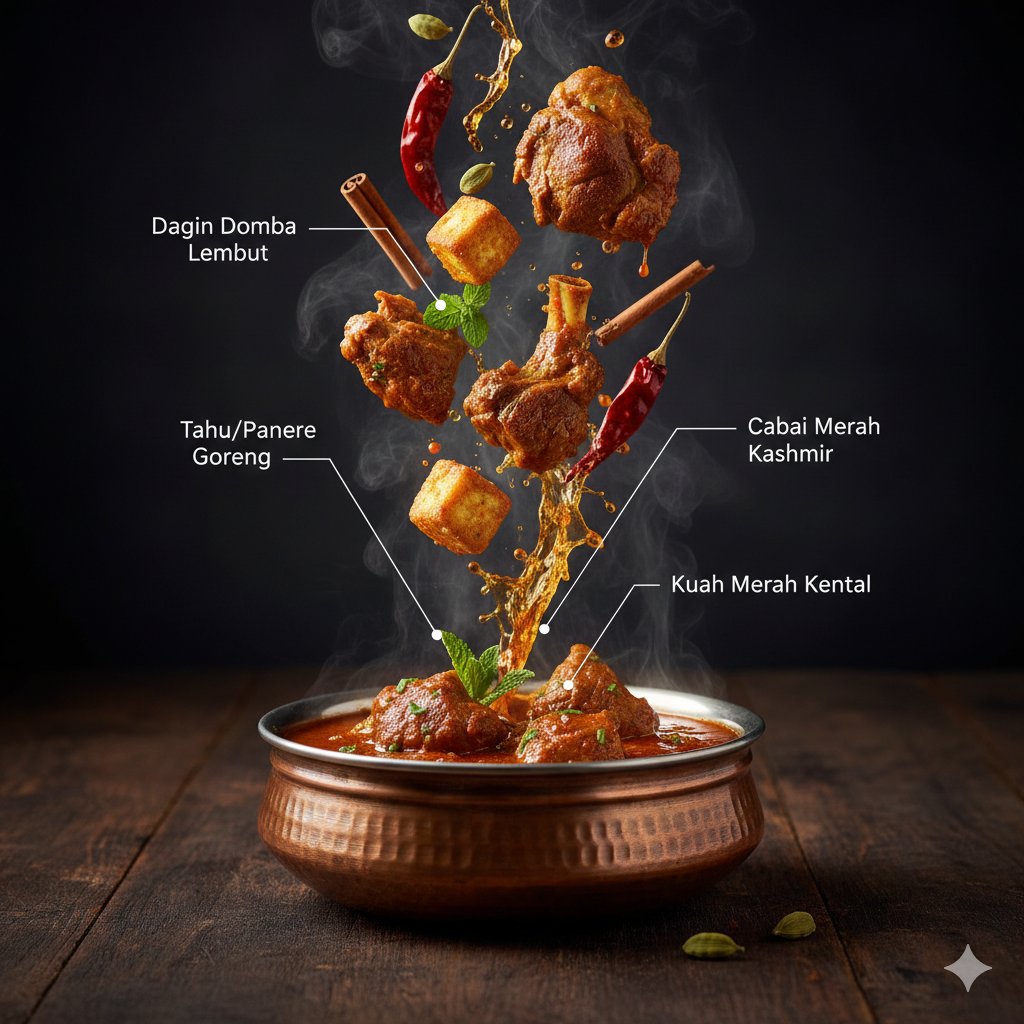
Hyper-Realistic Kashmiri Wazwan Infographic Prompt

Hyper-Realistic Kashmiri Wazwan Infographic Prompt

{ "project": "CuisineInfographic", "metadata": { "style": "Hyper-Realistic", "theme": "Kashmiri Wazwan", "resolution": "8K_Ultra_HD" }, "scene_setup": { "background": "Rustic_Dark_Wood", "lighting": "Cinematic_Studio_Warm", "camera": { "type": "DSLR_Full_Frame", "focus": "Sharp_Macro", "depth_of_field": "Shallow_Bokeh" } }, "render_elements": { "base_anchor": { "object": "Traditional_Kashmiri_Copper_Bowl", "content": "Steaming_Rogan_Josh", "effects": ["Dramatic_Steam", "Volumetric_Vapor"] }, "levitating_entities": [ { "item": "Tender_Mutton_Chunks", "texture": "Juicy_Fibrous" }, { "item": "Fried_Paneer_Cubes", "texture": "Golden_Crispy" }, { "item": "Kashmiri_Red_Chili", "state": "Whole_Dried" }, { "item": "Saffron_Water_Splashes", "viscosity": "Glossy_Orange" }, { "item": "Green_Cardamom_Pods", "arrangement": "Motion_Frozen" }, { "item": "Cinnamon_Bark", "detail": "Ultra_Textured" }, { "item": "Fresh_Mint_Leaves", "color": "Vibrant_Green" } ], "ui_overlay": { "language": "{argument name="overlay language" default="Indonesian"}", "elements": { "pointer_lines": "Thin_Minimalist_White", "font_style": "Modern_Editorial_Sans", "labels": { "mutton": "{argument name="mutton label" default="Tender Lamb Chunks"}", "chili": "Kashmiri Red Chili", "paneer": "Fried Tofu/Paneer", "sauce": "Thick Red Gravy" } } } }

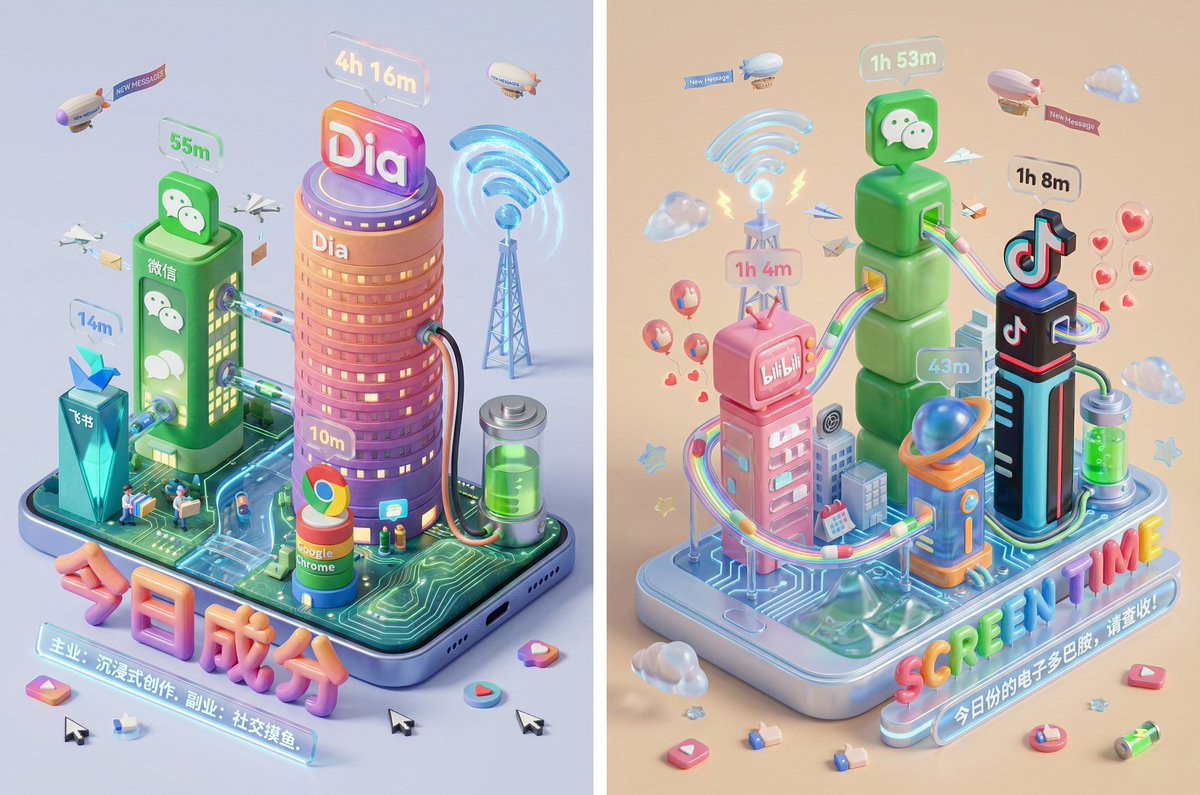
Screen Time Digital Town Visualization Prompt

Screen Time Digital Town Visualization Prompt

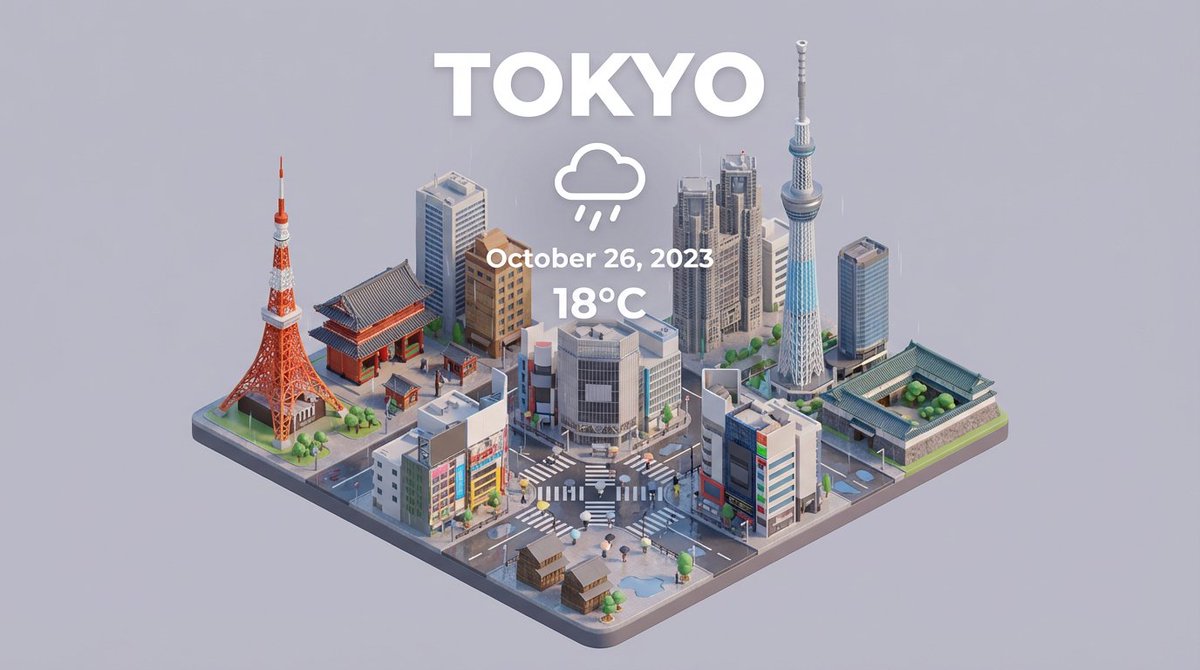
Please read the user-uploaded [Screen Time Data Screenshot] and identify the top four APP names and icons. Retrieve information and icon styles for these APPs. Based on the tone of the APP combination (Social/Entertainment/Office/Comprehensive), independently decide on the core art style. [2. Main Model Construction: Miniature Town Infrastructure] Construct a vibrant miniature digital town in the center of the screen, not just a display of buildings: Smart Base (Foundation): A stylized mobile phone base. The surface is no longer flat but topographical (depending on the style, it could be rolling circuit board hills, glass water surfaces, or Lego baseplates). Building Cluster (APP Embodiment): Skyscrapers representing the APPs. Base: A cartoon-style smartphone base with rounded, frosted metal edges, and the screen surface emits a faint breathing light. The base is surrounded by floating, materialized 3D Emojis (clouds, stars, hearts) with a translucent jelly texture. Building Cluster (APP Embodiment): Q-version skyscrapers stand on the island, representing the identified APPs. Height Rule: Building height strictly corresponds to usage duration. The APP with the longest usage time is the tallest skyscraper, occupying the visual center. Shape Rule: Extract the geometric features of the APP icons (e.g., circular icons become stacked spherical towers, square icons become rounded cube buildings). Material: A mix of high-grade Frosted Polymer Clay and Translucent Jelly Resin. The surface should have delicate fingerprint textures and diffuse reflection gloss, like an expensive blind box toy. Top Logo: The 3D logo of the App stands on the rooftop, with a texture like freshly baked, glossy candy. Floating Time Card: A frosted glass-textured 3D bubble floats directly above the Logo. The bubble encapsulates three-dimensional, softly glowing numbers (corresponding to usage duration, such as "{argument name="usage duration" default="4h 12m"}"). Buildings should not be arranged in isolation but should form neighborhoods. Tall buildings are in the center (CBD area), surrounded by potentially low-rise system application buildings (Settings, Calendar, etc.). [3. Urban Ecosystem and Interaction System (Urban Ecosystem & Interactions)] (Core Upgrade: Add “Interaction” and “Liveliness”) Please add rich dynamic details between the buildings to show how this “Digital Town” operates: Traffic and Connection (The Data Flow): Connection Method: Buildings must have physical connections. Style Adaptation: If it's cyberpunk, use glowing fiber optic elevated bridges and maglev trains; if minimalist, use transparent glass pipes; if cute, use rainbow slides. Vehicles and Transport: Pipes or roads must have flowing light points/capsules, representing data transmission. Active “Data Sprites” (The Digital Citizens): NPC Setting: Add tiny functional NPCs besides the main character figure. Message Carriers: Near social APP buildings (like WeChat), flying paper airplane drones or small postmen carrying envelopes move in and out. Like Sprites: Around video/community APP buildings (like Douyin/Xiaohongshu), glowing red hearts or thumb balloons float like fireflies. Delivery/Shopping Riders: If Meituan/Taobao is present, there should be miniature riders or package conveyor belts connected to the main building where the protagonist is located. Public Infrastructure (Public Utilities): Wi-Fi Signal Tower: A glowing signal tower (shaped like a Wi-Fi icon) stands high in the town, broadcasting energy ripples across the city. Battery Energy Station: A cylindrical energy tank (shaped like a battery icon) is located at the edge of the town, connected by thick cables to power the main building, where green liquid energy can even be seen sloshing. Notification Airship: Small airships or clouds float in the air, hanging banners with “New Message” or “Red Dot.” [4. Bottom Visual Center: Stylized 3D Nameplate] (Keep unchanged, emphasize high-end design sense) Main Title Design: “SCREEN TIME” or “{argument name="main title" default="Today's Composition"}” are designed using Inflatable Typography or Neon Tube Fonts, with materials related to the current theme. They are not printed on paper but physically “stand” in the foreground of the image. Decorative Details: Small 3D fragment elements (such as play buttons, like thumbs, battery icons) are scattered around the title, increasing the richness and trendy feel of the image. Subtitle Copy: Below the 3D title, generate a floating glowing light strip with a short, sharp comment based on user data. [5. Rendering and Photography (Tech Specs)] Composition: Axonometric overhead view, emphasizing prosperity and order. Details: Extremely rich Micro-details, making the viewer want to zoom in to see what the small figures are doing in every corner. Keywords: Octane Render, C4D, Isometric City, Micro World, Living Ecosystem, 8k Resolution.

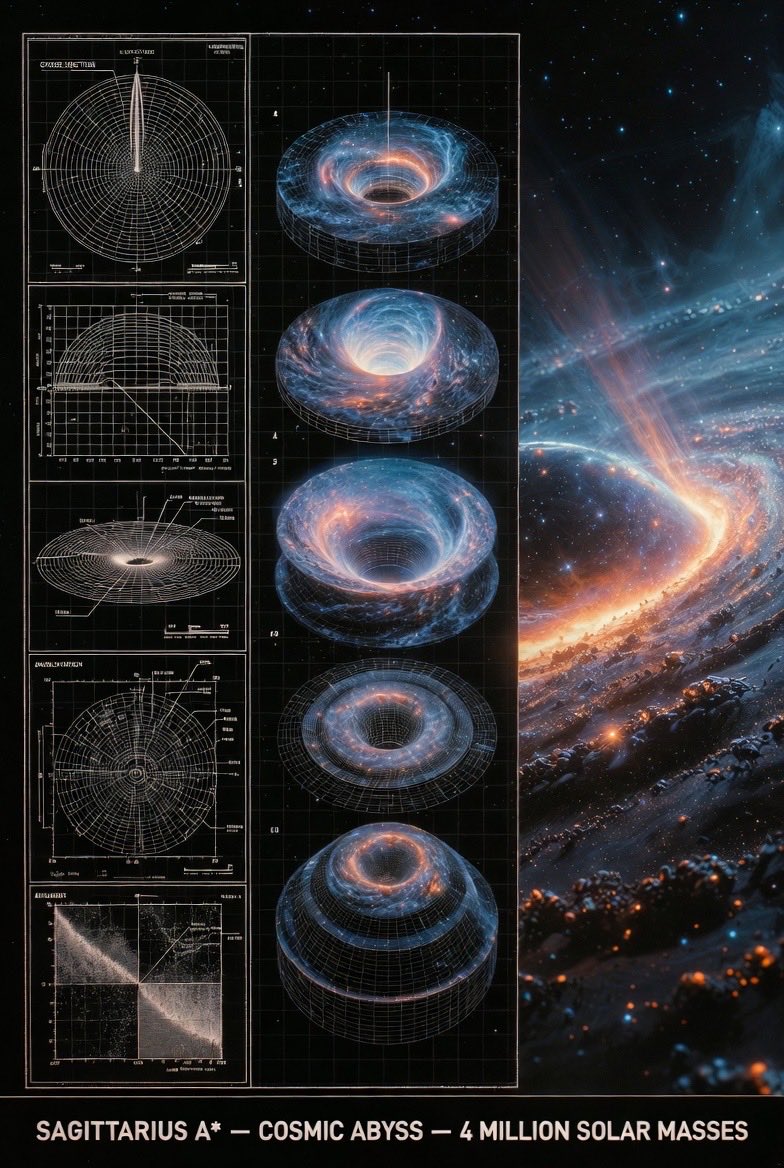
Supermassive Black Hole Museum Presentation Board

Supermassive Black Hole Museum Presentation Board

An expert astronomer's museum-grade presentation board for a supermassive black hole — event horizon, glowing accretion disk, relativistic jets. Left: black-and-white 2D scientific diagrams (cross-section, orbital paths, spectral analysis) with precise annotations, scale bars, and technical labels. Center: exploded axonometric or layered diagram revealing singularity core, plasma torus, and spacetime curvature layers. Right: photorealistic 3D render of the black hole in the galactic center with swirling stars and distorted light, vibrant orange and blue plasma glow, stellar debris trails. Visual style transitions from archival blueprint tones (graphite schematics, orbital precision) to cosmic atmospheric palette (deep blacks, fiery oranges, electric blues). Clean grid layout with subtle borders, ultra-detailed cinematic realism, NASA or Hubble exhibition quality, high resolution. Title block at bottom: 'SAGITTARIUS A* — COSMIC ABYSS — 4 MILLION SOLAR MASSES'.

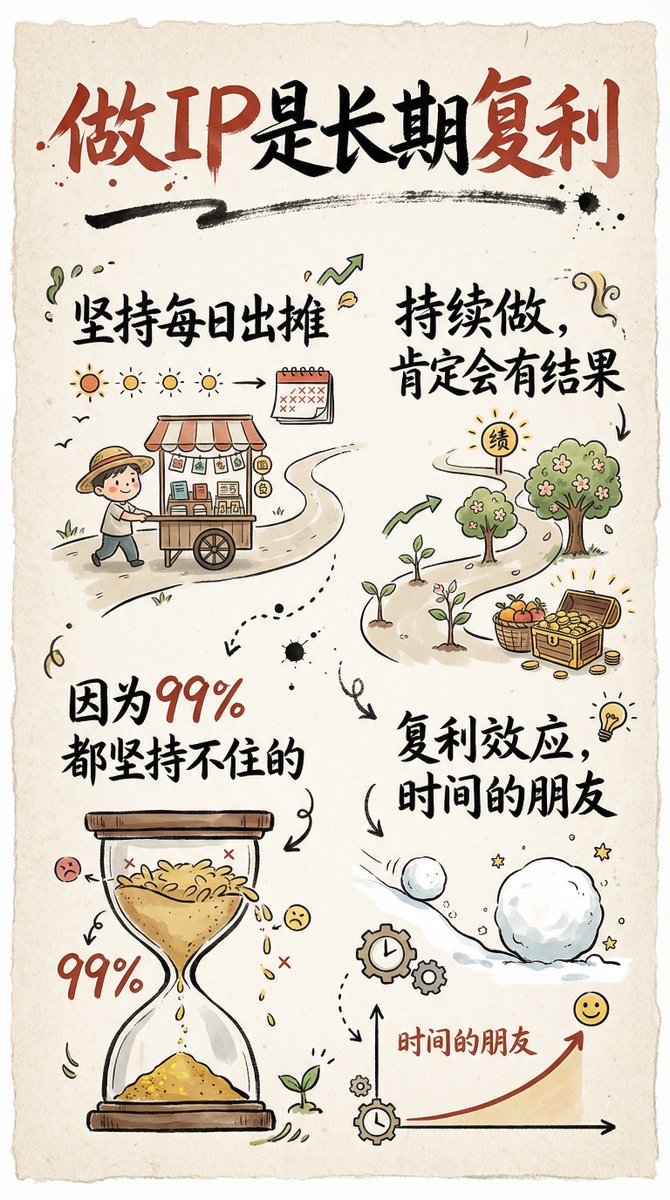
Hand-drawn infographic card about long-term IP building

Hand-drawn infographic card about long-term IP building

Create a hand-drawn style infographic card in a 9:16 vertical ratio. The card should have a clear theme, with a beige or off‑white paper-textured background and an overall rustic, friendly hand-drawn aesthetic. At the top of the card, highlight the title in large brush-style cursive Chinese characters using a striking red-and-black contrast to draw the viewer’s eye. All text should be in Chinese cursive script. The layout is divided into 2 to 4 clear sections, each using short, concise Chinese phrases to express the key points. The font should maintain the flowing rhythm of cursive script while staying readable and artistic. Add simple, fun hand-drawn illustrations or icons on the card, such as characters or symbolic motifs, to enhance visual appeal and spark reflection and empathy. Maintain visual balance in the overall layout and leave enough white space so the design remains clean, easy to read, and easy to understand. The theme is: “{argument name="theme" default="Building a personal IP is a long-term compounding process; if you keep showing up daily and continue consistently, you will definitely see results, because 99% of people can’t stick with it."}”

Evolution of Grocery Shops 3D Grid Prompt

Evolution of Grocery Shops 3D Grid Prompt

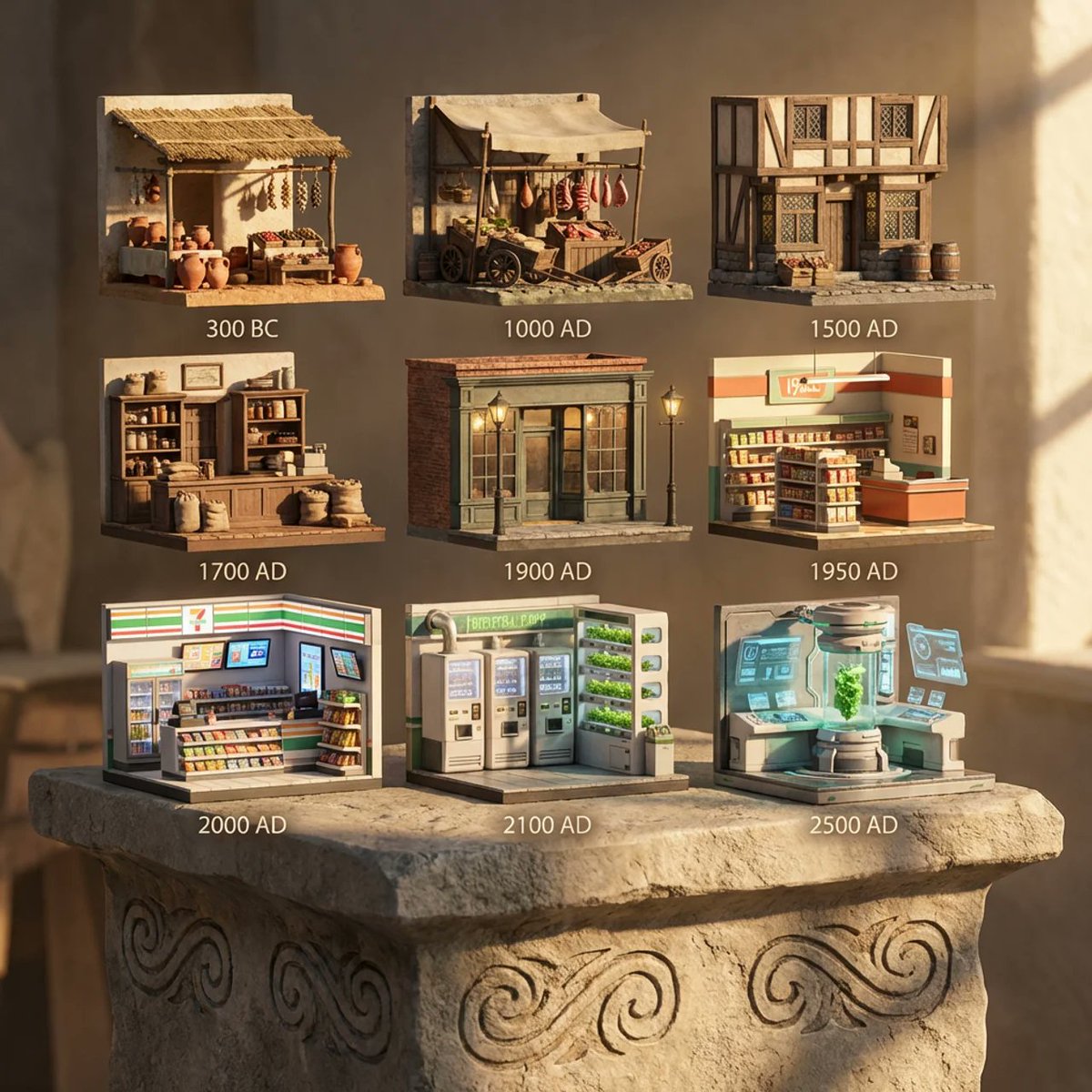
A 3x3 grid of ultra-detailed 12K 3D-rendered tiny scenes depicting grocery shops through ages, scaled at 1:12. Placed on AI inferred material pedestal with engraved motifs. Warm afternoon rays from right create intimate, sharp castings. Panels cover 300 BC, 1000 AD, 1500 AD, 1700 AD, 1900 AD, 1950 AD, 2000 AD, 2100 AD, and future 2500 AD variants.

Cartoon drone-style Google Maps aerial illustration prompt

Cartoon drone-style Google Maps aerial illustration prompt

Transform this aerial map view into an illustrated aerial photograph captured from above. Create a vibrant, animated aesthetic with brilliant colors and scatter miniature figures throughout the scene for a whimsical, magazine-quality illustrated result.

Recipe breakdown and food photoshoot

Recipe breakdown and food photoshoot

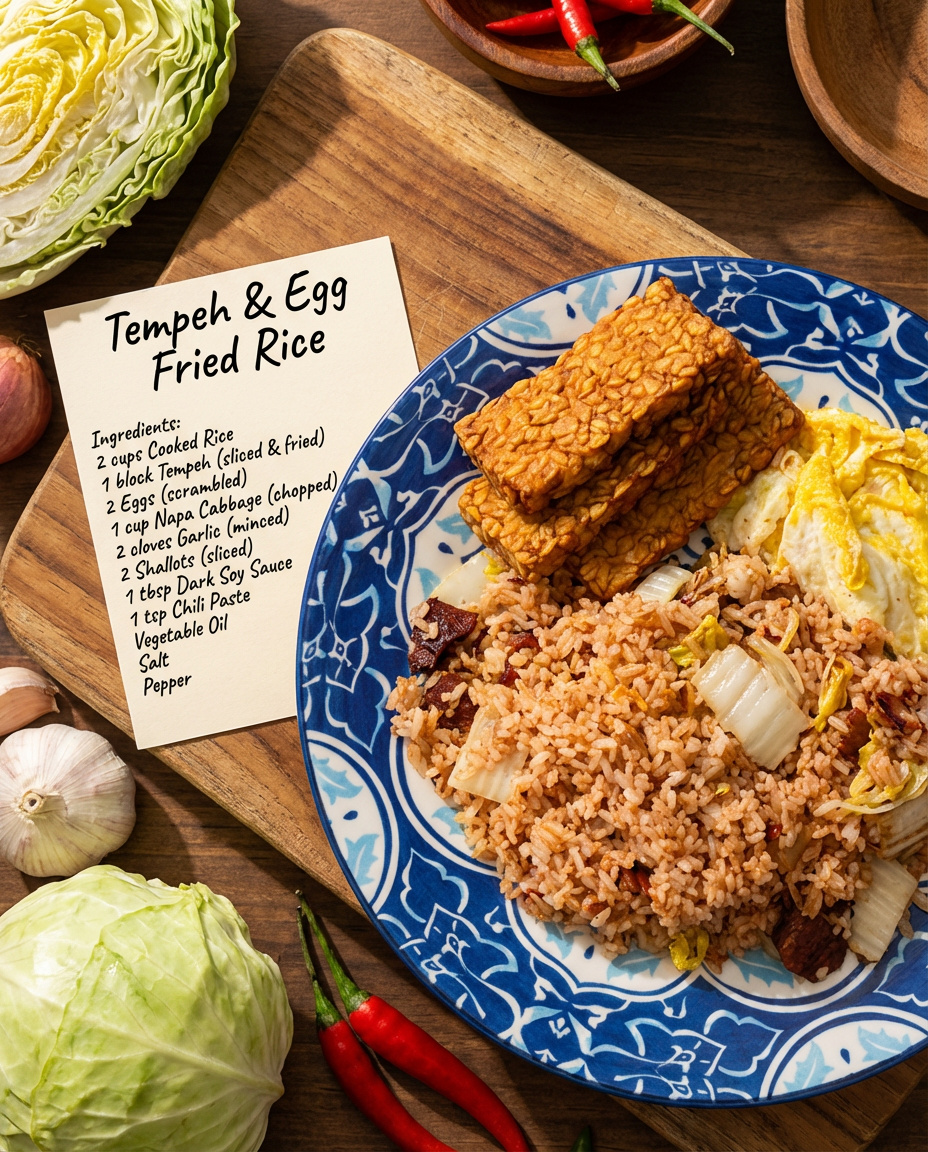
Make a detailed recipe for this dish with all the ingredient names and their raw ingredients. Make it look like a real photo shoot.

Nano Banana 2 Note Illustration Prompt (Rothschild Historical Scene)

Nano Banana 2 Note Illustration Prompt (Rothschild Historical Scene)

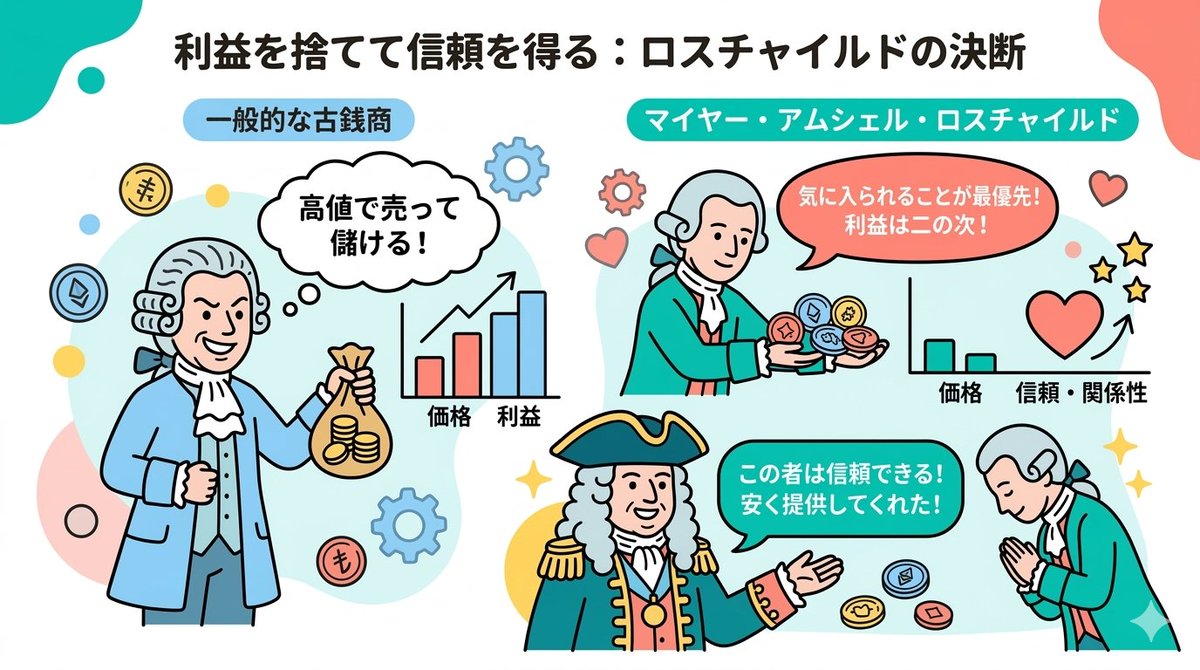
# Instructions You are a professional illustrator and prompt engineer. Read the following [Blog Summary] and create an attractive illustration that intuitively conveys its content. Display the title at the top of the illustration. # Image Size 1280px × 670px (Aspect ratio 16:9) # Output Conditions Brand Color: [#06c7b0] Simple and clean flat design. Place figures and icons drawn with uniform black outlines, partially using pastel accent colors (sky blue, coral pink, etc.). Emphasize rounded shapes and a soft impression. Diagram-centric composition (e.g., Venn diagrams, bar graphs, speech bubbles) with a friendly tone suitable for materials viewed by students and young people, or for social media. Design with ample white space, prioritizing visibility and balance. The figures appearing should be dressed as 18th-century European nobility. # Blog Summary Mayer Amschel Rothschild was not born into a privileged class, but a turning point arrived. He gained the opportunity to provide antique coins to Wilhelm IX, the Elector of Hesse, the regional ruler. However, that alone would make him just another antique coin dealer. What made him unusual was that he continued to provide rare antique coins to Wilhelm IX "at prices significantly lower than the market rate, disregarding profit." Normally, one would try to overcharge a person in power. But he prioritized gaining favor over picking up immediate small change.

Modern Minimalist PPT/Diagram Generation Prompt

Modern Minimalist PPT/Diagram Generation Prompt

1. Overall Visual Style Style Keywords: Flat UI, Vector, Modern Minimalist, Card-style design. Lines and Shapes: Rounded Corners Priority: All borders, background blocks, buttons, and process nodes must be rounded rectangles (Rounded Rectangles, with a large corner radius, approximately 10-15px). Elbow Lines: Process connections use right-angle polylines (no curves), lines are simple and strong. Color Logic (Key): “Candy Color” Scheme: Use light backgrounds with high brightness and low saturation (such as light blue, light green, light purple), paired with darker borders of the same color family. Border Emphasis: All graphics must have clear 2px~3px solid borders. 2. Vertical Layout Structure Regardless of the topic, please follow the following top-down layout order, which must be contained within a large border container: Layer 1: Main Title (Header) Position: Centered at the top of the container. Style: Bold black font, largest font size, darkest color. Layer 2: Core Flowchart Area Position: Occupies 50% of the core area of the layout. Content: Rectangular nodes + arrow connections. If it is a loop step, please use a dashed line pointing back. Layer 3: Feature List Position: Below the flowchart, centered or left-aligned. Style: Short and concise bullet points, slightly smaller font, with some white space. Layer 4: Full-width Summary Box (Footer Box) Position: At the very bottom of the container, filling the width horizontally. Color Scheme: Use a contrasting color (such as purple in the example), distinct from the main color scheme above. Function: Used to place 'Summary', 'Analogy', or 'Core Conclusion'. Landscape size (horizontal/scenic mode) is chosen because: Content Adaptation: Horizontal content like timelines is better displayed in a horizontal canvas to show the evolution process. Presentation Friendly: The 3:2 horizontal ratio is very suitable for insertion into PPTs and documents, and displays well on projectors or screens. Information Capacity: Horizontal layout can accommodate more text and icons, avoiding clutter.

Evolutionary Bridge Cinematic Shot Prompt

Evolutionary Bridge Cinematic Shot Prompt

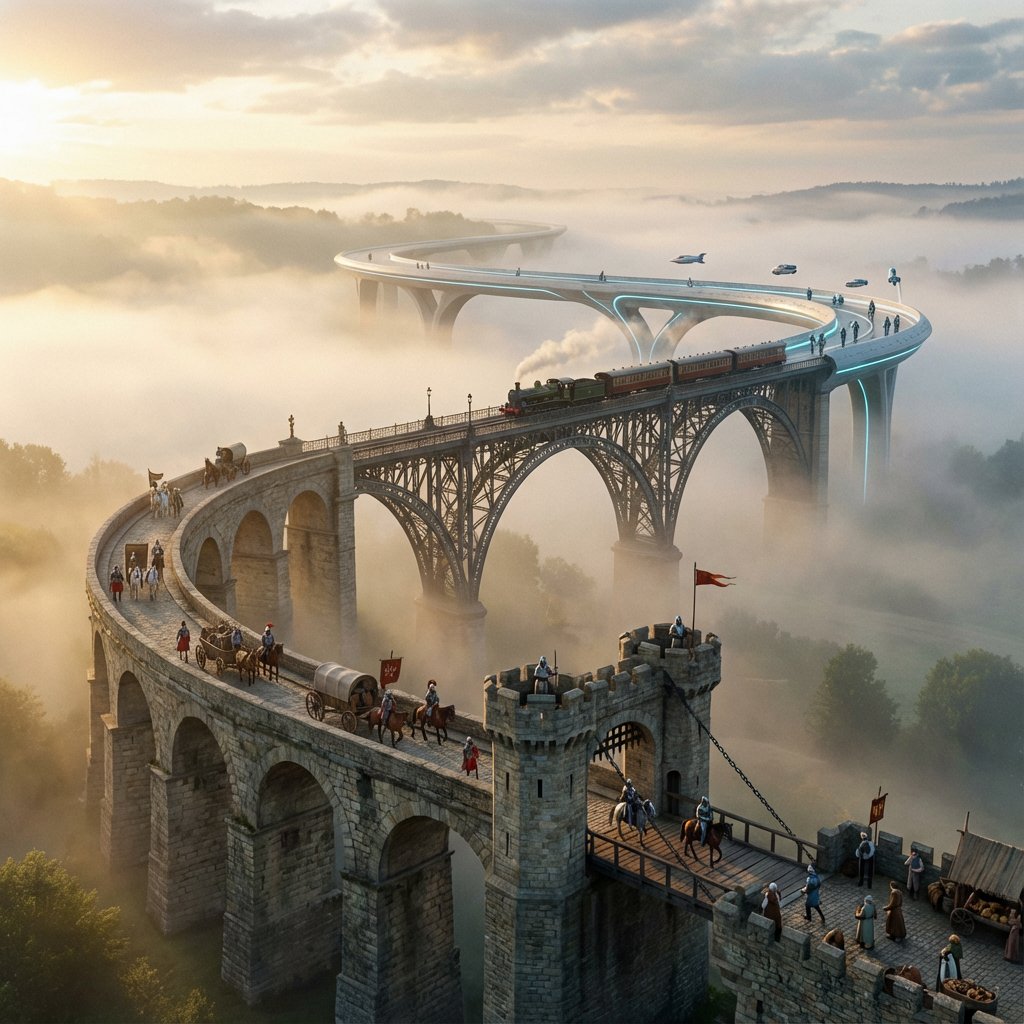
A cinematic shot of a single, winding bridge stretching into the distance. The architecture transitions seamlessly along its length: starting as Roman stone, becoming a medieval drawbridge, then a Victorian iron truss, and finally a futuristic composite material. Each section has era-appropriate travelers and weathering. Morning mist fills the valley below, with soft light breaking through clouds. 8K.

Multi-Panel Cinematic Studio Shot

Multi-Panel Cinematic Studio Shot

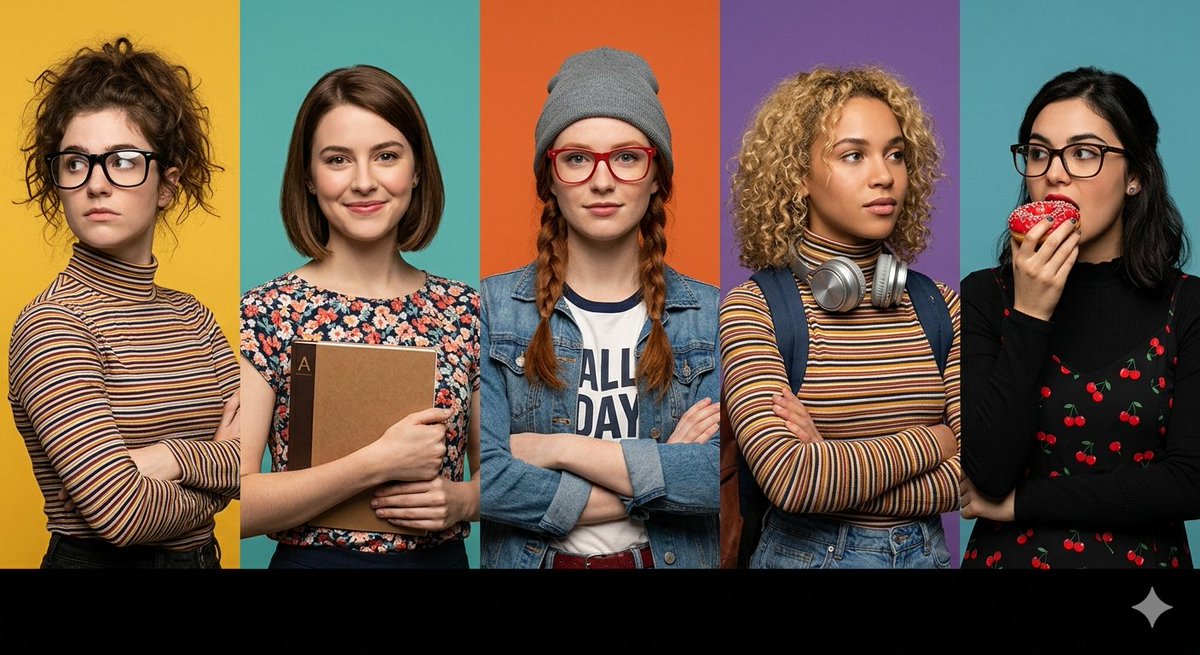
A prompt for a wide horizontal frame composed of five distinct vertical panels, each featuring a different character with specific styling, including customizable background colors and foreground elements.

JSON Nano Banana Pro prompt for steampunk botanist workbench

JSON Nano Banana Pro prompt for steampunk botanist workbench

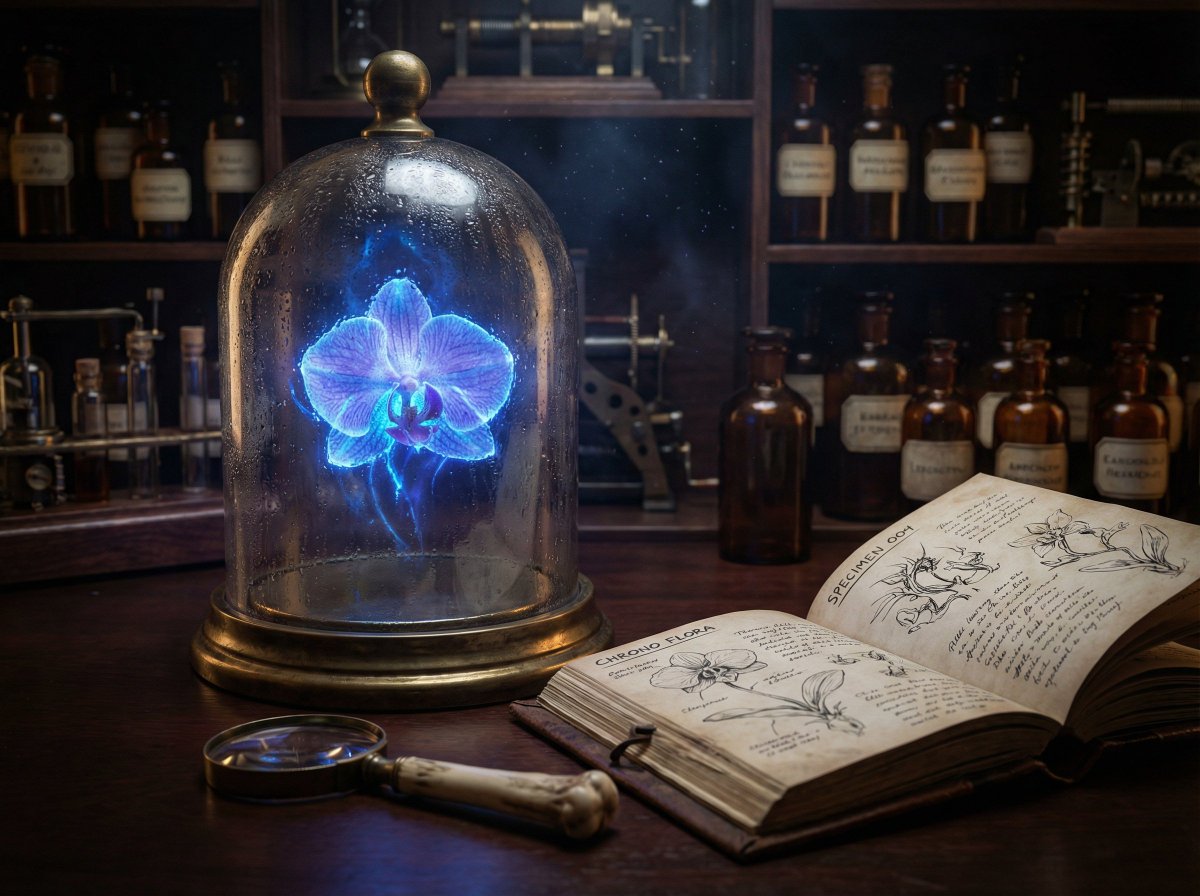
{ "prompt": "A hyper-realistic, cinematic close-up of a Victorian steampunk botanist's workbench. In the center, a heavy, oxidized brass-rimmed bell jar contains a levitating, bioluminescent orchid that glows with a pulsating electric blue light. The light from the flower illuminates dust motes dancing in the air. Next to the jar is a weathered leather field journal open to a page of complex anatomical sketches. A magnifying glass with a bone handle rests on the mahogany desk. In the background, shelves are filled with amber-colored apothecary bottles. The scene captures the texture of condensation on the glass, the grain of the wood, and the subsurface scattering of the flower petals. Shot on an 85mm macro lens, f/1.8 aperture, low-key lighting with high contrast.", "parameters": { "aspect_ratio": "21:9", "output_resolution": "4K", "guidance_scale": 8.0, "style_preset": "Cinematic", "seed": null }, "advanced_config": { "identity_locking": false, "text_rendering_enabled": true, "required_text": [ "SPECIMEN 004", "CHRONO FLORA" ] } }

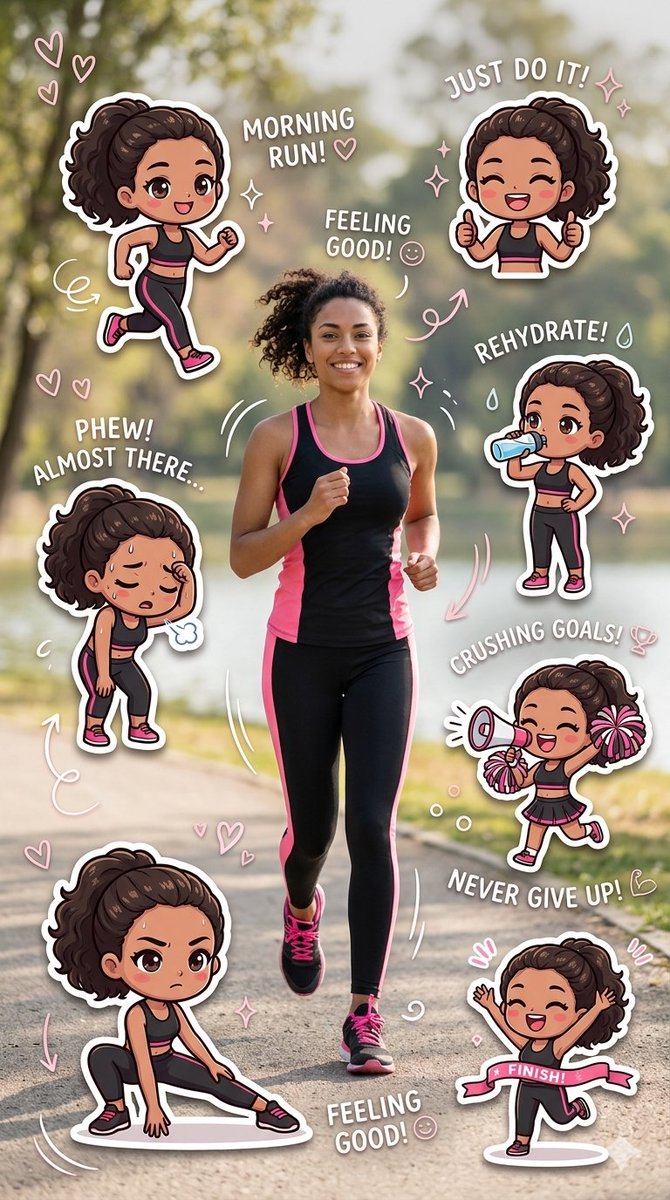
Fitness Journey Digital Collage

Fitness Journey Digital Collage

A vibrant, {argument name="theme" default="fitness-themed"} digital collage featuring a central photo of a {argument name="subject action" default="smiling woman jogging along a park path"}, surrounded by a series of expressive "chibi-style" stickers. The woman and her animated counterparts are dressed in matching {argument name="outfit colors" default="black and pink"} athletic gear. Each sticker depicts a stage of a workout journey—from the energy of a "Morning Run!" and the determination of a deep stretch, to the exhaustion of being "Almost There" and the final triumph of crossing a line. The composition is decorated with playful pink hearts, sparkles, and motivational text like "Just Do It!" and "Crushing Goals!", creating a cheerful and inspiring narrative.

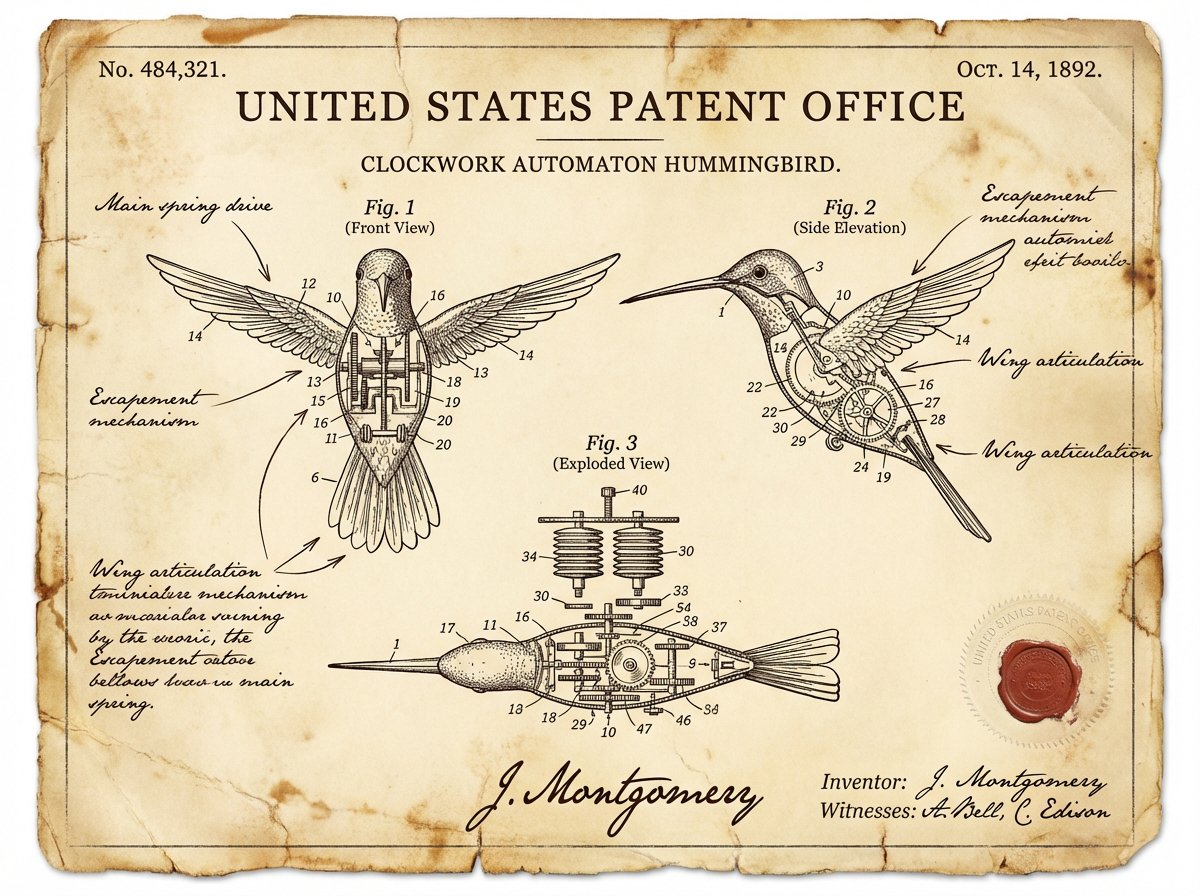
一项发明的复古专利文件
Nano Banana Pro精选

一项发明的复古专利文件

一份关于 {argument name="invention" default="INVENTION"} 的复古专利文件,其风格仿照 19 世纪末美国专利局的备案文件。页面上印有精确的技术图纸,并带有编号标注(图 1、图 2、图 3),展示了正面、侧面和分解视图。钢笔墨水手写批注描述了机械装置。纸张呈陈旧的象牙色,带有锈斑和柔和的折痕。角落处有一个官方浮雕印章和红色蜡封。底部有发明者的手写签名和日期。整个图像给人一种从档案中找回的权威、历史且略带神秘感的文件之感。

@Alexandra Aisling

部分提示词收录自 X 平台创作者,版权归原作者所有。