
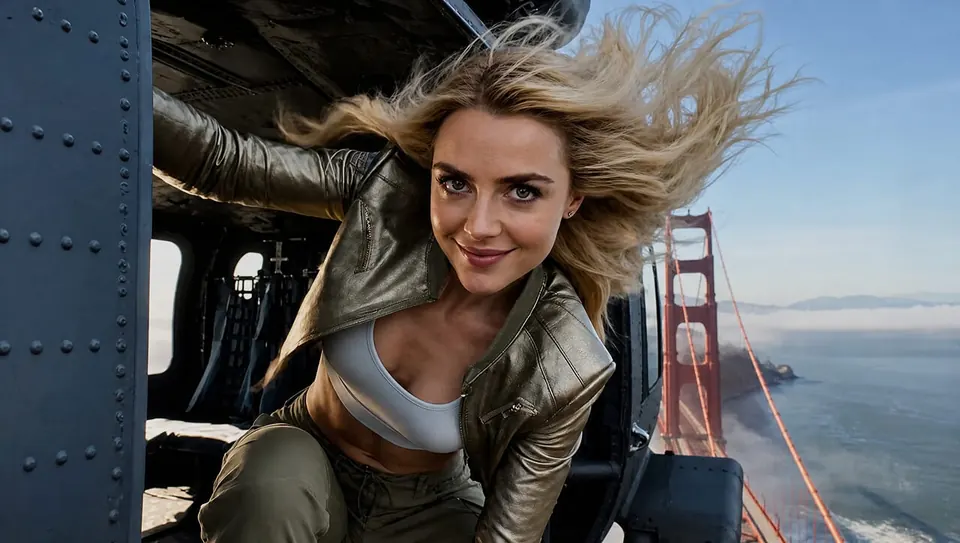
IMAGE
Stills that stay on brief
Posters, product shots, restyles, and markup edits. Describe the look or mark the frame — the agent routes to the right image model.
Powered by leading image, video, and audio models
WHY THIS AGENT?
Create product stills, short video clips, music and voiceovers in one conversation. Review each take and describe what to change.
IMAGE
Posters, product shots, restyles, and markup edits. Describe the look or mark the frame — the agent routes to the right image model.

VIDEO
Turn a sentence into a camera move, or animate a photo as the opening frame. Compare takes without leaving the chat.
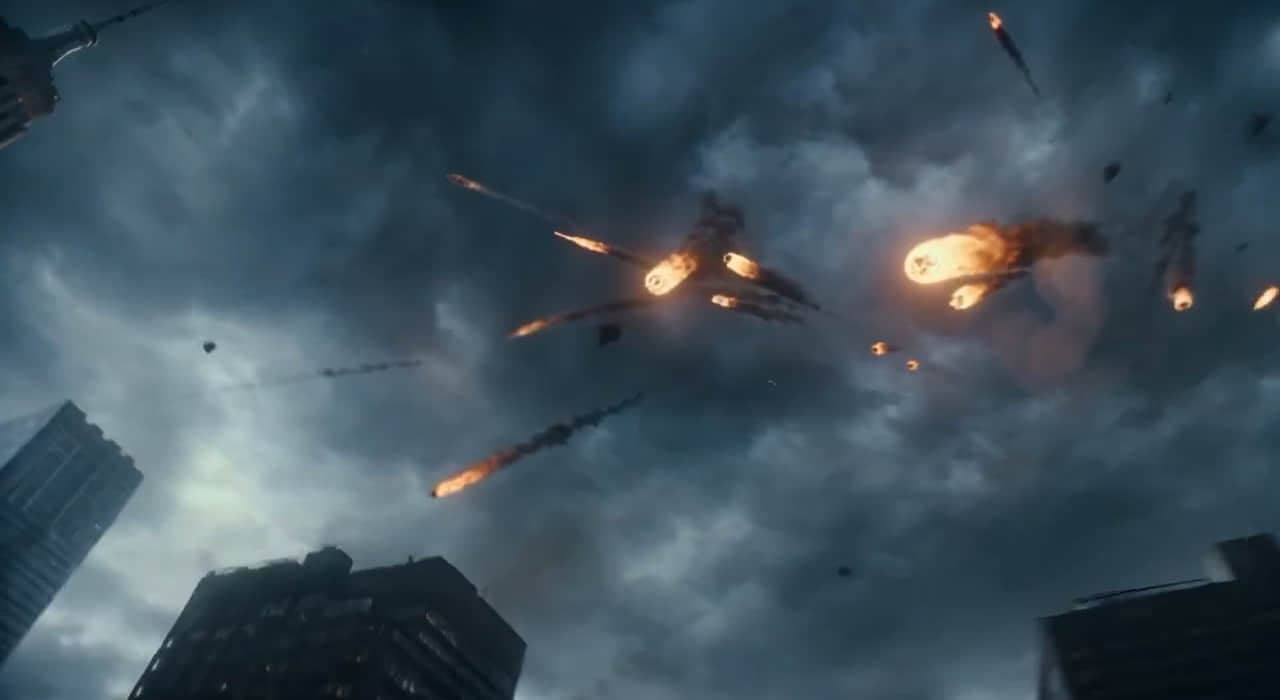
AUDIO
Narration, multilingual speech, or a music bed. Pick a voice and pace, then keep iterating until the take lands.
Describe a poster, a product shot or a voiceover. The agent helps plan the work and generate the media using a shared credit balance.
Images, clips, and audio never overwrite each other. Compare versions, jump back, or branch from any take.
HOW IT WORKS
No timelines to learn. Describe what you want, let the agent generate, then refine in the same chat.
Explain what you want to make and attach reference media when it helps communicate your idea.
Review the available model and credit settings, then let the agent generate images, clips, speech or music.
Ask for another angle, a longer clip, or a different voice. Every version stays in the sidebar for comparison.
FREQUENTLY ASKED QUESTIONS
Generate and edit images, create video clips, and produce speech or music in one conversation. For a multi-shot project, develop the shot list and generate separate assets for later editing.
Generation time depends on the model, requested output and provider queue. Check the task status for progress; video and longer audio jobs may take more time.
Supported duration depends on the selected model and settings. For a longer sequence, plan multiple shots and generate them separately, then assemble the assets in your editing tool.
Choose from the image, video and audio models available in the workspace. Supported inputs, parameters and credit costs vary by model.
You can animate a still image and generate a separate voiceover or music track. Use an editing tool to combine the video and audio when needed.
Check the Terms of Service and the selected model provider’s terms before commercial use. Make sure you have the rights to your inputs and review the output before publishing.
Image, video and audio share one credit wallet. The composer shows the estimated cost before you send. Eligible technical failures receive credit refunds; tasks rejected for content or policy restrictions may not. See Pricing and the Terms of Service for details.
See the Privacy Policy for how account details, prompts, uploads and generated media are handled. For questions about your data, contact support@kenerateai.net.
Yes. All signed-in users can use the Agent with credits; no Premium plan is required. Your account holds your media, take history, and credit balance.
Open a support ticket from your account or email support@kenerateai.net. Include the relevant page, task ID and a description of the issue.

One chat for stills, motion, and voice. One credit wallet.