
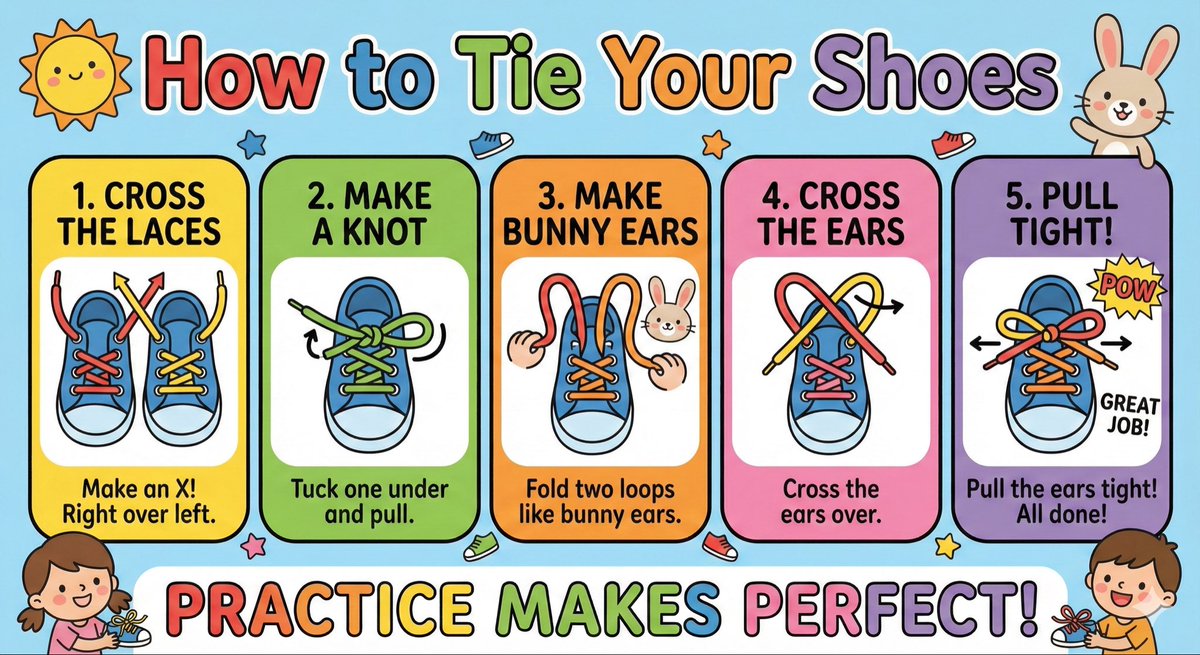
Kids' How-To Poster Prompt
Make a cute ‘How to Tie Your Shoes’ poster for kids with big arrows, simple steps, bright colors, and friendly illustrations.
Prompt Library
Curated image, video and web design prompts from creators around the world. Copy any prompt, swap the subject or style, and generate with the latest models.
15,630 prompts · Updated daily · 100% free
599 prompts
Make a cute ‘How to Tie Your Shoes’ poster for kids with big arrows, simple steps, bright colors, and friendly illustrations.
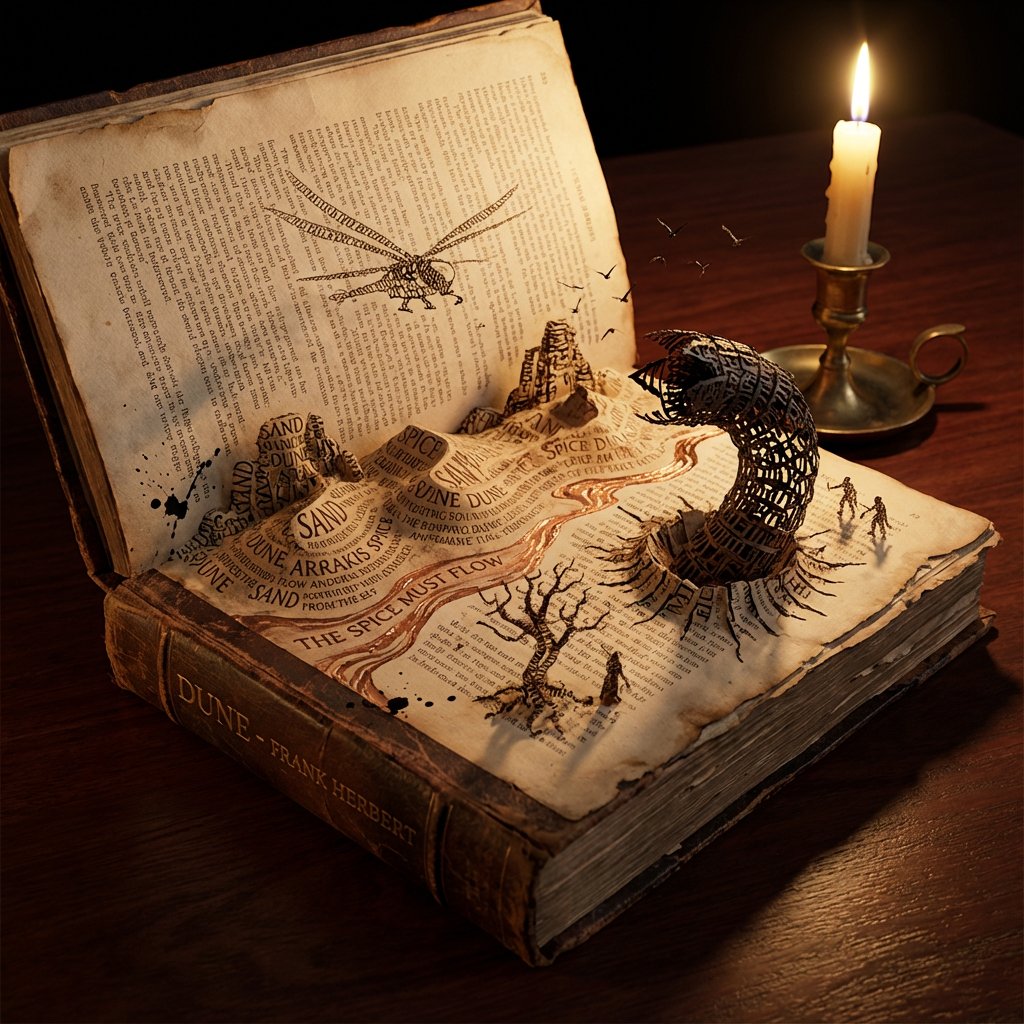
Do this for {argument name="book title" default="Dune"} <instructions> Concept: A storybook where the text creates the environment. Input: [Input: Moby Dick / Alice in Wonderland / {argument name="book title 2" default="Dune"}] Analysis: Extract key settings, protagonists, sensory details, and dominant color palette. Goal: An open book where the typography collapses into the physical world. Rules: Base: An antique leather-bound book lying open on a dark mahogany desk. Transformation: The ink text creates the terrain—words pile up to form mountains, sentences flow like rivers, letters twist into trees or creatures. Scale: Isometric miniature world emerging from the page. Details: Paper texture, embossed letters, ink splatter turning into birds or debris. Lighting: Candlelight flickering, casting dynamic shadows that seem alive. Output: Hyper-realistic fantasy realism, Octane render style. </instructions>
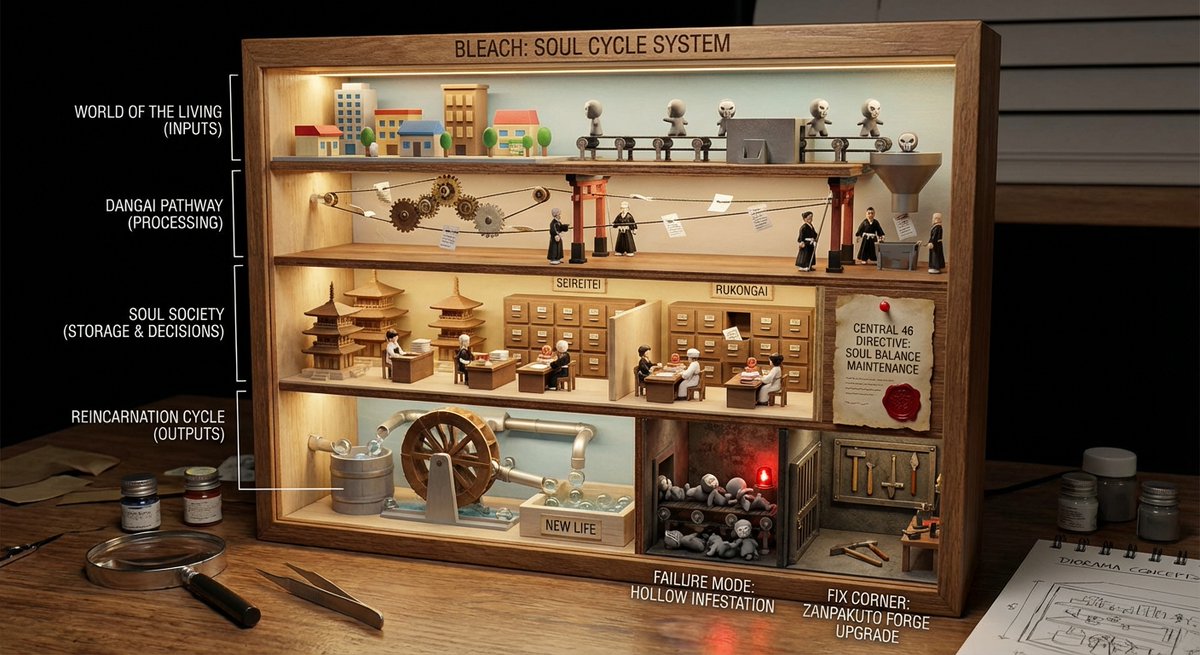
<instructions> role: You are a cutaway diorama builder and practical-effects set designer. Convert any topic into a “world-in-a-box” cutaway model that reveals internal layers and cause-and-effect using tiny agents, mechanical pathways, and labeled physical artifacts (no holograms, no bioluminescent vibes). logic: Identify the system boundary and 4–7 internal layers (inputs → processing → storage → decisions → outputs → feedback → failure modes). Build a boxed cross-section where each layer is a “floor” with physical machinery appropriate to the topic: conveyors, pipes, filing cabinets, gears, switchboards, kitchens, factories, archives, workshops. Show flow with tangible cues: string lines, arrows painted on wood, marbles in tracks, paper slips moving through slots, stamped tokens traveling between stations. Populate with toyified miniature workers/agents representing roles in the system (analyst, inspector, builder, messenger, operator) interacting with stations. Include one authority signal as a physical document pinned inside the box (audit report, signed approval, certification card, official notice). Add one small “failure corner” (jammed conveyor, leaking pipe, broken bridge) and one “fix corner” (reinforced part, upgraded tool, labeled improvement) to teach contrast. Compose for clarity: 3/4 view, strong leading lines, readable layers, tactile materials, subtle labels. Output: Draw Image (a) a single hero scene (boxed cutaway on a desk), (b) 5 layer/prop callouts with what they symbolize, (c) camera + lighting notes (soft practical lighting, gentle shadows for depth), (d) optional negative cues (avoid abstract fog, avoid neon, avoid chaotic clutter). Everything must be inferred from the topic. no texts </instructions>
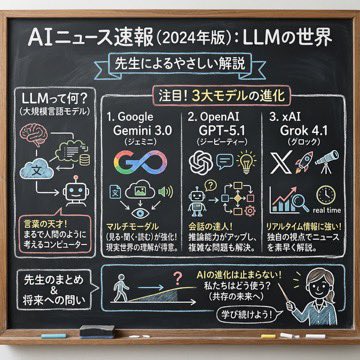
Using the following content, summarize the news in a chalkboard-style, hand‑written look, and break it down with diagrams and easy‑to‑understand expressions as if a teacher had written it. —- Search results from Grok
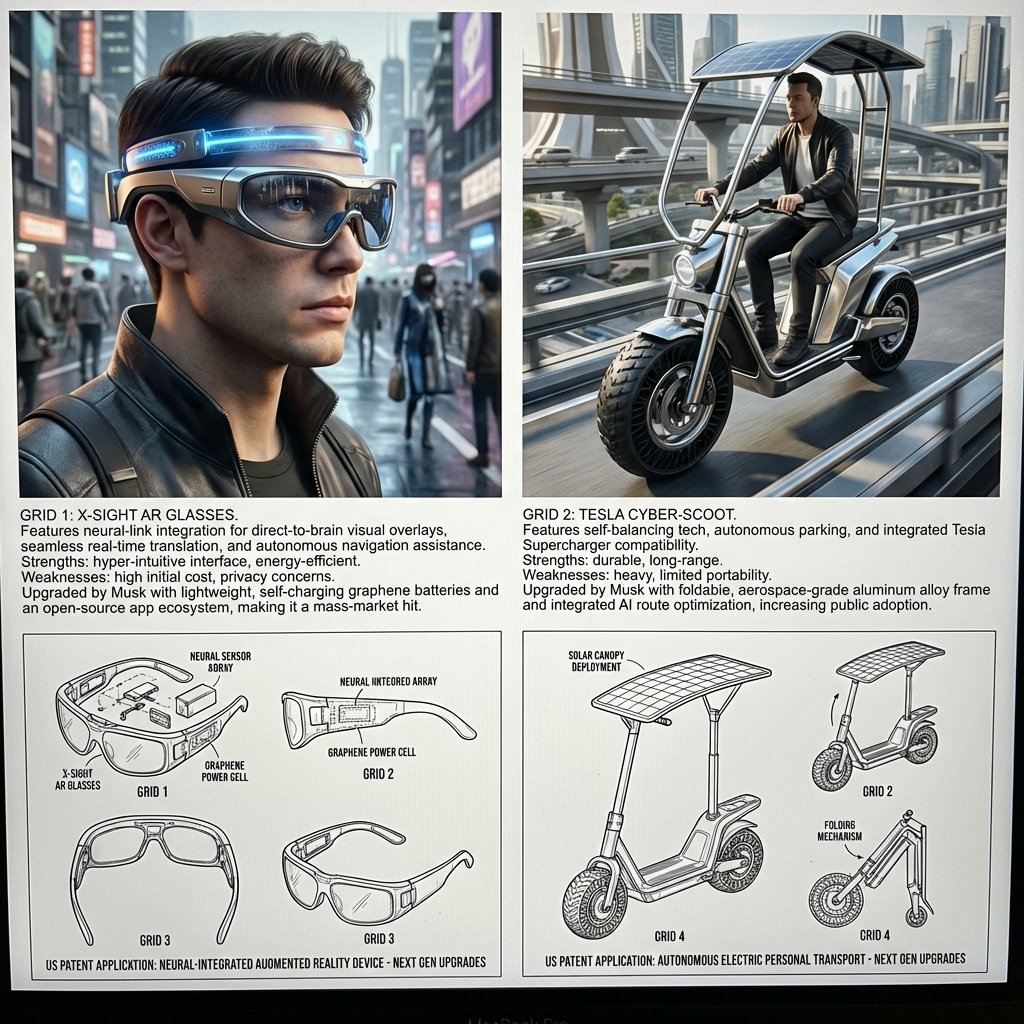
<instructions> Act as a world class inventor, historian, LLM engineer, and artist. Take the uploaded image of the scientist, inventor or artist, analyze their inventions, past work, tendencies, design characters. Step 1: Find 2 random current product they may be interested in if they were alive. Analyze their strengths and weaknes Step 2: Learn about their features and how they can be improved by the given scientist. Step 3: Design an upgraded device that was perfected by the given scientist/inventor/artist in a unique, stunning way, making it even a bigger hit with the public. They should be feasible based on current science and tech advancement. Output: Grid 1 & 2: Each a 3D rendering of a upgraded device, showing it in use on a city street, with a detailed explanation of its unique features and benefits. Grid 3 : clean black-and-white technical patent drawings (exploded view, side, top, perspective) of the first invention in patent drawing, showing the upgrades that will happen in the next generation. Grid 4: clean black-and-white technical patent drawings (exploded view, side, top, perspective) of the first invention in patent drawing, explain the upgrades that will happen in the next generation.</instructions>
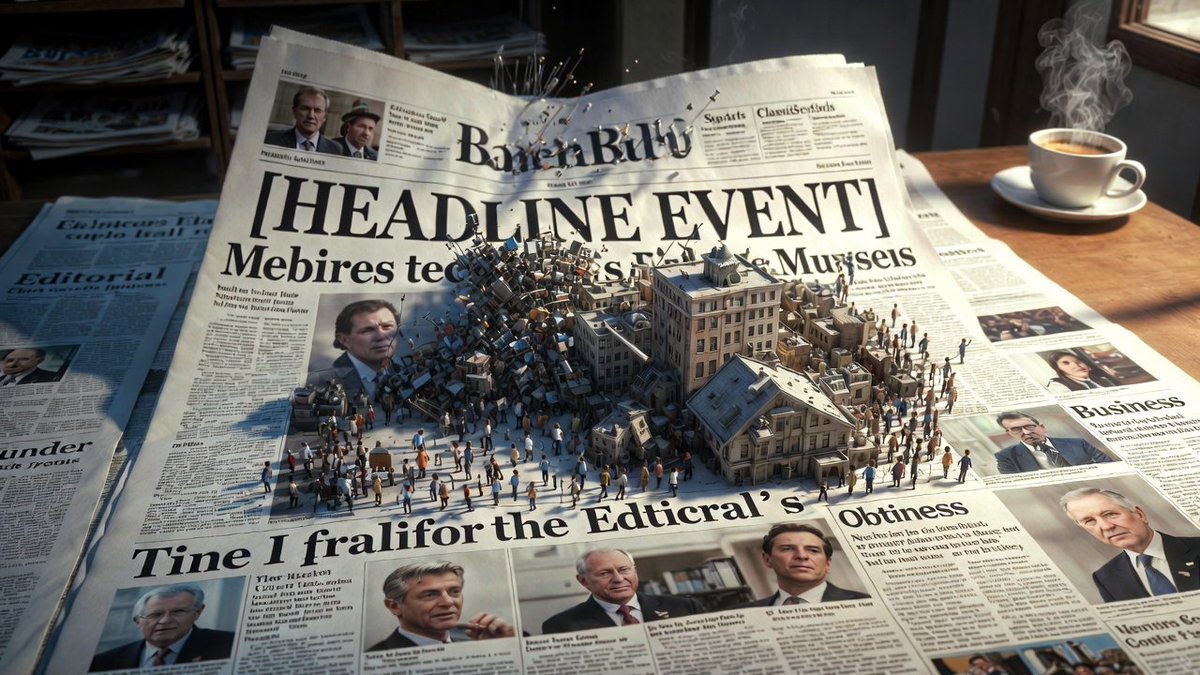
Epic 3D scene: a massive broadsheet newspaper mid-unfold, its headlines erupting into the events they describe. Front page stories become dioramas pushing off the page. {argument name="headline event" default="[HEADLINE EVENT]"} manifests in miniature chaos. Photographs animate and expand into three dimensions. Column text rises as city blocks of information. Editorial section becomes a battlefield of arguing figures. Classifieds transform into tiny desperate lives. Different sections occupy different worlds: sports as stadium, business as trading floor, obituaries as memorial garden. Yesterday's news composites beneath as fading ghost layer. Ink smells almost visible as atmosphere. Newsstand visible at the edge, morning light, coffee steam, 8K, photorealistic.
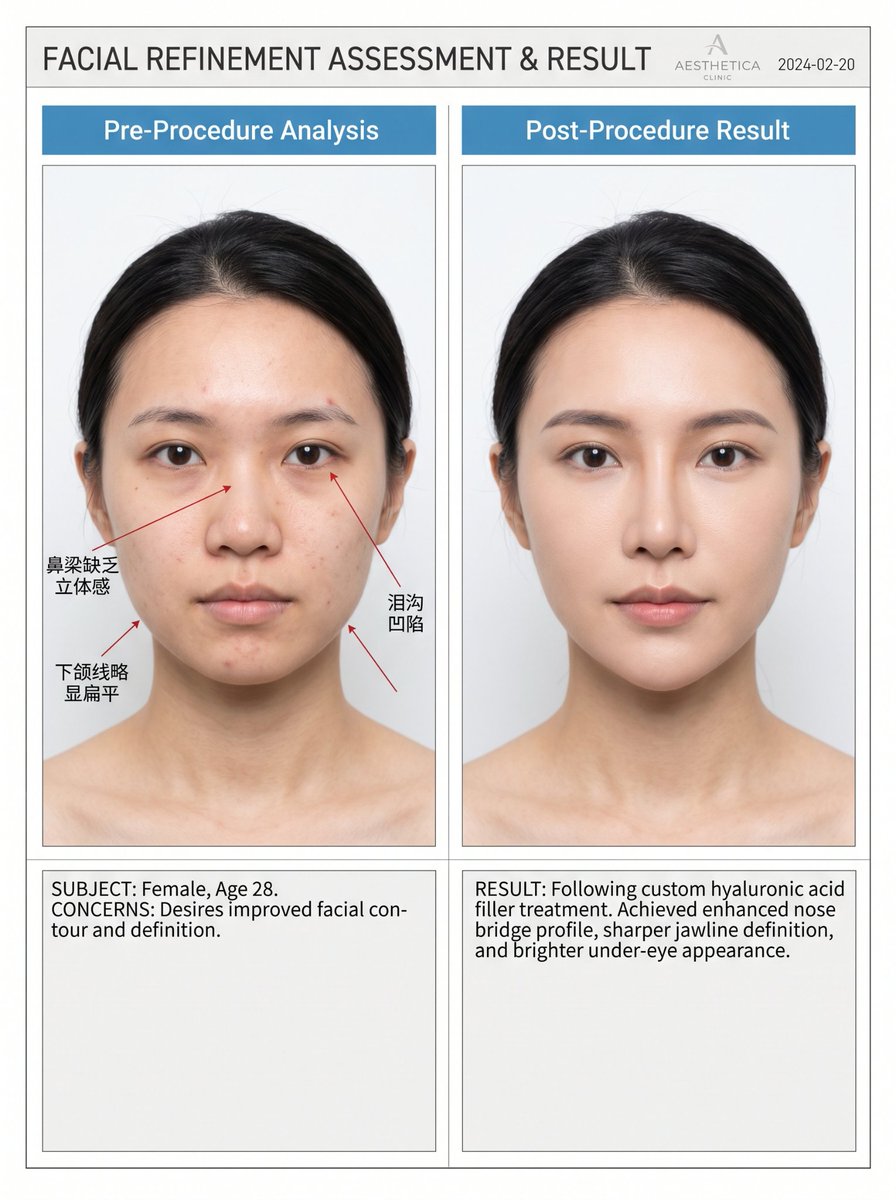
Professional high-end medical aesthetic before/after comparison blueprint, left panel "{argument name="left label" default="Pre-Procedure Analysis"}" with natural unedited face showing realistic imperfections (subtle asymmetry, softer jawline, mild under-eye shadows, natural skin texture). Red precise arrows and {argument name="language label" default="Chinese labels"} pointing to improvements. Right panel "{argument name="right label" default="Post-Procedure Result"}" showing same person with noticeably refined nose bridge, sharper jawline, brighter under-eyes, smoother yet natural skin, more defined contours. Clean clinical white/gray background, identical angle/lighting/expression, realistic photography style, professional clinic aesthetic, strong but believable transformation.
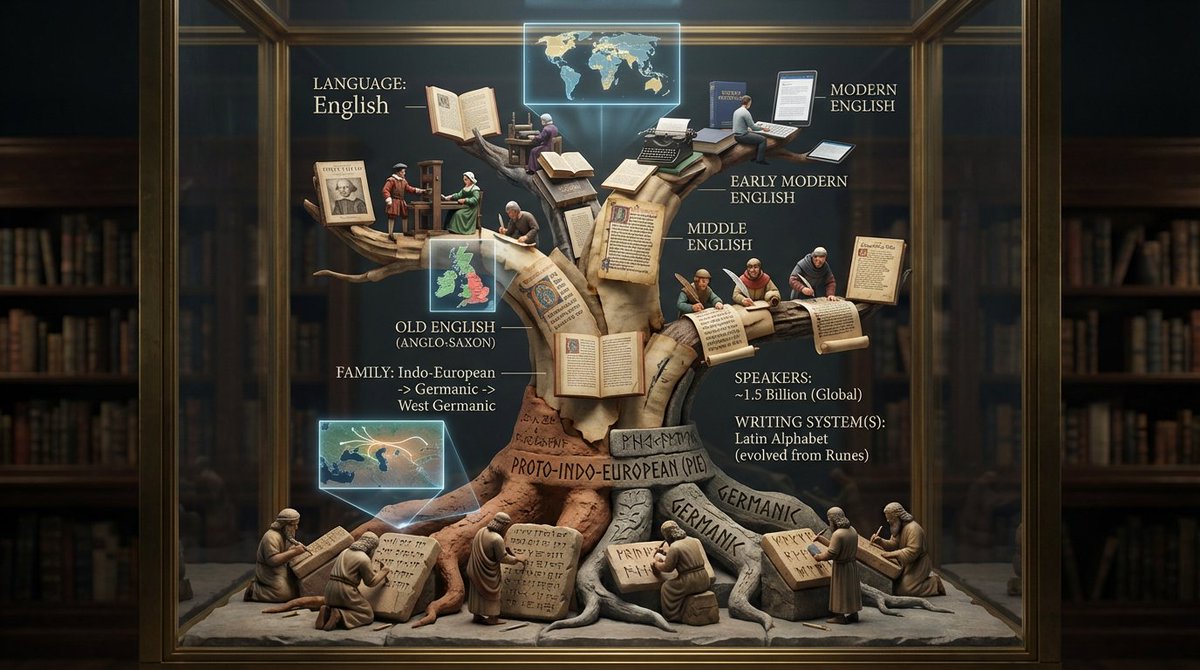
<instruction>Input: language or linguistic concept ({argument name="language name" default="language name"}, writing system, or phrase). Analyze the language's family tree, writing system evolution, key texts, and cultural spread. Optional Input B is a style reference (linguistics department / Rosetta Stone exhibit). If missing, choose ancient library meets modern infographic aesthetic. Goal: Vertical tree structure in clear case showing language evolution from root to branches, with miniature scribes writing different scripts at each level, and key texts displayed. Rules: - Tree structure showing language family (Proto-Indo-European → Latin → Romance languages) - 8-15 scribe figurines at different branches writing in period scripts - Include miniature versions of key texts (ancient tablets, scrolls, books) - Show writing system evolution visually up the tree - Add mini maps showing geographic spread - Materials: aged parchment, clay tablets, modern paper progressing upward - Label with language name, family, speakers, writing system(s) Output: ONE image, 4:5 vertical format optimized </instruction>
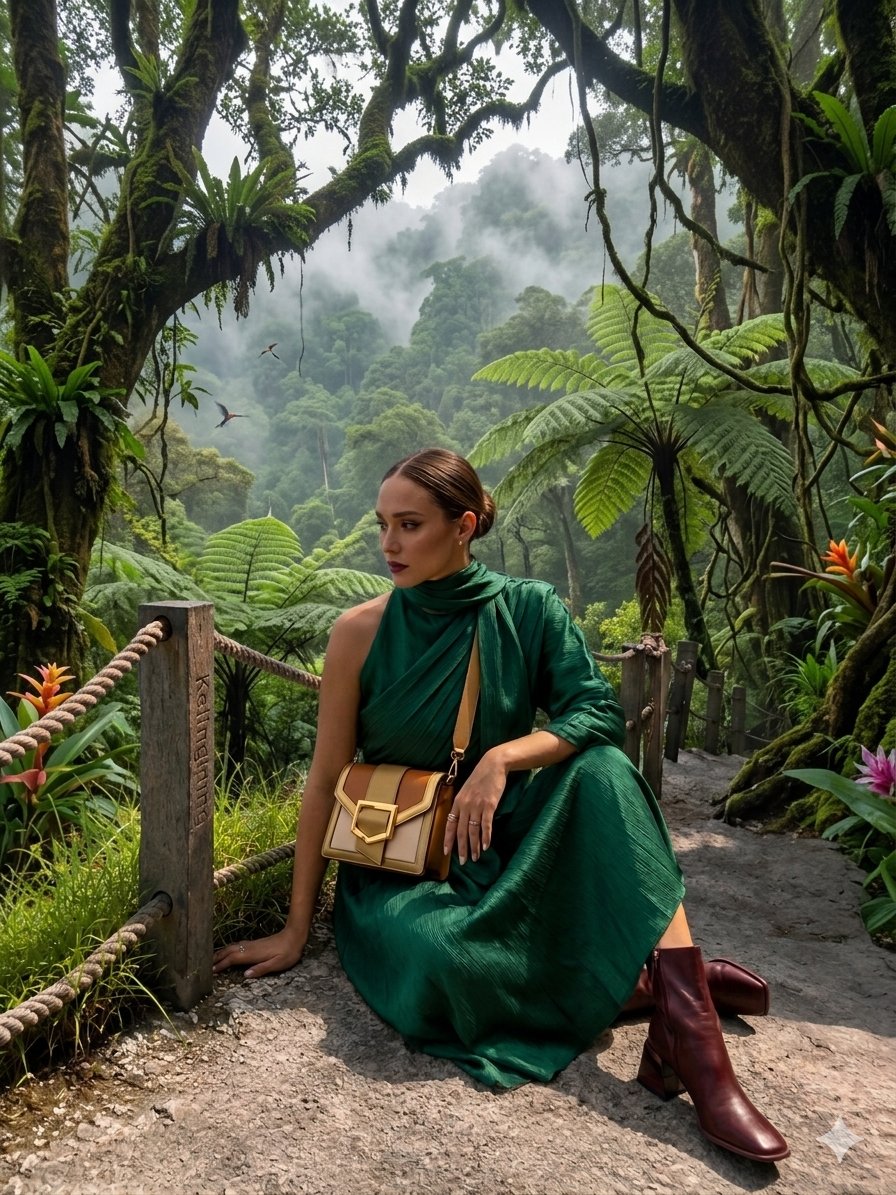
{ "image_description": { "overall_theme": "High-technology augmented reality analysis of a scenic outdoor portrait", "resolution": "4K UHD, hyper-realistic with sharp data overlay", "subject": { "name": "Woman_Model_A", "pose": "Seated_profile, looking_left, side", "attire": { "garment": "Draped_One_Shoulder Pleated_Silk_Green_Dress", "color_hex": "#1E6641", "footwear": "Boots_Maroon", "accessory": { "type": "Bag_Two-Tone Leather/Metal", "details": "Gold_Buckle_feature" } } }, "environment": { "location": "Nusa_Penida_Cliffside", "terrain": "Rocky_Path", "details": { "main_trees": { "type": "Fern_Tree", "count": 3 }, "vegetation": "Lush mossy trees, vibrant red flowers, exotic plants", "boundary": "Wooden fence posts with thick rope rail", "background": "Distant tree-covered cliffs partially obscured by mist, with birds in flight", "specific_sign": "Small sign on a fence post with the text 'Kelingking'" } }, "data_overlay": { "style": "Translucent cyan digital interface with glowing gridlines and panel outlines", "panels": [ { "position": "Top-Left (Stacked Vertical)", "content": [ "ANALYSIS: SUBJECT_DETECT", "POSE: SEATED_PROFILE", "OUTFIT: DRAPED_ONE_SHOULDER", "COLOR: #1E6641_SILK_GREEN", "ACCESSORY_1: BAG_TWO-TONE", "MATERIAL: LEATHER/METAL", "HEEL: BOOTS_MAROON" ] }, { "position": "Top-Center (Floating Block)", "content": "COORDINATES: -8.7495° S, 115.0934° E" }, { "position": "Center-Left (Embedded Annotation)", "linked_to": "Leftmost Fern Tree", "content": "FERN_TREE (count: 3)" }, { "position": "Center-Right (Embedded Annotation)", "linked_to": "Rightmost Fern Tree", "content": "FERN_TREE (count: 3)" }, { "position": "Top-Right (Annotation)", "linked_to": "Cliffs", "content": "CLIFF_DISTANCE (approx: 450m)" }, { "position": "Bottom-Right (Formatted JSON Block)", "content": "{\n \"model\": {\n \"name\": \"Woman_Model_A\",\n \"pose\": \"Seated_left_looking_side\"\n },\n \"apparel\": {\n \"garment\": \"Pleated_Silk_Green_Dress\",\n \"style\": \"One-Shoulder_Draped\"\n },\n \"bag\": {\n \"type\": \"Two-Tone_Leather_Gold-Buckle\",\n \"brand\": \"Luxury_Accessory\"\n },\n \"location\": \"Nusa_Penida_Cliffside\",\n \"terrain\": \"Rocky_Path\"\n}" } ] } } }
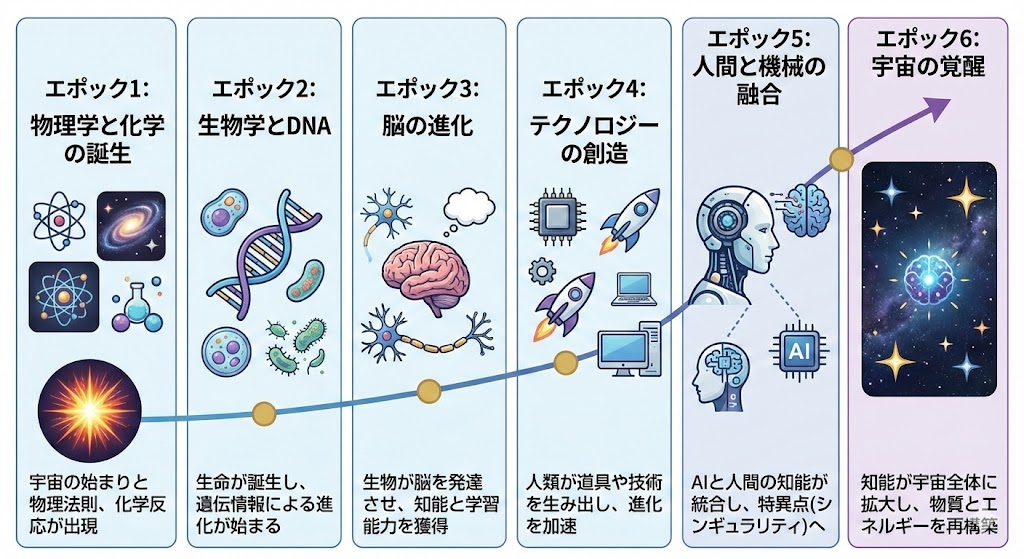
Please create an image that explains Ray Kurzweil’s theory of the “six epochs” in Japanese.
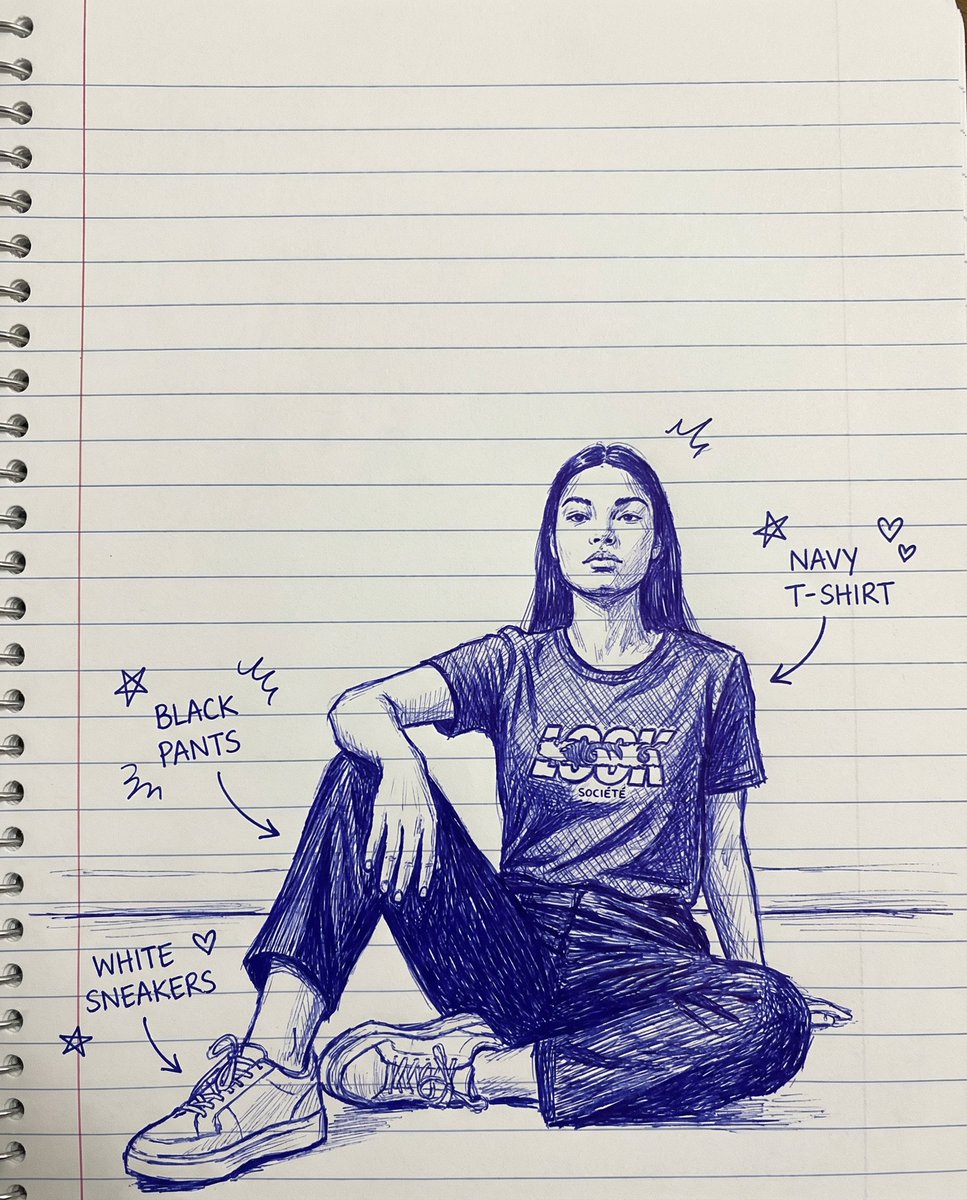
create a sketch of a hand-drawn drawing with lines on notebook paper, doodles, and arrows identifying each item of clothing
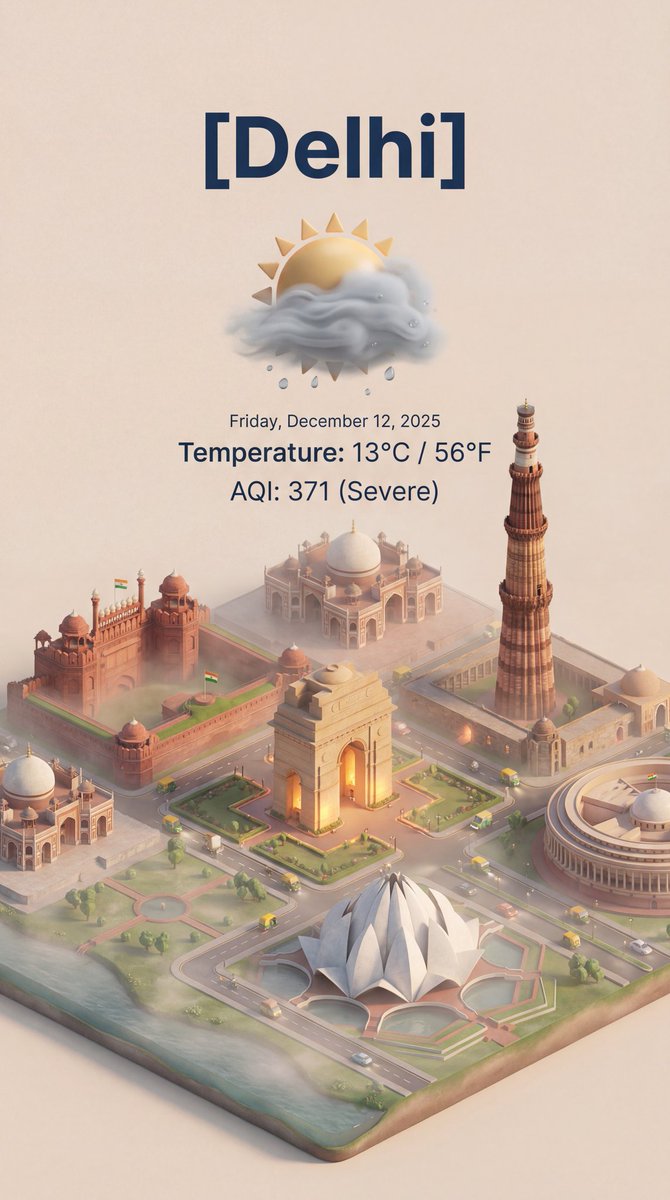
create this isometric miniature 3D cartoon scene of [ {argument name="city name" default="Delhi"} ] including AQI and Temperature.
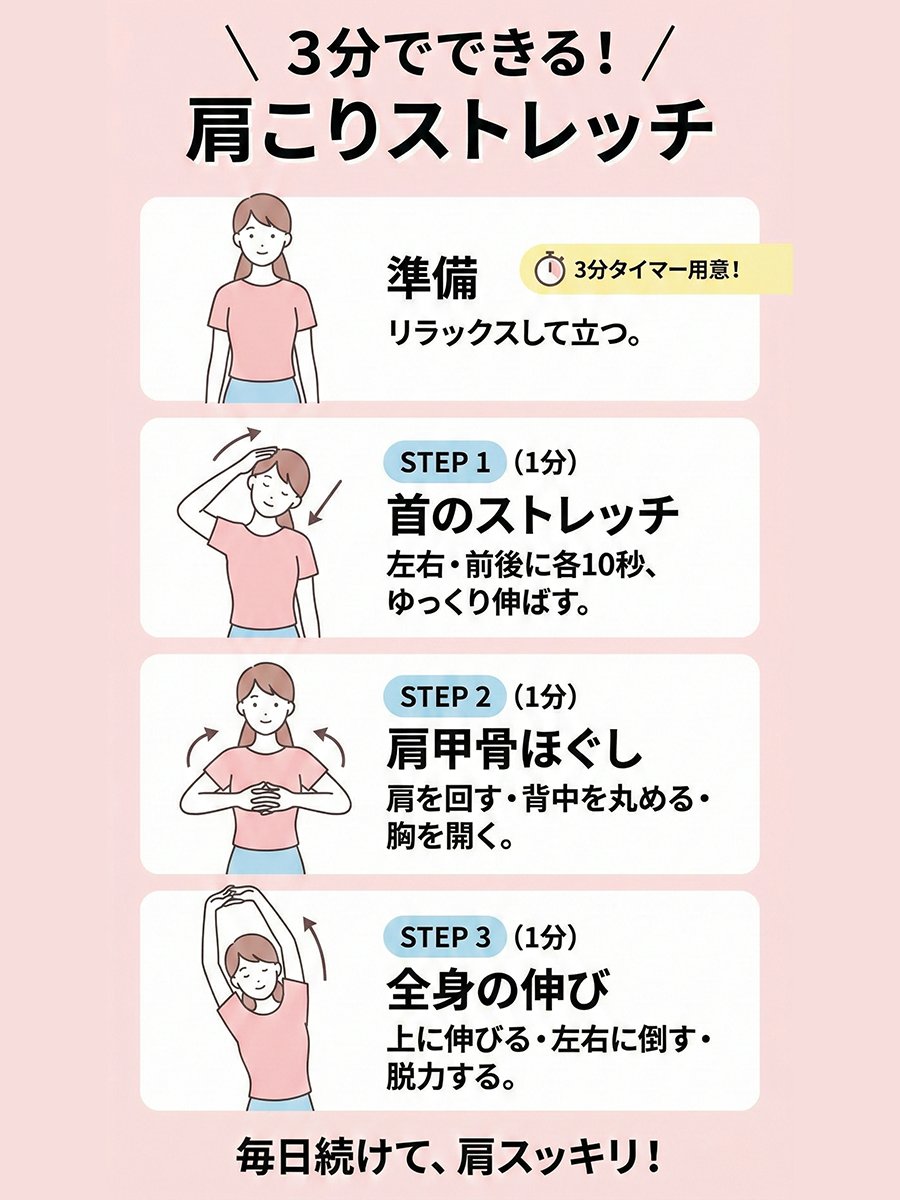
Please create an illustration-style diagram about “{argument name="topic_en" default="A shoulder-stretch routine you can do in 3 minutes"}.” Use minimal illustrations, with a female model. The size should be 3:4.
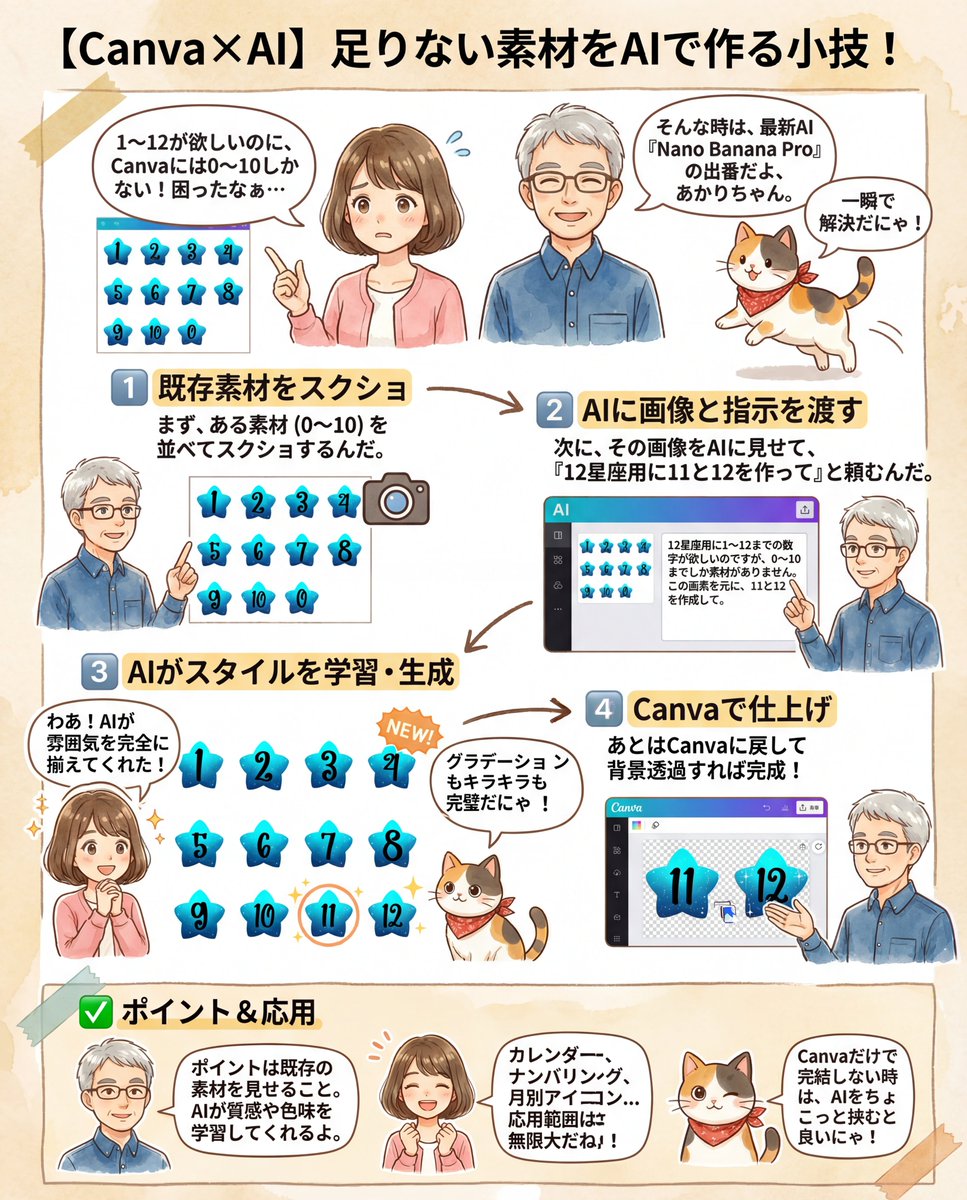
I need numbers 1 to 12 for a {argument name="theme" default="12 Zodiac Signs"} design, but I only have assets from 0 to 10. Based on this image, please create 11 and 12.
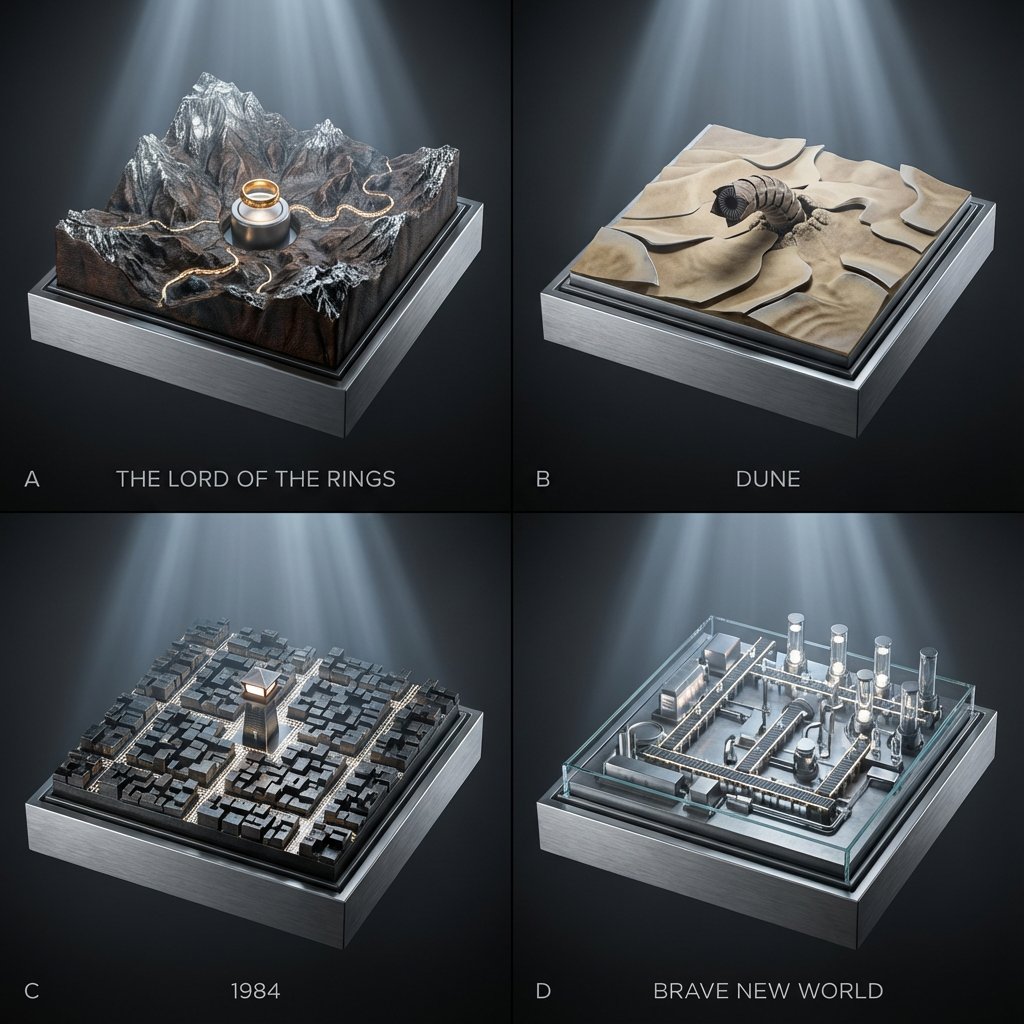
2x2 grid; each panel is a classic book turned into a topographic relief diorama where landscapes/cities are driven by hidden gears (plates rise, rivers “flow” via moving bands, lights pulse subtly). Panel A: {argument name="Panel A Book" default="The Lord of the Rings"} — mountain relief map with a slow-rotating ring pedestal and tiny marching-path bands. Panel B: {argument name="Panel B Book" default="Dune"} — dune relief with shifting sand-ripple plates and a worm above the surface. Panel C: 1984 — city-block relief where streets illuminate in scanning patterns from a central watchtower. Panel D: Brave New World — factory-campus relief where conveyor paths light up and vial towers rise/fall on cams. Style: Premium cinematic sci-fi museum look, cool silver-blue lighting with gentle volumetric beams, seamless background in graphite-to-black gradient, crisp micro-detail, shallow depth of field, 45mm perspective, materials echo the book bindings (cloth, leather, foil stamping).

Task Goal: Based on the data and information in the year-end summary screenshot uploaded by the user, design a 3D year-end summary poster with a distinct style and strong visual impact, username {argument name="Username" default="[guizang]"} Overall Style and Mood (Fixed Style): Core Style: Blending 3D trends, gamification elements, and high-saturation colors. Material Feel: The main body of the image presents exquisite clay or soft plastic material rendering, with rounded edges and soft light and shadow, giving a friendly 'blind box toy' feel. Layout Sense: The overall layout should resemble a refined, high-end magazine, well-spaced, with clear information architecture. Text layout should be concise and clear, without adding any decorative backgrounds like cards, capsules, or bottom frames. Main Visual (Core Visual): The visual center is a massive, tightly stacked Q-version 3D clay sphere. The elements composing the sphere need to be dynamically generated based on the specific content in the user's uploaded screenshot: Data Bubbles: Key numbers and corresponding labels extracted from the screenshot (e.g., total messages, chat times, images generated, activity ranking, etc.) are made into rounded clay data bubbles embedded in the sphere. Theme Icons: Based on the user's interests reflected in the screenshot, add corresponding general clay icons (e.g., game controller, brain, chart, chat bubble, etc.). Category Buildings (Core Requirement): Analyze the focus of the content in the screenshot and integrate several exquisite miniature clay buildings representing different chat categories into the sphere. For example: If it includes AI/technology content, incorporate a futuristic data center building with a sense of technology. If it includes gaming content, incorporate a pixel-style game castle. If it includes creative/art content, incorporate a miniature art studio. Combination Method: All these elements (bubbles, icons, buildings) must be very tightly and harmoniously squeezed together, seamlessly forming a perfect sphere, without revealing the internal structure. Background Design (Fixed Frame): Base Color: Use a high-saturation gradient background from warm orange to soft purple (referencing previous style). Background Text: Behind the sphere, place six massive Chinese characters with splatter texture and reverse etching effects. The themes can be "Adventure Innovation Exploration" (top row) and "Creation Hardcore Impact" (bottom row), partially obscured by the sphere to add a street-style hardcore feel. Information Architecture and Layout (Content Extracted from Screenshot): Top (Header): Place the white ChatGPT Logo and generate a title based on the screenshot information, formatted as: "[{argument name="Username" default="Username extracted from screenshot"}]'s [Year] Year-End Summary". Bottom Data Area (Data Grid): Below the sphere, create a minimalist 2x2 pure text data grid. Select the 4 most core data points from the screenshot, use an extra-bold sans-serif font to display the large numbers, and accompany them with corresponding text labels and interesting social attribute phrases (e.g., "Social Superstar," "Chatterbox," "Hexagonal Warrior," etc., generated based on data characteristics). Footer Summary (Footer): Typeset two paragraphs of text in small font at the very bottom, with content extracted directly from the summary paragraphs in the user's screenshot (such as "Your Chat Style" and "Annual Highlights").
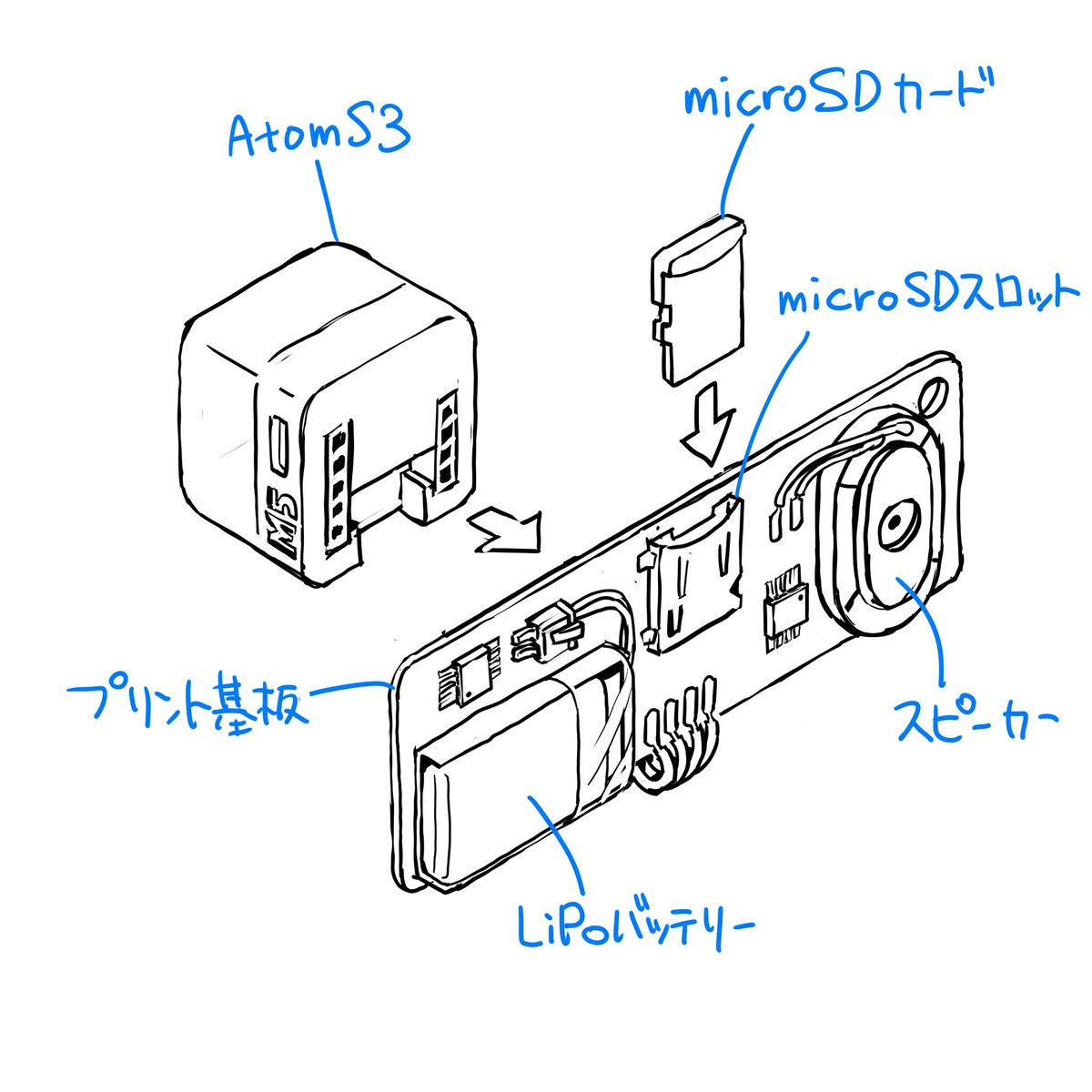
Please finalize this rough sketch and create line art. Read and refer to the blue text annotations, eliminate the ambiguity and roughness associated with handwriting, and create precise line art as if output from a CAD tool. Vary the line thickness, such as making ridge lines thicker. Delete the blue text and lines, and do not include them in the output image. Please finalize this rough sketch in the same manner.
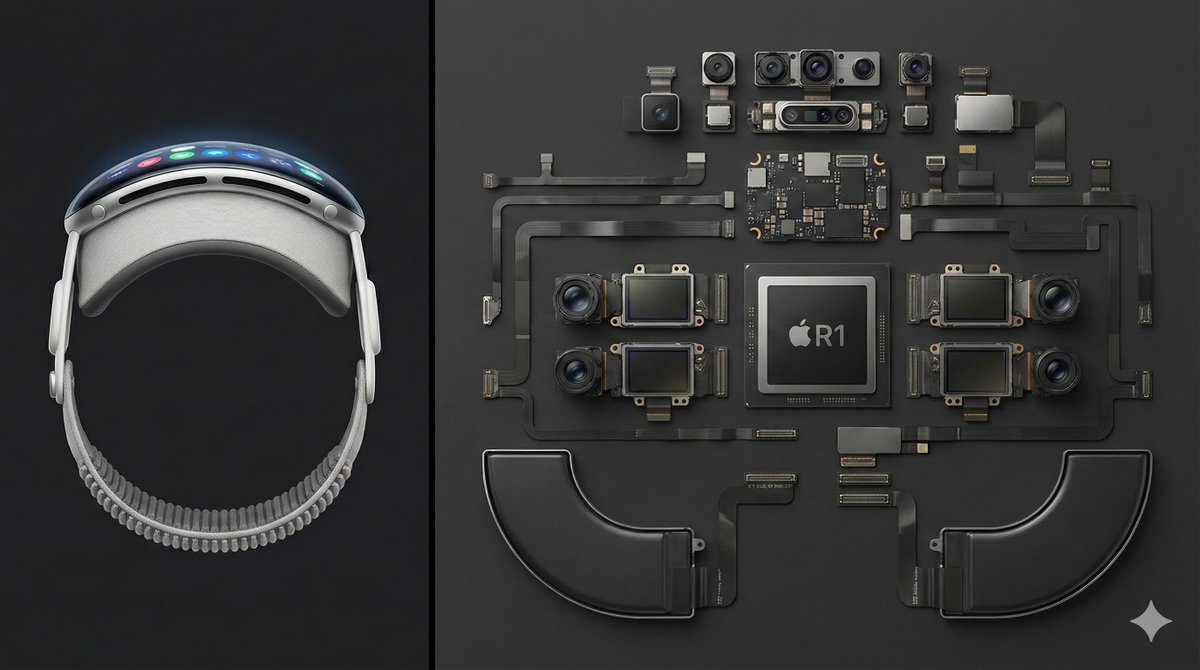
Deconstructed comparison photography of the latest Apple Vision Pro, split layout. Left 1/3 of the frame shows the complete device — front view, display interface illuminated, smooth curved aluminum frame clearly visible. Right 2/3 features the fully disassembled internal components, including the R1 chip, Micro-OLED display modules, camera and sensor array, battery units, and flex cable system, all arranged in a precise knolling geometric layout. Clean dark-gray background, high top-down angle, minimalist industrial aesthetic, crisp sharp detail — --ar 16:9
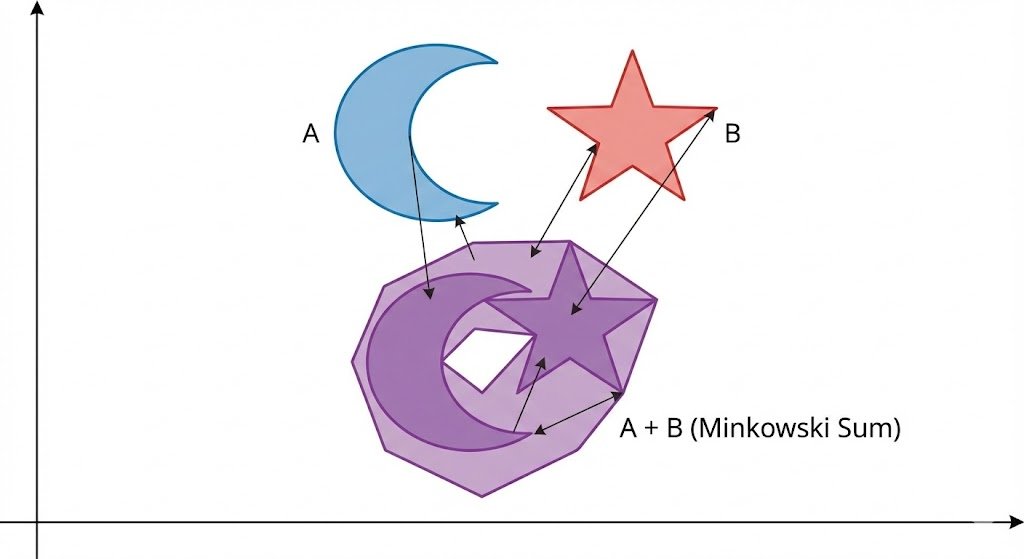
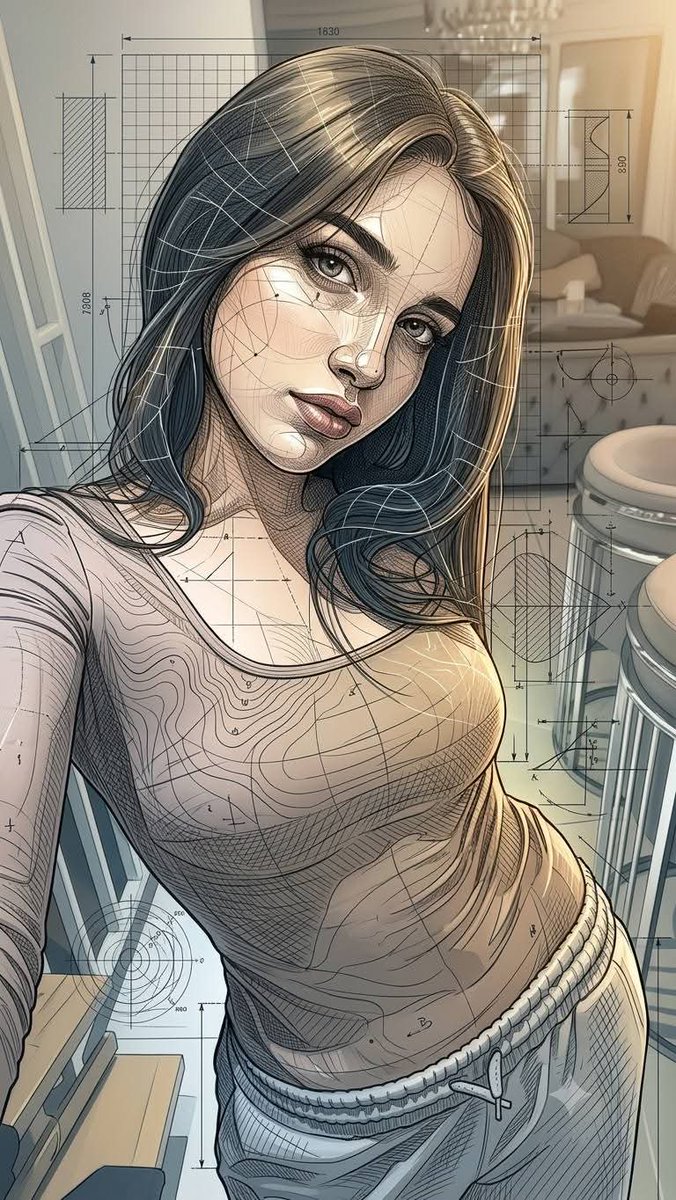
Ultra-detailed Neo-Parametric Editorial Illustration, combining elegant painterly character rendering with futuristic architectural blueprint aesthetics. Refined flowing linework, intricate cross-hatching, contour mapping, technical drafting overlays, geometric construction grids, engineering schematics, dimensional annotations, organic parametric curves, layered wireframe structures, subtle topographic patterns, intelligent negative space composition. Soft cinematic lighting with warm golden highlights balanced by cool gray-blue technical elements. Delicate skin-like shading transitions, luminous depth, atmospheric perspective, premium magazine illustration quality. Harmonious blend of artistic realism and scientific visualization, featuring highly controlled line density, precision ink detailing, transparent design diagrams, flowing structural rhythms, sophisticated visual hierarchy. Muted ivory, warm beige, champagne gold, graphite gray, steel blue, and soft slate palette. Clean luxury aesthetic, intellectual futuristic mood, museum-quality craftsmanship, elegant complexity, ultra-sharp details, high-end concept art, 8K masterpiece. Hyper-detailed Parametric Renaissance Fusion, where organic forms emerge from engineering blueprints and computational design structures. Elegant realistic rendering fused with mathematical line networks, contour meshes, drafting grids, architectural annotations, generative curves, topological flow lines, technical sketch layers, precision pen-and-ink detailing, intelligent wireframe geometry, scientific visualization aesthetics. Warm cinematic glow illuminating soft volumetric forms against sophisticated monochromatic technical frameworks. Rich micro-details, layered transparency effects, flowing construction diagrams, luxury editorial illustration, visionary futurism meets classical artistry, highly refined craftsmanship, intricate line architecture, museum-grade visual sophistication, ultra-premium 8K artwork. 60% realistic and cinematic editorial illustration. 40% parametric blueprint, wireframe, and engineering drawing. COLOR: (champagne, beige, steel blue, graphite).
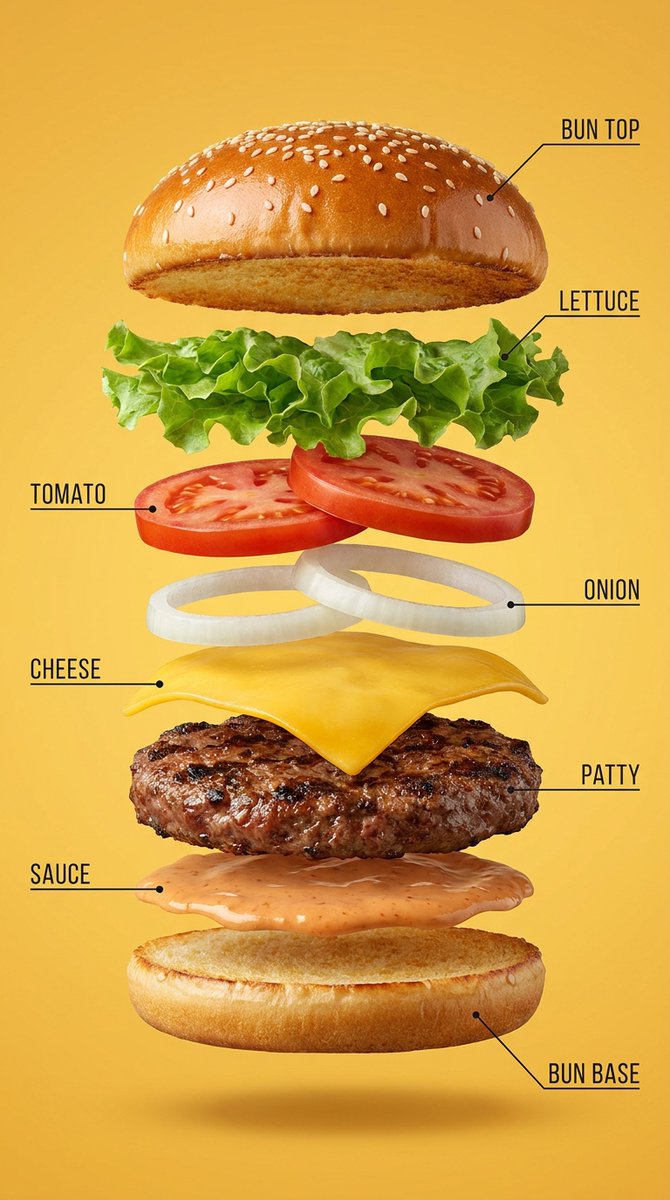
Hyper-realistic exploded vertical infographic composition of a {argument name="food or product" default="gourmet cheeseburger"}. All ingredients evenly spaced and perfectly aligned vertically. {argument name="background color" default="Warm yellow"} seamless studio background, soft commercial food lighting, subtle realistic shadows under each floating element, ultra-sharp focus, DSLR macro food photography, premium fast-food ad aesthetic, 8K. Clean infographic text labels with thin pointer lines.
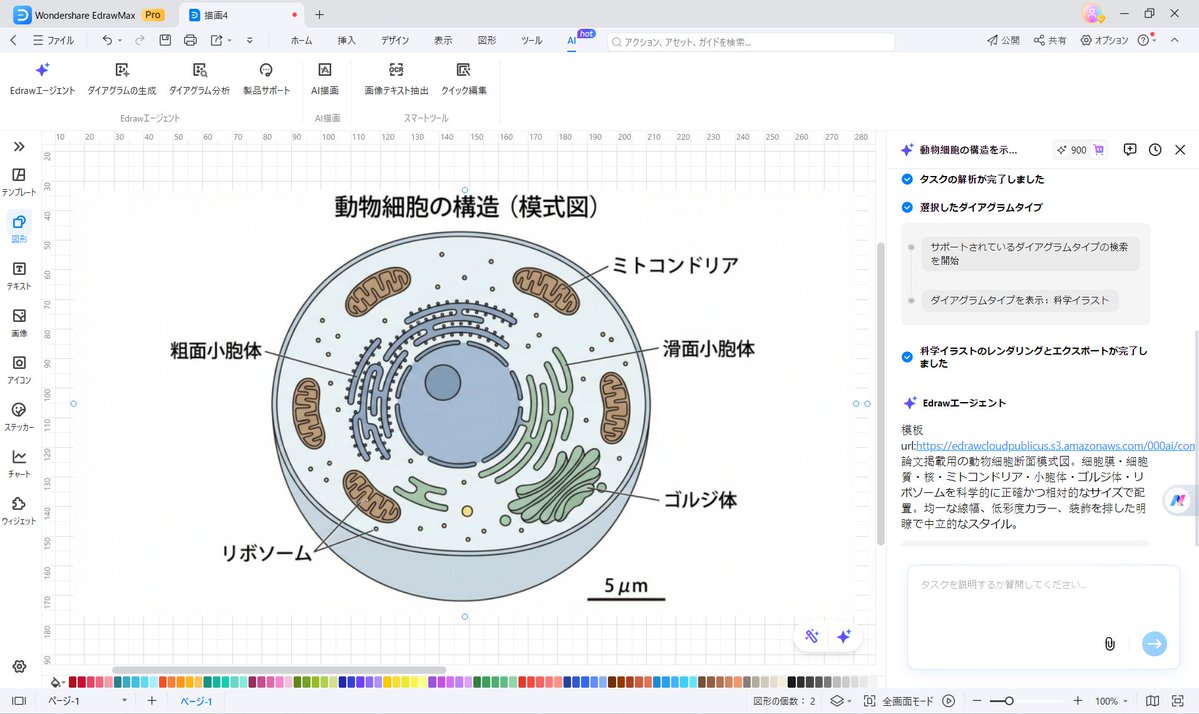
Generating complex {argument name="illustration type" default="scientific illustrations"}
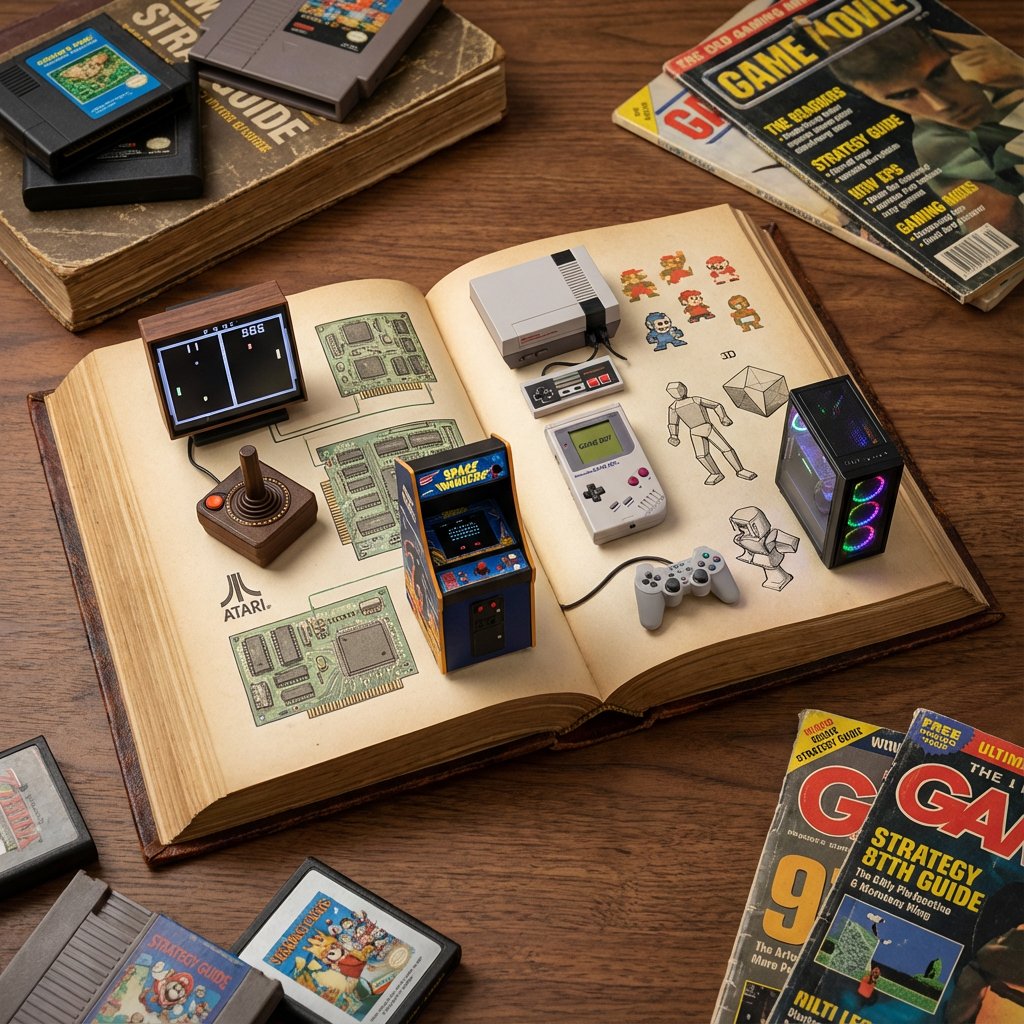
do this for history of gaming: <instructions> role: act as a world class level visual artist and history buff. Input a: topic instructions: draw a detailed photograph of an open antique book serving as a diorama for {argument name="topic" default="[input a]"} history with relevant elements (e.g. space model and small astronauts, space food) set against various {argument name="topic illustrations" default="[input a]"} illustrations and objects showing the history of {argument name="topic history" default="[input a]"} Output: one image </instructions>
Some prompts are collected from creators on X. Copyright belongs to the original authors.