Back to library
Inventor's Future Product Prediction Prompt 1
ImageNeeds reference image

Inventor's Future Product Prediction Prompt

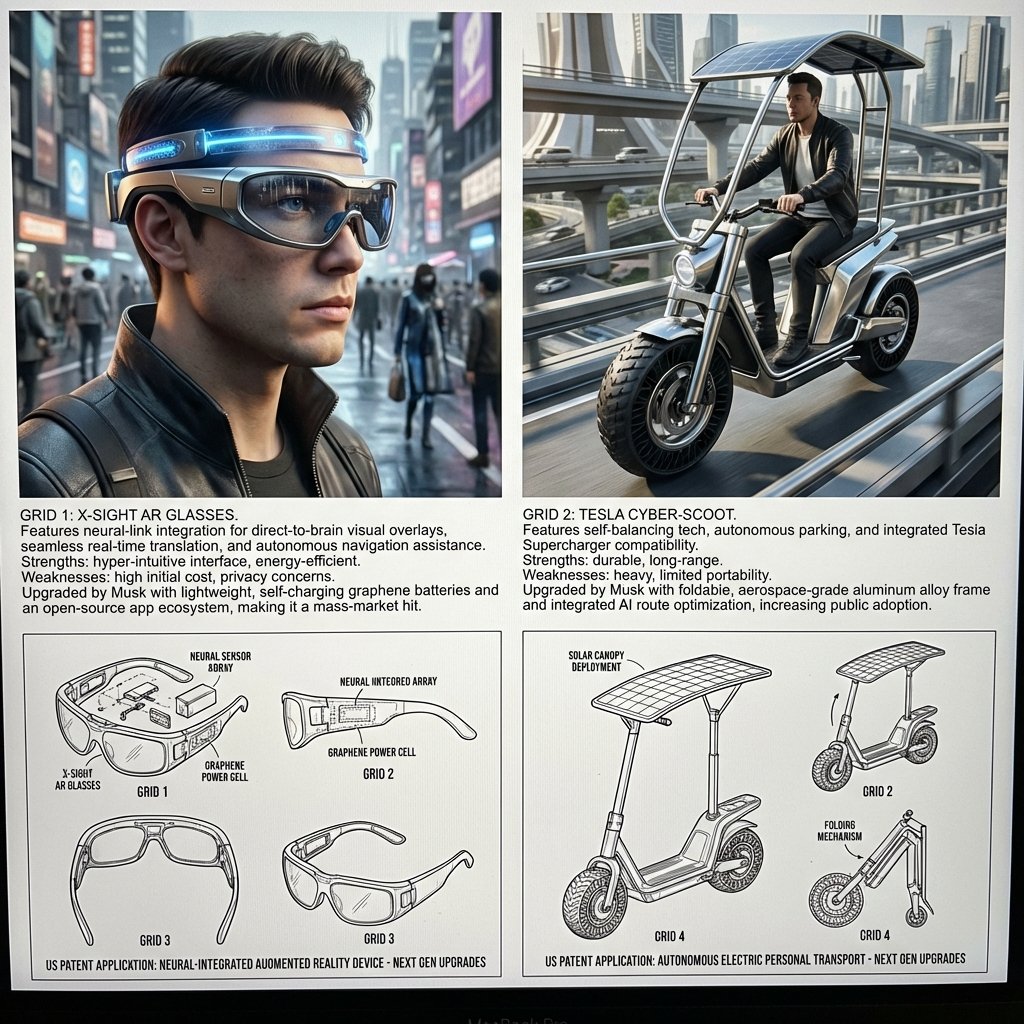
A complex, multi-step LLM prompt instructing the model to act as an inventor, historian, and artist. It requires analyzing an uploaded image of a historical figure (like Elon Musk) to predict and design two upgraded, feasible future products based on their tendencies. The output must be a 4-panel grid featuring 3D renderings of the products in use and detailed black-and-white technical patent drawings of the next-generation upgrades.

Prompt
<instructions> Act as a world class inventor, historian, LLM engineer, and artist. Take the uploaded image of the scientist, inventor or artist, analyze their inventions, past work, tendencies, design characters. Step 1: Find 2 random current product they may be interested in if they were alive. Analyze their strengths and weaknes Step 2: Learn about their features and how they can be improved by the given scientist. Step 3: Design an upgraded device that was perfected by the given scientist/inventor/artist in a unique, stunning way, making it even a bigger hit with the public. They should be feasible based on current science and tech advancement. Output: Grid 1 & 2: Each a 3D rendering of a upgraded device, showing it in use on a city street, with a detailed explanation of its unique features and benefits. Grid 3 : clean black-and-white technical patent drawings (exploded view, side, top, perspective) of the first invention in patent  drawing, showing the upgrades that will happen in the next generation. Grid 4: clean black-and-white technical patent drawings (exploded view, side, top, perspective) of the first invention in patent drawing, explain the upgrades that will happen in the next generation.</instructions>
Author
Community
Published
May 14, 2026
Use cases
Infographic / Education

More prompts like this

Clean Whiteboard Animation Illustration

Clean Whiteboard Animation Illustration

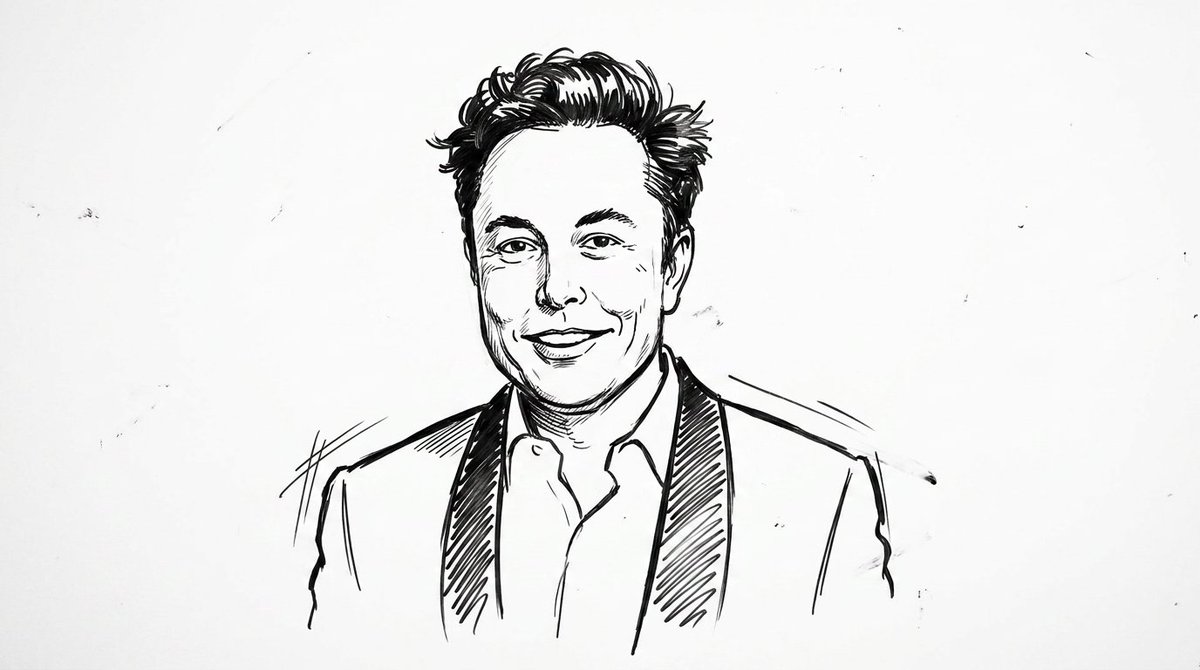
clean {argument name="style" default="whiteboard animation style"} illustration of the person from the reference image, drawn as a simple {argument name="medium" default="black marker sketch"} on a pure white background. Use bold hand-drawn outlines, minimal shading, and a slight…
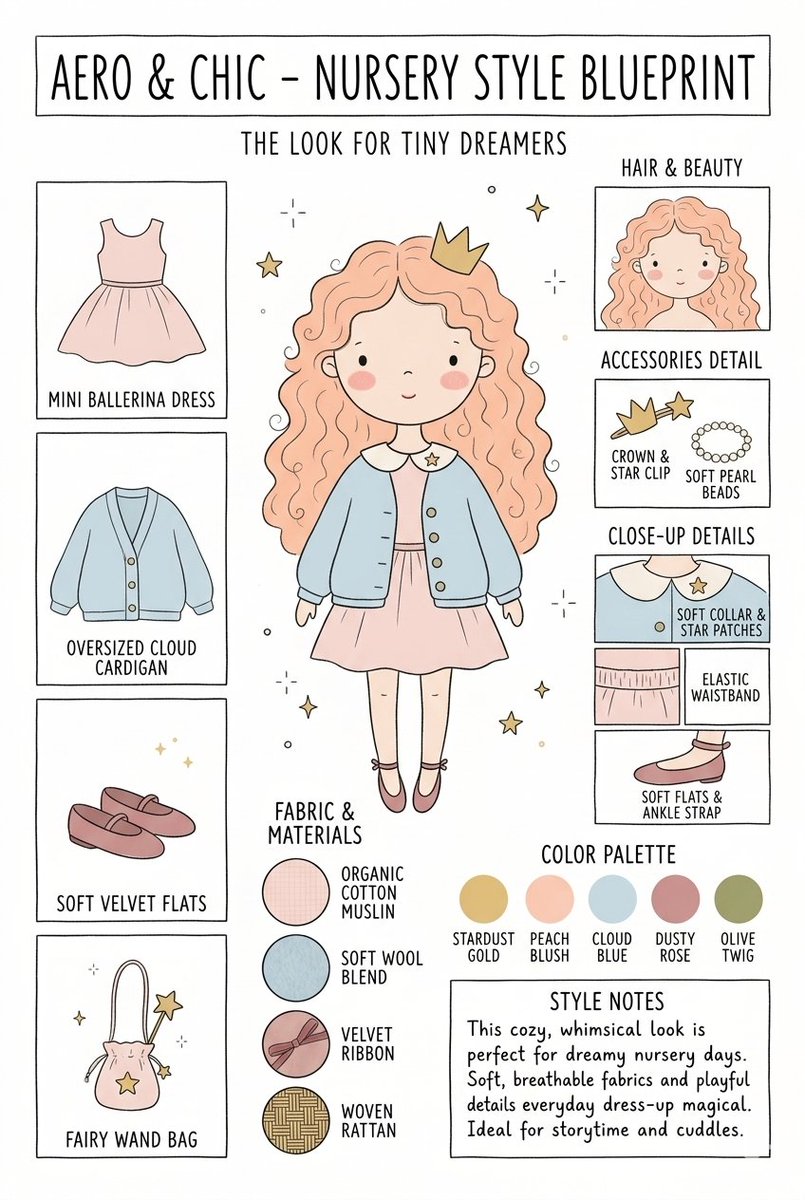
Nursery Fashion Style Blueprint Infographic

Nursery Fashion Style Blueprint Infographic

Create a matching pair of "{argument name="title" default="Aero & Chic - Nursery Style Blueprint"}" infographic concept posters, each featuring a full-body cartoon child in a curated outfit surrounded by illustrated fashion breakdowns. The first poster, titled "The Look for Tiny…

Kid-Friendly Routine Poster Prompt

Kid-Friendly Routine Poster Prompt

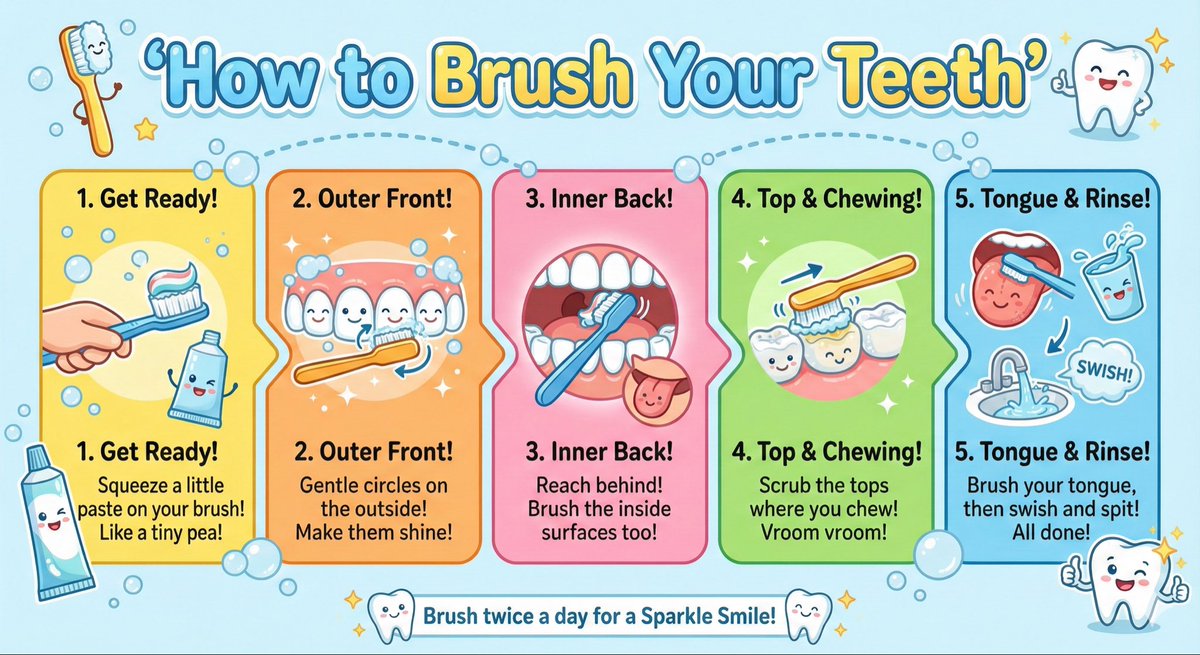
Create a kid-friendly ‘How to Brush Your Teeth’ poster with cartoon teeth, simple steps, bright colors, and big illustrations.

Google AI Ecosystem Diagram Generation

Google AI Ecosystem Diagram Generation

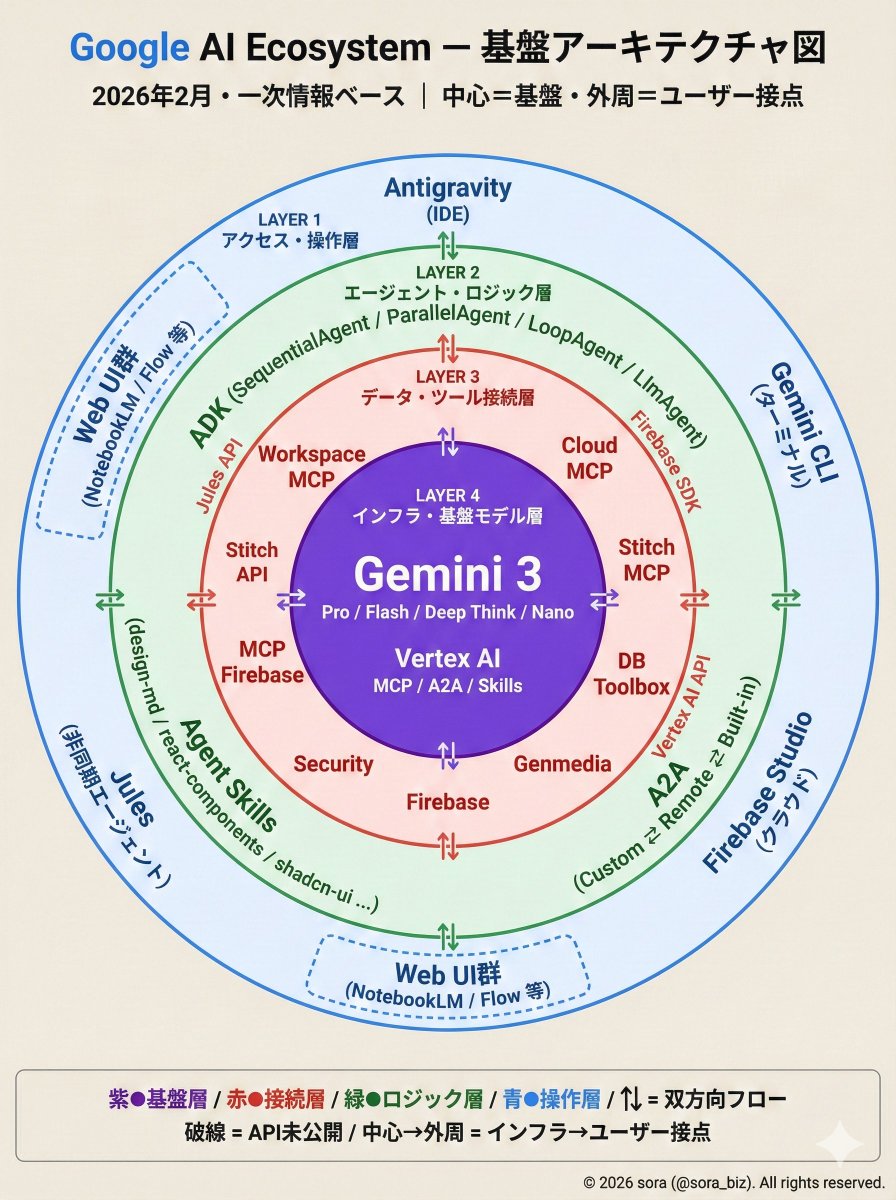
The Google AI ecosystem is organized into a four-layer structure based on primary information. There is a whole picture that cannot be seen from the tools alone. How MCP, ADK, and Antigravity connect around Gemini.

Technical Infographic Overlay on a Laptop Image

Technical Infographic Overlay on a Laptop Image

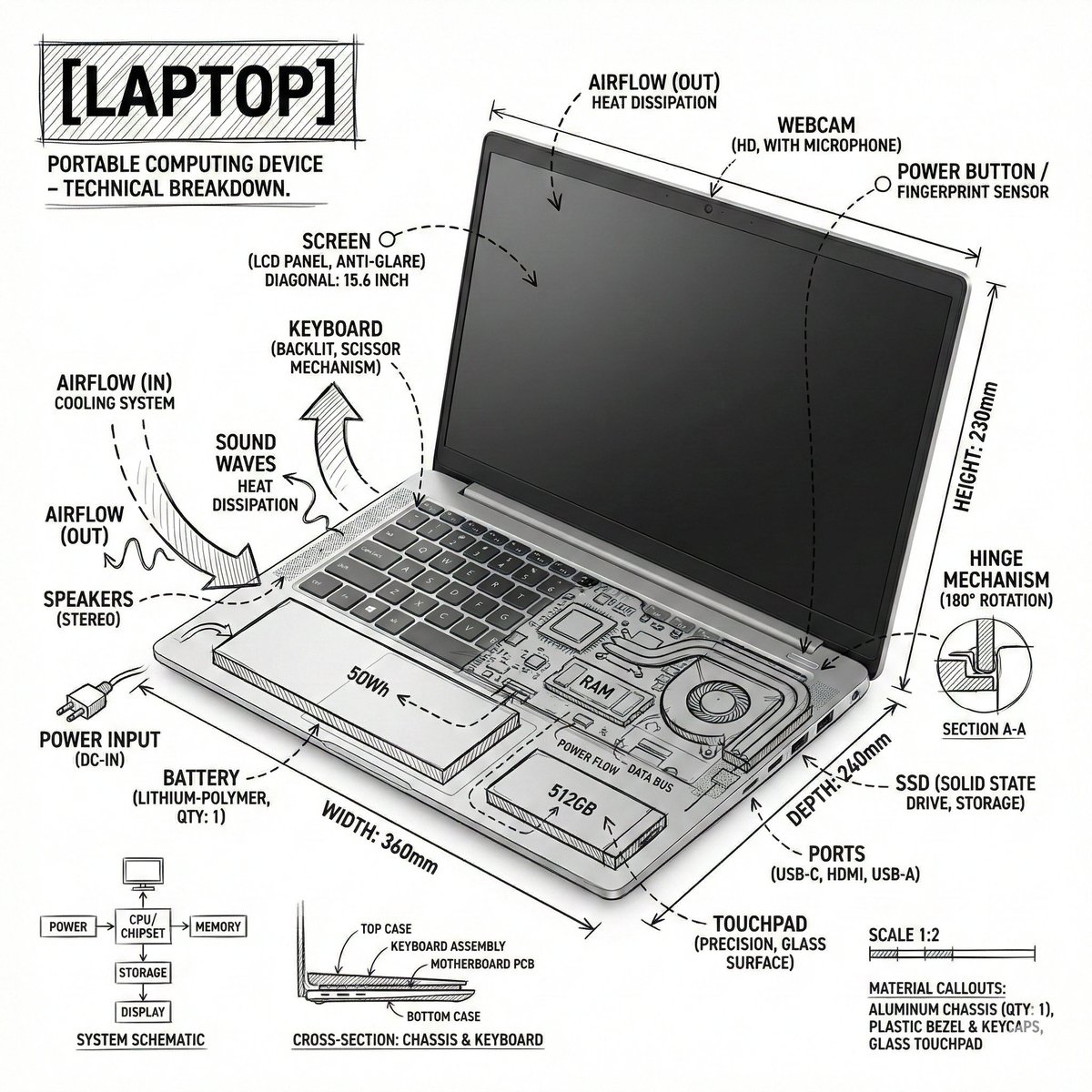
Create an infographic image of {argument name="object" default="laptop"} ,combining a realistic photograph or photoreal render of the object with technical annotation overlays placed directly on top. Use black ink–style line drawings and text (technical pen / architectural sketc…

Some prompts are collected from creators on X. Copyright belongs to the original authors.