
Social-Ready Creative
Create posters, announcements and campaign visuals in platform-friendly formats.
Turn your written thoughts and imaginative descriptions into photorealistic visuals in seconds.
Describe a scene and turn it into a polished image with the model that fits your style.

Birthday greetings with dog and garden
Text to Image AI turns a written idea into polished artwork, portraits, posters and product visuals while keeping model choice, format and every completed result in one browser workflow.
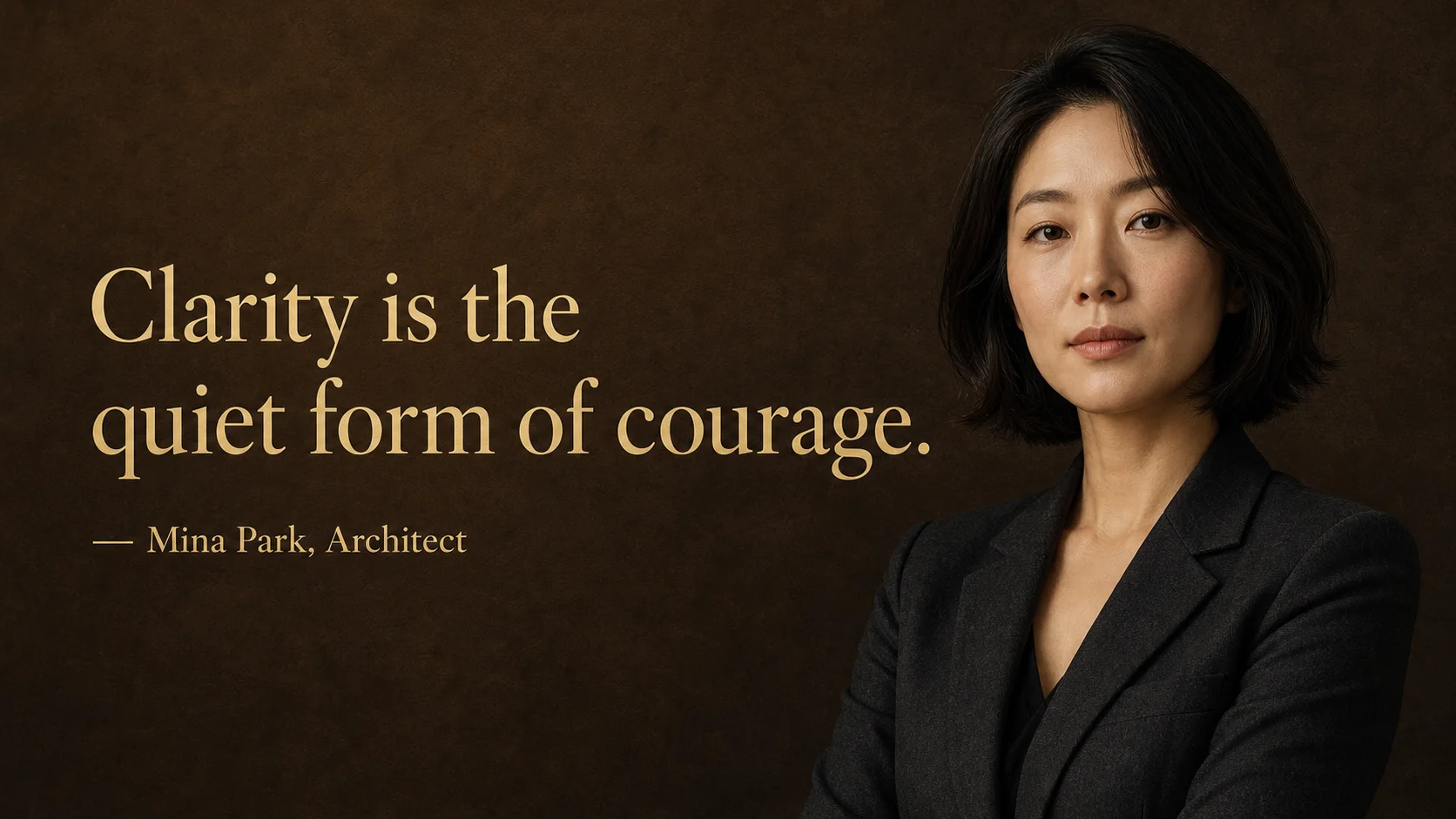
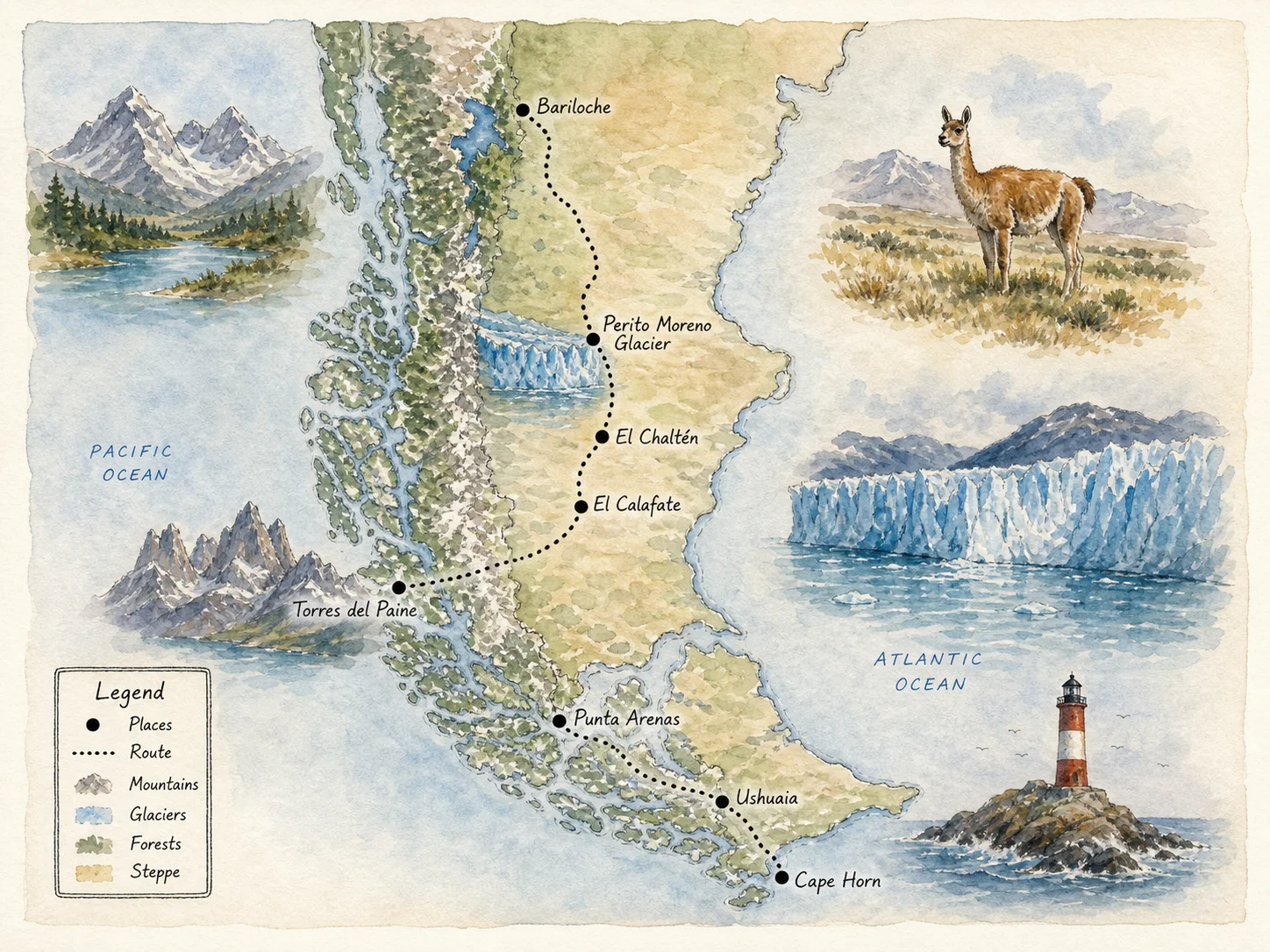
Explore how Text to Image AI translates precise descriptions into photography, campaign design, technical graphics and expressive visual styles.
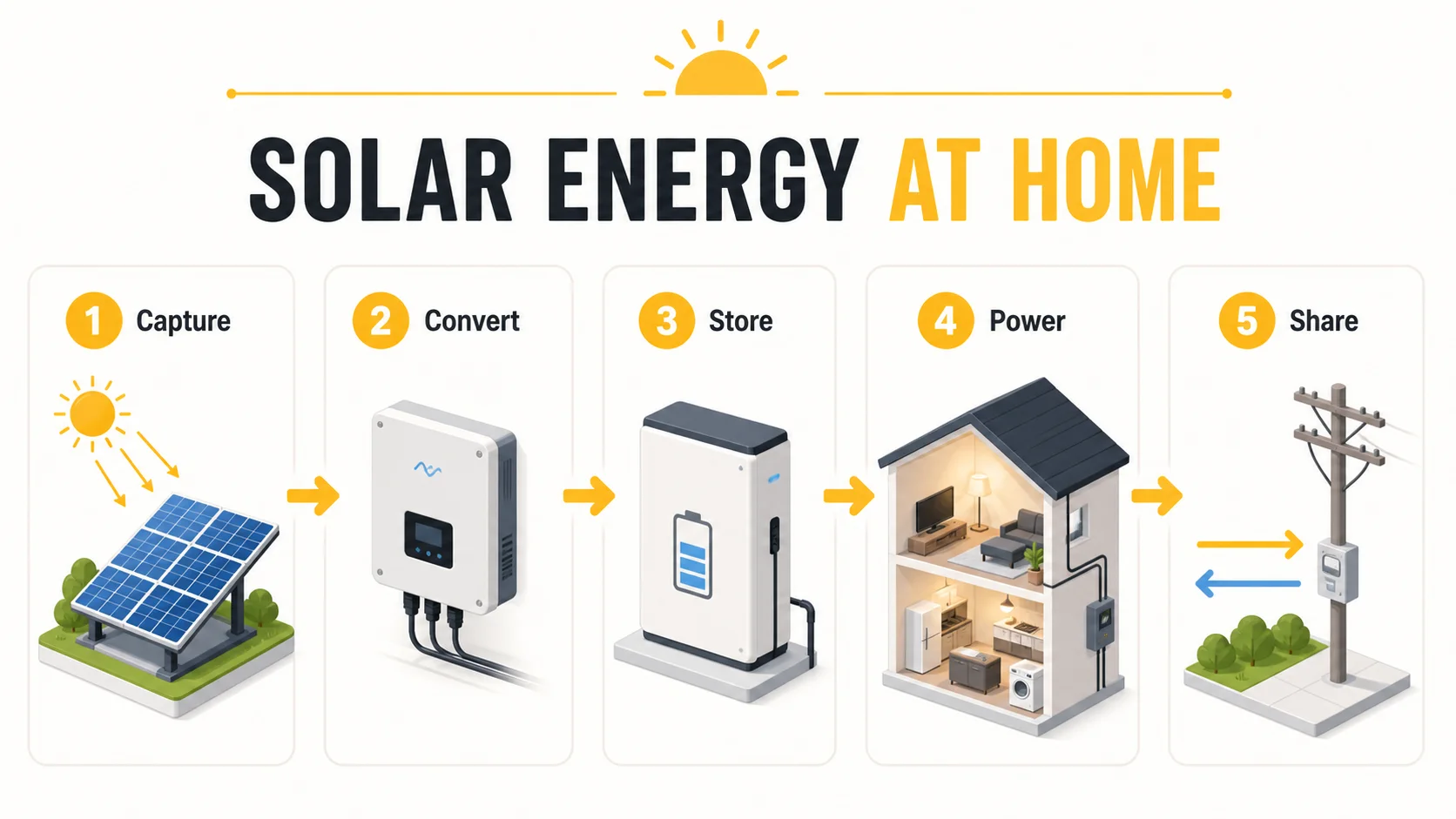
Move between fast drafting, precise typography, photorealism and stylized art without rebuilding the creative brief.
Text to Image AI takes a prompt from first concept to a production-ready visual.
Create posters, announcements and campaign visuals in platform-friendly formats.
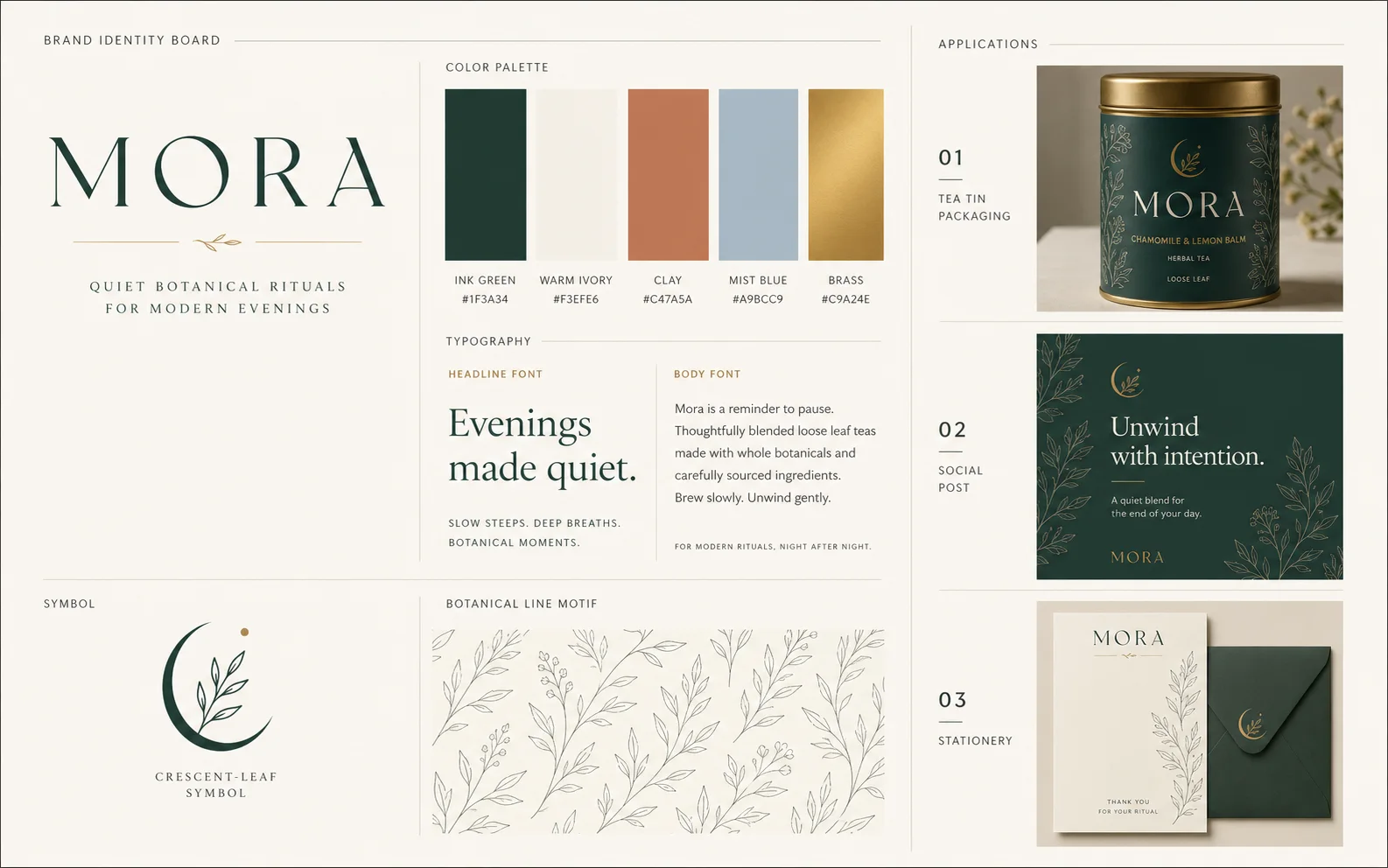
Produce detailed portraits and polished visuals with model-specific quality controls.
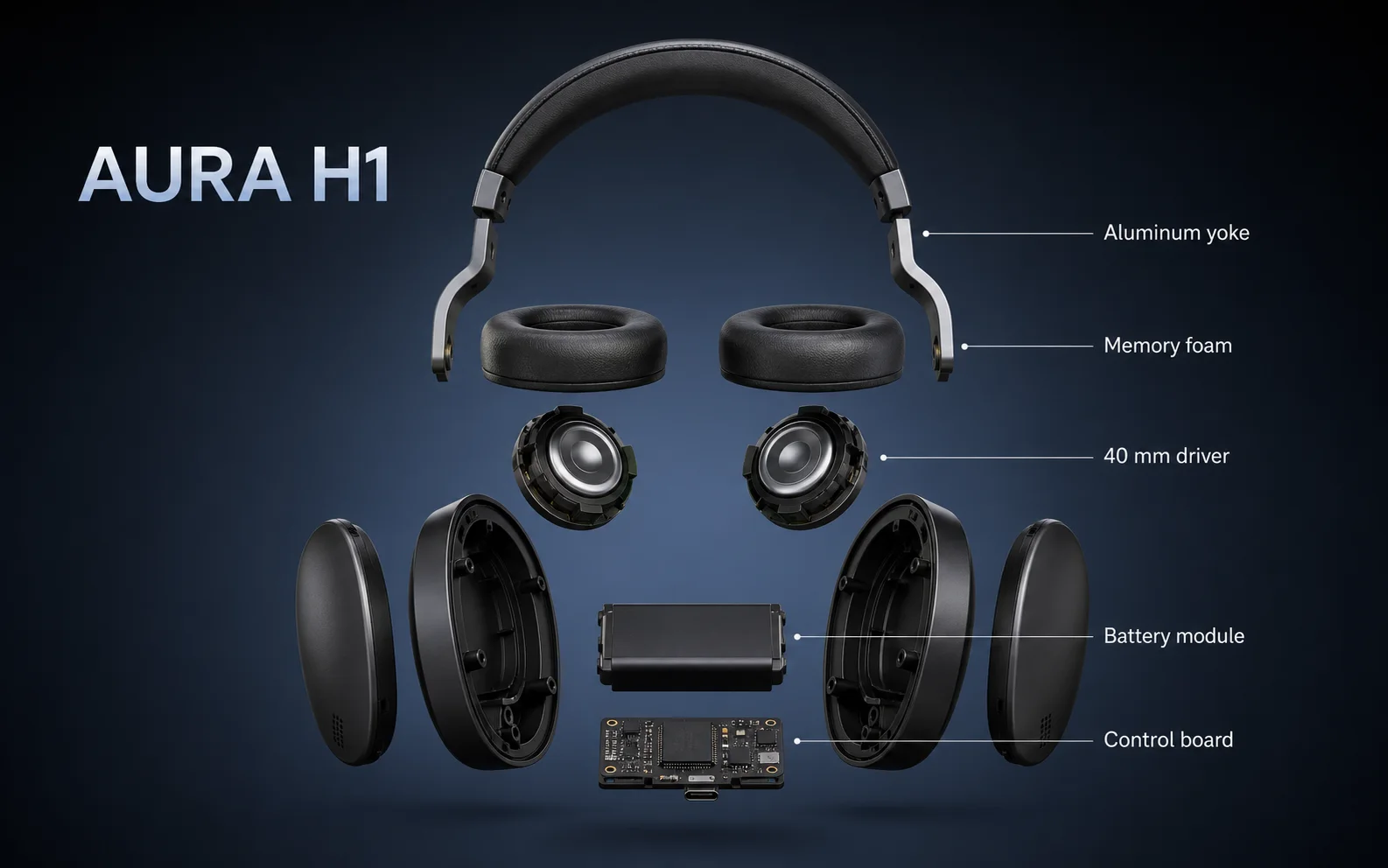
Direct composition, hierarchy, typography, lighting and style in ordinary language.
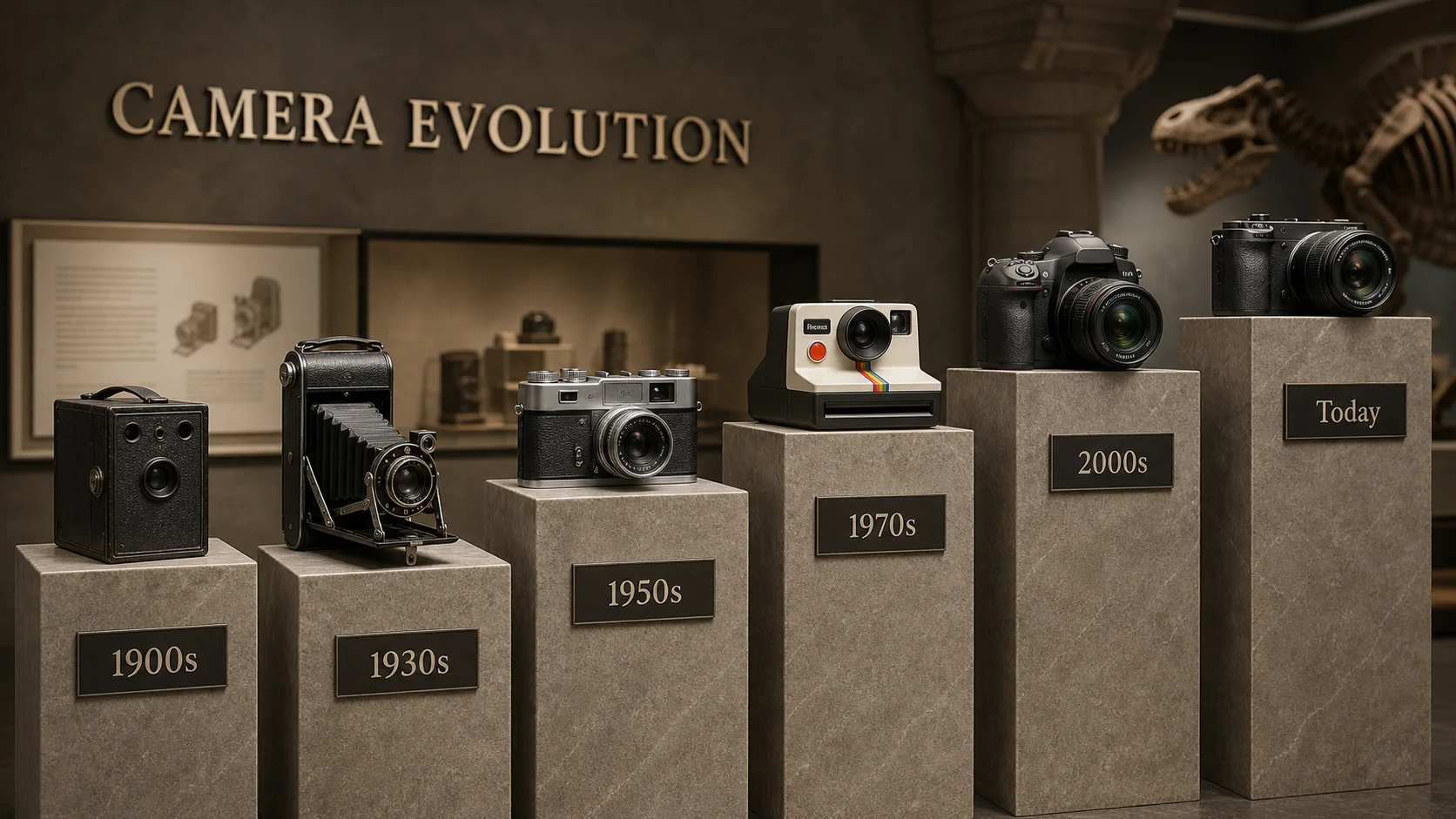
Explore more image directions without a shoot, stock search or complex design setup.
Use Text to Image AI in three clear steps: choose a model, write a detailed prompt, then generate and review the result.
One credit balance for images, video and audio. Pick a monthly or yearly plan, and top up with a credit pack anytime.
Perfect for beginners exploring AI
$119.88 billed yearly
3,000 Credits / month
Secure checkout · cancel renewal anytime
For growing teams
$299.88 billed yearly
10,000 Credits / month
Secure checkout · cancel renewal anytime
Designed for extreme production
$959.88 billed yearly
30,000 Credits / month
Secure checkout · cancel renewal anytime
It converts a written description into an original visual using the image model, aspect ratio and quality settings you select.
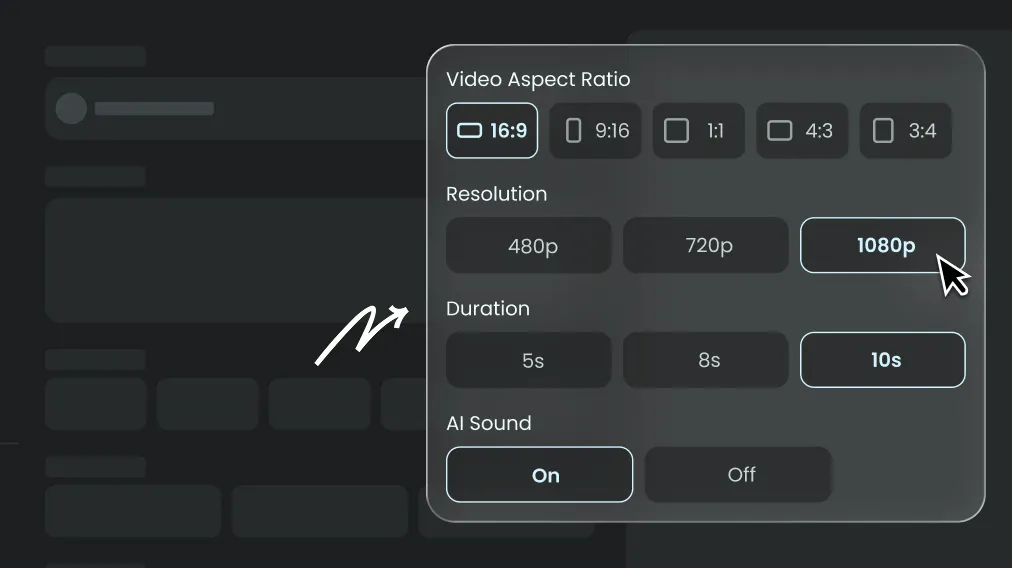
Choose a model, describe the subject and visual direction, select a format, review the Credit estimate and generate.
The generator works best when a prompt clearly defines the subject, environment, composition, lighting, color palette, medium and important details without conflicting instructions.
Yes. Models with stronger typography can produce labels, headlines and poster copy, although short exact text and a clear layout request usually work best.
You can test it with available signup Credits, and Kenerate AI shows the required amount before each generation begins.
Yes. Select a square, portrait or landscape ratio and describe the intended platform, layout, subject and safe space for any copy or logo you plan to add.
Most requests finish within a few minutes, while resolution, model choice and provider demand can change processing time.
Refine one variable at a time, keep the visual hierarchy clear and state what matters most. Reusing a strong prompt also makes comparisons easier across models.
Commercial use depends on your active plan, the selected model terms and the rights attached to your prompt materials. Review those terms before publishing any output.
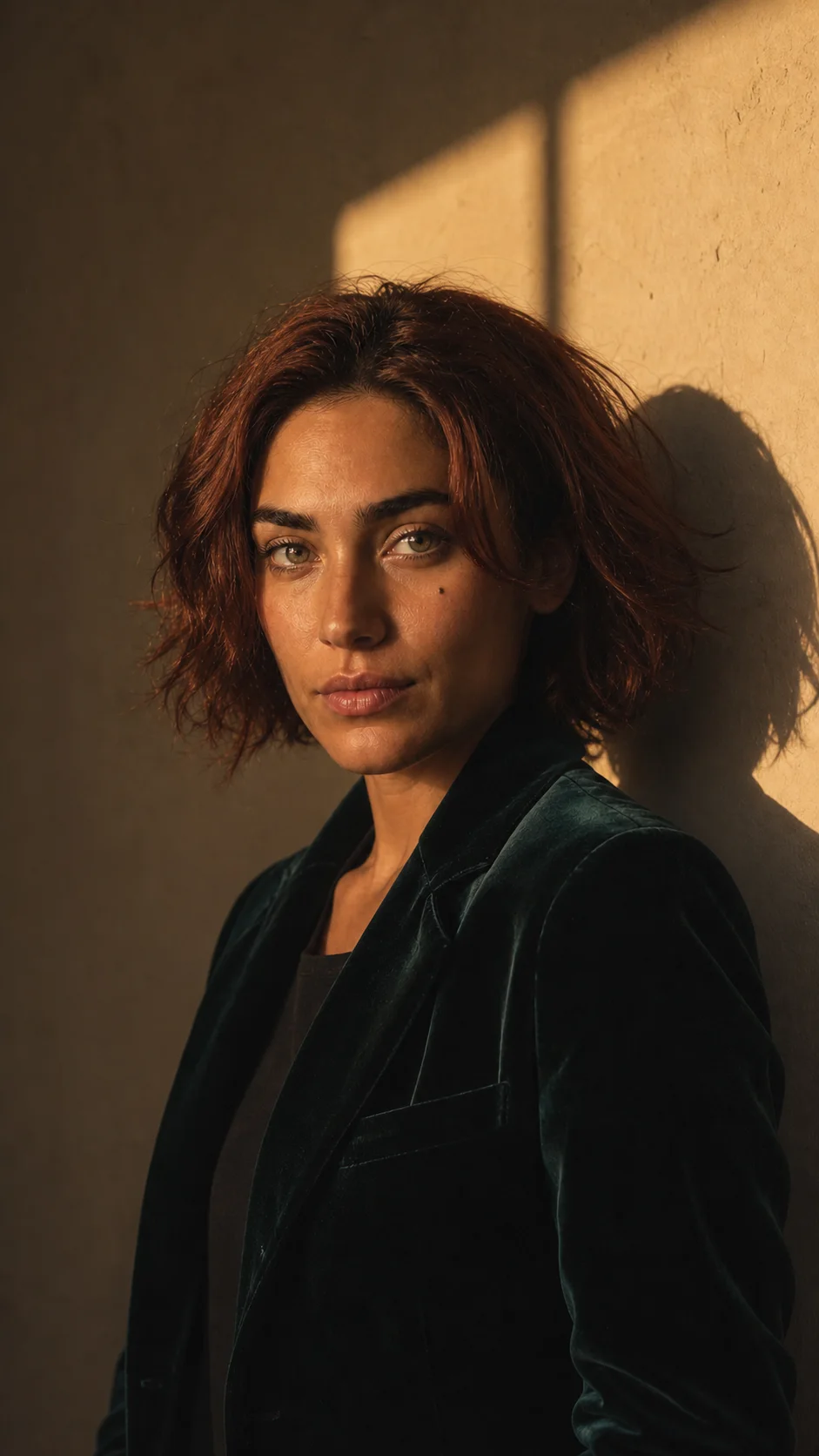
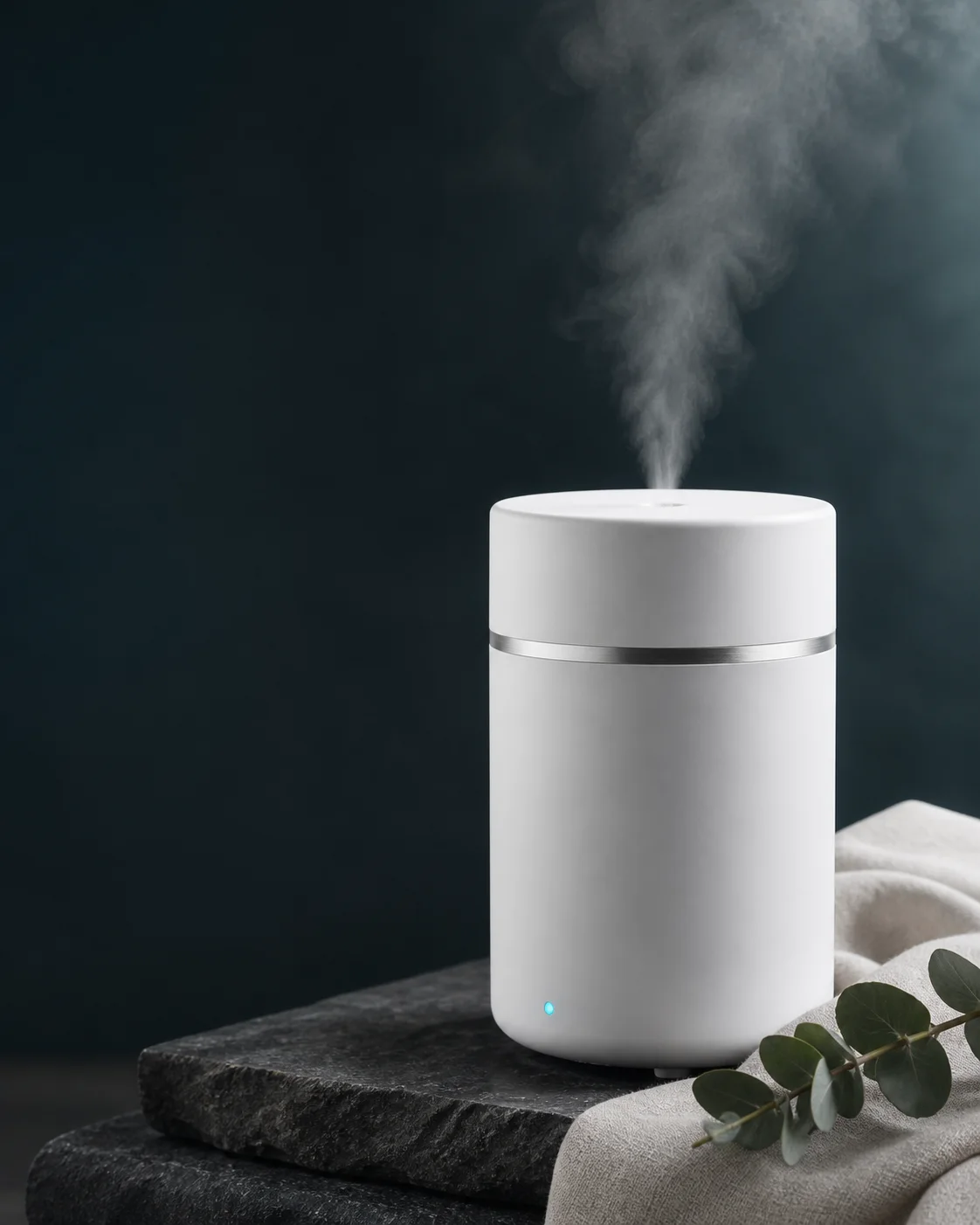
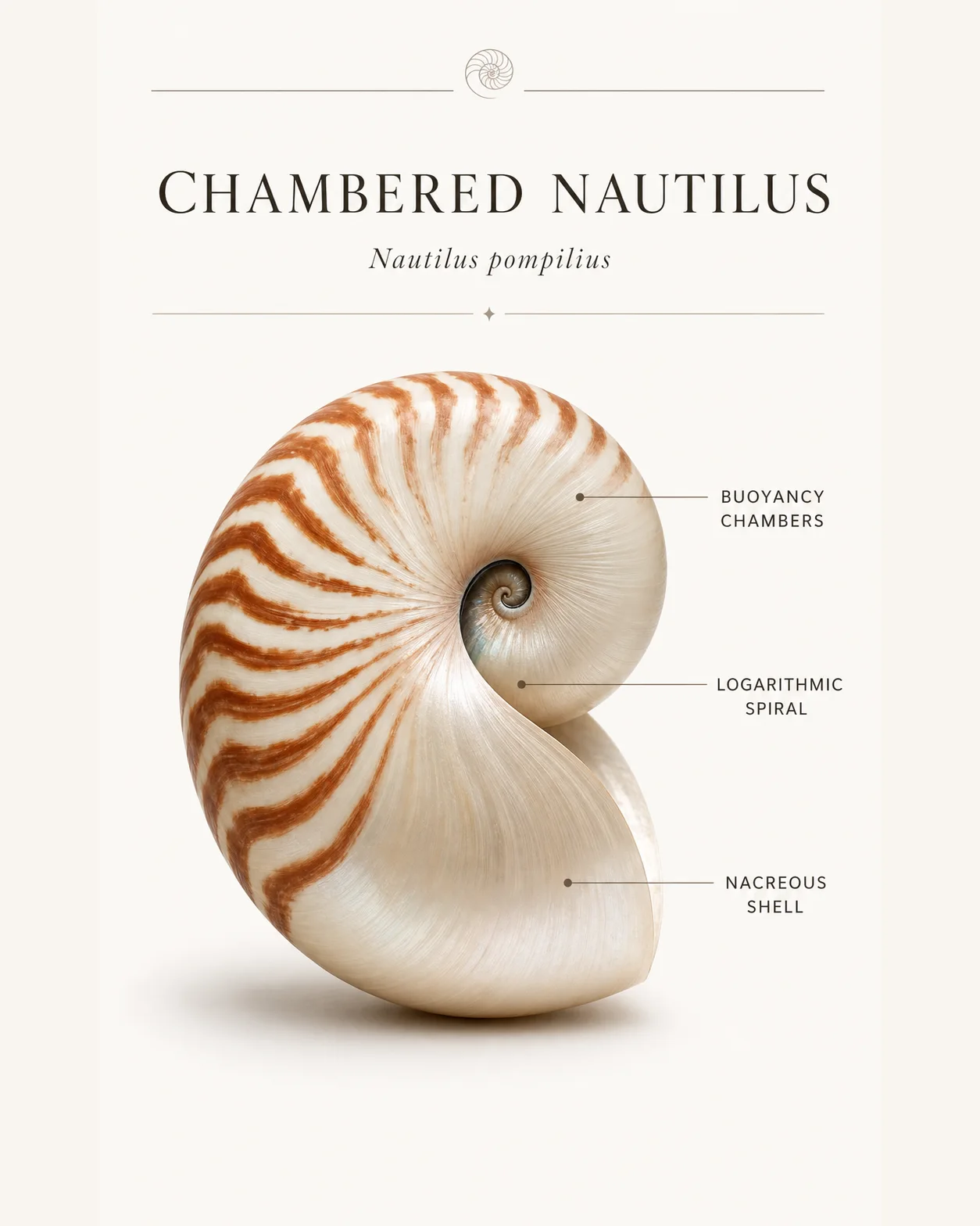
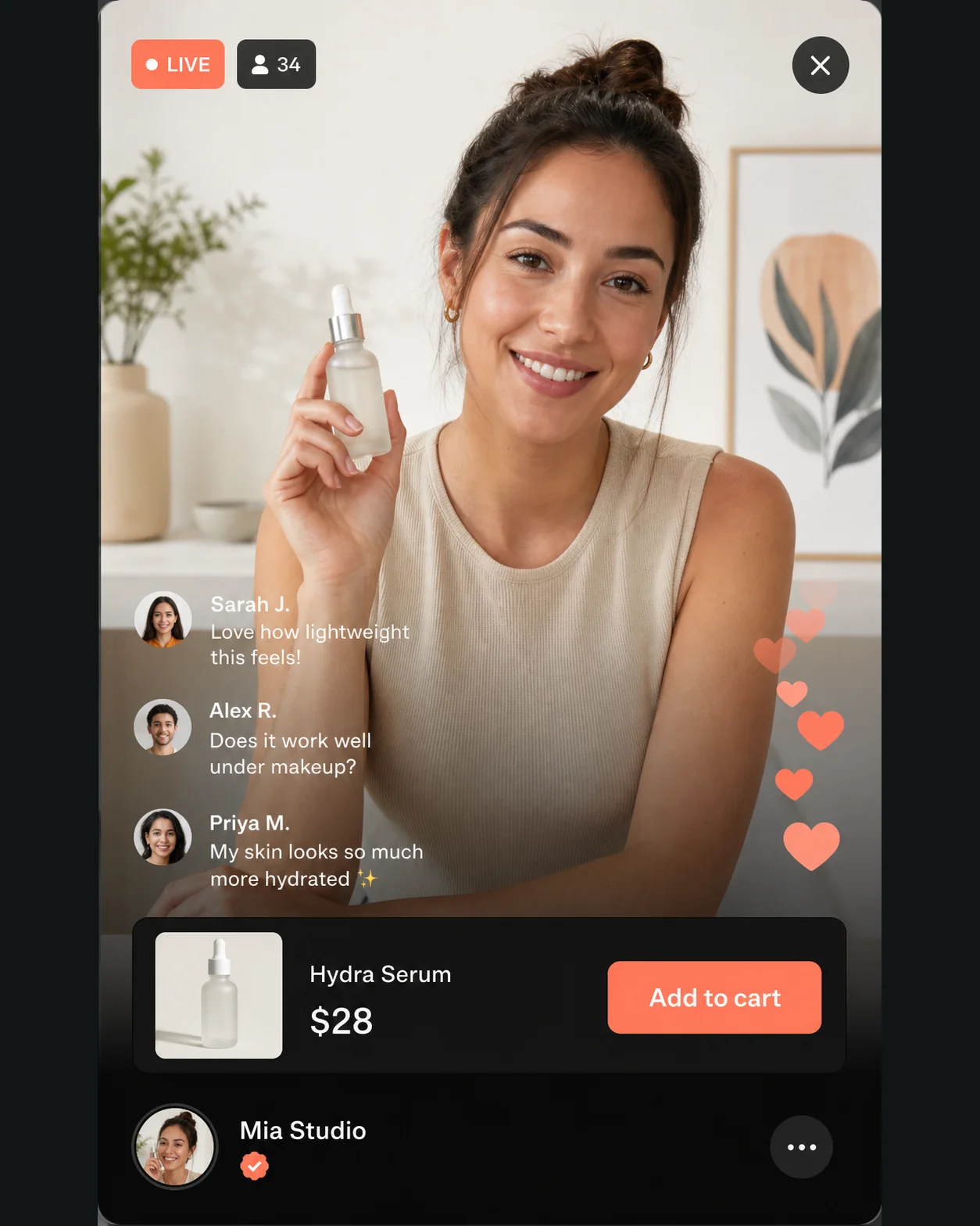
Turn a sentence into a finished visual with Text to Image AI, or refine an existing picture with Image to Image AI.