
Prompt or Photo Input
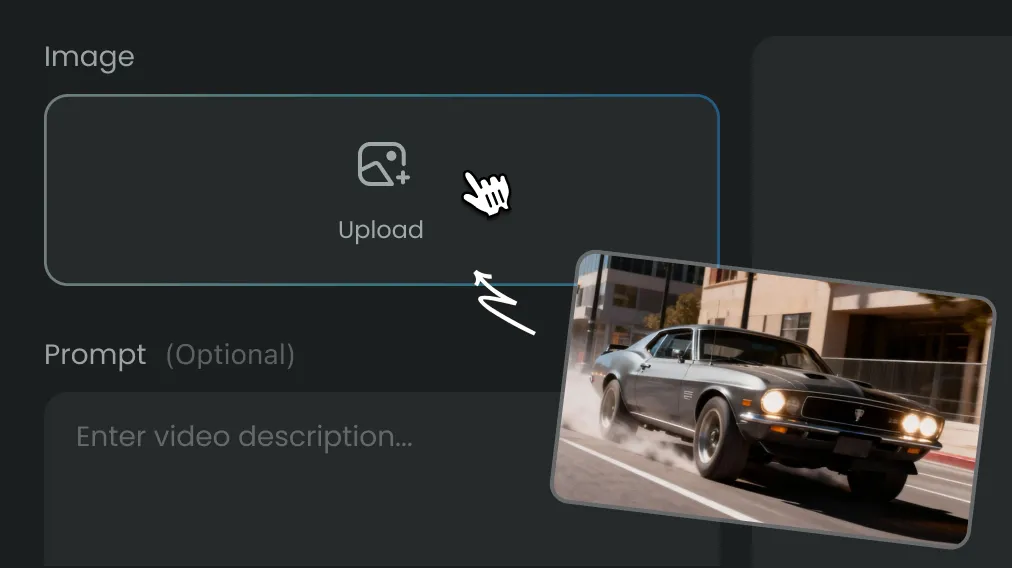
Start from text, or add up to several reference images to guide subject, style and layout.
Generate photorealistic photography, concept art, and vector graphics from text prompts.
Create from a prompt or upload a photo to edit, restyle and remix it with top image models.

Birthday greetings with dog and garden
One AI image generator covers every way you start a picture: write a prompt, upload reference photos, or combine both. Switch between leading models, formats and quality levels without leaving the page, and keep every result in your history.
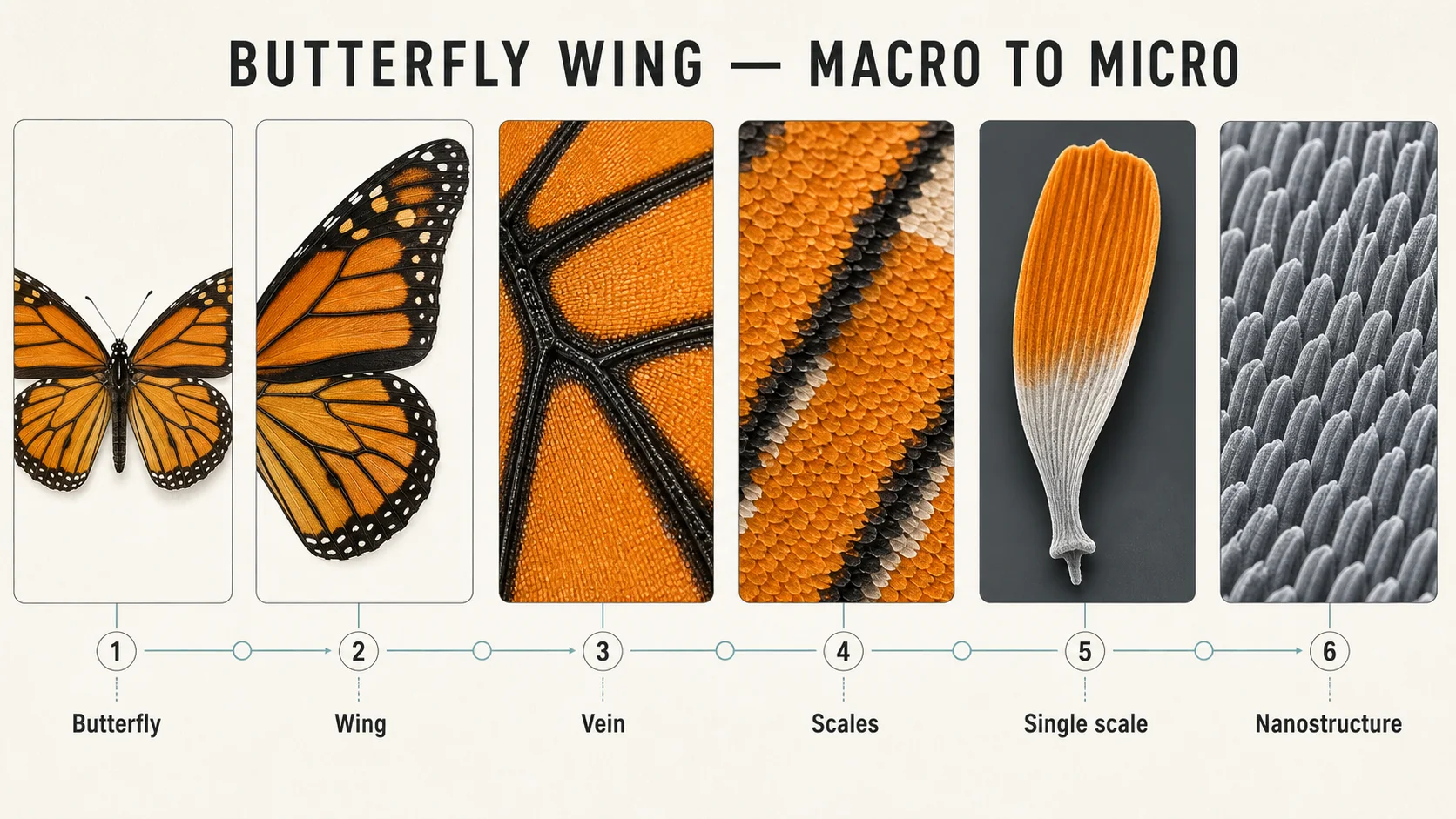
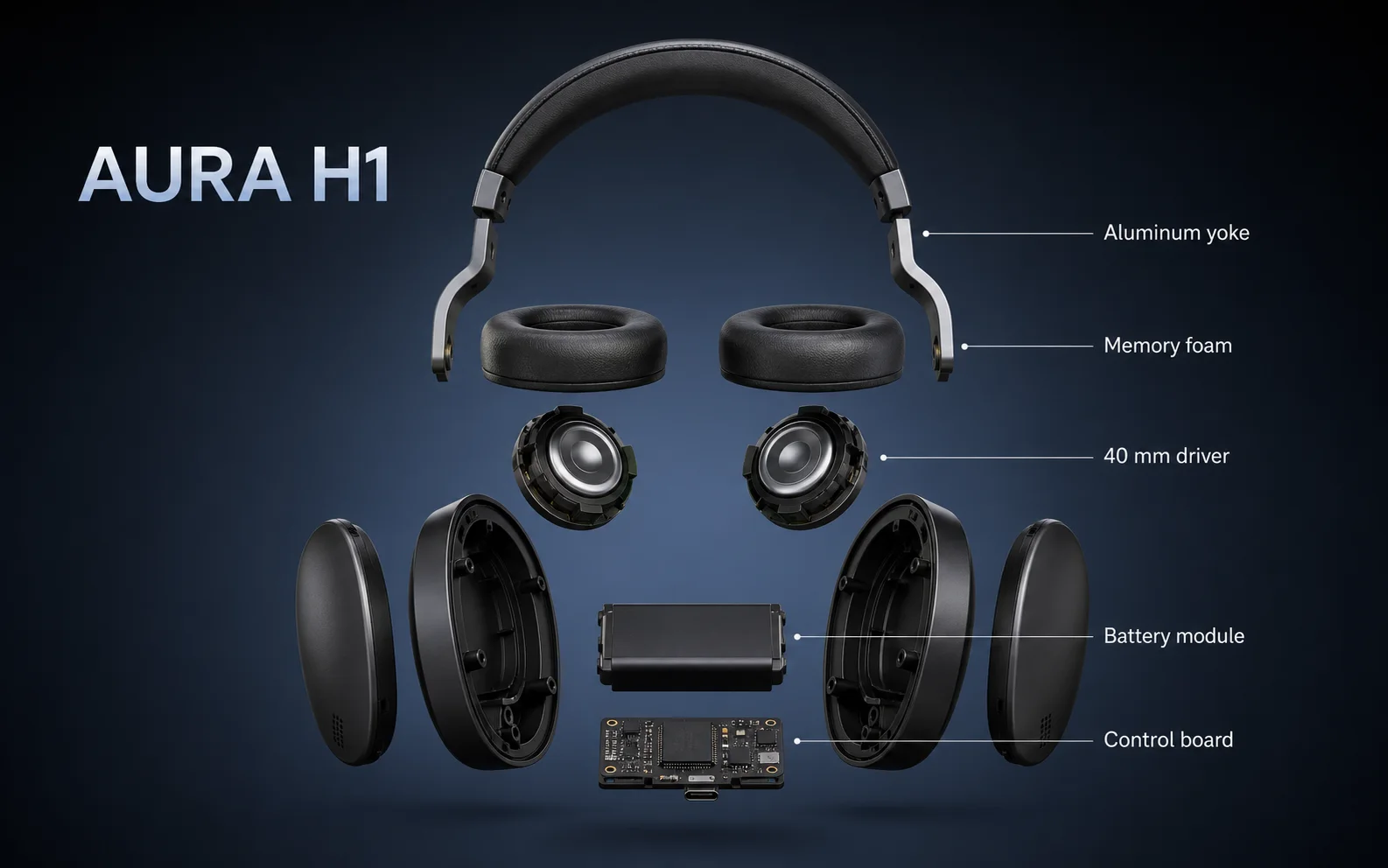
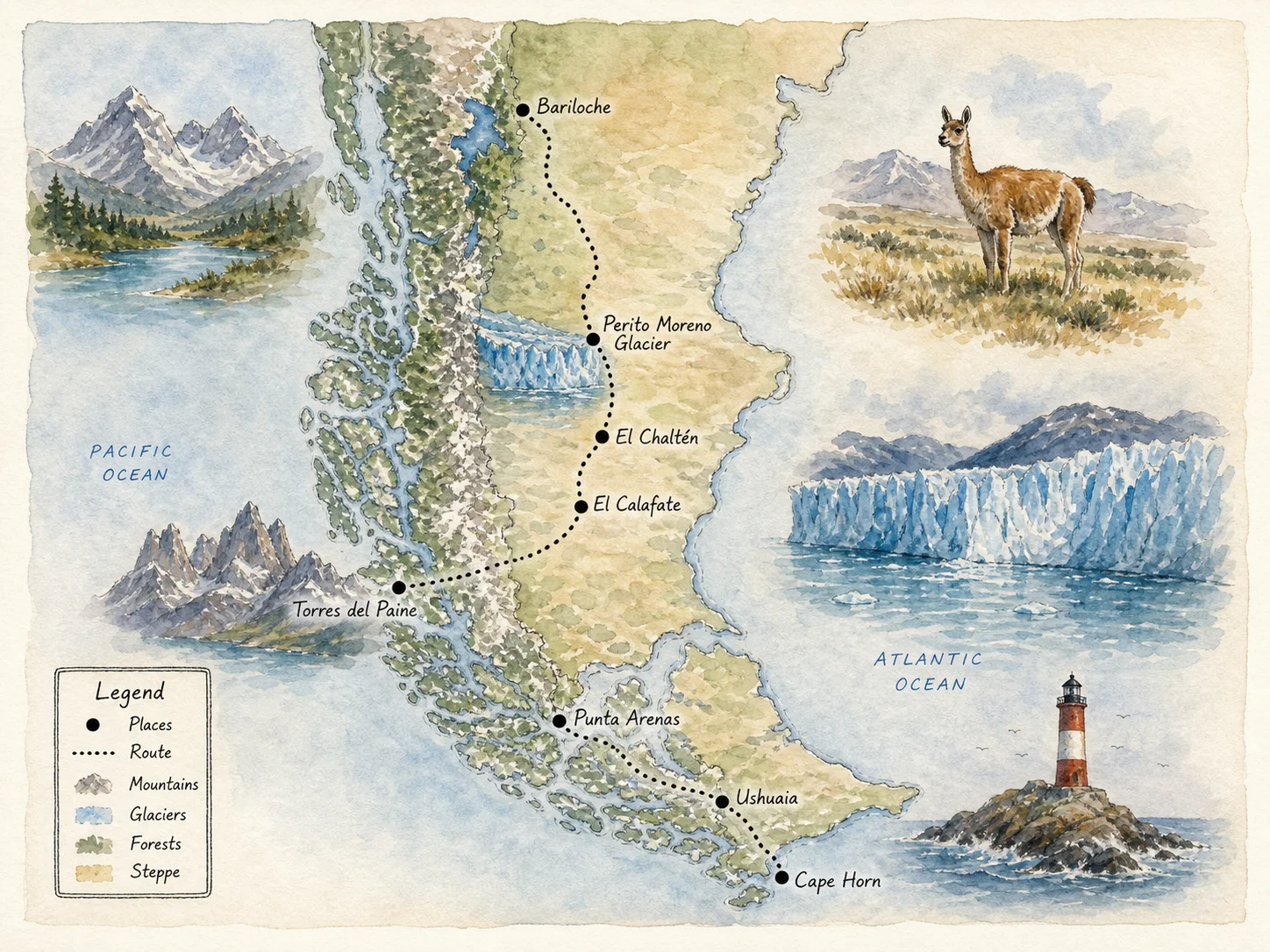
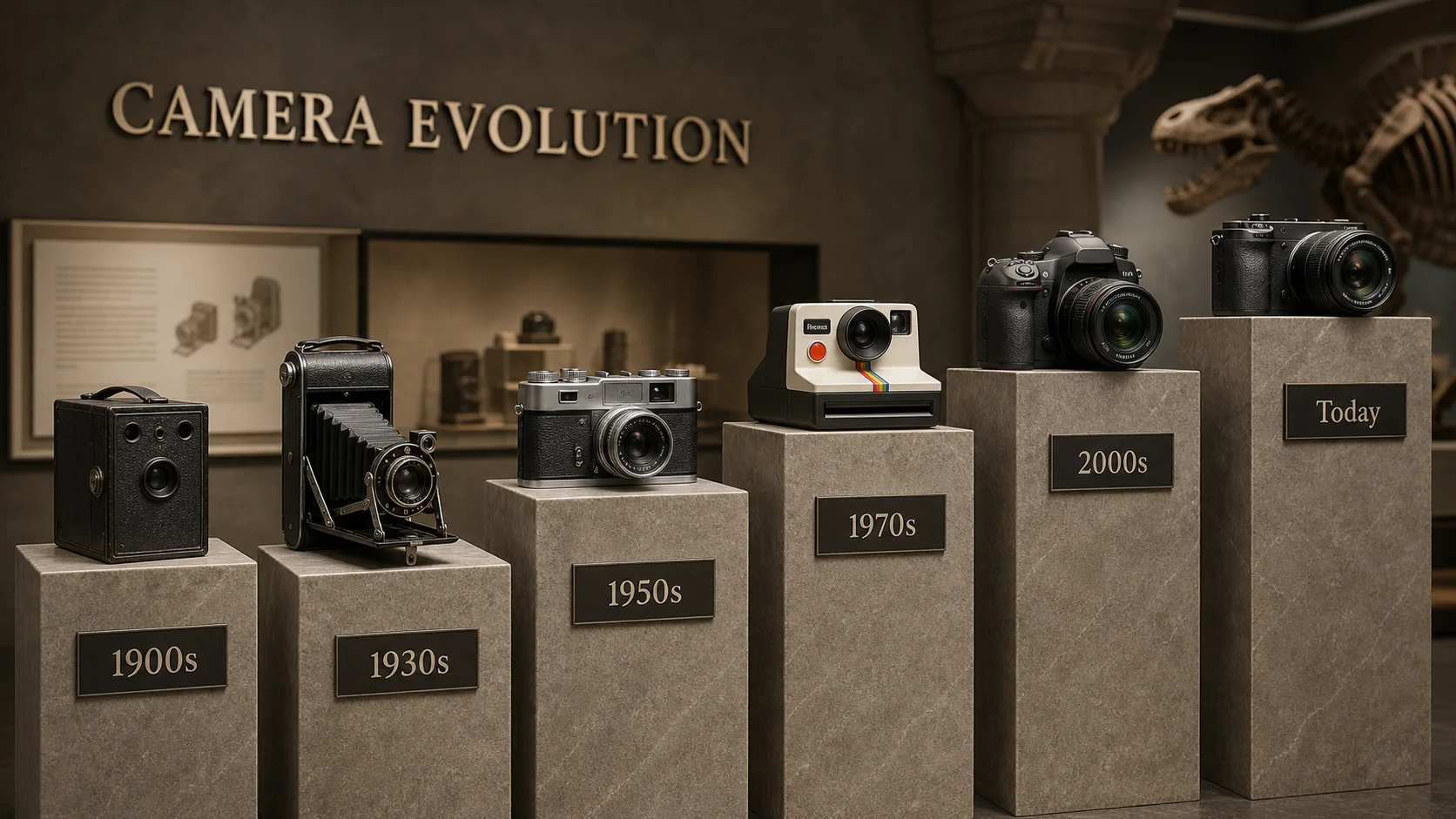
From illustrated maps and interiors to product edits and photo restyles, see what the AI image generator produces from prompts and from uploaded pictures.
Compare Nano Banana, GPT Image, Seedream, Flux, Qwen and more on the same brief, then keep the model that fits your style, text rendering or editing needs.
Generate new visuals, edit existing ones and prepare them for real use in a single workspace.
Start from text, or add up to several reference images to guide subject, style and layout.
Change backgrounds, outfits, lighting or art style while keeping the parts of a photo you want.
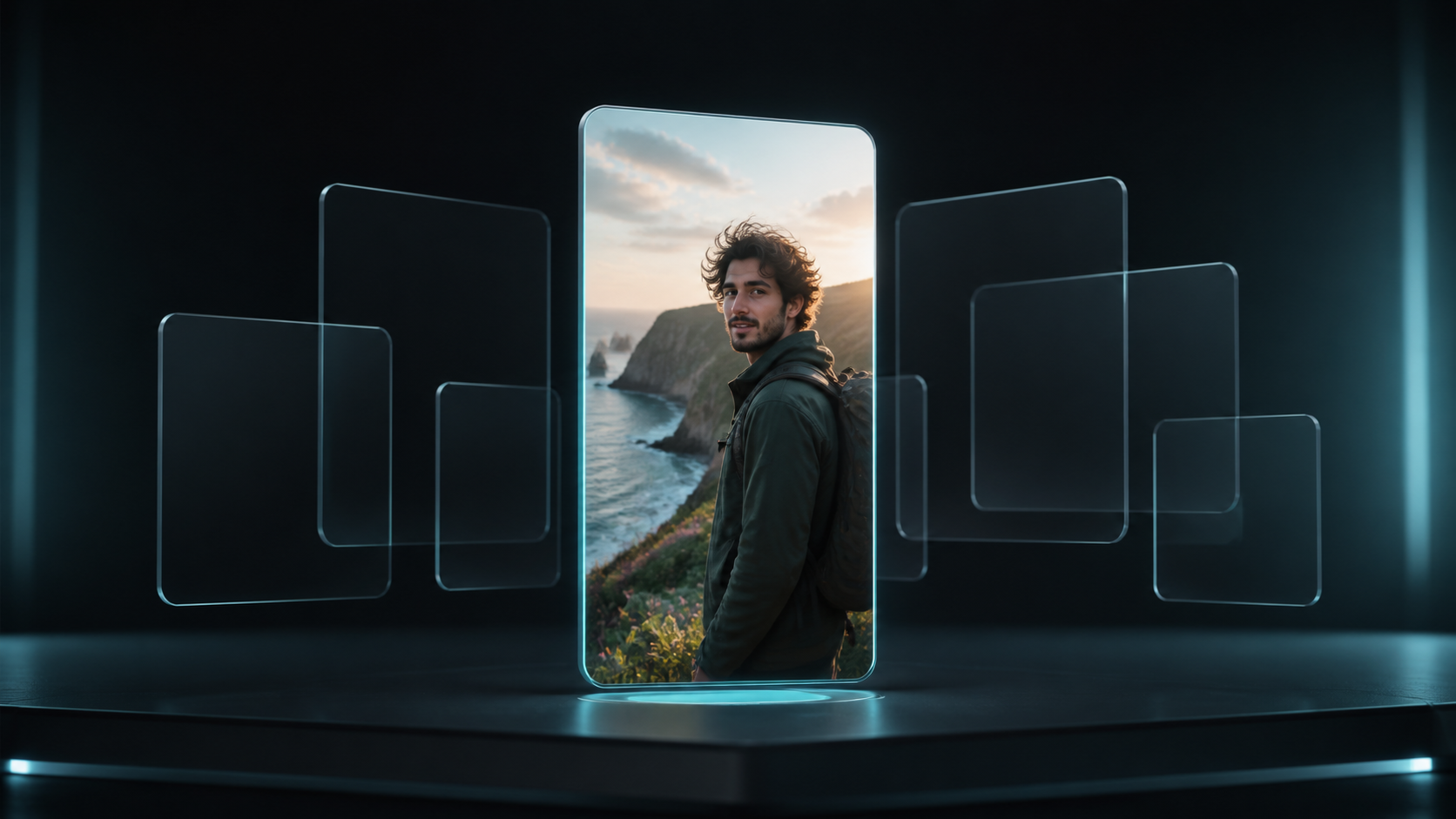
Make posters, infographics, cards and brand boards with models that render readable type.
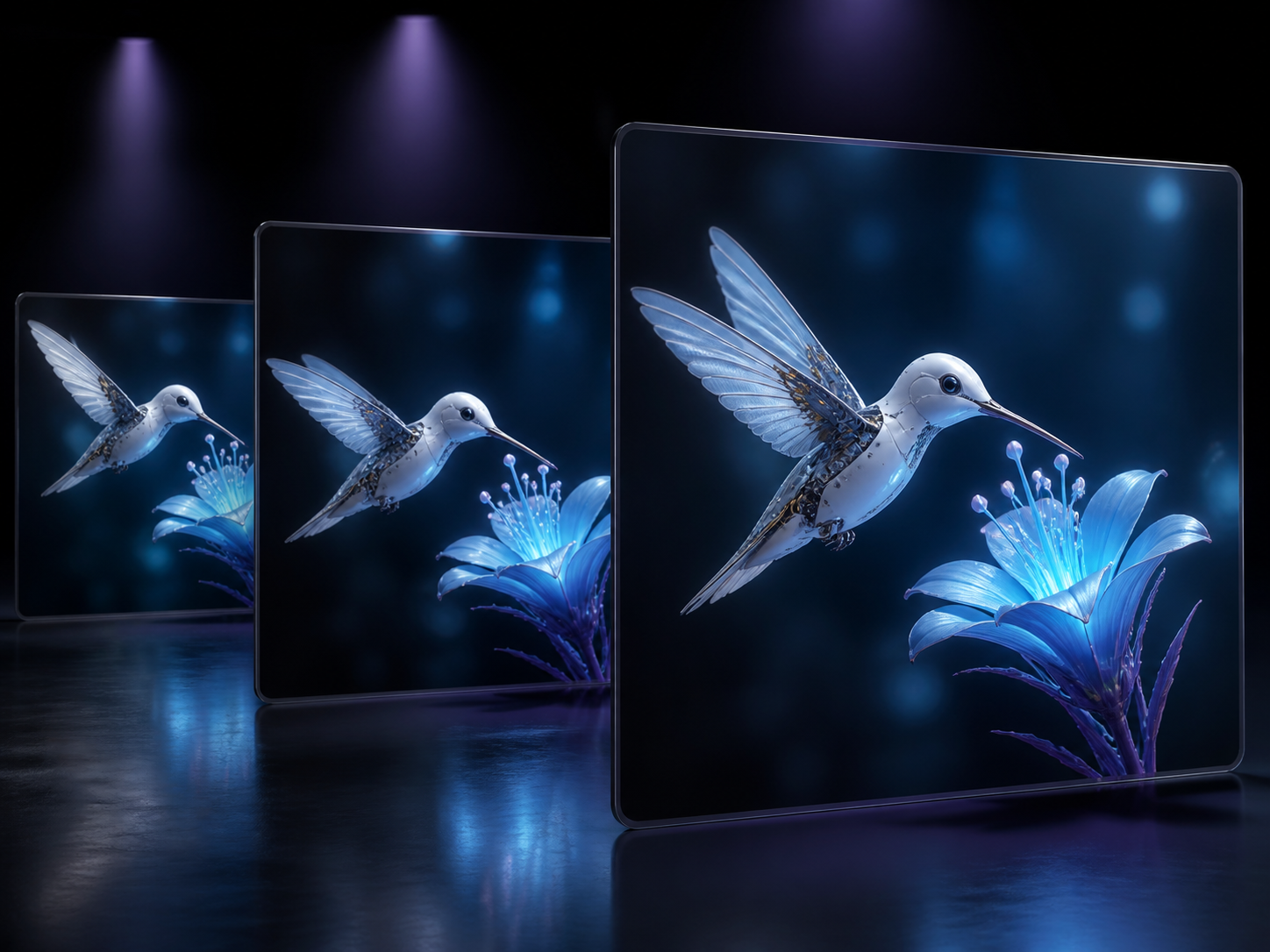
Pick square, portrait or widescreen ratios and download high-resolution files for web, print or social.
Make an AI image in three steps, whether you start from words or from an existing picture.
One credit balance for images, video and audio. Pick a monthly or yearly plan, and top up with a credit pack anytime.
Perfect for beginners exploring AI
$119.88 billed yearly
3,000 Credits / month
Secure checkout · cancel renewal anytime
For growing teams
$299.88 billed yearly
10,000 Credits / month
Secure checkout · cancel renewal anytime
Designed for extreme production
$959.88 billed yearly
30,000 Credits / month
Secure checkout · cancel renewal anytime
It is a browser-based tool that creates new images from text prompts and edits uploaded photos, using a choice of leading AI image models in one workspace.
New accounts receive signup Credits to try it. Kenerate AI shows the Credit cost for the selected model and settings before each generation starts.
Yes. Upload one or more pictures and describe the change you want, such as a new background, outfit, lighting or art style, and the generator uses them as references.
Use Nano Banana or GPT Image for accurate edits and readable text, Seedream or Flux for photorealism and detail, and faster lite models for quick drafts. Running the same prompt on two models is the easiest way to compare.
Common uses include product photos, social media graphics, posters, portraits, illustrations, interior concepts, infographics and photo restyles.
Name the subject first, then add setting, composition, lighting, color and medium. Keep instructions consistent, and when editing a photo, say clearly what should change and what must stay the same.
You can choose square, portrait and landscape ratios, and several models offer higher resolution output. Finished images download as standard image files.
Those pages focus on one workflow each. The AI image generator combines both, so you can switch between prompt-only creation and photo editing without changing pages.
Commercial use depends on your plan, the selected model's terms and the rights to any images you upload. Check those terms before publishing.
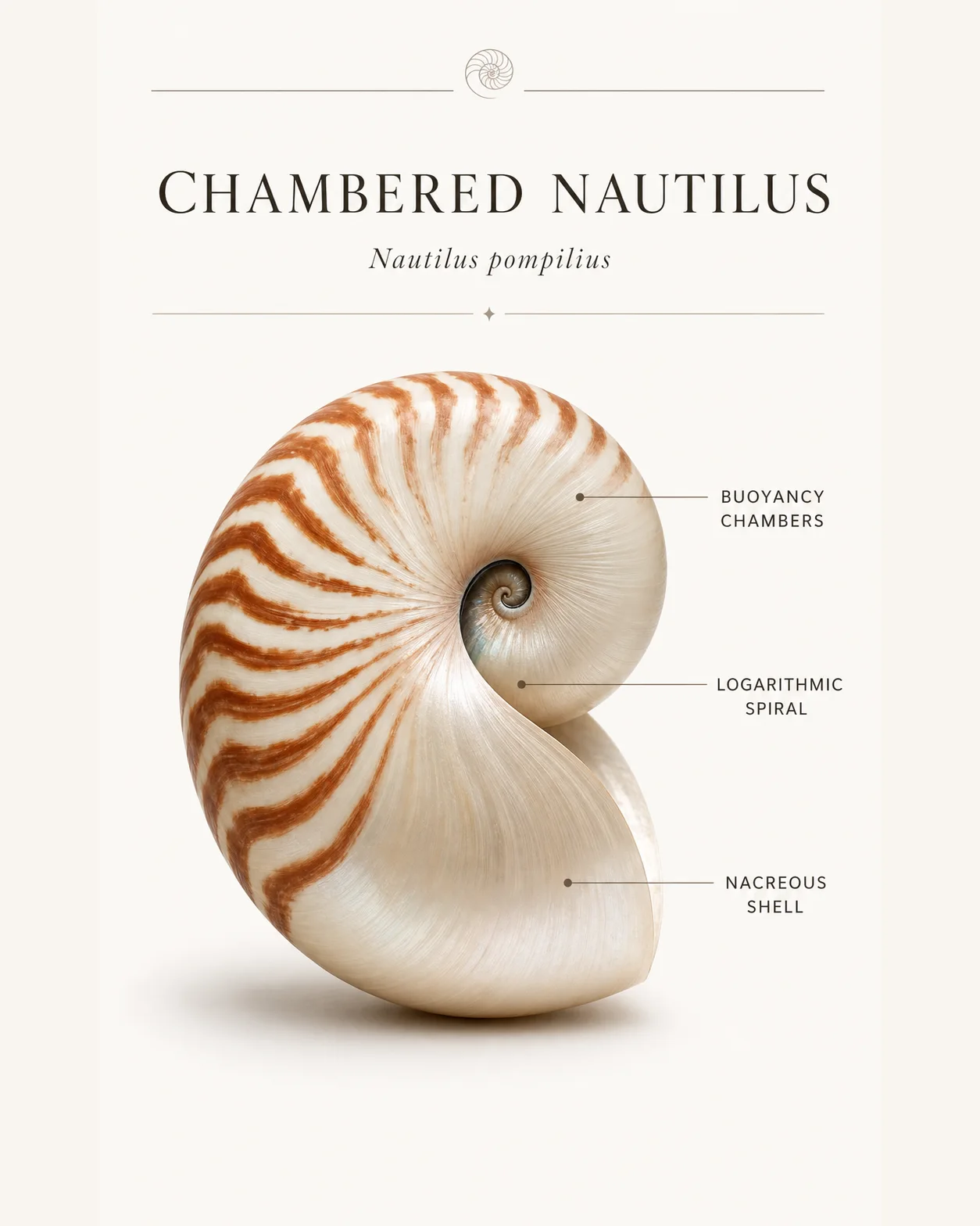
Write an idea or upload a picture and get a finished image in minutes, or open a focused tool for a single workflow.