Back to library
3x3 Grid Prompt for Lighting Cheatsheet 1
ImageNeeds reference image

3x3 Grid Prompt for Lighting Cheatsheet

A complex prompt for Nano Banana Pro designed to generate a 3x3 grid image containing nine identical portraits of a subject, with each panel demonstrating a different, specifically named lighting technique (e.g., Loop, Split, Butterfly, Golden Hour), useful as a relighting cheatsheet.

Prompt
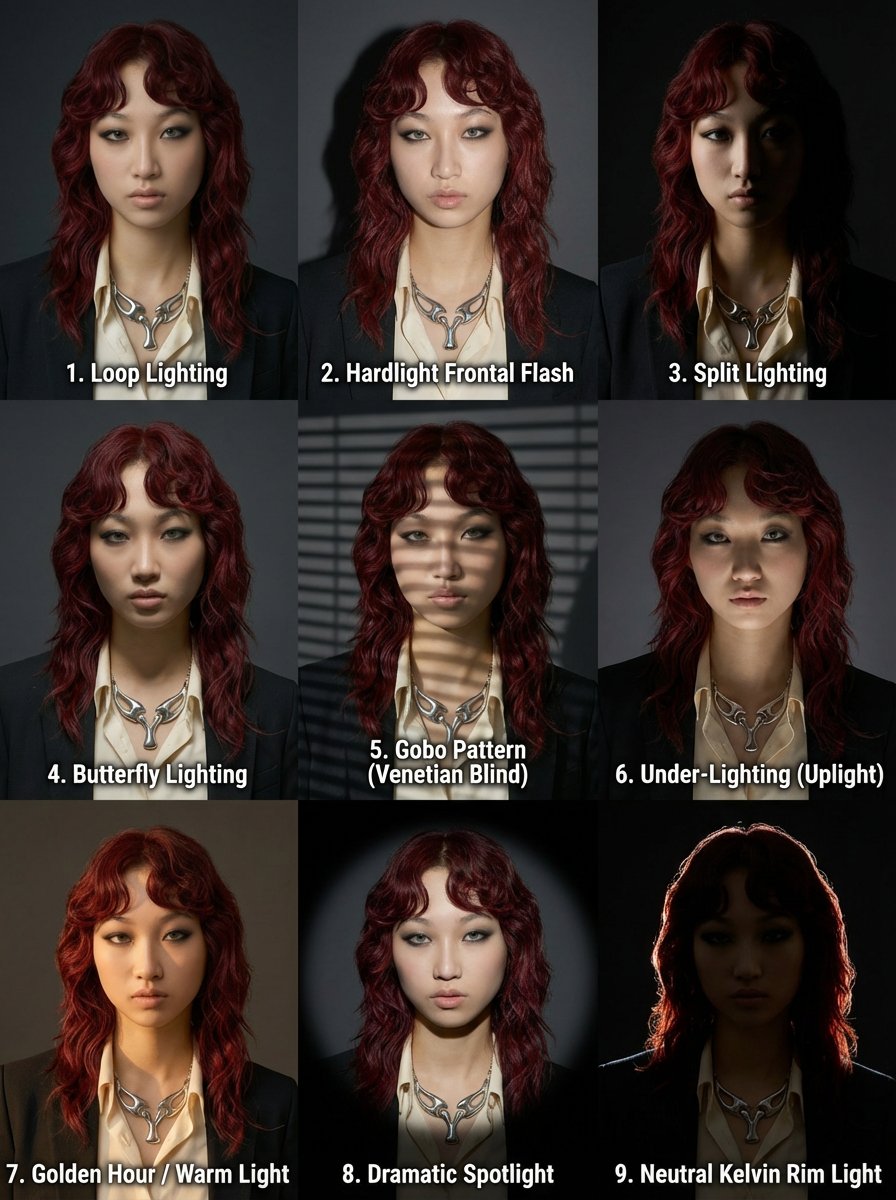
A 3x3 photo grid presented as a single image on a dark grey background. Each of the nine grid cells contains a different portrait of the same subject from the uploaded image, maintaining the perfect character consistency, outfit and pose across all panels. Below each individual portrait, a clean sans-serif text label with a number and name is clearly displayed.

The grid layout and lighting setups are: 

- Top row, left to right:

Loop Lighting (Flattering 3/4 light with a small loop of shadow from the nose onto the cheek)

Hardlight Frontal Flash (direct front facing, harsh flashlight with deep frontal shadows)

Split Lighting (dramatic light on only one side of the face, leaving the other side completely dark)

- Middle row, left to right:

Butterfly Lighting  (classic symmetrical light from the front, slightly high, with a small shadow under the nose)

Gobo Pattern (Venetian Blind)' (light projected through Venetian blinds, creating linear shadows across the face and clothes, the shadow can also be scene on the background)

Under-Lighting (Uplight)' (light coming from below, creating reverse shadows and a moody look)

- Bottom row, left to right:

Golden Hour / Warm Light' (bathed in soft, golden, warm light from a side angle)

Dramatic Spotlight  (hard, narrow circular beam of light, with a deep chiascuro effect and crushed blacks)

Neutral Kelvin Rim Light' (intense backlighting with no front fill, creating a distinct glowing outline around the hair and shoulders, leaving the face in darkness, against a black background).

The perspective and features remain identical in all panels, with only the specified lighting changing to match the label.
Author
Community
Published
Mar 23, 2026
Use cases
Infographic / EducationProduct marketing

More prompts like this

Clean Whiteboard Animation Illustration

Clean Whiteboard Animation Illustration

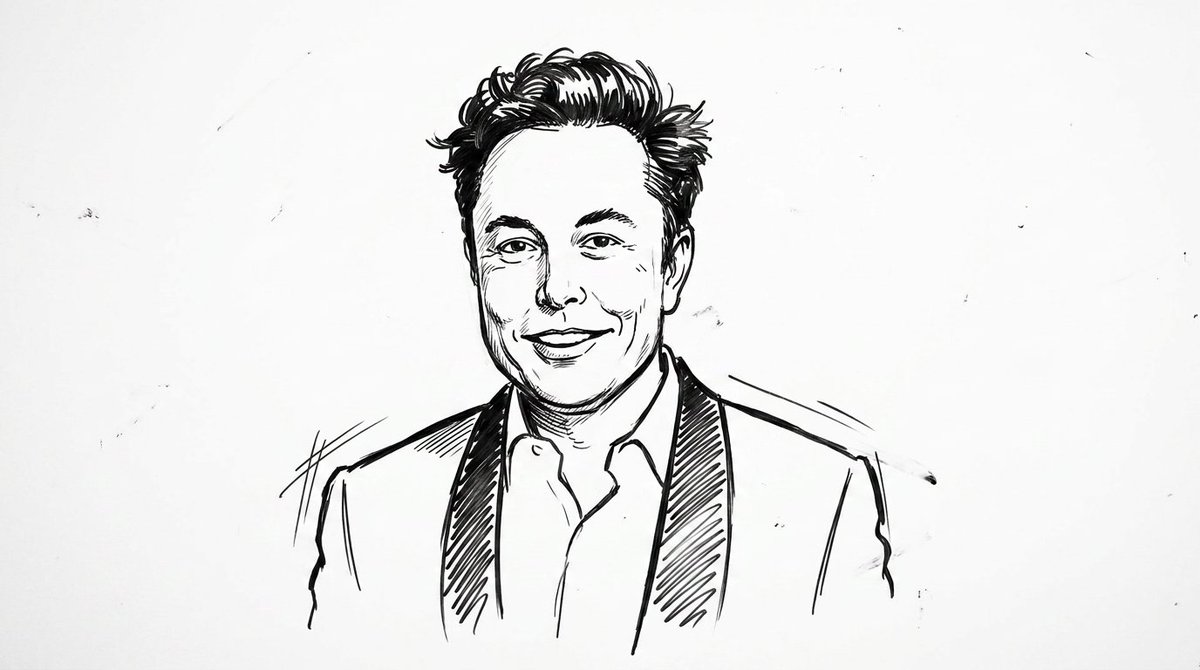
clean {argument name="style" default="whiteboard animation style"} illustration of the person from the reference image, drawn as a simple {argument name="medium" default="black marker sketch"} on a pure white background. Use bold hand-drawn outlines, minimal shading, and a slight…
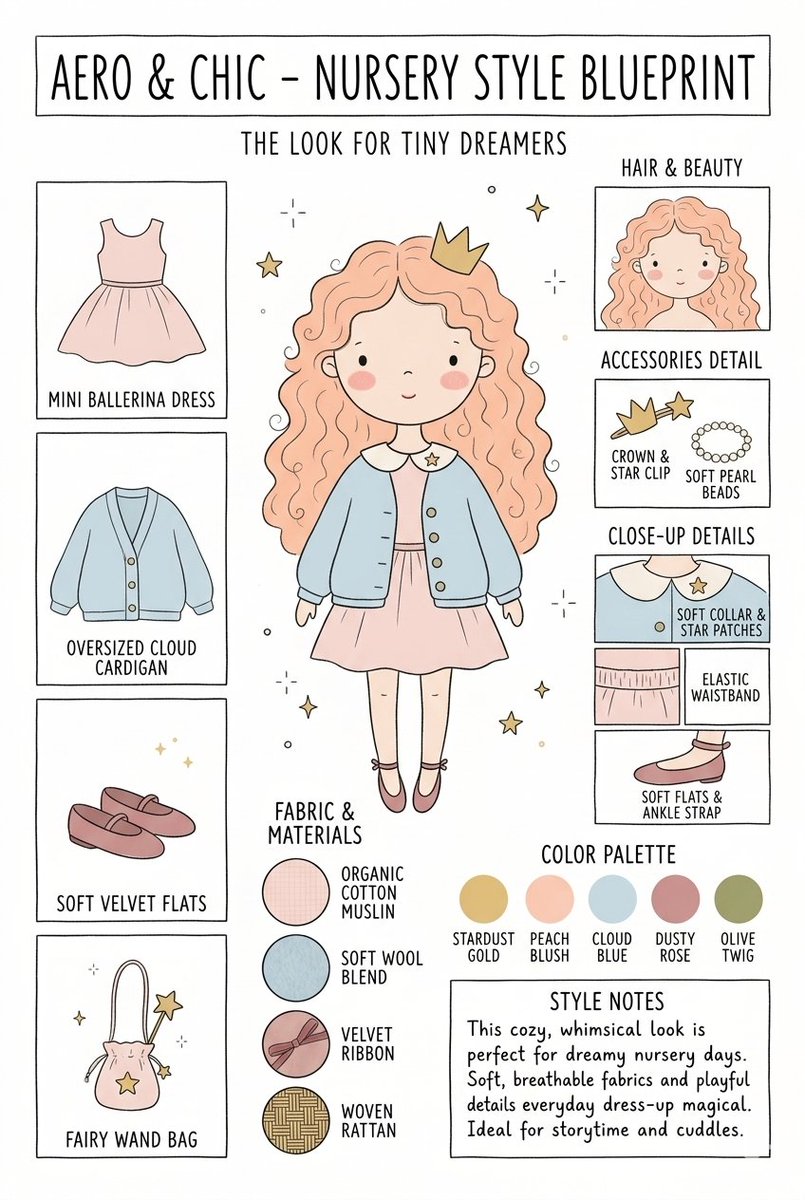
Nursery Fashion Style Blueprint Infographic

Nursery Fashion Style Blueprint Infographic

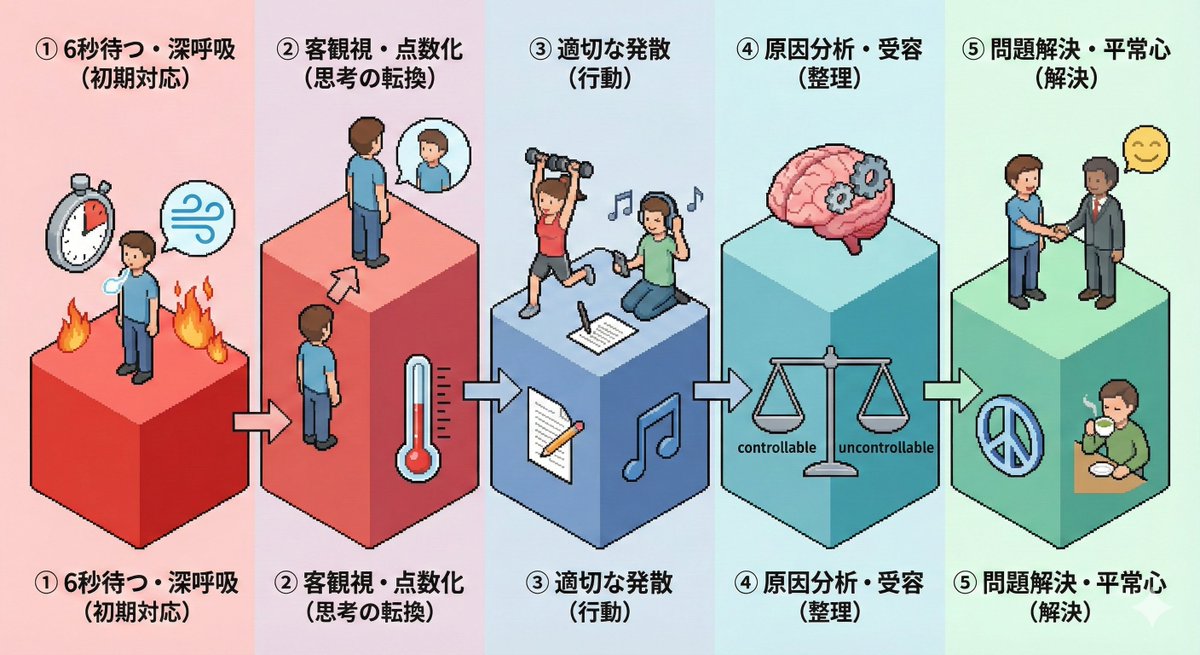
Create a matching pair of "{argument name="title" default="Aero & Chic - Nursery Style Blueprint"}" infographic concept posters, each featuring a full-body cartoon child in a curated outfit surrounded by illustrated fashion breakdowns. The first poster, titled "The Look for Tiny…

Kid-Friendly Routine Poster Prompt

Kid-Friendly Routine Poster Prompt

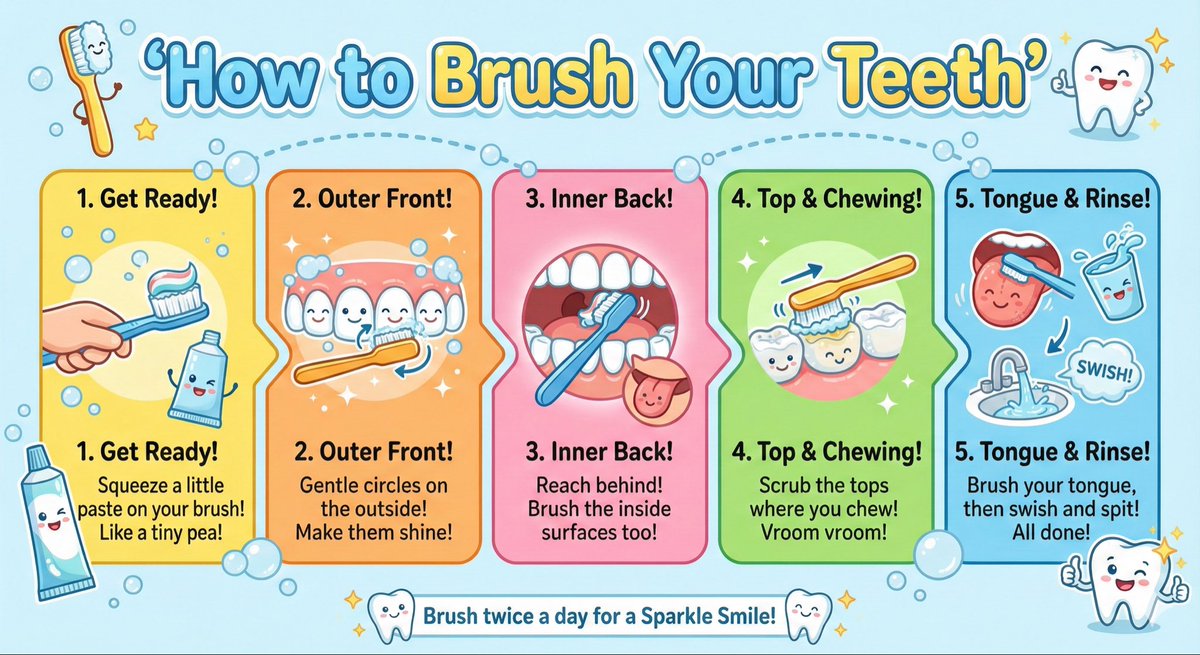
Create a kid-friendly ‘How to Brush Your Teeth’ poster with cartoon teeth, simple steps, bright colors, and big illustrations.

Google AI Ecosystem Diagram Generation

Google AI Ecosystem Diagram Generation

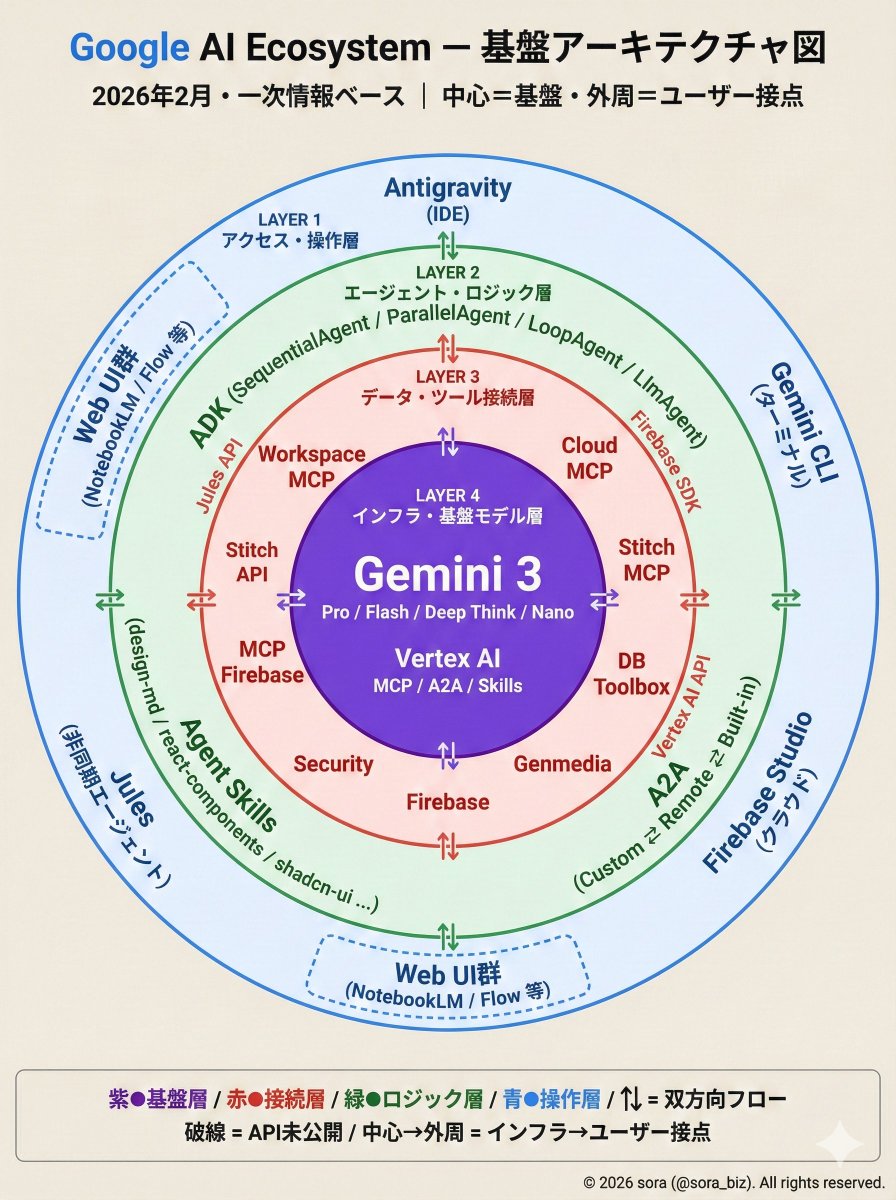
The Google AI ecosystem is organized into a four-layer structure based on primary information. There is a whole picture that cannot be seen from the tools alone. How MCP, ADK, and Antigravity connect around Gemini.

Technical Infographic Overlay on a Laptop Image

Technical Infographic Overlay on a Laptop Image

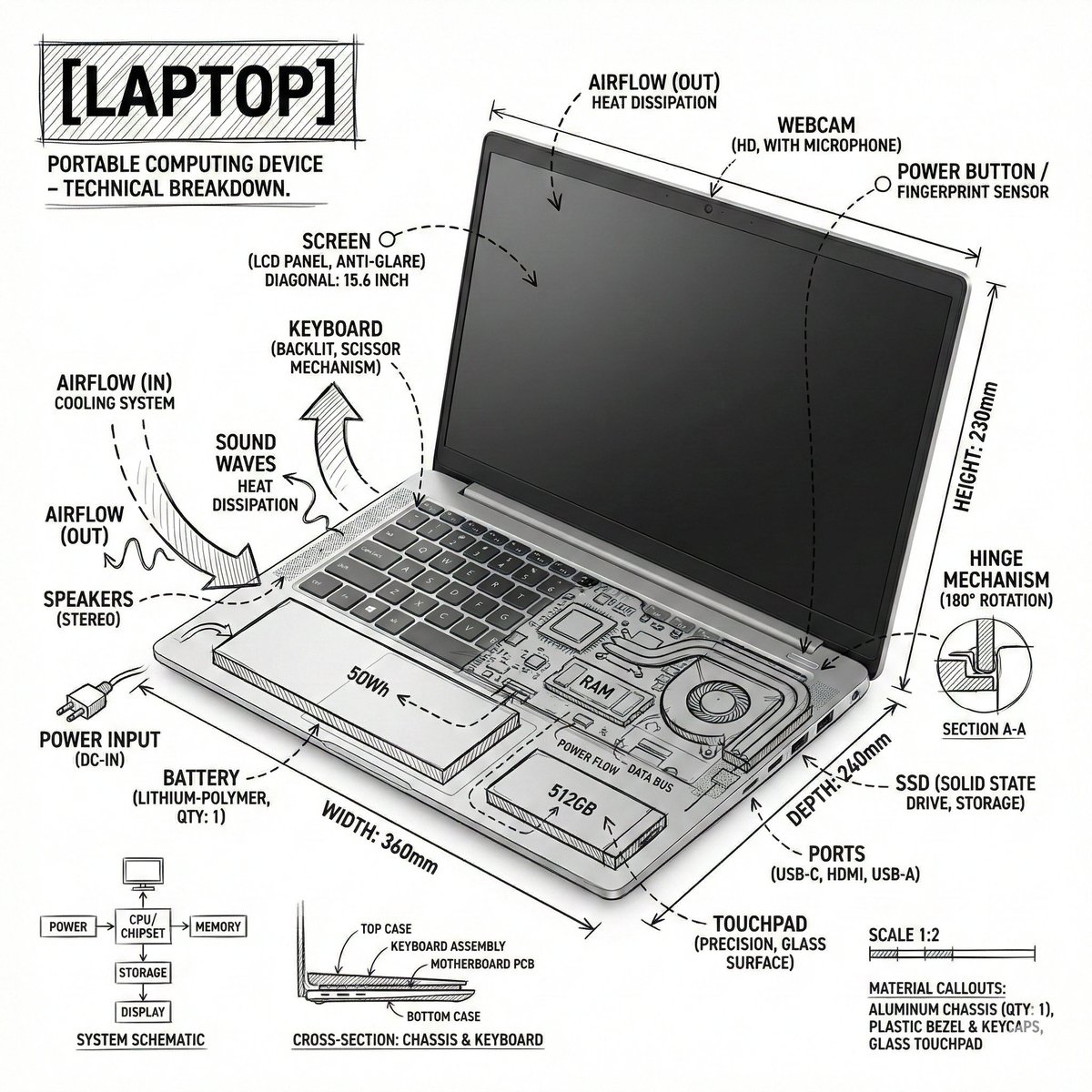
Create an infographic image of {argument name="object" default="laptop"} ,combining a realistic photograph or photoreal render of the object with technical annotation overlays placed directly on top. Use black ink–style line drawings and text (technical pen / architectural sketc…

Some prompts are collected from creators on X. Copyright belongs to the original authors.