Back to library
AI Agent Development 'Swamp' Diagram Prompt 1
Image

AI Agent Development 'Swamp' Diagram Prompt

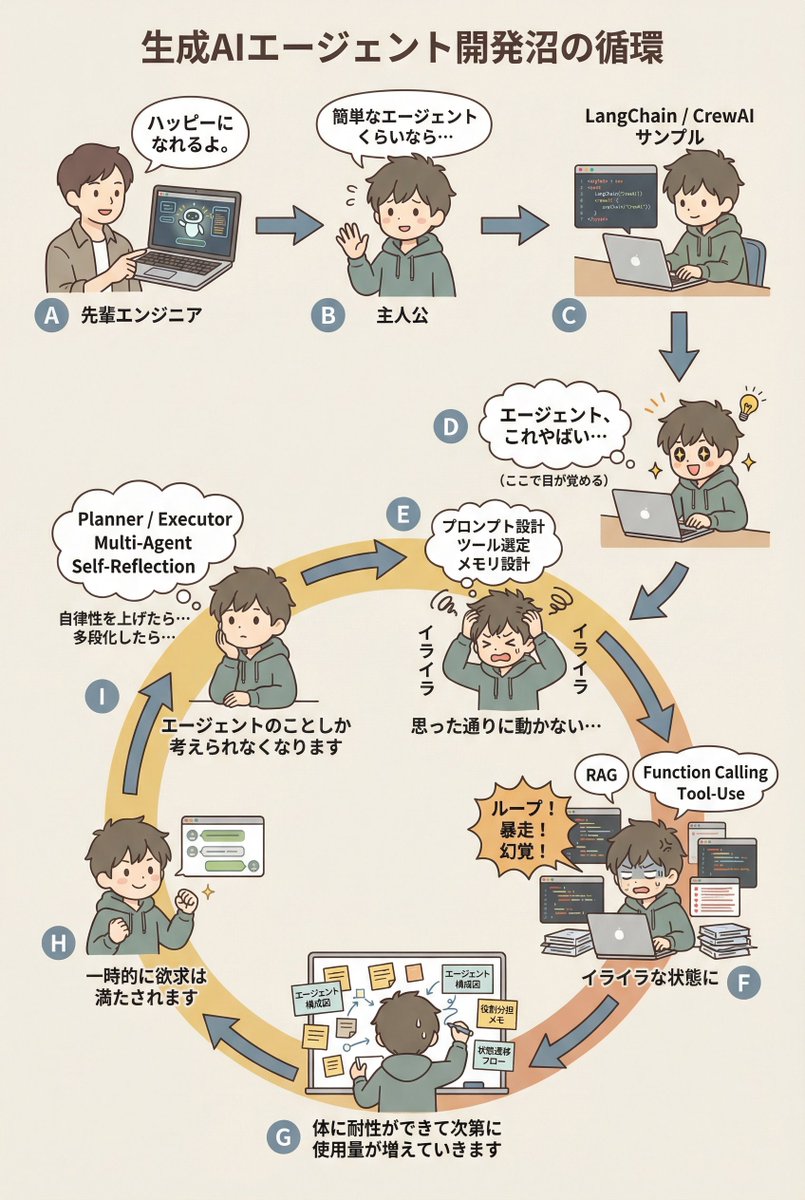
A detailed JSON-based prompt for Nano Banana Pro to generate a 'Swamp' diagram (a popular internet meme format) illustrating the circular nature of getting stuck in AI Agent development. The prompt defines the diagram's structure, style (simple, cute editorial), layout (straight intro track leading into a clockwise loop), and specific nodes with characters, visuals, and dialogue/thought terms.

Prompt
diagram:
  title: "{argument name="diagram title" default="The Cycle of the Generative AI Agent Development Swamp"}"
  style:
    character: "simple_editorial_cute"
    tone: "light_like_original"
    line: "soft_round"
    shading: "flat_minimal"
    palette: "muted_editorial"
    background: "light_beige_or_white"

  rule:
    first_character_only: "Only the first person is different"
    others_same_character: "All others are the same person"
    anxiety_requires_tech_terms: true
    dialogue_tone: "Maintain the short, light phrasing of the original diagram"

layout:
  intro_track: "The upper section is a straight line (left to right), then drops down to join the loop"
  loop_track: "Arranged as a loop (ring), with arrows curving clockwise along the circumference"

nodes:
  # ===== Upper Section: Straight Introduction =====
  - id: A
    zone: "intro"
    position: "upper_left"
    actor: "Different person (Senior Engineer)"
    visual: "Pointing at a laptop"
    item: "AI Agent Demo Screen"
    says: "It'll make you happy."
    arrow_to: { id: B, shape: "straight", direction: "right" }

  - id: B
    zone: "intro"
    position: "upper_center"
    actor: "Protagonist (Same person)"
    visual: "Waving lightly"
    says: "Even a simple agent..."
    arrow_to: { id: C, shape: "straight", direction: "right" }

  - id: C
    zone: "intro"
    position: "upper_right"
    actor: "Protagonist (Same person)"
    visual: "Executing sample code"
    item: "LangChain / CrewAI Sample"
    arrow_to: { id: D, shape: "straight", direction: "down" }

  # ===== D: Awakening Point =====
  - id: D
    zone: "connector"
    position: "right_outer_before_loop"
    actor: "Protagonist (Same person)"
    visual:
      face: "Eyes wide open (cute)"
      effect: "Small flash of inspiration line"
      posture: "Leaning forward"
    state: "Awakening"
    says: "Agents, this is insane..."
    micro_text: "(Wakes up here)"
    arrow_to:
      id: E
      shape: "gentle_curve"
      direction: "down_into_ring"

  # ===== Loop Start (Must rotate from here) =====
  - id: E
    zone: "loop"
    position: "loop_right_upper"
    actor: "Protagonist (Same person)"
    visual: "Holding head in hands (cute)"
    state: "Anxiety/Irritation Begins"
    says: "Irritated"
    thought_terms:
      - "Prompt Design"
      - "Tool Selection"
      - "Memory Design"
    thought_text: "It's not working as intended..."
    arrow_to: { id: F, shape: "curved_along_ring", direction: "clockwise" }

  - id: F
    zone: "loop"
    position: "loop_right_lower"
    actor: "Protagonist (Same person)"
    visual: "Surrounded by code and logs"
    state: "Irritation Settles In"
    says: "In a state of irritation"
    callout: "Loop! Runaway! Hallucination!"
    thought_terms:
      - "RAG"
      - "Function Calling"
      - "Tool-Use"
    arrow_to: { id: G, shape: "curved_along_ring", direction: "clockwise" }

  - id: G
    zone: "loop"
    position: "loop_bottom"
    actor: "Protagonist (Same person)"
    visual: "Covered in sticky notes and diagrams"
    says: "The body gradually develops tolerance, and usage increases."
    items:
      - "Agent Architecture Diagram"
      - "Role Assignment Memo"
      - "State Transition Flow"
    arrow_to: { id: H, shape: "curved_along_ring", direction: "clockwise" }

  - id: H
    zone: "loop"
    position: "loop_left_lower"
    actor: "Protagonist (Same person)"
    visual: "Works well, small fist pump"
    state: "Temporary Satisfaction"
    says: "Desire is temporarily satisfied"
    arrow_to: { id: I, shape: "curved_along_ring", direction: "clockwise" }

  - id: I
    zone: "loop"
    position: "loop_left_upper"
    actor: "Protagonist (Same person)"
    visual: "Thinking again"
    state: "Obsession/Thought Occupation"
    says: "Thinking about the agent
Author
Community
Published
Jul 24, 2026
Use cases
Infographic / Education

More prompts like this

Clean Whiteboard Animation Illustration

Clean Whiteboard Animation Illustration

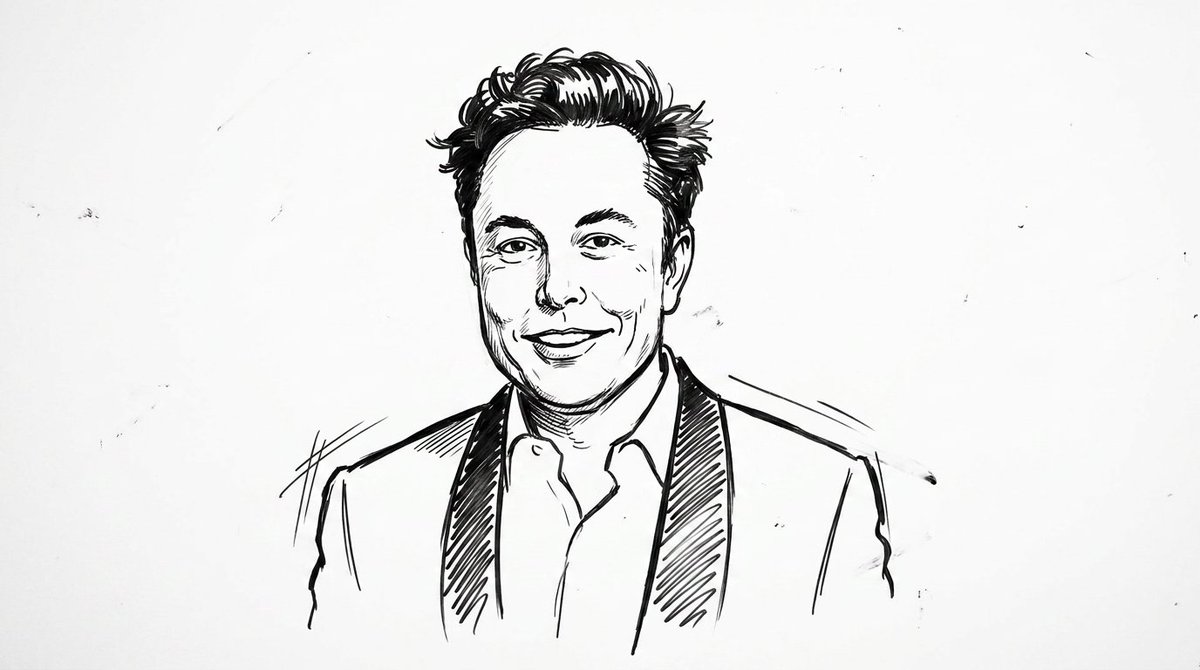
clean {argument name="style" default="whiteboard animation style"} illustration of the person from the reference image, drawn as a simple {argument name="medium" default="black marker sketch"} on a pure white background. Use bold hand-drawn outlines, minimal shading, and a slight…
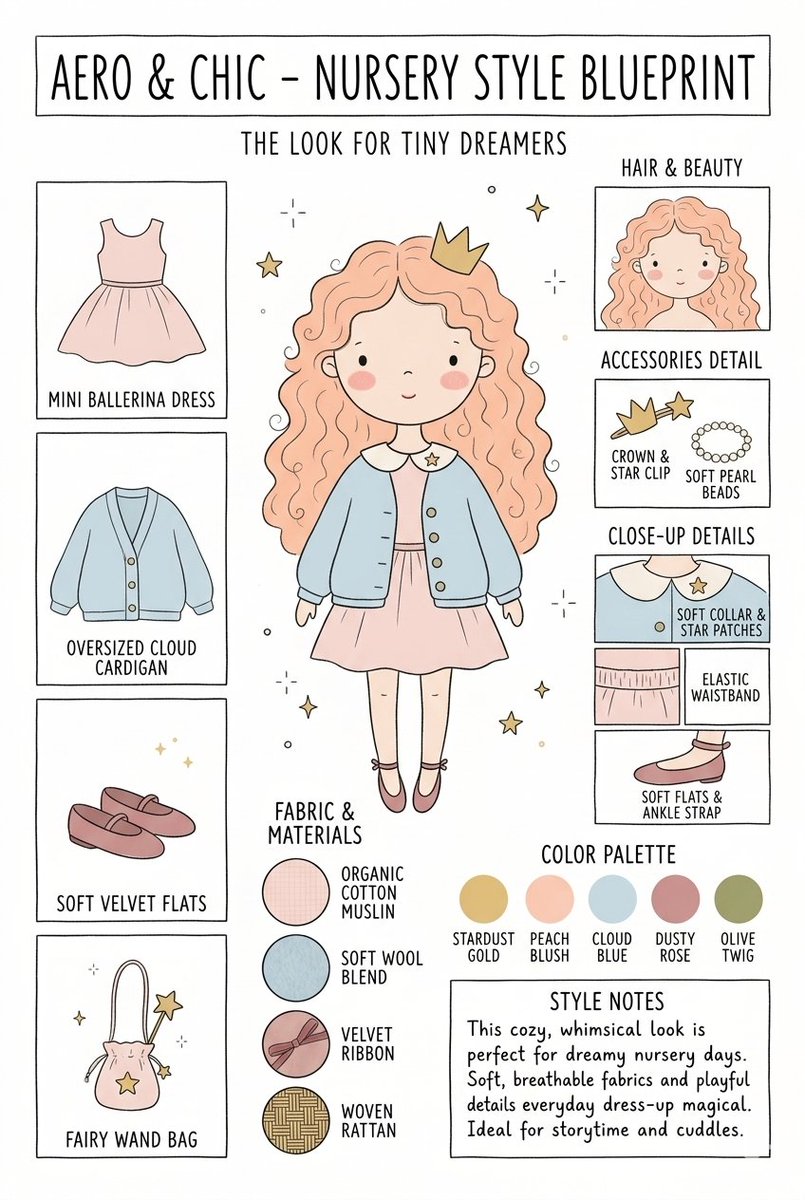
Nursery Fashion Style Blueprint Infographic

Nursery Fashion Style Blueprint Infographic

Create a matching pair of "{argument name="title" default="Aero & Chic - Nursery Style Blueprint"}" infographic concept posters, each featuring a full-body cartoon child in a curated outfit surrounded by illustrated fashion breakdowns. The first poster, titled "The Look for Tiny…

Kid-Friendly Routine Poster Prompt

Kid-Friendly Routine Poster Prompt

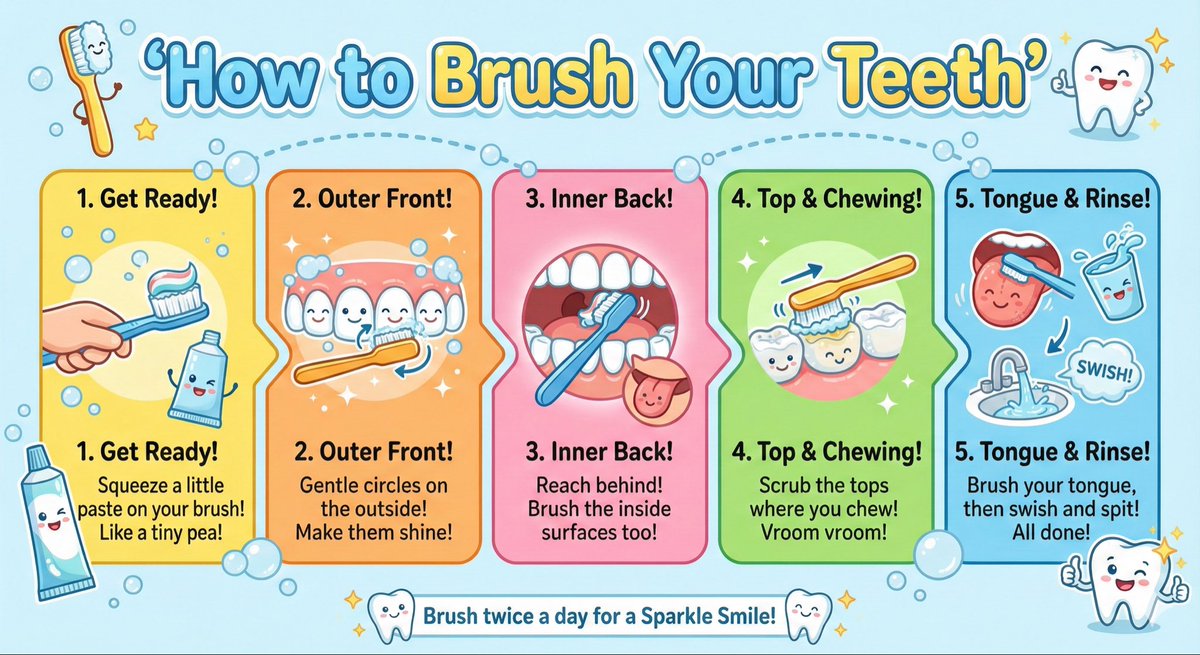
Create a kid-friendly ‘How to Brush Your Teeth’ poster with cartoon teeth, simple steps, bright colors, and big illustrations.

Google AI Ecosystem Diagram Generation

Google AI Ecosystem Diagram Generation

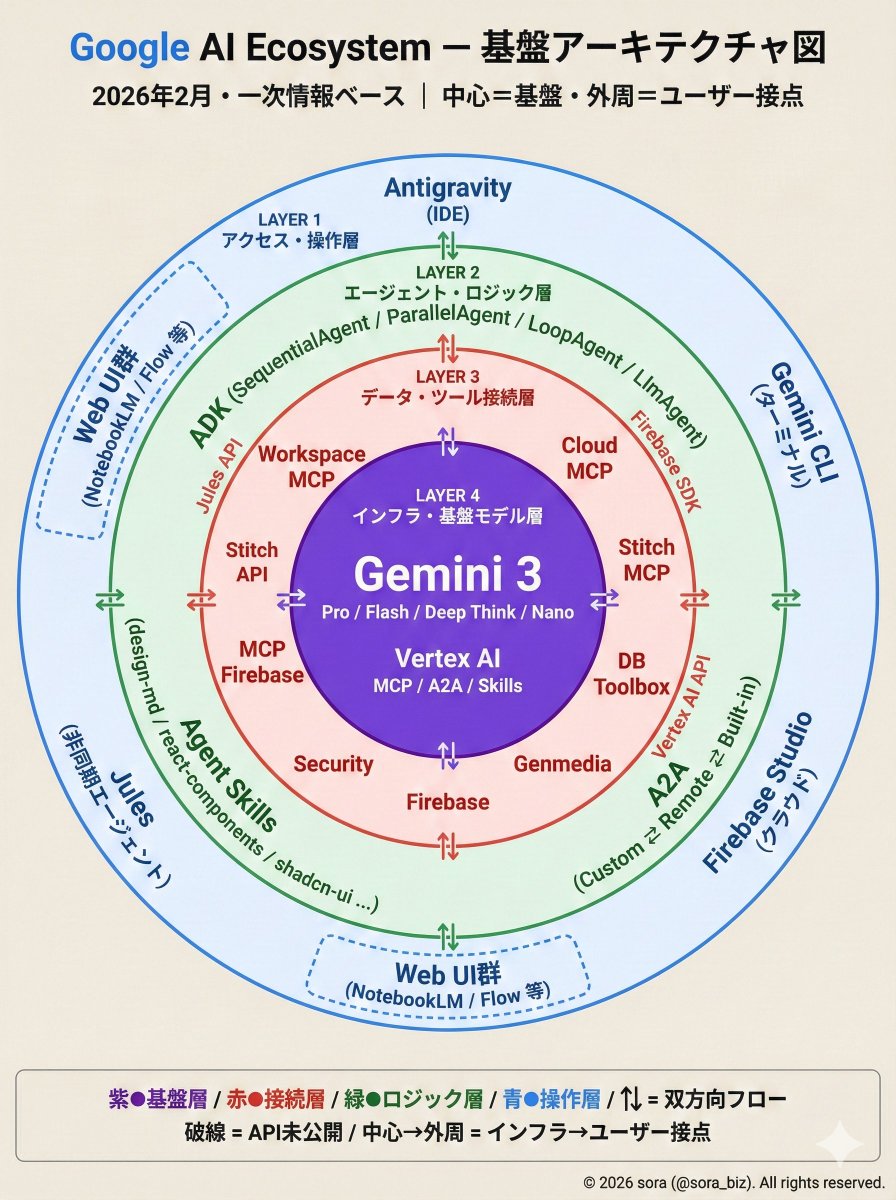
The Google AI ecosystem is organized into a four-layer structure based on primary information. There is a whole picture that cannot be seen from the tools alone. How MCP, ADK, and Antigravity connect around Gemini.

Technical Infographic Overlay on a Laptop Image

Technical Infographic Overlay on a Laptop Image

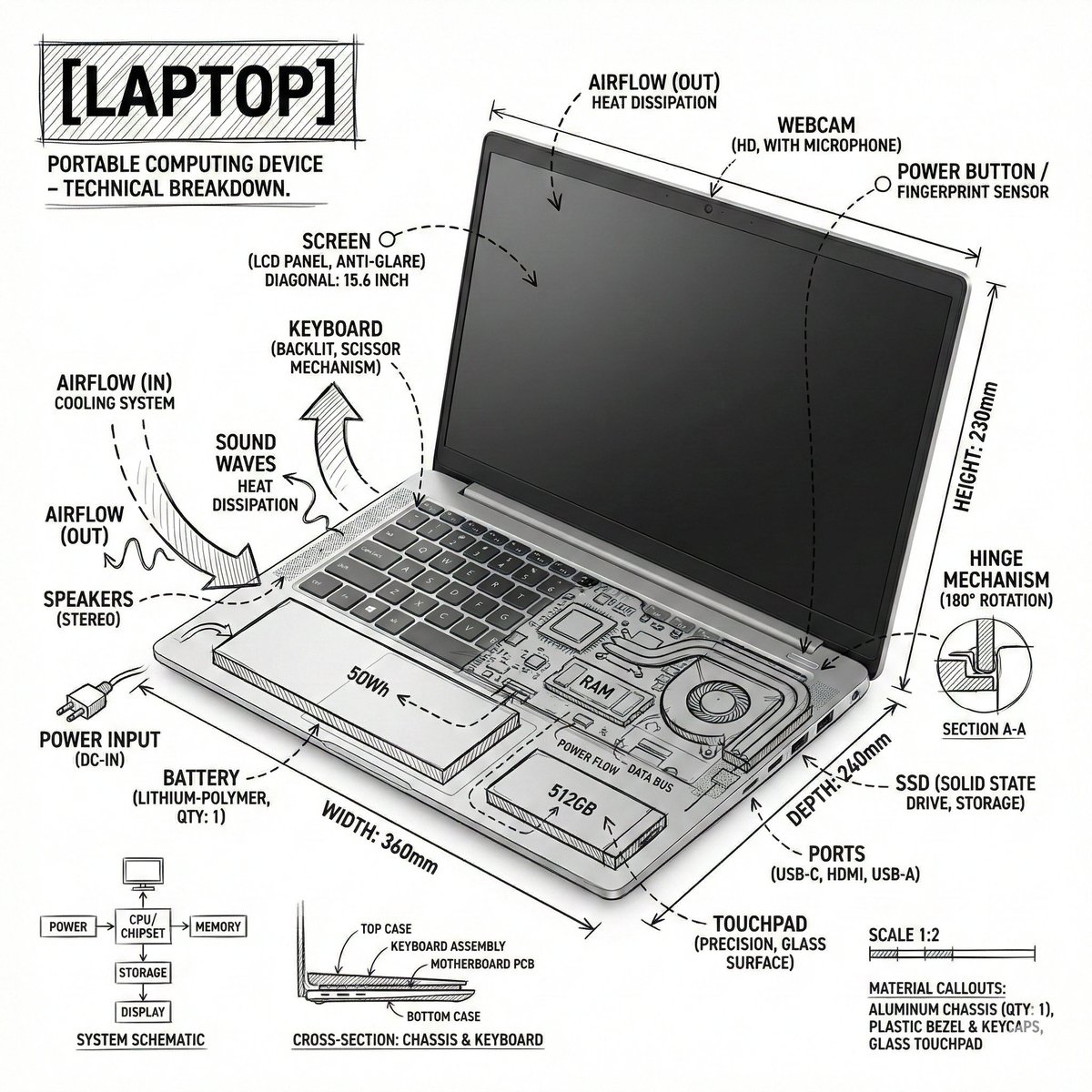
Create an infographic image of {argument name="object" default="laptop"} ,combining a realistic photograph or photoreal render of the object with technical annotation overlays placed directly on top. Use black ink–style line drawings and text (technical pen / architectural sketc…

Some prompts are collected from creators on X. Copyright belongs to the original authors.