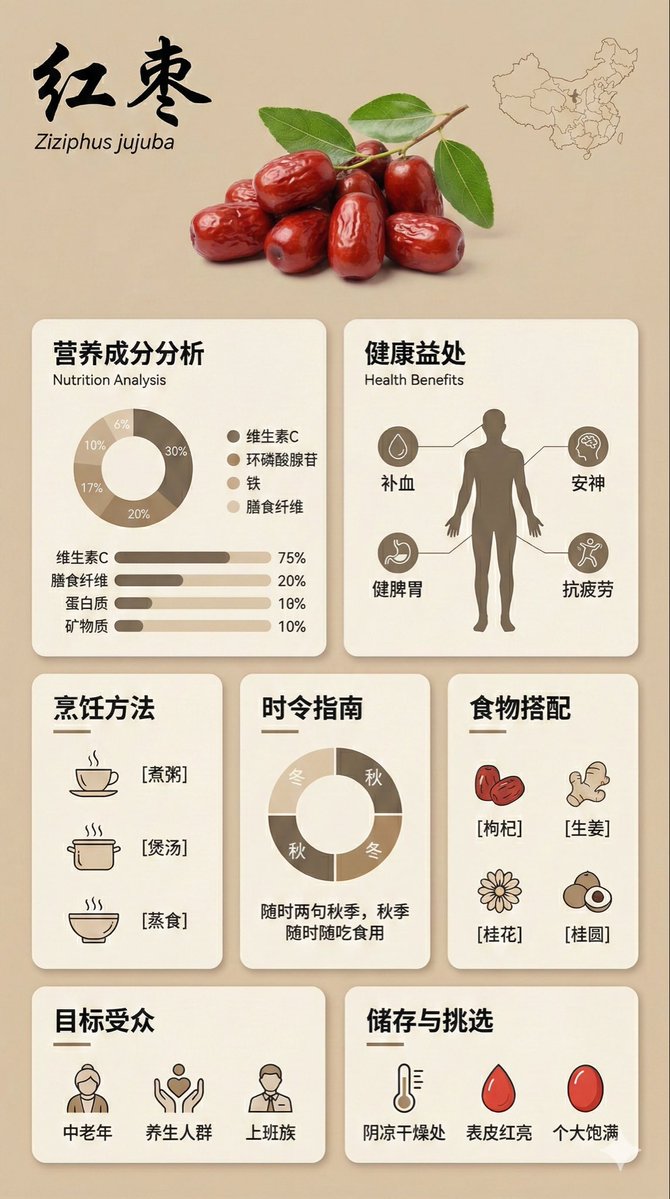
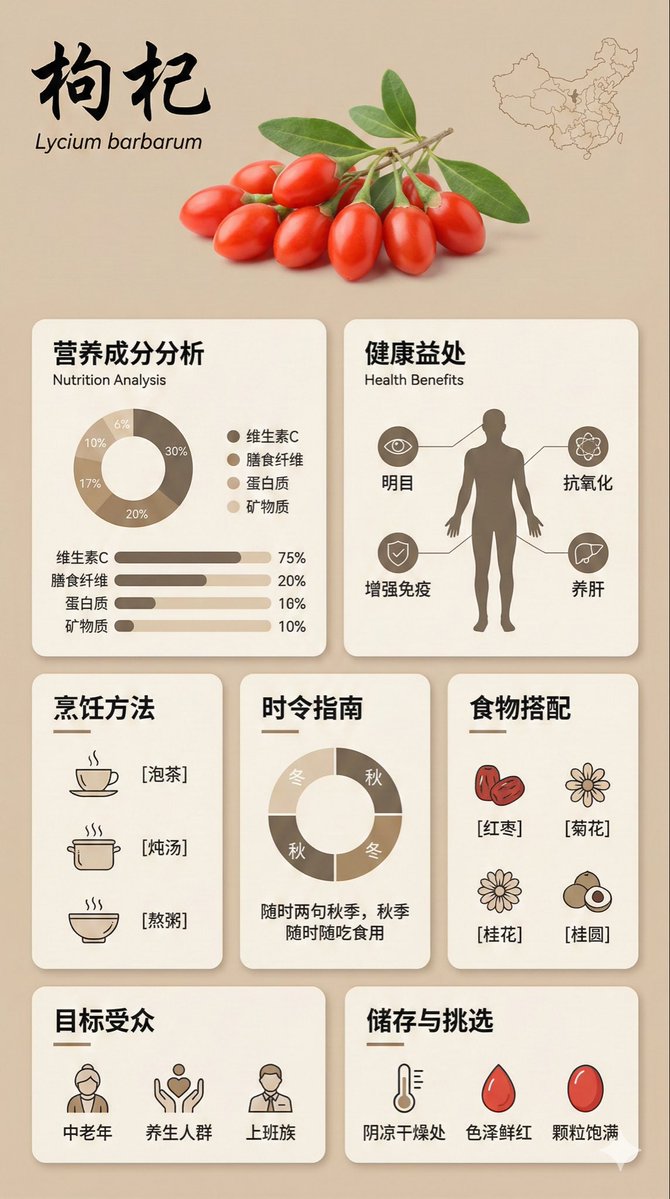
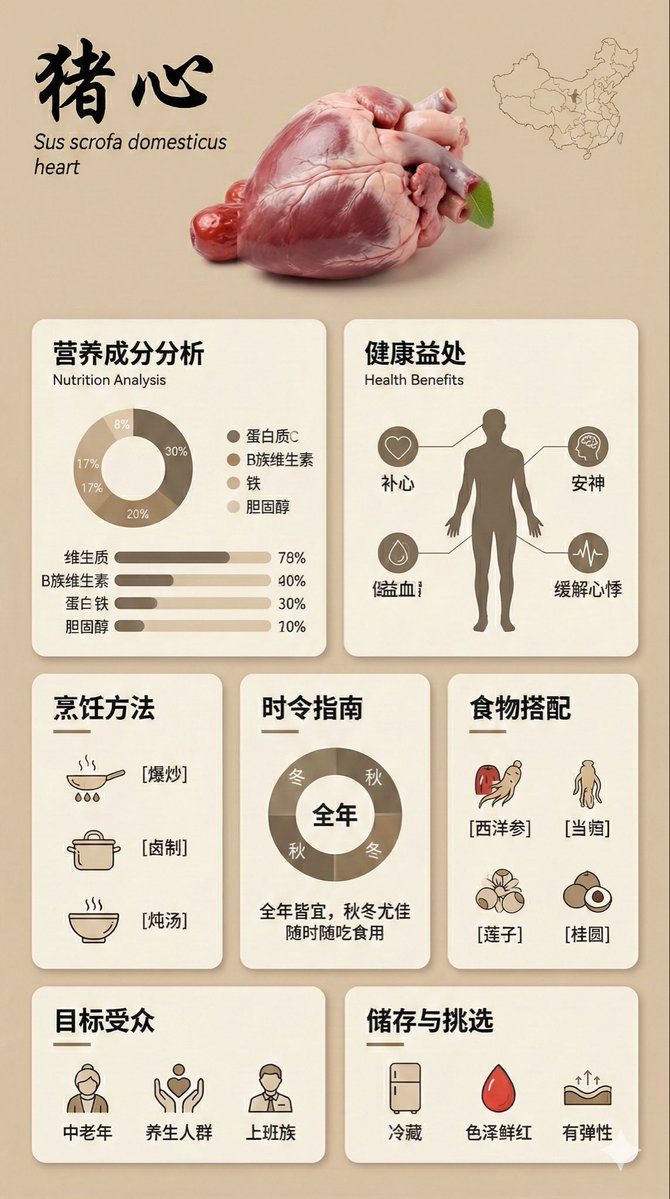
A highly structured JSON prompt for Nano Banana Pro designed to generate a high-quality, educational infographic poster (9:16 aspect ratio) about a specific food ingredient. It uses a modular 'Bento Grid' UI design style, specifying sections for nutrition analysis, health benefits, cooking methods, seasonality, food pairings, and storage tips, all rendered with a minimalist aesthetic and warm, low-saturation color palette.
Prompt
{
  "image_analysis": {
    "subject": "Infographic about {argument name="ingredient name" default="Goji Berry"}, 9:16",
    "style": "Modular Bento Grid Design / Minimalist UI Design",
    "tone": "Professional, warm, high-end, educational",
    "primary_colors": ["Beige", "Cream", "Dark Brown", "Warm Earth Tones"]
  },
  "prompt_elements": {
    "subject_description": "A high-quality educational infographic poster about {argument name="ingredient name" default="Goji Berry"}.",
    "layout": "Bento box style modular grid layout, clean UI/UX interface design, divided into clear rectangular cards.",
    "visual_details": [
      "Top header with a striking, elegant Chinese calligraphy title 'Ingredient Chinese Name' and its scientific name",
      "Center top features a hyper-realistic photographic image of [visual description of fresh ingredient]",
      "A small outline map of [origin/country] in the corner",
      "Section 1: Nutritional analysis with donut charts and bar charts, percentages indicating proportions",
      "Section 2: Human silhouette diagram showing health benefits with connecting lines",
      "Section 3: Cooking method matrix with minimalist line icons ([Cooking Method 1], [Cooking Method 2], [Cooking Method 3])",
      "Section 4: Seasonal consumption guide with circular charts",
      "Section 5: Food pairing grid with simple icons ([Pairing 1], [Pairing 2], [Pairing 3])",
      "Section 6: Target audience profile icon",
      "Section 7: Storage and selection guide with temperature and weather icons"
    ],
    "art_style": "Minimalist graphic design, soft vector illustrations combined with product photography, flat design icons, clean typography.",
    "lighting": "Soft diffused studio lighting, shadowless and flat lay aesthetic.",
    "color_palette": "Monochromatic warm beige background, off-white cards, dark brown and charcoal grey text, soft accents."
  "negative_prompt": "Cluttered, neon colors, messy layout, low resolution, blurry, distorted text, 3D rendering, dark background, chaos, oversaturated, watermark"
}