Back to library
Fake News Image Creation Prompt 1
ImageNeeds reference image

Fake News Image Creation Prompt

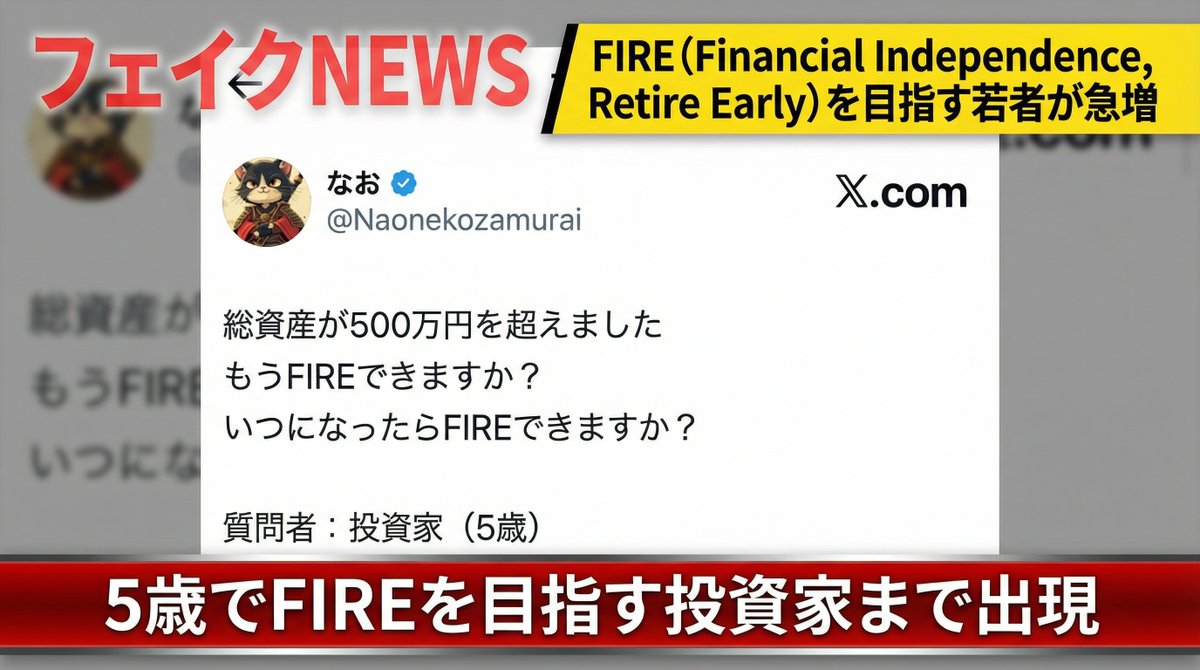
A prompt for Nano Banana Pro to create a fake news image based on a screenshot of the user's X post. The prompt specifies text overlays for a watermark, headline, and scrolling text.

Prompt
Create a fake news image introducing the reference image.
Add the watermark text "FAKE NEWS" in the upper left corner of the screen. 
Add the headline "Rapid increase in young people aiming for FIRE (Financial Independence, Retire Early)" in the upper right corner of the screen. 
Add the scrolling text "Even investors aiming for FIRE at age 5 have appeared" at the bottom of the screen.
Author
Community
Published
Aug 12, 2026
Use cases
Infographic / EducationSocial media post

More prompts like this

Clean Whiteboard Animation Illustration

Clean Whiteboard Animation Illustration

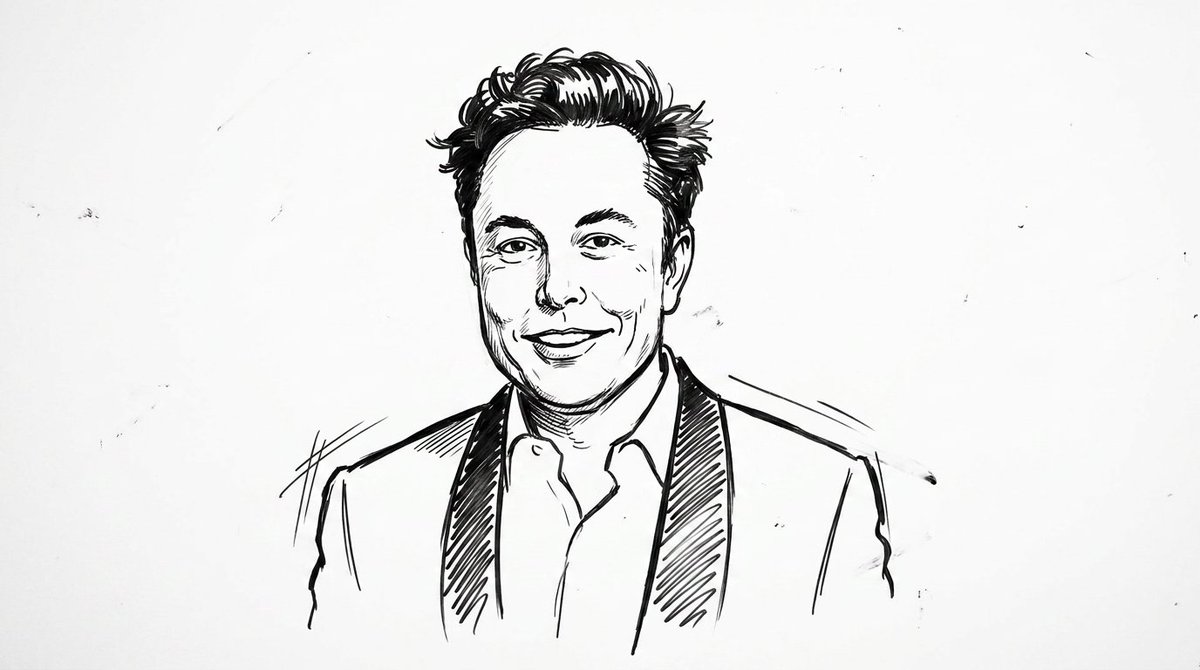
clean {argument name="style" default="whiteboard animation style"} illustration of the person from the reference image, drawn as a simple {argument name="medium" default="black marker sketch"} on a pure white background. Use bold hand-drawn outlines, minimal shading, and a slight…
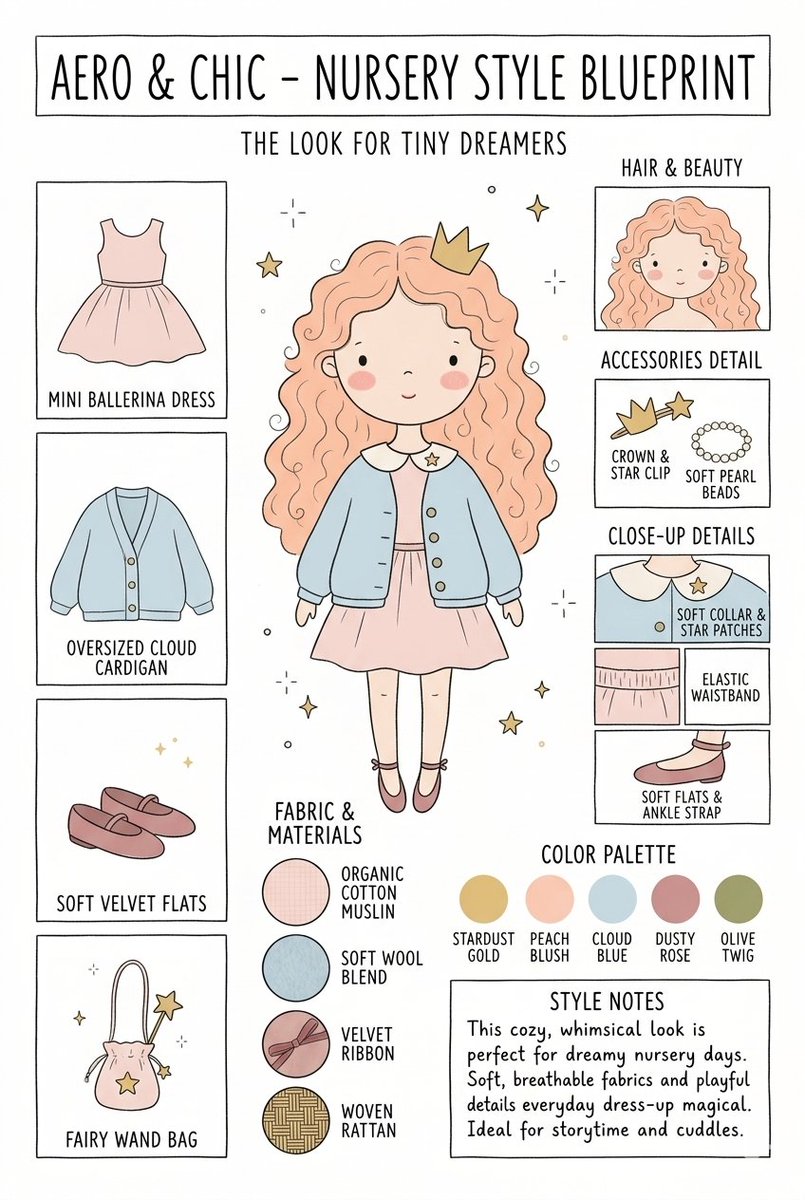
Nursery Fashion Style Blueprint Infographic

Nursery Fashion Style Blueprint Infographic

Create a matching pair of "{argument name="title" default="Aero & Chic - Nursery Style Blueprint"}" infographic concept posters, each featuring a full-body cartoon child in a curated outfit surrounded by illustrated fashion breakdowns. The first poster, titled "The Look for Tiny…

Kid-Friendly Routine Poster Prompt

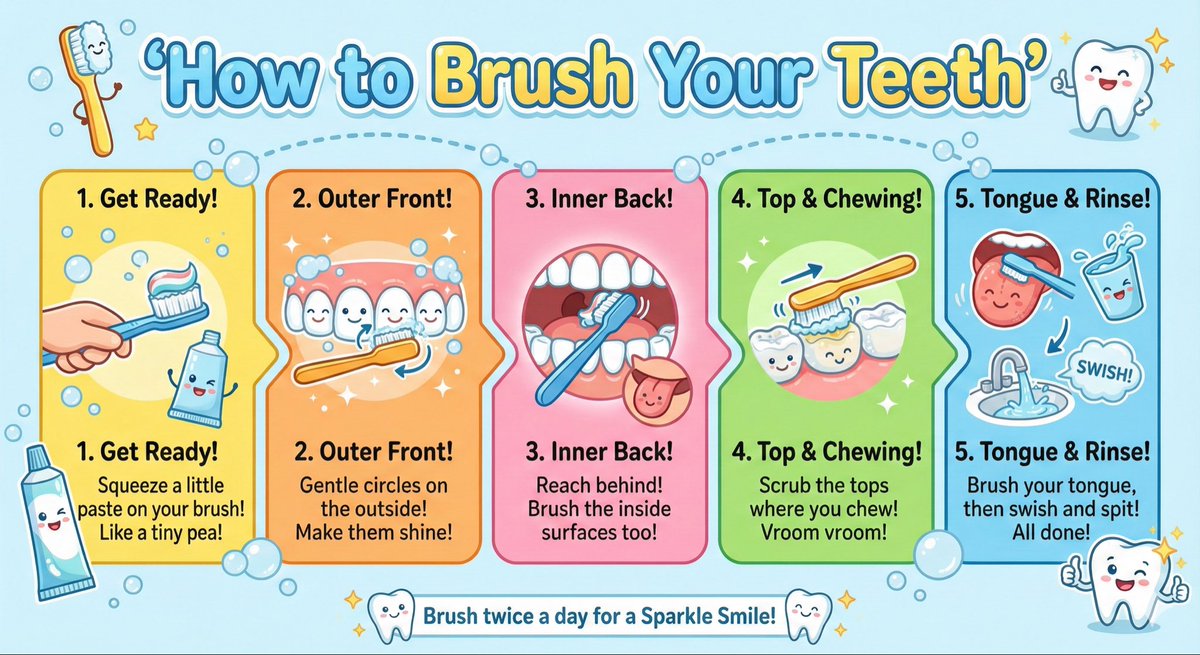
Kid-Friendly Routine Poster Prompt

Create a kid-friendly ‘How to Brush Your Teeth’ poster with cartoon teeth, simple steps, bright colors, and big illustrations.

Google AI Ecosystem Diagram Generation

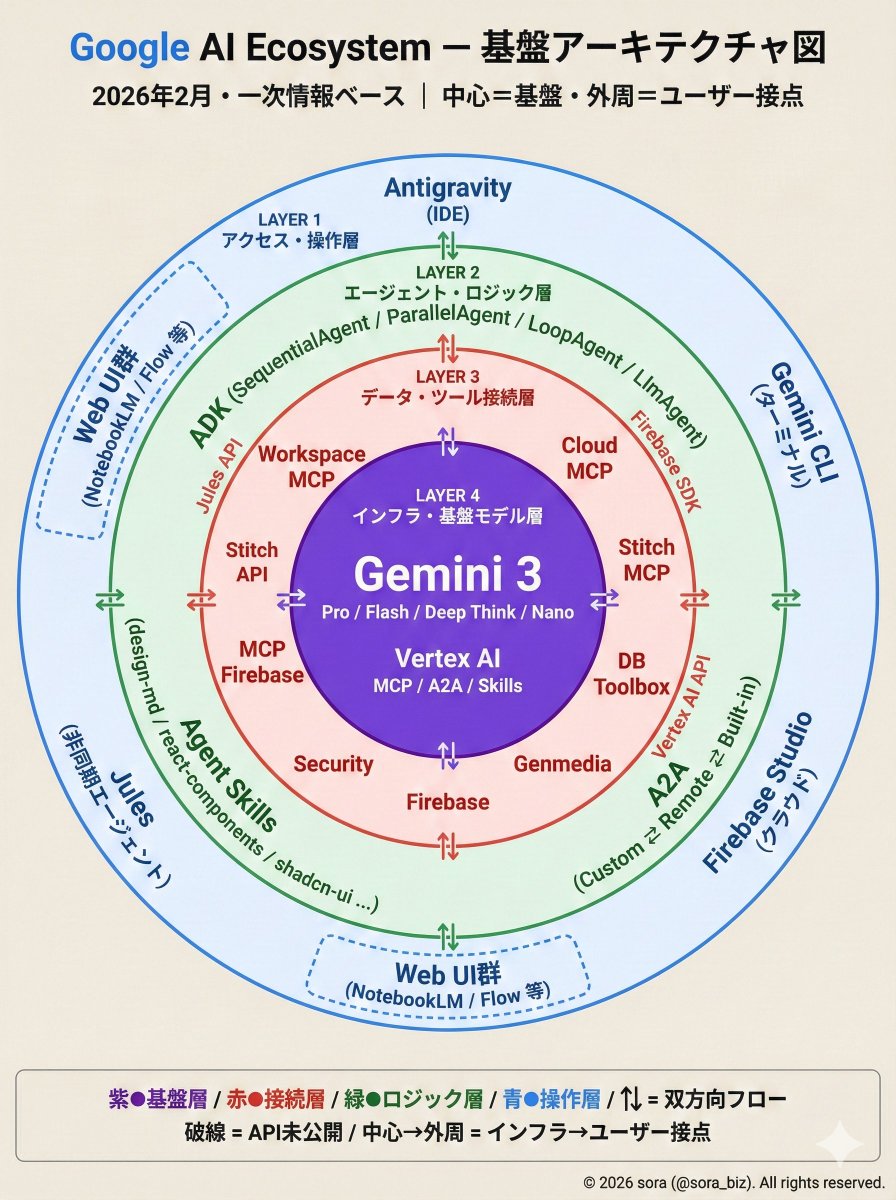
Google AI Ecosystem Diagram Generation

The Google AI ecosystem is organized into a four-layer structure based on primary information. There is a whole picture that cannot be seen from the tools alone. How MCP, ADK, and Antigravity connect around Gemini.

Technical Infographic Overlay on a Laptop Image

Technical Infographic Overlay on a Laptop Image

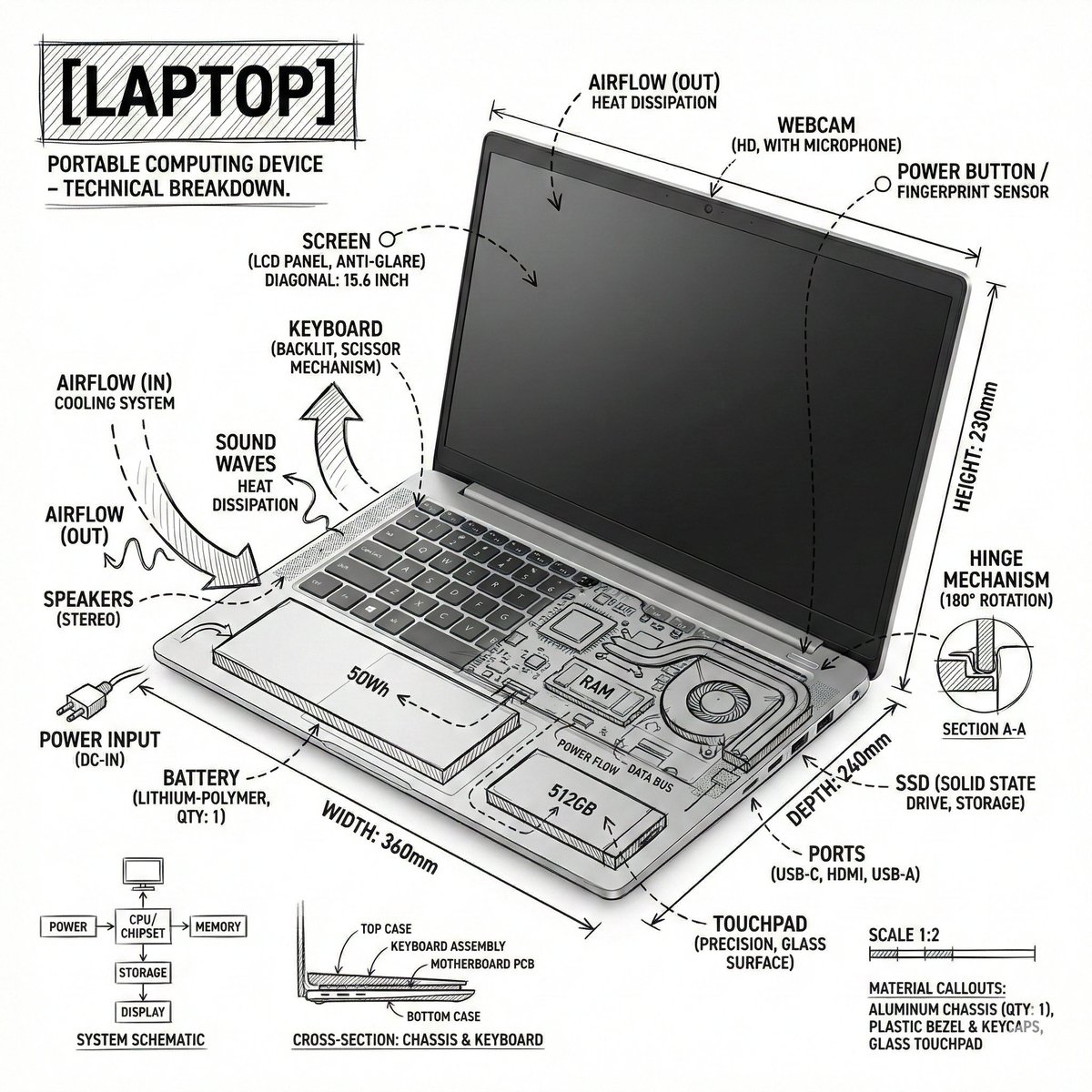
Create an infographic image of {argument name="object" default="laptop"} ,combining a realistic photograph or photoreal render of the object with technical annotation overlays placed directly on top. Use black ink–style line drawings and text (technical pen / architectural sketc…

Some prompts are collected from creators on X. Copyright belongs to the original authors.