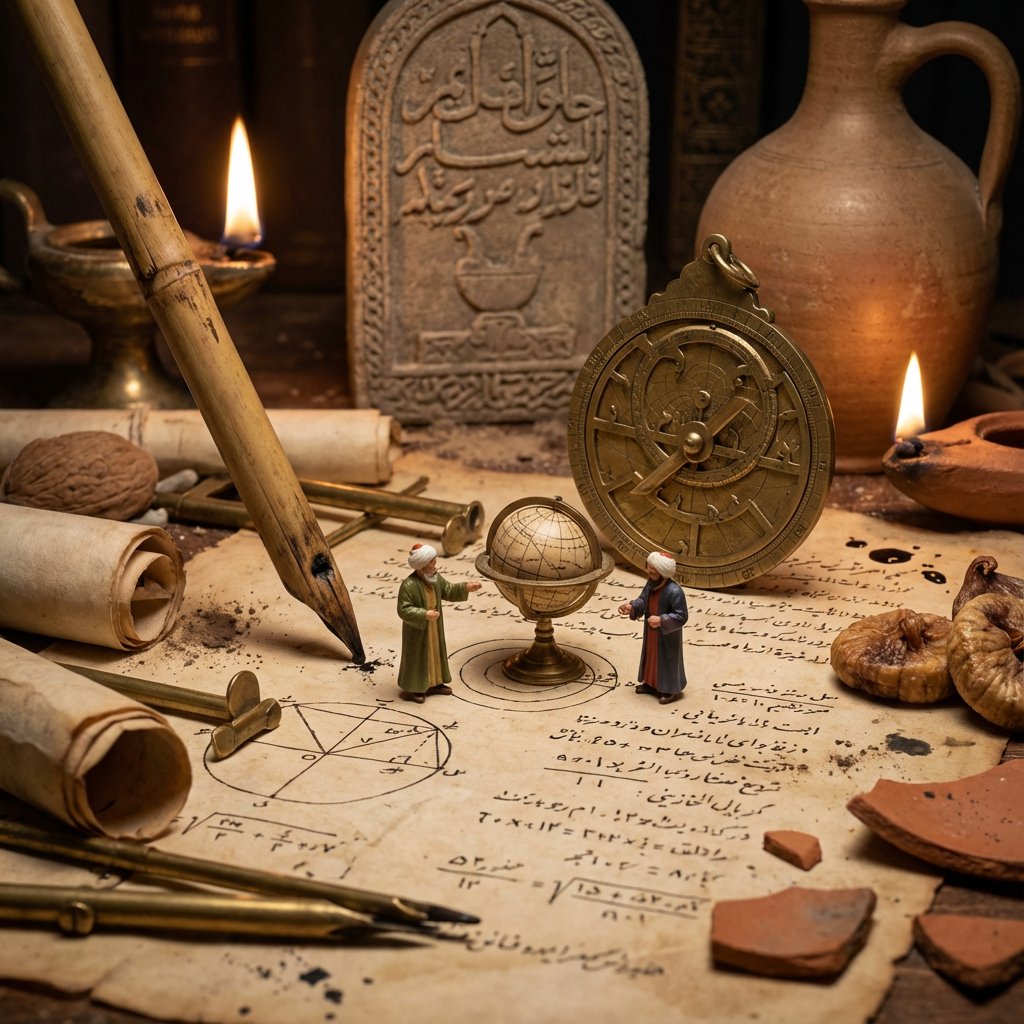
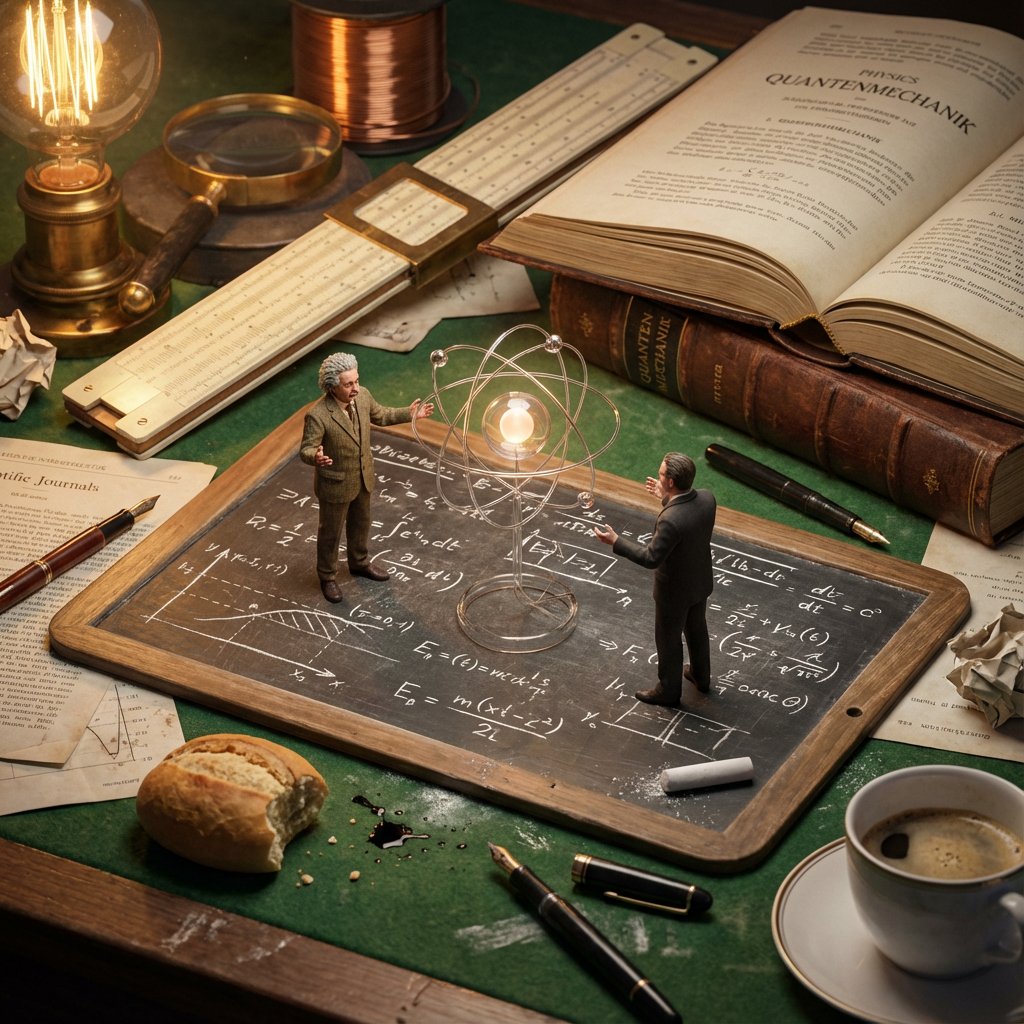
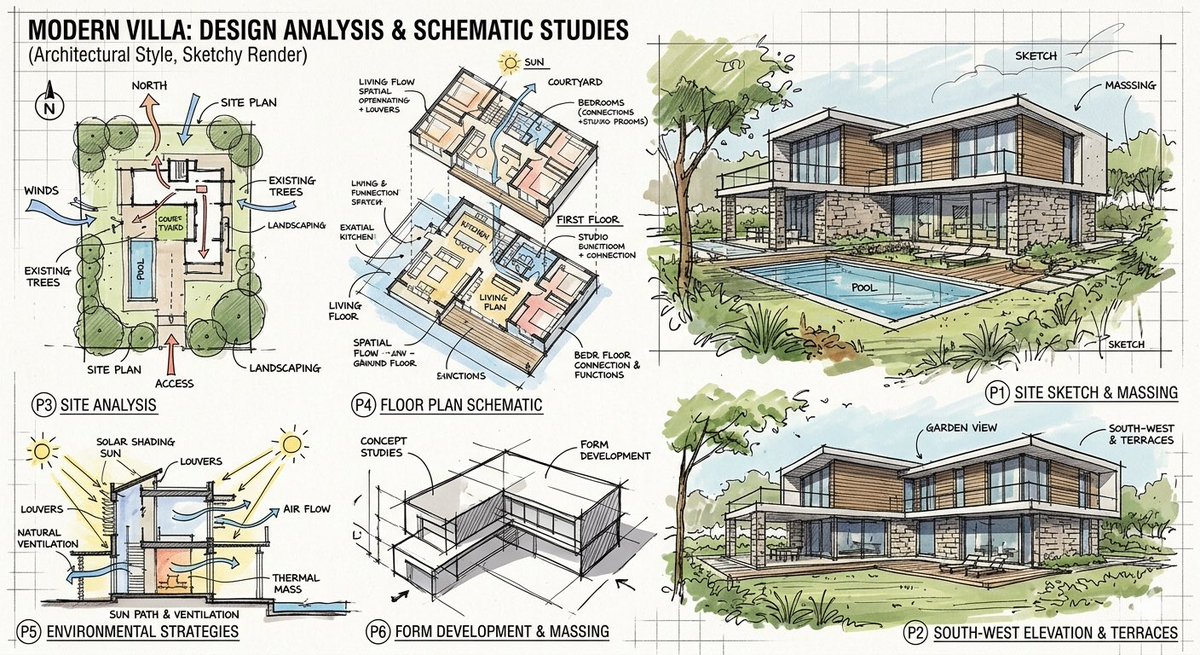
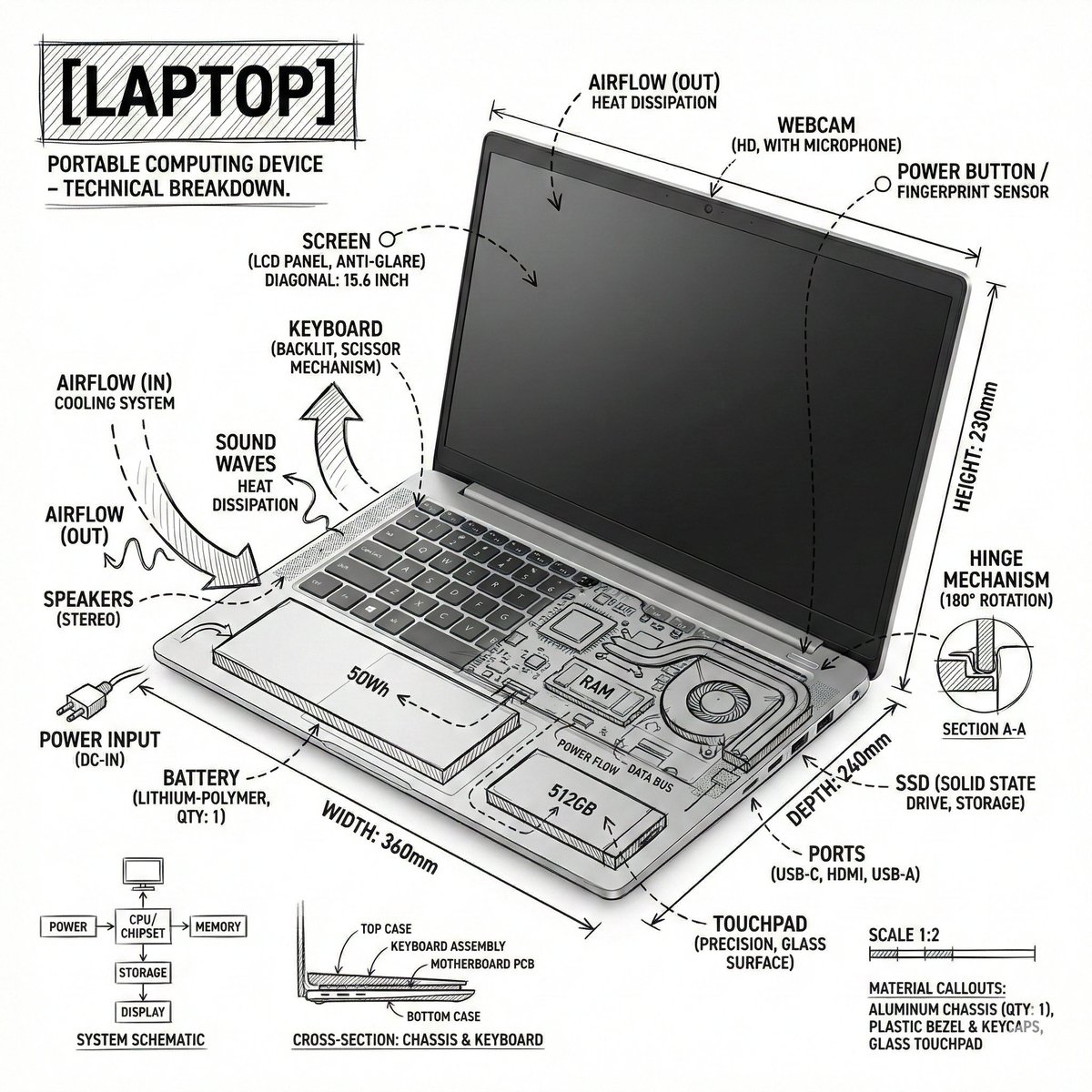
A complex, multi-phase prompt designed to generate a 2x2 grid of 'Historical Macro Dioramas' based on user-selected ingredients. It requires the AI to first determine an 'Era Texture' (Ancient, Renaissance, Industrial, Modern) and then create a hyper-detailed macro photograph of a messy workspace. Each panel features an open book with 2D sketches and a 3D pop-up diorama of a finished meal, complete with tiny period-accurate figurines of an inventor and a rival.
Prompt
Role:Historical Art Director & Macro Photographer.
Input: Invention or Rivalry = [{argument name="user choice" default="User Choice"}]

Phase 1: Chronological Profiling
Before rendering, analyze the Year of the invention to determine the "Era Texture":
If Ancient (e.g., 200 BC): Surface = Rough Stone or Papyrus. Light = Oil Lamp/Torch. Clutter = Clay shards, bronze chisels, scrolls, figs/grapes.
If Renaissance (e.g., 1500): Surface = Dark Oak & Vellum. Light = Candle. Clutter = Quill feathers, wax seals, brass astrolabes, leather binding.
If Industrial (e.g., 1890): Surface = Green Felt or Mahogany. Light = Gas/Filament. Clutter = Newsprint, pocket watches, copper wire, soot.
If Modern (e.g., 1980): Surface = Formica or Metal. Light = Fluorescent/Neon. Clutter = Circuit boards, Polaroid photos, soda cans, plastic casings.

Phase 2: Visual Execution
Goal: A hyper-detailed "Macro Diorama" where the environment tells the story of the time period.
Subject: A messy, chaotic workspace viewed through a macro lens.

1. The Stage (The Document):
The "ground" is the primary design medium of that era
The surface is filled with era-specific sketches/carvings of the invention.

2. The Living Miniatures:
Two tiny, hyper-realistic figurines (The Inventor & The Rival) stand on this surface.
They are dressed strictly in period-accurate clothing (Togas vs. Frock Coats vs. Turtlenecks).
Action: They are interacting with a 3D Prototype of the invention that is rising physically out of the document/tablet.

3. The "Giant" Atmosphere (Dynamic Enrichment):
The Wall: A massive background object establishing context (e.g., a carved stone stele, a tapestried wall, a vintage newspaper, or a stack of VHS tapes).
The Tools: Giant-scale tools used to make the invention loom over the figures like trees (e.g., a giant chisel, a massive quill dipped in ink, or a soldering iron).
The Debris: The mess of the creative process (e.g., stone dust, spilled ink, burnt fuses, or crumpled layout paper).
The Comforts: Food/Drink of the era (e.g., an earthen jug of wine, a porcelain tea cup, or a can of cola).

4. Technical Specs:
Lighting: Must match the "Era Light" determined in Phase 1 (Flickering warm fire vs. cold electric buzz).
Perspective: Tilt-shift macro photography (45-degree angle).
Texture: Extreme focus on material weathering (rust, dust, parchment cracks, or plastic sheen).

Output: ONE image, 4:5 aspect ratio, "Historical Macro Realism."