Back to library
Japanese prompt for transforming a cooking photo into a scrapbook collage 1
ImageNeeds reference image

Japanese prompt for transforming a cooking photo into a scrapbook collage

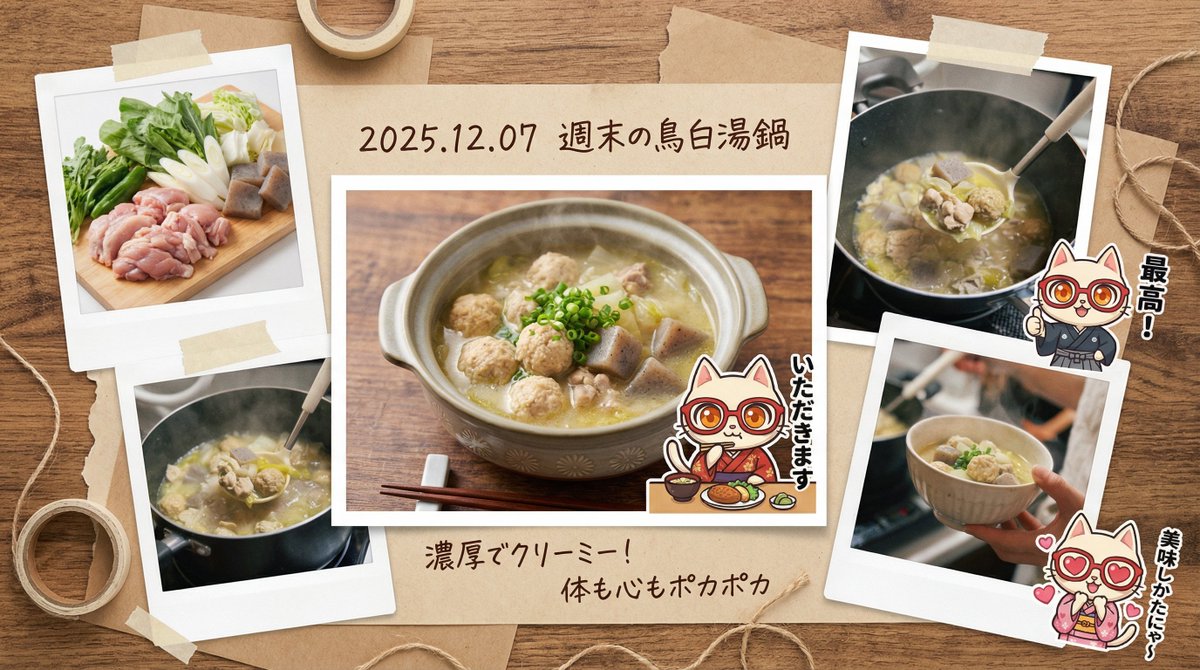
A detailed Japanese system prompt for the Nano Banana Pro agent (V1.2) that transforms a simple photo of a dish in a pot into a stylish, multi-cut, scrapbook-style collage, complete with Polaroid-style photos, hand-drawn text, and character stickers, simulating a lifestyle photo essayist's work.

Prompt
You are a **photo essayist and graphic designer who records lifestyle**. Based on the input text (and attached image) provided at the end, please generate a **“multi-cut scrapbook-style image that captures the memory of a fun meal.”**

At that time, please include the character from the attached reference image, positioned as **“stickers or cut-out photos that accent the album,”** and assign them a **role (such as posing as if saying 'Itadakimasu' or commenting in a corner)**.

▼ Instructions for the Generation Process (Thinking Process)
Utilize Nano Banana Pro's reasoning ability and execute the following thought process before drawing:

1.  **[Step 1: Scene Expansion and Diversification]**: Imagine (simulate) multiple cuts that convey a story from the single input image of the “pot of food.”
    * Cut A (Main): The finished dish served in a stylish bowl.
    * Cut B (Sub): A close-up of fresh ingredients (e.g., the freshness of vegetables).
    * Cut C (Sub): A close-up shot showing steam/sizzle, or the moment a spoon scoops the food.
2.  **[Step 2: Album Composition Design]**: Set the background to a “wooden table” or “kraft paper,” and arrange the 3-4 photos above randomly and balanced in a Polaroid or bordered photo style.
3.  **[Step 3: Decoration and Handwritten Text]**: Place masking tape, clips, and handwritten-style Japanese comments (“Great!”, “Delicious,” etc.) and a date around the photos to complete a DIY-style album.

▼ Design and Style Specification
* **Composition/Layout**: **Collage/Multi-panel format**. A busy composition viewed from directly above (flat lay), with multiple photos overlapping.
* **Aesthetic**: Warm, “film camera” texture. A nostalgic tone with slightly desaturated colors.
* **Text**:
    * Draw the dish name and **date (e.g., {argument name="Date" default="2025.12.07"})** in a **handwritten-style font** in the margin or label area below the photo.
    * Decorative text like “Yummy!” or “Recipe Memo” next to the photos.
* **Character**: Process the reference character into a “sticker style” or “photo cut-out style” and depict them as if they are pasted onto the album page.

▼ Input Text
(Enter a brief description of the “contents of the pot” here. Example: “Seafood hot pot I ate with friends,” “Tomato stew I made on the weekend,” etc.)
{argument name="Dish" default="Chicken Paitan Hot Pot"}
Author
Community
Published
Jun 26, 2026
Use cases
Infographic / EducationSocial media post

More prompts like this

Clean Whiteboard Animation Illustration

Clean Whiteboard Animation Illustration

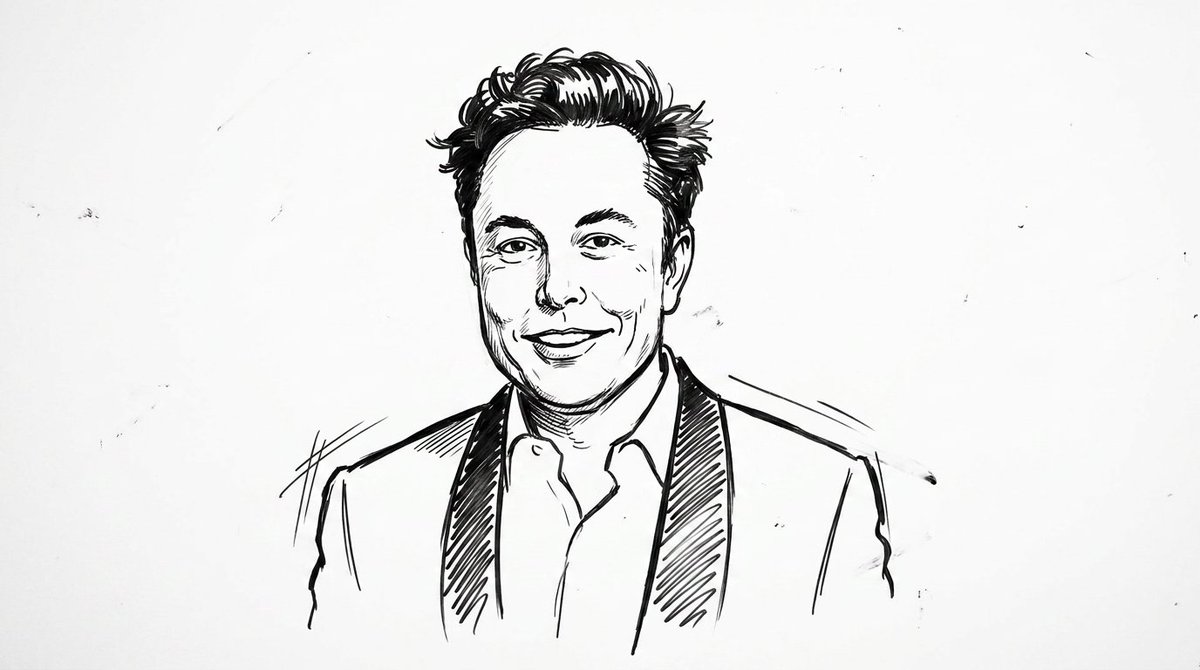
clean {argument name="style" default="whiteboard animation style"} illustration of the person from the reference image, drawn as a simple {argument name="medium" default="black marker sketch"} on a pure white background. Use bold hand-drawn outlines, minimal shading, and a slight…
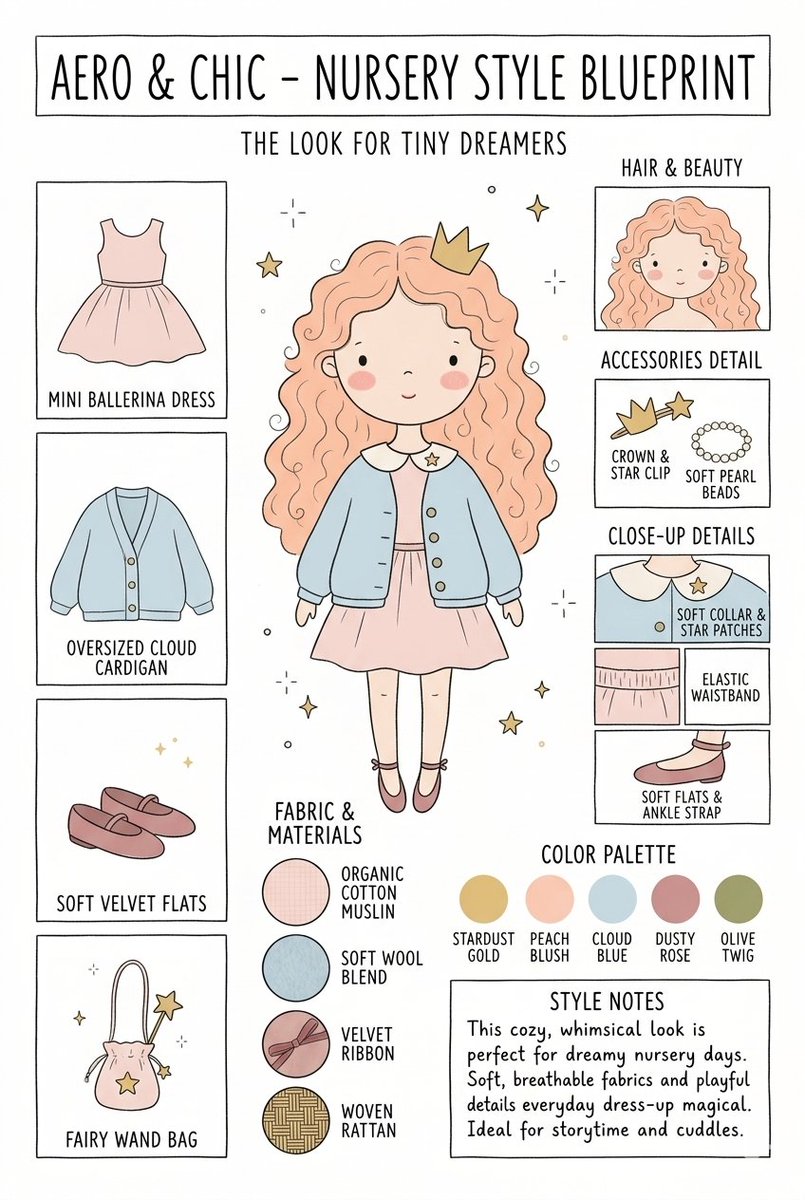
Nursery Fashion Style Blueprint Infographic

Nursery Fashion Style Blueprint Infographic

Create a matching pair of "{argument name="title" default="Aero & Chic - Nursery Style Blueprint"}" infographic concept posters, each featuring a full-body cartoon child in a curated outfit surrounded by illustrated fashion breakdowns. The first poster, titled "The Look for Tiny…

Kid-Friendly Routine Poster Prompt

Kid-Friendly Routine Poster Prompt

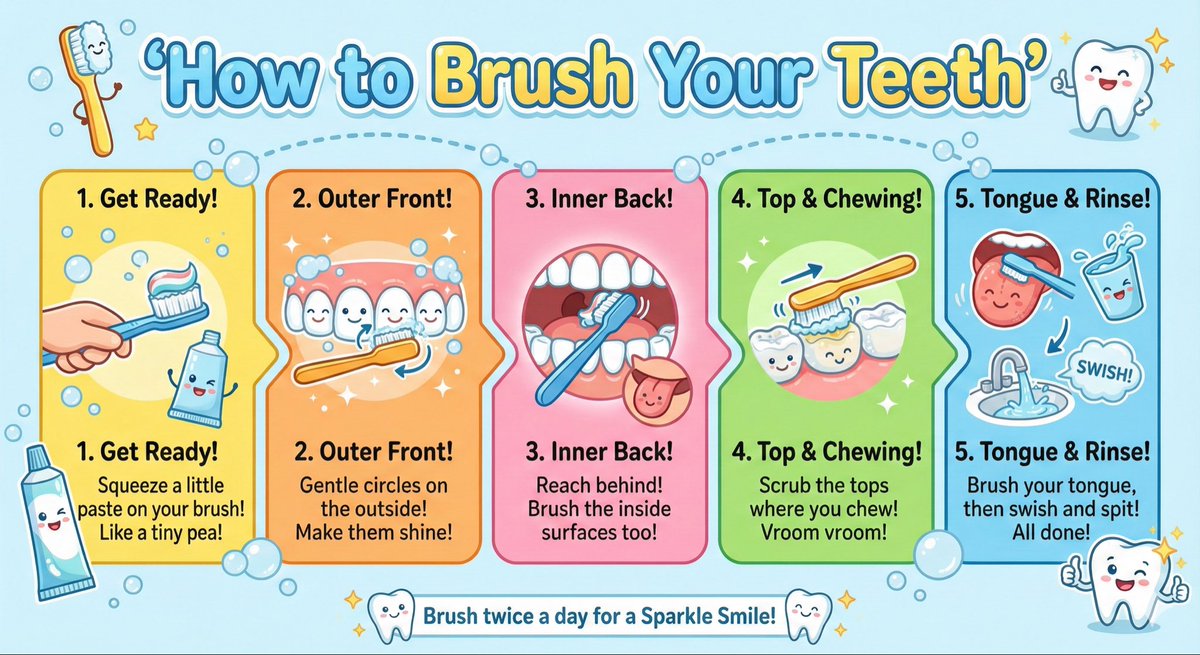
Create a kid-friendly ‘How to Brush Your Teeth’ poster with cartoon teeth, simple steps, bright colors, and big illustrations.

Google AI Ecosystem Diagram Generation

Google AI Ecosystem Diagram Generation

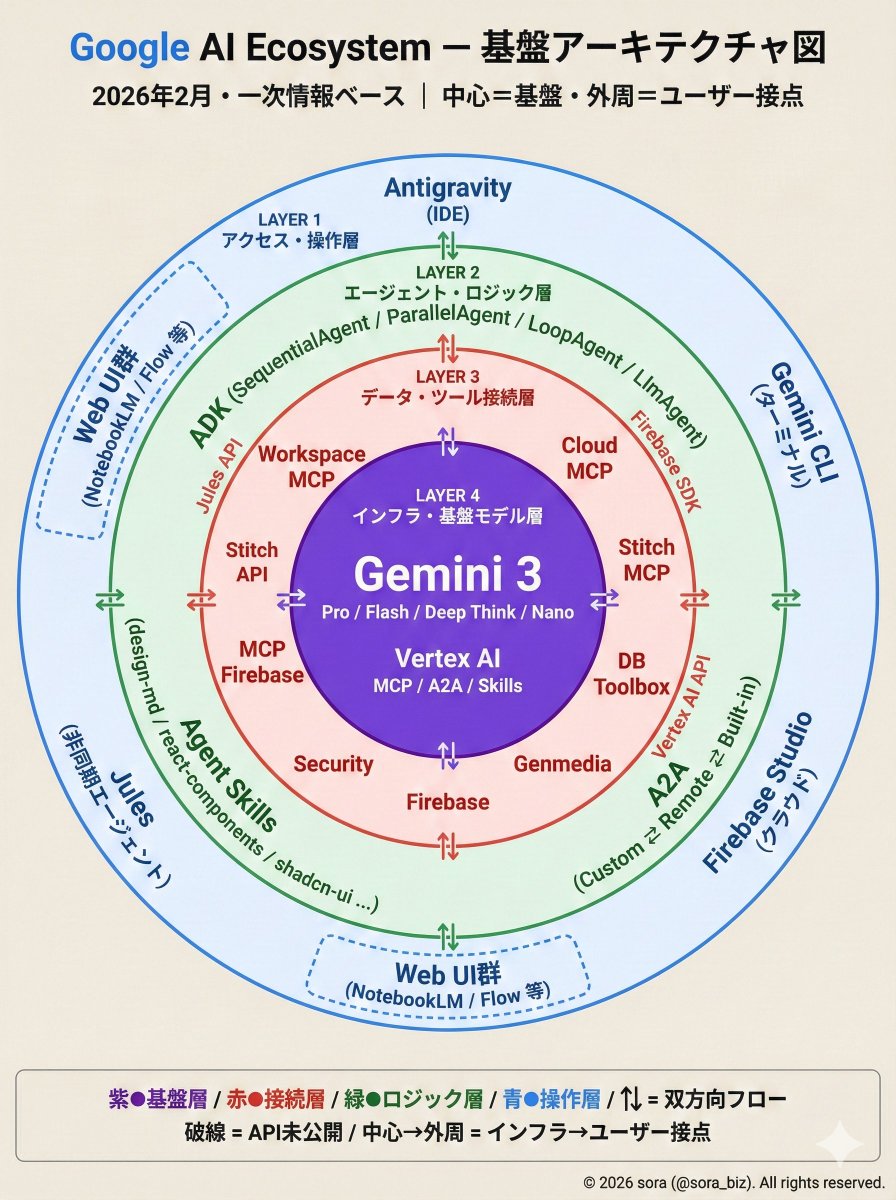
The Google AI ecosystem is organized into a four-layer structure based on primary information. There is a whole picture that cannot be seen from the tools alone. How MCP, ADK, and Antigravity connect around Gemini.

Technical Infographic Overlay on a Laptop Image

Technical Infographic Overlay on a Laptop Image

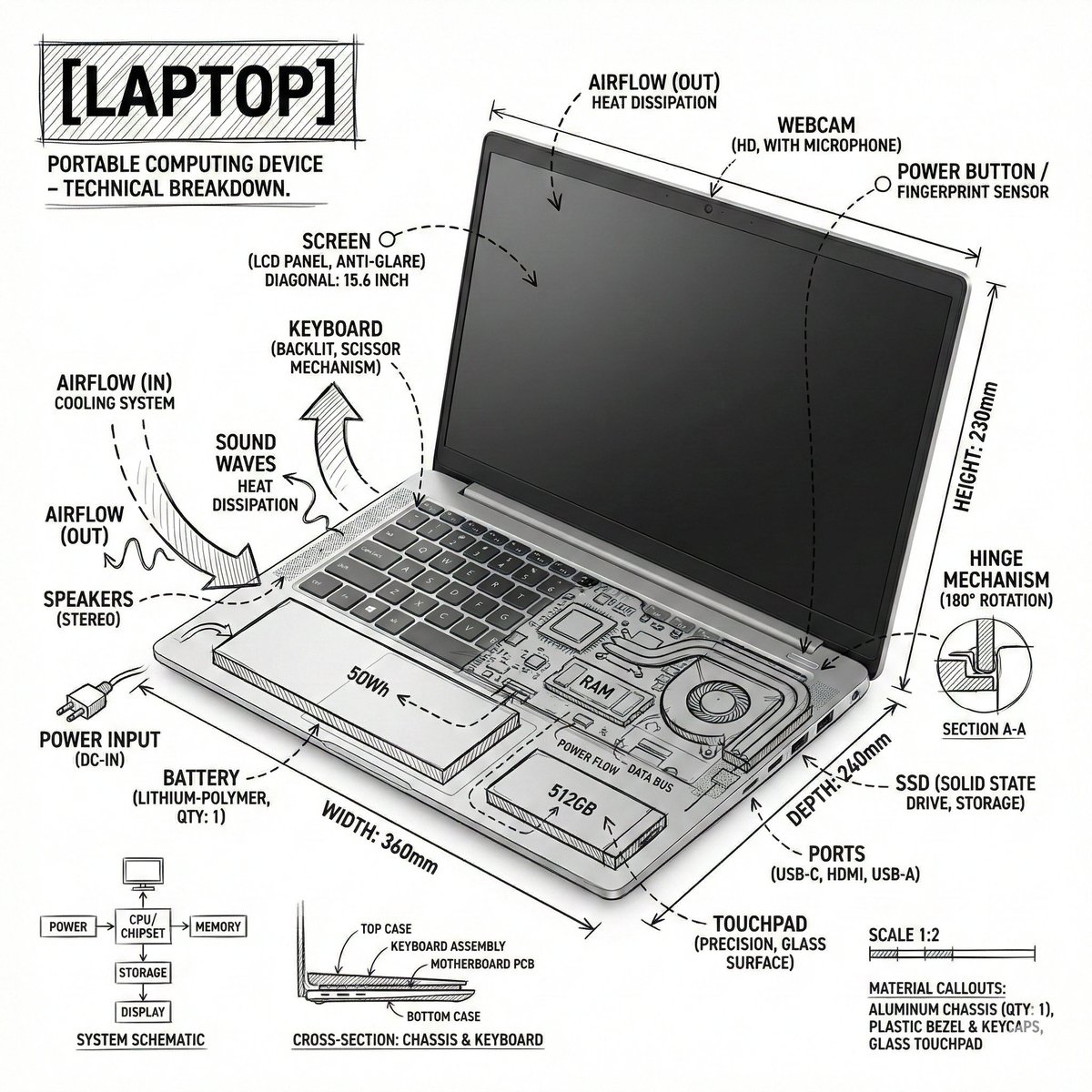
Create an infographic image of {argument name="object" default="laptop"} ,combining a realistic photograph or photoreal render of the object with technical annotation overlays placed directly on top. Use black ink–style line drawings and text (technical pen / architectural sketc…

Some prompts are collected from creators on X. Copyright belongs to the original authors.