Back to library
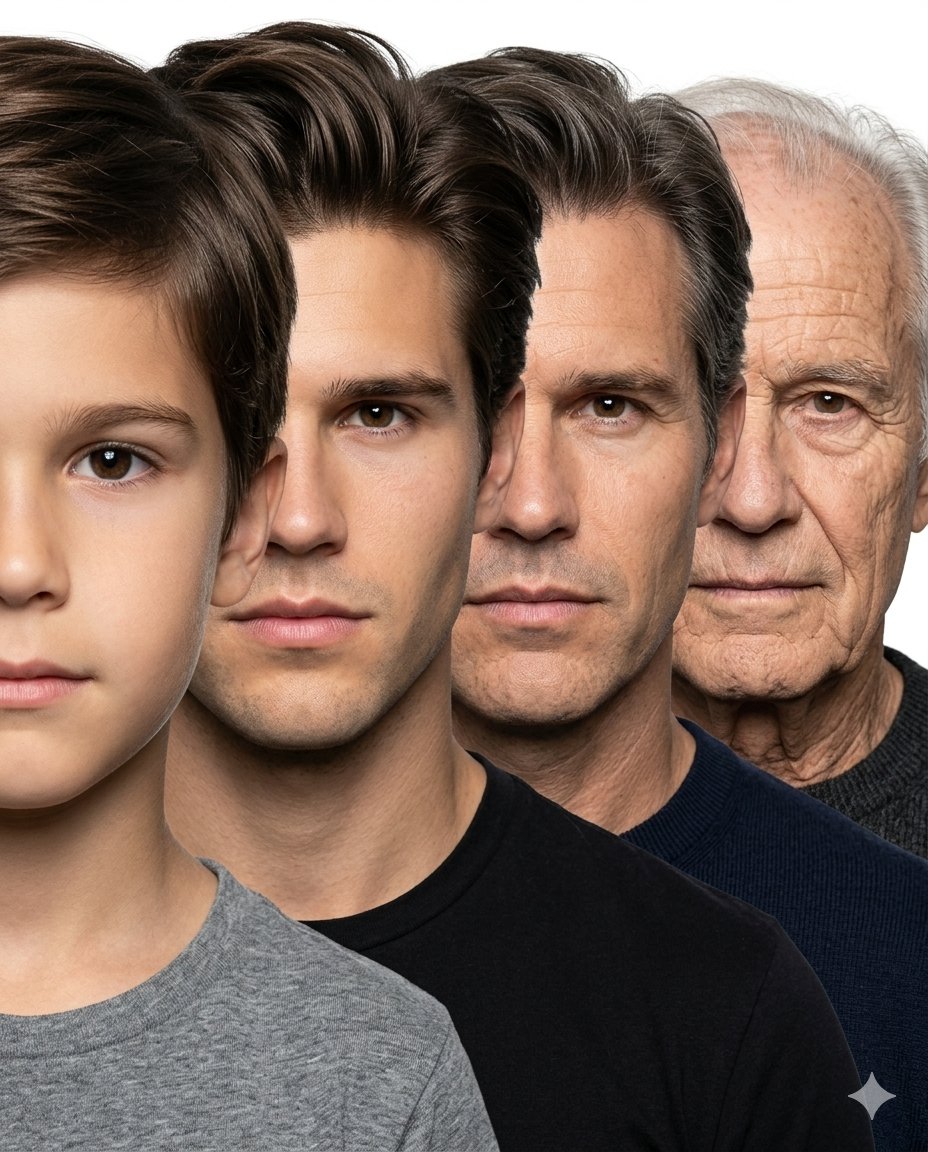
Male Age Progression Portrait 1
ImageNeeds reference image

Male Age Progression Portrait

A hyper-realistic prompt for generating an age progression sequence of a male individual across four life stages, maintaining consistent facial identity and a clean studio aesthetic.

Prompt
Create a hyper-realistic age progression portrait sequence of the same male individual across {argument name="stages" default="4 major life stages: child (age 6), young adult (age 25), middle-aged man (age 45), and elderly man (age 75+)"}. Use the attached child’s face as the exact identity reference for the youngest stage and ensure every age stage looks like the exact same person naturally aging over time, preserving identical facial structure, nose shape, eye color, jawline, skin tone, eyebrow structure, lips, and facial proportions consistently across all ages. Arrange all four faces in a tightly compressed overlapping side-stacked composition exactly like a professional photographic age progression lineup. Each face should be front-facing, tightly cropped, and positioned slightly behind the previous one from front to back, creating a smooth layered progression from youngest to oldest. Maintain nearly equal face scale across all stages with minimal perspective distortion. Faces should overlap naturally and remain very close together with clean simple spacing, similar to a studio portrait stacking composition. No geometric panels, no cinematic scene composition, no excessive depth effect, no dramatic perspective. Pure white seamless studio background, soft neutral studio lighting, realistic skin texture, natural aging details, plain neutral clothing, ultra photo-realistic, highly detailed, sharp focus, professional portrait photography, seamless identity consistency across all ages. No corp. Aspect ratio 4:5, no text, no logo.

Author
Community
Published
Mar 16, 2026
Use cases
Infographic / Education

More prompts like this

Clean Whiteboard Animation Illustration

Clean Whiteboard Animation Illustration

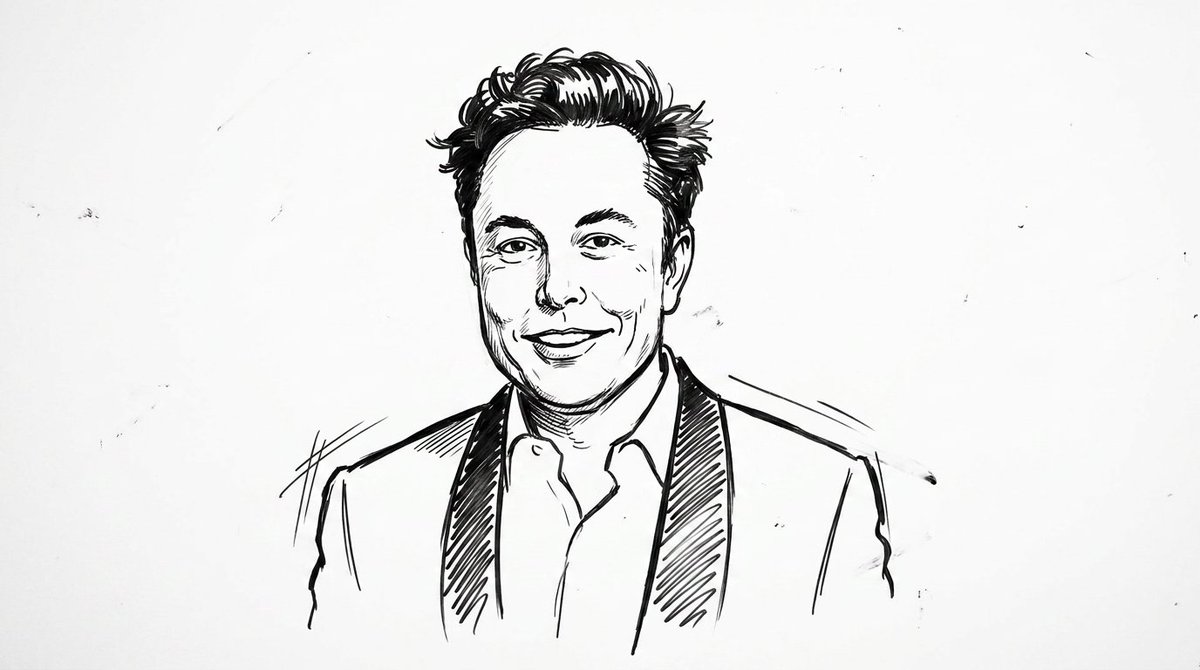
clean {argument name="style" default="whiteboard animation style"} illustration of the person from the reference image, drawn as a simple {argument name="medium" default="black marker sketch"} on a pure white background. Use bold hand-drawn outlines, minimal shading, and a slight…

Nursery Fashion Style Blueprint Infographic

Nursery Fashion Style Blueprint Infographic

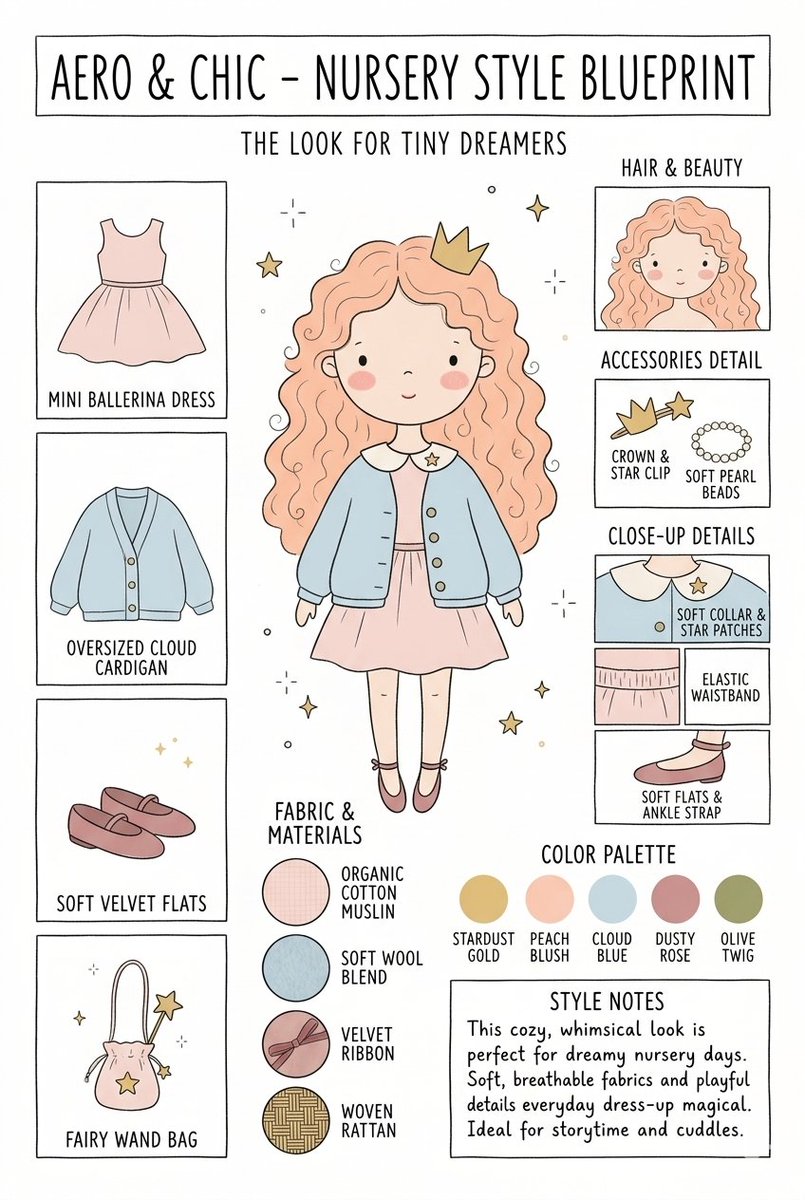
Create a matching pair of "{argument name="title" default="Aero & Chic - Nursery Style Blueprint"}" infographic concept posters, each featuring a full-body cartoon child in a curated outfit surrounded by illustrated fashion breakdowns. The first poster, titled "The Look for Tiny…

Kid-Friendly Routine Poster Prompt

Kid-Friendly Routine Poster Prompt

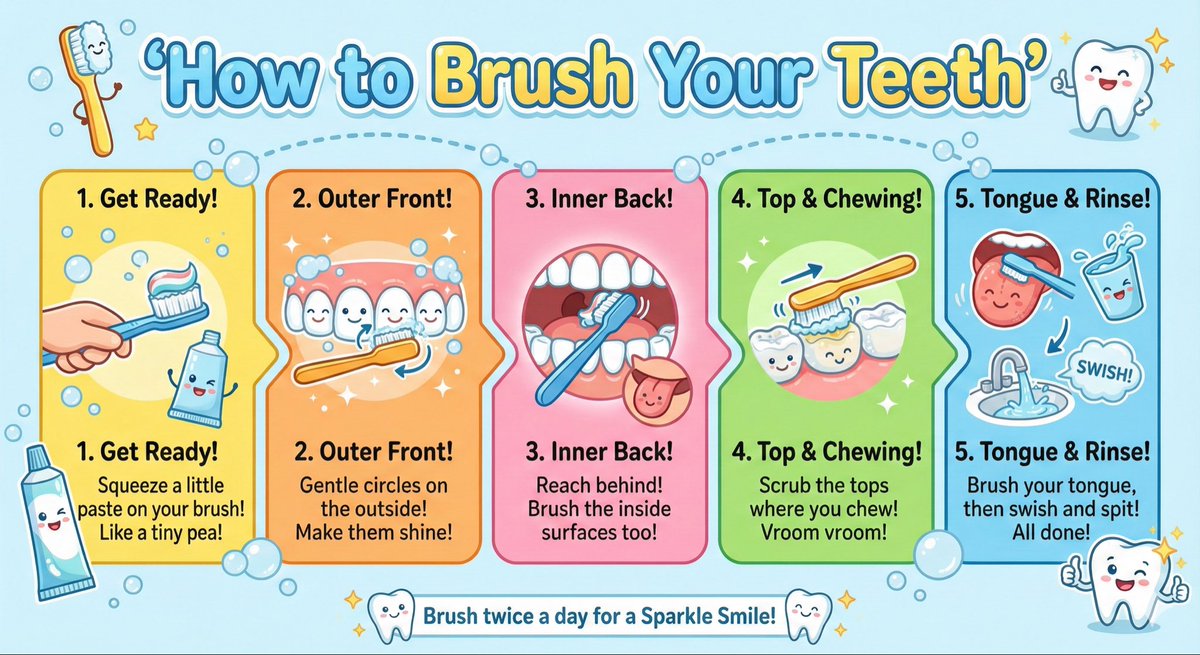
Create a kid-friendly ‘How to Brush Your Teeth’ poster with cartoon teeth, simple steps, bright colors, and big illustrations.

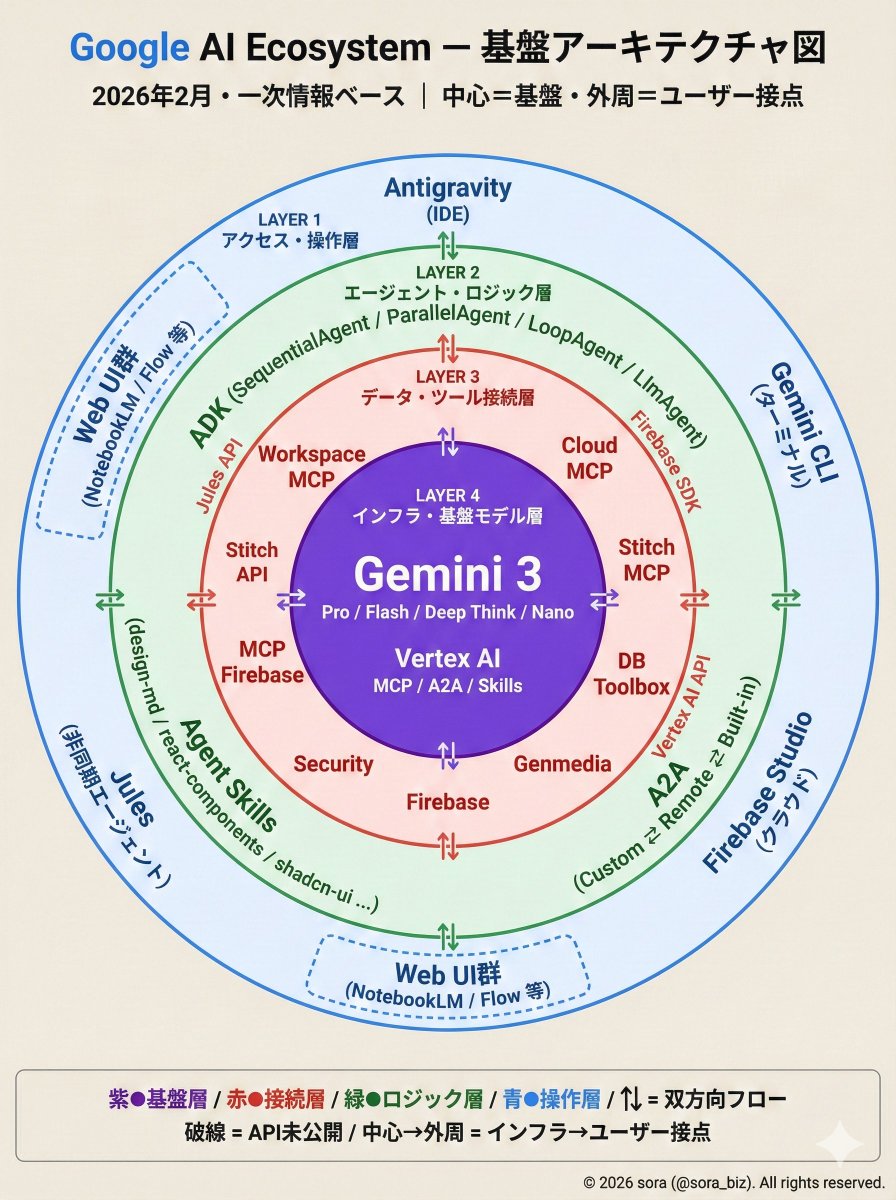
Google AI Ecosystem Diagram Generation

Google AI Ecosystem Diagram Generation

The Google AI ecosystem is organized into a four-layer structure based on primary information. There is a whole picture that cannot be seen from the tools alone. How MCP, ADK, and Antigravity connect around Gemini.

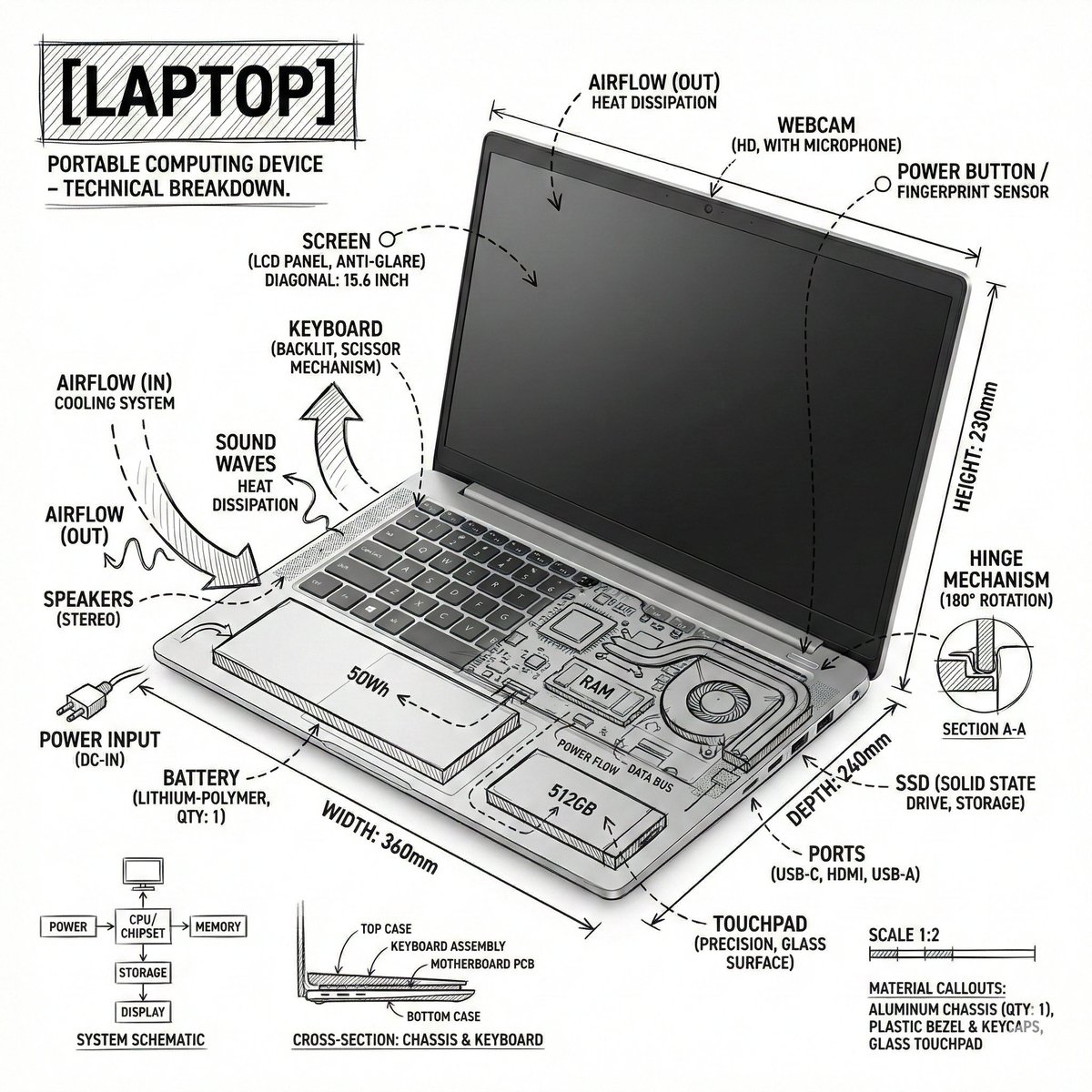
Technical Infographic Overlay on a Laptop Image

Technical Infographic Overlay on a Laptop Image

Create an infographic image of {argument name="object" default="laptop"} ,combining a realistic photograph or photoreal render of the object with technical annotation overlays placed directly on top. Use black ink–style line drawings and text (technical pen / architectural sketc…

Some prompts are collected from creators on X. Copyright belongs to the original authors.